On this page · 19 sections
- A payment without typing a UPI PIN
- Getting the terms right
- Is PhonePe or Google Pay storing your fingerprint or face?
- What happens inside the phone
- What is the algorithm behind biometric UPI payments?
- How a biometric UPI payment works, step by step
- How this meets two-factor authentication
- Did RBI ban biometric payments before?
- What RBI changed
- What NPCI requires
- What the transaction limit is
- Is biometric UPI completely safe?
- Can a hacker crack the token?
- Why RBI and NPCI allowed this
- How to stay safe
- What this means for payment-app developers
- Convenience with the same responsibility
- How eCorpIT can help
- References
Summary. Eligible UPI users can now approve a payment with their phone's fingerprint or face check instead of typing a UPI PIN. NPCI introduced this on-device biometric option on 7 October 2025 as an optional alternative to the PIN, at first for payments up to ₹5,000. The limit is reported to have risen to ₹10,000 from 7 August 2026, and Google Pay's help page now shows that figure. Your biometric is checked on the phone. Google Pay and PhonePe say in their terms that neither they, the PSP bank nor NPCI can access it. NPCI says the issuing bank independently verifies each transaction with cryptographic checks, but the public documents do not name an algorithm or publish the protocol, so nobody outside the system can honestly say which one is used. RBI did not ban biometrics before this and did not approve a secret algorithm. It set principles: two factors, one of them dynamic. The real risks are ordinary ones: someone else's fingerprint enrolled on your phone, a compromised device, and being tricked into approving a payment.
About this article. This is for UPI users, payment-app developers and product teams who want to know what this feature does and does not do. On 4 November 2026 we checked it against RBI's Directions of 25 September 2025, NPCI circular OC-226 and its launch note of 7 October 2025, the Google Pay and PhonePe terms, and Android and Apple security documentation. We read the title of NPCI's later limit circular, OC-226A, on NPCI's index, but its terms come from a regulatory summary. The generic cryptography section explains common device-security patterns and does not describe the UPI protocol. This is not legal or financial advice. No vendor paid for inclusion. Researched with AI assistance and reviewed by our editorial team.
A payment without typing a UPI PIN
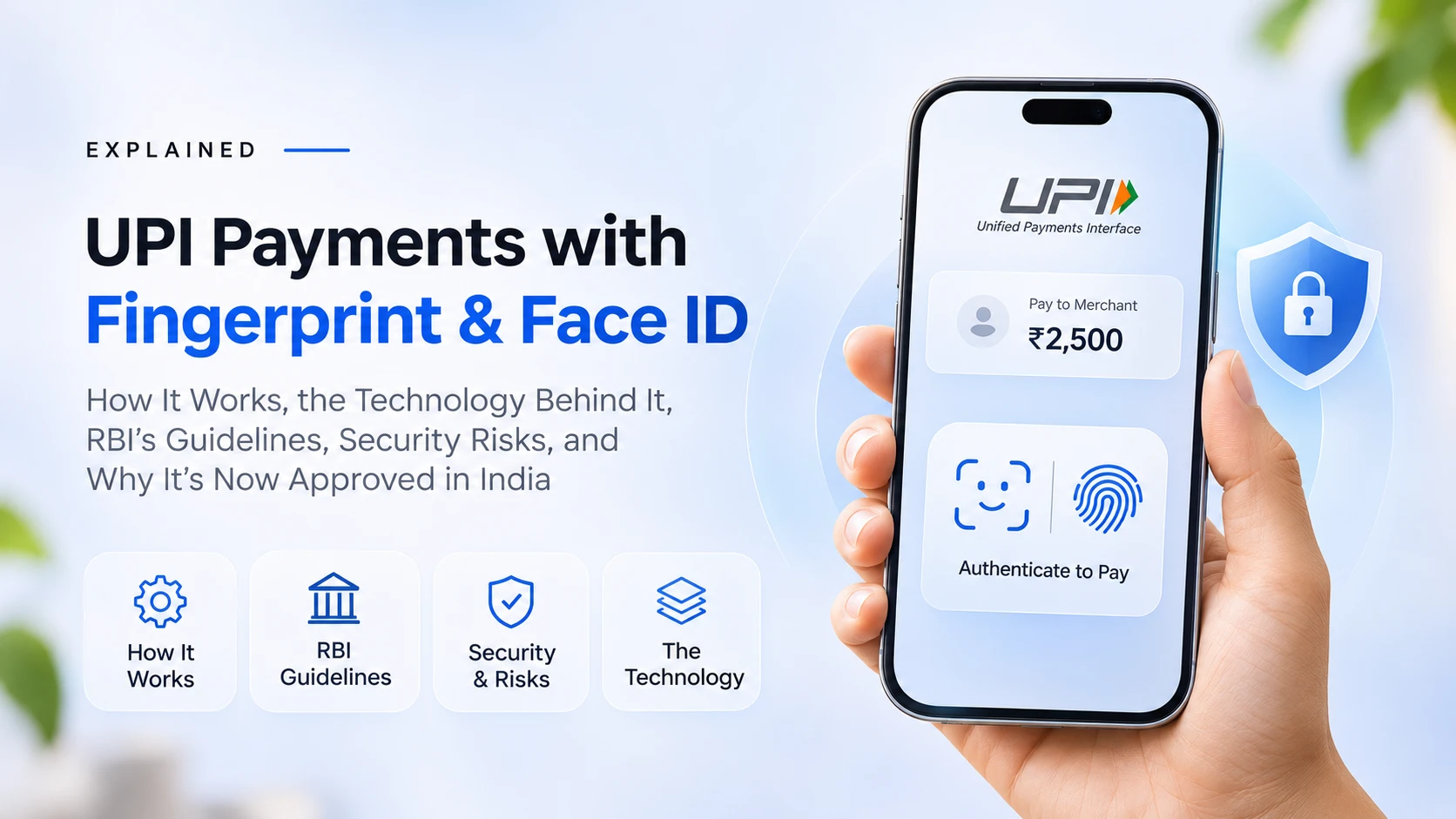
You pay a shopkeeper ₹800. You scan the QR code, enter the amount and tap Pay. Instead of asking for your UPI PIN, the phone asks for your fingerprint or face, and the payment goes through.
It can feel as though the app stored a token and your face released it. That is not an accurate description of the feature, and neither is saying your fingerprint was sent to a payment server.
NPCI calls this on-device biometric authentication. PhonePe calls it UPI OS native biometric authentication. Google Pay calls it biometric authentication for UPI payments. The phone checks the biometric locally, and the bank and UPI network complete the payment.
Getting the terms right
Several different technologies get described as biometric or token payments.
| Term | What it means | Same as UPI biometric payment? |
|---|---|---|
| On-device biometric authentication | The phone checks a locally enrolled fingerprint or face and gives the result to the authorised flow | Yes, this is the feature |
| Device binding | An account or method is tied to a registered device | Part of the security lifecycle; fresh consent is needed after each binding |
| Cryptographic key | A protected credential that shows an authorised device is taking part | Relevant, but the UPI details are not public |
| Card tokenisation | Replaces a card number with a token for a supported use | No, a separate technology |
| UPI Lite | Low-value payments outside the normal UPI PIN flow, under its own rules | No |
| Aadhaar face authentication | UIDAI-based check used to set or reset a UPI PIN | No, it does not use your phone's face unlock |
The last row matters. NPCI's circular introduced two separate things: UIDAI face authentication as an option for setting or resetting a UPI PIN, and on-device biometrics in place of the PIN for transactions. NPCI's launch note adds that Aadhaar face authentication will later extend to transactions with additional authentication, so the two may be confused more often.
PhonePe and Google Pay are also consumer UPI apps in this context, not payment gateways. PhonePe's terms describe it as a third-party application provider working through sponsor PSP banks.
Is PhonePe or Google Pay storing your fingerprint or face?
On their published terms, no.
Google Pay's India terms say biometric data is processed entirely on the device, and that Google Pay, the PSP bank and NPCI do not access, store or transmit it. PhonePe's UPI terms say the credentials are processed by the device operating system and are not accessible to PhonePe, the PSP bank, NPCI or any third party.
That does not mean nothing travels. The payment still carries account identifiers, the payee's UPI ID, the amount and references. The distinction is that these are not your fingerprint image, face image or biometric template.
What happens inside the phone
The operating system and the device's secure hardware do the checking, and the details depend on the manufacturer.
In general terms, a biometric system works like this:
- Enrolment: when you add a fingerprint or face, the device creates and protects a reference, often called a template.
- Capture: at payment time, the sensor takes a fresh sample.
- Comparison: the device compares the sample with the reference, usually producing a similarity score judged against a threshold.
- Local decision: the device returns a result, and the app does not need the raw image.
A NIST evaluation protocol from 2003 describes biometric testing in this way, with templates and similarity scores. This is a general model, not the matcher on any particular handset.
Android
Android's platform guidance says raw biometric data and templates must stay inside a secure isolated environment such as a Trusted Execution Environment or Secure Element. Android also ranks biometrics by strength, and the class decides what the biometric can do. Only Class 3 biometrics, formerly called strong, can unlock Keystore keys, and Class 2 can use the system prompt but not those keys. This varies by phone, which may be why Google Pay's help page tells users whose face check fails at setup to switch to fingerprint.
The Android Keystore keeps key material non-exportable and can bind it to secure hardware. Developers can also use auth-per-use keys, which need a fresh biometric or device credential each time the key is used. These are platform capabilities. They do not prove that a given UPI app uses a given API, key type or algorithm.
Apple
Face ID uses the TrueDepth camera and the Secure Enclave. Apple says Face ID data is encrypted, does not leave the device and is not available to apps or to Apple. It puts the chance of a random person unlocking a device with one enrolled appearance at less than 1 in 1,000,000, and requires the passcode after five failed attempts.
So no single fingerprint or face algorithm applies to every UPI user. The device platform provides the matching, not UPI.
What is the algorithm behind biometric UPI payments?
The public documents do not say. NPCI's circular and launch note do not name a matching algorithm or publish the cryptographic protocol. They do not say that implementations use RSA, ECDSA, AES, a particular hash function, a face-recognition model or one standard payment token, so naming any of these as the UPI algorithm would be a guess.
What the public documents do establish:
- The biometric is processed on the device, according to the Google Pay and PhonePe terms.
- UPI apps and PSP banks must validate device compatibility and security, including restricting rooted or jailbroken devices and unsupported OS versions.
- Issuer banks must check eligibility and validate credentials before enabling the method.
- UPI apps and PSP banks must rotate keys before one year of biometric enablement.
- The issuing bank independently verifies each transaction with cryptographic checks, according to NPCI.
A common pattern, not a confirmed design
Many secure systems use challenge-response. A server issues a fresh challenge, a protected credential on the registered device produces a cryptographic response, and the server verifies it. Because each challenge is new, an old response cannot simply be replayed.
In a public-key version, a private key stays protected on the device and the service holds the matching public key, and a local biometric check can be required before the key is used. Android supports this kind of key through a CryptoObject that wraps a signature, cipher or MAC. This shows how such systems can work. NPCI's public documents do not confirm a challenge format, signing algorithm or key-storage design for UPI.
Why the word token misleads
Key rotation shows that keys exist in this design, but the public documents do not describe one reusable token that an attacker could copy. In card tokenisation, a token stands in for a card number. A device-bound key has a different job. The more accurate description is device-native biometric authentication supported by device binding and issuer-side cryptographic verification.
How a biometric UPI payment works, step by step
This is a simplified flow based on the published NPCI, PhonePe and Google Pay information. It is not a reverse-engineered protocol, and the internal message formats are not public.
One-time activation
- You open the biometric setting in a supported app and choose an eligible account.
- You agree to enable the feature, which is optional.
- You confirm with your existing UPI PIN and your biometric.
- The issuer checks eligibility and validates your credentials, and the required device checks run.
- The method becomes available for that account on that device.
Making a payment
- You pick the payee, enter the amount and choose a biometric-enabled account.
- The app asks the operating system for a biometric check.
- The phone checks your fingerprint or face locally.
- The operating system returns the result, and the template stays on the device.
- The payment moves through the UPI chain, and the issuer verifies it and decides.
- The app shows the outcome.
            You                -> UPI app:           choose payee, account, amount
UPI app            -> Phone OS:          request biometric check
Phone OS           -> You:               fingerprint or face prompt
You                -> Phone OS:          present biometric (checked locally)
Phone OS           -> UPI app:           local result, no biometric data
UPI app            -> PSP bank:          payment request
PSP bank           -> UPI network:       route request
UPI network        -> Issuer bank:       request to authorise
Issuer bank        -> Issuer bank:       eligibility and cryptographic checks
UPI network        -> Beneficiary bank:  credit if authorised
UPI network        -> UPI app:           success or failure
UPI app            -> You:               show result
The diagram shows public-facing roles only, in simplified order, not message formats or key exchanges.
How this meets two-factor authentication
RBI's 2025 Directions describe factors as something the user has, knows or is. They list password, SMS OTP, passphrase, PIN, card hardware, software token, fingerprint and other biometrics, device native or Aadhaar based.
The Directions require at least two distinct factors for domestic digital payments unless an exemption applies. For anything other than card-present transactions, at least one factor must be dynamically created or proven, meaning the proof sent with the transaction is unique to it. Compromise of one factor must not affect the reliability of the other.
NPCI's circular says the UPI PIN implements one of the factors of authentication, and it offers the biometric in place of the PIN. It does not name the other factor. Our reading is that the biometric takes the PIN's place and the registered device supplies possession. RBI's 2021 direction does list mobile devices with device binding and SIM among dynamic or non-replicable methods. PhonePe's launch release calls the check a two-factor authentication layer, but no public document maps each factor to a key or message, so a claim like the fingerprint is factor one and an RSA token is factor two has no support.
Did RBI ban biometric payments before?
No. RBI's Master Direction on Digital Payment Security Controls of 18 February 2021 already listed biometrics, PKI and hardware tokens among methods that could count as dynamic or non-replicable for the entities it covers. That does not mean UPI apps offered biometric payments then. It does show there was no blanket prohibition.
The precise history is narrower. UPI transaction authentication used the UPI PIN, and NPCI added on-device biometrics as an option in October 2025. That was a UPI-specific change, not the lifting of a national ban.
What RBI changed
RBI did not approve a biometric algorithm. It set a principle-based framework for authentication.
| Date | Event |
|---|---|
| 8 February 2024 | RBI announced plans for a framework on alternative authentication |
| 31 July 2024 | RBI published the draft framework for alternative authentication |
| 25 September 2025 | RBI issued the final Directions, RBI/2025-26/79 |
| 7 October 2025 | NPCI issued UPI circular OC-226 |
| 1 April 2026 | General compliance date for the RBI Directions |
| 7 August 2026 | Reported start of the ₹10,000 biometric limit |
Beyond the two-factor rules above, the Directions say:
- Issuers may run risk checks on location, behaviour, device attributes and transaction history, and may add checks beyond two factors.
- Issuers must ensure the strength and integrity of the mechanism before deployment.
- Issuers must follow the Digital Personal Data Protection Act, 2023, whose main duties our DPDP Rules checklist sets out.
- If a loss arises from transactions effected without complying with the Directions, the issuer must compensate the customer in full.
That last clause is narrower than it sounds. It covers losses from non-compliant transactions, not every payment loss. Our note on the RBI Directions and cross-border card payments covers another part of the same framework.
What NPCI requires
NPCI circular OC-226 of 7 October 2025 sets these conditions for on-device biometrics:
- Device compatibility and security checks, including restrictions on rooted or jailbroken devices and unsupported OS versions, and validation of biometric enrolment.
- Explicit customer consent, with the ability to opt out at any time.
- Issuer checks on eligibility and credentials before enabling the method.
- Fresh consent after each device-binding operation.
- Issuer communication to customers at enablement, disablement and transaction processing.
- If the customer changes or resets the UPI PIN, the issuer disables the method across all UPI apps until fresh consent is given.
- Key rotation before one year of biometric enablement.
- If the method is not used for 90 days, the customer is marked inactive, and it is reactivated only on customer confirmation.
These controls are why describing the feature as saving your fingerprint in PhonePe or Google Pay is wrong.
What the transaction limit is
OC-226 set an initial limit of ₹5,000 per transaction. NPCI's circular index lists OC-226A, titled Enhancement of Transaction Limit for On-Device Biometric Authentication in UPI. A regulatory summary by TeamLease RegTech says it raises the limit to ₹10,000 from 7 August 2026. Google Pay's help page shows ₹10,000, with higher amounts needing the UPI PIN, and Scapia announced the feature at ₹10,000 in September 2026.
Availability still varies. Google Pay says only a few banks support it at the moment. PhonePe's terms say select issuers offer it, subject to applicable limits, and its February 2026 launch release described ₹5,000, on Android first, with iOS to follow. We found no later PhonePe statement on the limit or iOS, so check what your own app and bank show.
Is biometric UPI completely safe?
No authentication method is. Biometrics reduce some risks: PhonePe points out that nobody can watch you type a PIN in a crowd, and that fewer payments fail because of a forgotten or mistyped PIN.
They are not stronger in every respect. Android's own security documentation says biometrics are more convenient but potentially less secure, and places knowledge factors such as a PIN or password in the highest tier. That is a statement about device unlocking rather than UPI, but it is a useful check on the idea that a fingerprint always beats a PIN.
Someone else's biometric is enrolled on the phone
This is the clearest risk, and the apps say so. Google Pay's terms warn that anyone whose biometrics are enrolled on your device may be able to authorise payments. PhonePe's terms say any biometric credential stored on the device can be used. Both make you responsible for managing that. If a spouse, parent or child has a fingerprint on your phone, they may be able to approve payments once the feature is on.
A stolen or compromised device
Device binding and secure hardware make keys harder to extract, but they do not make a compromised device harmless. Android says that if an app process is compromised, an attacker might use the app's keys without extracting them, and that the same applies to any app's keys if the OS is compromised. A thief who knows your screen lock is also a serious risk, because a developer can configure keys to accept a device credential as well as a biometric.
Malware and manipulated payment screens
A biometric prompt shows that a local check succeeded. It does not prove that the payee is honest or the amount is right. A malicious app may overlay a fake screen or interfere with what you see. The public documents do not say which transaction fields are cryptographically bound, so nobody should claim the amount and payee are protected in every implementation.
Spoofing and weak sensors
Sensor quality differs across phones. Strong platform classes and current software reduce the risk, but they do not make every handset's sensor equally secure.
Social engineering
A fraudster rarely needs to beat a sensor. They can persuade you to pay the wrong UPI ID, approve a fraudulent request or install a remote-access app. The biometric check then works exactly as designed. Authentication checks who approved an action, not whether the request is legitimate.
A biometric cannot be changed
You can change a UPI PIN but not a fingerprint or face, so local processing and secure storage matter so much. If templates were copied, you could not replace them as you would a password.
Can a hacker crack the token?
That is the wrong question. The public documents do not identify a universal UPI biometric token to copy, and they do not disclose enough of the protocol to describe a specific way to crack one. There is no sound basis in them for saying that a remote attacker can simply crack PhonePe's or Google Pay's biometric token, and no system can be declared impossible to compromise either.
Realistic attacks work around the cryptography rather than through it:
- using a phone while it is unlocked;
- compromising the device OS or an app process;
- abusing another person's biometric on a shared phone;
- deceiving the account holder into approving a payment; and
- attempting spoofing against a weak sensor.
These are categories of risk, listed so that you can guard against them.
Why RBI and NPCI allowed this
RBI's July 2024 release said OTP was working satisfactorily, while technology had made alternatives available. Its Payments Vision 2025 had already raised phishing, vishing and smishing concerns with OTP and proposed exploring risk-based alternatives. Those concerns explain RBI's interest in alternatives generally, not UPI's PIN option, and the Directions did not order SMS OTP to end.
NPCI framed its launch around choice, describing an opt-in alternative meant to make payments faster and more secure by reducing repeated PIN entry. Neither body has declared biometrics safer than PINs in all cases. The position is closer to this: alternatives can be used when they meet the rules and the issuer's controls.
How to stay safe
- Check which biometrics are enrolled. Remove any that are not yours before turning the feature on.
- Use a strong device passcode, and never share it, your UPI PIN or an OTP.
- Keep the phone and app updated.
- Do not root or jailbreak the phone you pay from. NPCI requires restrictions on such devices.
- Check the payee and amount every time. A successful check does not make a recipient safe.
- Be wary of screen sharing and remote-access apps, and of callers asking you to install anything or approve a payment.
- Turn the feature off if the phone is shared. You can opt out at any time.
- Recheck after any change. PhonePe disables the feature when you change device or modify enrolled biometrics, and Google Pay removes the setup after those changes or a UPI PIN change.
- Report a lost phone or suspicious payment immediately to your bank and app through official channels.
What this means for payment-app developers
Biometric authentication is not a screen-level feature. It depends on the operating system, device integrity, app state, device binding, issuer eligibility, consent and cryptographic verification working together.
A sound implementation should:
- use the platform's biometric APIs, never a home-made matcher;
- require Class 3 biometrics on Android where the flow relies on Keystore keys;
- keep private keys non-exportable and hardware-backed where the device supports it;
- require fresh authentication for sensitive operations, with auth-per-use keys, and decide whether a device credential is acceptable;
- invalidate credentials when enrolment changes, which Android supports through key settings;
- use transaction-specific proofs rather than reusable approval values;
- block compromised environments according to scheme rules; and
- offer clear consent, disablement, notification and fallback journeys, with audit trails.
These are design principles, not a statement of how each UPI provider works. For the governing requirements, use the NPCI circular and RBI Directions. Our guides on biometric session unlock in Flutter and passkeys versus SMS OTP in India cover related build work.
Convenience with the same responsibility
On-device biometrics let eligible users approve certain payments with security already built into the phone, while the bank keeps checking each transaction. They are not a magic token, a single algorithm or a guarantee against fraud.
A fingerprint or face does not replace the payment-security system. It changes how you authenticate, while the device, app, bank and UPI controls still have to work together.
How eCorpIT can help
eCorpIT is a Gurugram-based technology organisation, founded in 2021, assessed at CMMI Level 5 and MSME certified, with senior-led engineering teams working across AWS, Microsoft and Google platforms. Our fintech and payments app development team can review biometric authentication, device integrity and consent flows in your payment app against the published NPCI and RBI requirements. Talk to us at /contact-us/.
Last updated: 4 November 2026.