

On this page · 14 sections
- What actually changes on 11 August 2026
- The two dates that do not quite agree
- What counts as a run
- Notion's published cost benchmarks
- The number that matters: 0.23 credits per run
- How the bill compares to a general-purpose runtime
- Where the cliff is, and how to see it coming
- Admin controls and blast radius
- What to keep in Notion and what to move out
- India-specific considerations
- A 60-minute pre-11-August checklist
- FAQ
- How eCorpIT can help
- References
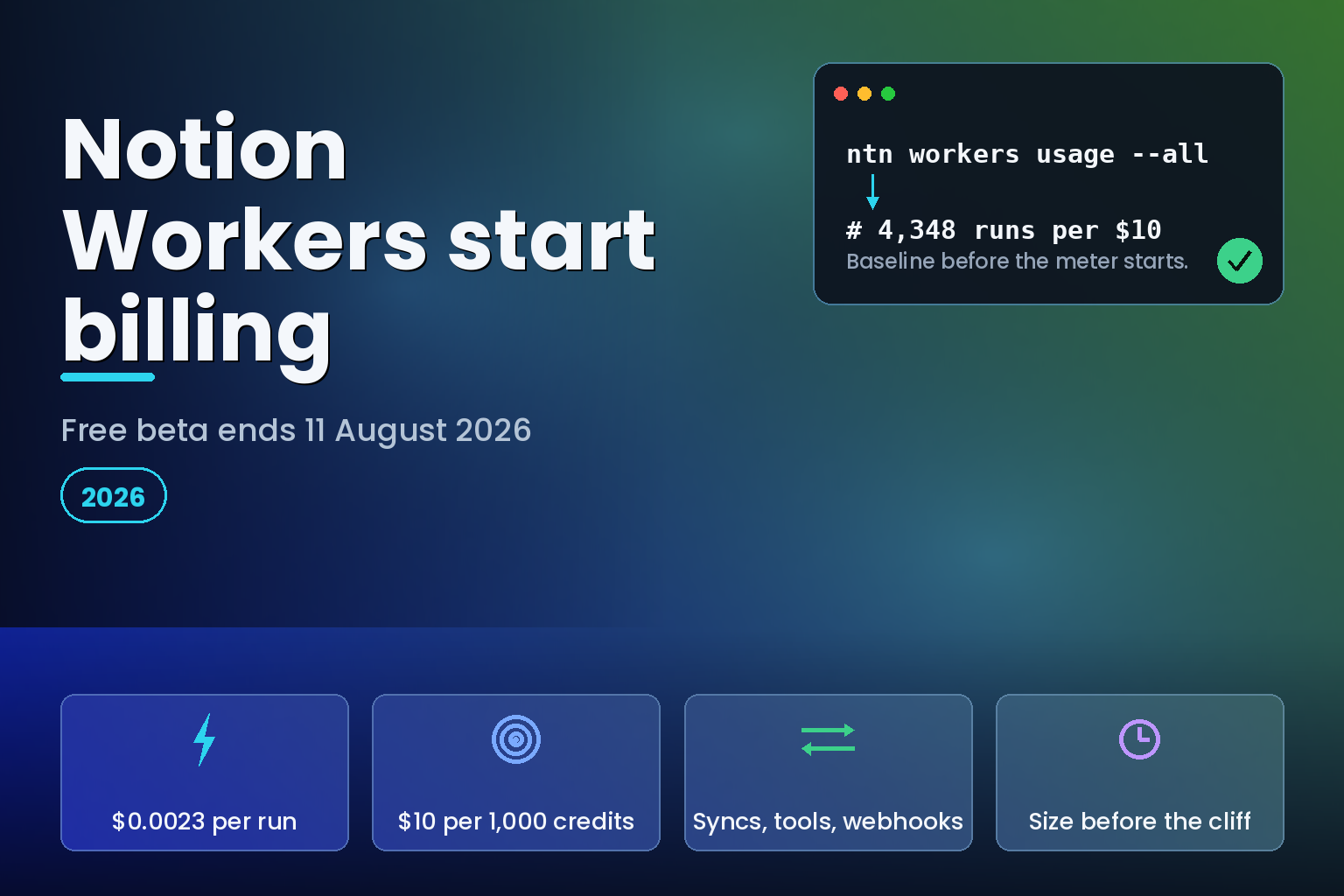
Summary. Notion Workers, the hosted runtime launched with the Notion Developer Platform on 13 May 2026, stop being free on 11 August 2026 and start drawing Notion credits. The published rate is roughly $0.0023 per run, which Notion translates as about 4,348 runs per 1,000 credits, and credits are sold at $10 per 1,000. Notion's own benchmarks put a nightly sync at $0.07 per month, an hourly sync at $1.66, and a webhook handling 5,000 events a day at $345.00. That last figure is the one worth checking against a calendar before 11 August, because the same 150,000 monthly invocations sit comfortably inside the 10 million requests already included in a $5 Cloudflare Workers Paid plan. Workers are available only on Business and Enterprise plans and are switched off for a workspace by default.
What actually changes on 11 August 2026
Nothing about how Workers run changes. What changes is that every invocation starts consuming Notion credits from a workspace pool that an admin has to buy.
Notion's help documentation states the position plainly: during the beta, Workers are free to try on Business and Enterprise plans, including Business trials, and starting on 11 August 2026 they require Notion credits. Credits are an add-on purchased by workspace admins, pooled across the whole workspace, billed monthly, and reset at the start of each billing cycle.
Custom Agents were never part of the free window. Notion's Workers pricing page says the free beta applies only to Workers, and that Custom Agent actions consume credits according to the workspace's plan and credit settings. So a team that built an agent-plus-Worker pattern during the beta has been paying for half of it already and is about to start paying for the other half.
There is a second, quieter detail. The launch announcement and the help centre do not use the same wording about when the free period ends.
The two dates that do not quite agree
Max Schoening, Head of Product at Notion, wrote in the 13 May 2026 launch post that Workers "are available now in public beta on Business and Enterprise plans, and free to use through August." Later in the same post: "Workers use the same credit system as Custom Agents, and they're free through August."
The help centre now says billing starts on 11 August 2026. "Free through August" and "credits required from 11 August" describe different budgets, and the gap is about three weeks of production traffic. If a team read the blog in May and planned a September cutover, the meter starts twenty days earlier than expected.
Treat 11 August as the operative date, because it is the one on the pricing page a billing admin will be pointed at. Then check the credit dashboard in the last week of August rather than assuming the blog's month-end reading held.
What counts as a run
Credits are counted in runs, and a run is one unit of work completed on the workspace's behalf. Notion notes that credits per run can vary with how long a Worker runs and how much processing it needs, so the published per-run figure is a benchmark rather than a fixed tariff.
Three things trigger a run today, and Notion says the list will grow:
Scheduled syncs. Each time a sync executes counts as one run. This is the database-sync path that pulls Zendesk tickets, Salesforce accounts or a production Postgres table into a Notion database.
Agent tool calls. Each time a Custom Agent triggers a Worker tool call counts as one run. One agent run can generate several Worker runs, which is where the arithmetic stops being intuitive.
Webhooks, currently in alpha. Each incoming event a Worker handles counts as one run. A GitHub webhook firing on every pull request merge across ten repositories bills per merge.
The distinction matters because only the first of those is under your direct control. Sync frequency is a number you choose. Tool-call volume is a function of how chatty an agent is, and webhook volume is a function of how noisy an upstream system is. Two of the three meters are held by someone else.
Notion's published cost benchmarks
These are Notion's own figures, published on the Workers pricing page and current as of 3 August 2026. The per-run rate used throughout is $0.0023.
| Workload | Volume | Published monthly cost |
|---|---|---|
| Nightly Jira sync into an engineering log | 1 run/day (30/month) | $0.07 |
| Hourly Zendesk sync for a support dashboard | 24 runs/day (720/month) | $1.66 |
| Salesforce pipeline sync every 15 minutes | 96 runs/day (2,880/month) | $6.62 |
| Daily bug-tracker agent, 3 tool calls per run | 90 Worker runs/month | $0.21 |
| RevOps agent on stage change, 4 calls per run | 12,000 Worker runs/month | $27.60 |
| Support agent on every ticket, 5 calls per run | 45,000 Worker runs/month | $103.50 |
| Stripe webhook on subscription events | 20 events/day (600/month) | $1.38 |
| GitHub webhook across 10 repositories | 200 events/day (6,000/month) | $13.80 |
| Zendesk webhook on ticket create and status change | 5,000 events/day (150,000/month) | $345.00 |
Every row reconciles against $0.0023 per run. One worked example on Notion's page does not: the webhook sizing box states 300 events a day and 9,000 runs a month, then writes the multiplication as "6,000 x $0.0023 = $20.70". The result is right, because 9,000 runs at $0.0023 is $20.70. The multiplicand is a typo. Worth knowing if you are pasting that formula into a budgeting sheet.
The number that matters: 0.23 credits per run
Credits cost $10 per 1,000, so one credit is $0.01, and one Worker run is roughly 0.23 credits. Notion describes these as micro credits, and the reason Workers are cheaper than Custom Agents is stated directly: Workers run predictable, repeatable code, while Custom Agents rely on a model to think through decisions and next steps.
Two derived figures are worth writing on the whiteboard before 11 August.
A workspace buying the minimum 1,000 credits for $10 gets about 4,348 Worker runs. That is 145 runs a day, or one run every ten minutes, before the pool is empty.
The break-even against a general-purpose serverless platform arrives faster than most teams expect. At $0.0023 per run, $5.00 of Notion credits buys 2,174 runs a month, or about 72 runs a day. Any sync running more often than roughly every twenty minutes costs more in Notion credits than an entire Cloudflare Workers Paid subscription, which starts at a $5 per month minimum and includes 10 million requests.
How the bill compares to a general-purpose runtime
This is not a like-for-like comparison, and the differences are the whole argument for Workers. A Notion Worker ships with authentication into the workspace, a managed sandbox, permission scoping and a deploy path through the ntn CLI. A Cloud Run job or a Cloudflare Worker ships with none of that and you build it. What follows prices the compute, not the integration work.
All figures below are the vendors' own published rates, retrieved on 3 August 2026, from the Notion Workers pricing page, the Cloudflare Workers pricing docs and the Cloud Run pricing page.
| Workload | Notion Workers | Cloudflare Workers (Paid) | Cloud Run jobs (us-central1) |
|---|---|---|---|
| Unit of billing | Per run, ~$0.0023 | Per request plus CPU time | Per vCPU-second and GiB-second, 1-minute minimum |
| Included allowance | None; credits only | 10M requests, 30M CPU ms | 240,000 vCPU-s, 450,000 GiB-s free per month |
| Marginal rate past allowance | $0.0023/run | $0.30 per million requests, $0.02 per million CPU ms | $0.000018/vCPU-s, $0.000002/GiB-s |
| Hourly job, 730 runs/month | $1.66 | Inside the $5 minimum | $0.00 with free tier, $0.45 without |
| Webhook at 150,000 runs/month | $345.00 | Inside the $5 minimum | Depends on runtime; trivial at short durations |
| Platform floor | Business or Enterprise plan plus credits | $5.00/month minimum | No floor beyond usage |
| Notion API auth and sandbox | Included | Build it | Build it |
The hourly-job row is close to a genuine like-for-like, because both vendors publish that exact scenario. Notion's hourly sync example is 720 runs a month at $1.66. Google's fifth Cloud Run pricing example is a job launched once an hour, 730 executions a month, each lasting one minute on 1 vCPU and 512 MiB, and Google's own estimate is $0.00 per month with the free tier applied, or $0.45 without it.
Run the same maths one step further. A one-minute, 1-vCPU, 512 MiB job consumes 60 vCPU-seconds and 30 GiB-seconds. Cloud Run's 240,000 vCPU-second monthly free tier covers 4,000 such runs. Notion's 15-minute sync example is 2,880 runs a month and costs $6.62 in credits. The same 2,880 runs on Cloud Run consume 172,800 vCPU-seconds and 86,400 GiB-seconds, both inside the free tier, for $0.00.
The real cost is usually the integration, not the compute. But at high event volume the compute stops being a rounding error, and 150,000 webhook events a month at $345.00 is not a rounding error.
Where the cliff is, and how to see it coming
The pattern that breaks budgets is fan-out. A Custom Agent that makes four tool calls per run and fires 3,000 times a month produces 12,000 Worker runs and $27.60. Raise the trigger from stage-change to every inbound ticket, and Notion's own example lands at 9,000 agent runs, five calls each, 45,000 Worker runs and $103.50. The agent count went up 3x; the bill went up 3.75x, because the calls-per-run went up too.
Three habits keep this visible.
Instrument before the meter starts. During the free beta, ntn workers usage reports a 30-day window per Worker with estimated preview credits, execution count, active CPU duration, wall duration and network transfer. ntn workers usage --all gives the same summary across every Worker. Capture a full 30-day window before 11 August and you have a real baseline instead of an estimate.
Separate the meters you control from the ones you do not. Sync frequency is yours. Agent tool-call fan-out and webhook volume are not, so cap them at the source rather than hoping upstream volume stays flat.
Set the schedule slower than feels right, then tighten. Notion's own guidance is to start with hourly or daily runs when real-time updates are not required, and to move to 15-minute, 5-minute or per-minute schedules only when the workflow requires it. Batching updates instead of running a Worker per small change, syncing only the fields you need, and stopping tight retry loops are the other three levers named on the pricing page.
Admin controls and blast radius
Workers are off by default for a workspace. An owner has to enable them, and control lives in Settings under the Workers tab. From there an admin can switch Workers on or off for the workspace, restrict use to named people or user groups, view every Worker with its owner and status, disable or delete an individual Worker, and pause all Workers at once.
That pause switch is the credit equivalent of a circuit breaker, and it is worth naming an owner for it before 11 August rather than after the first surprise invoice. Workers usage will also appear alongside Custom Agent usage in the Notion credits dashboard, so a single admin view covers both meters.
The governance framing from the launch post is that authentication, permissions and sandboxing are part of the platform from the first deploy, with Workers running in Notion's hosted sandbox in an isolated environment with defined permissions. The gap that remains is spend, not security. A sandbox stops a Worker touching data it should not. It does not stop a Worker running 5,000 times a day.
What to keep in Notion and what to move out
| Workload shape | Keep as a Notion Worker | Move to a general-purpose runtime |
|---|---|---|
| Daily or hourly sync into a Notion database | Yes; $0.07 to $1.66 a month is cheap for managed auth | No reason to |
| Agent tool call needing deterministic execution | Yes; this is the designed use | Only if it also serves non-Notion consumers |
| Webhook fan-out above a few thousand events a month | No | Yes; filter upstream, then call Notion once |
| Long-running data transformation | No; Workers bill per run regardless of shape | Yes; Cloud Run jobs bill by vCPU-second |
| Logic shared by Notion and other systems | No | Yes; one service, many consumers |
| Anything triggered by a system you do not control | Only with a rate limit in front | Yes; put the cheap filter outside Notion |
The line to draw is not technical. It is about who owns the trigger. Where your team sets the schedule, Workers are priced sensibly and the managed auth is worth paying for. Where an upstream system sets the volume, put something cheap in front of Notion and call it only when the event matters.
Teams already running an AI agent from pilot to production will recognise the pattern from token budgets: per-unit prices look harmless until fan-out multiplies them. The same discipline that works for AI credit pools and cost control applies here, and the underlying practice is the one described in the enterprise AI agents in production pillar: meter first, then tune.
India-specific considerations
Two points change the calculation for Indian teams.
Region pricing is not uniform. On Cloud Run, Mumbai (asia-south1) sits in Tier 1 pricing while Delhi (asia-south2) sits in Tier 2, so the cost of the alternative runtime depends on which Indian region a team defaults to. Notion Workers carry no region choice at all; the code runs on Notion's infrastructure.
That second point is the one to raise with a compliance reviewer. Notion states directly that Workers do not run on your servers and that no infrastructure needs to be set up or managed. For a workload that reads customer records out of a CRM and writes them into a Notion database, the processing happens outside your control plane. Teams handling personal data under India's Digital Personal Data Protection Act 2023 should treat a Worker the way they treat any other processor: document what it reads, what it writes and where it runs, before the volume makes it load-bearing.
Cost discipline here is the same discipline as cutting cloud spend for Indian teams: find the meter, attribute it to a workload, then decide whether the managed convenience is worth the marginal rate. The tooling side of that is covered in free tools to measure engineering LLM costs.
A 60-minute pre-11-August checklist
Run ntn workers usage --all and save the output. This is the only free baseline you will get.
List every Worker with its trigger type and its actual 30-day execution count, not its intended frequency.
Multiply each execution count by $0.0023 and total it. That number, plus your Custom Agent credit burn, is the monthly credit pool to buy.
Identify any Worker whose executions exceed 2,174 a month. Each one costs more than a $5 Cloudflare Workers Paid subscription on its own, and deserves a conversation about whether the trigger belongs inside Notion.
Name the person who owns the Settings > Workers pause switch, and confirm they can find it.
Set the credit purchase to the sized amount rather than a round number, then re-check usage a week after 11 August.
FAQ
How eCorpIT can help
eCorpIT builds and instruments the automation layer that sits between systems of record and the workspaces teams actually use, including Notion Workers, Custom Agent tooling and the MCP server integrations that connect them. Our senior engineering teams size the meter before it starts, put rate limits in front of triggers you do not control, and move high-fan-out work onto runtimes priced for it. We are CMMI Level 5 assessed and ISO 27001:2022 certified, and we design integrations aligned with DPDP requirements. If a credit pool is about to become a line item, talk to us about the sizing first, and about consolidating overlapping SaaS automation second.
References
Last updated: 3 August 2026.


