

On this page · 11 sections
- What is App Tracking Transparency?
- What changed in iOS 27.2?
- What was the limitation before iOS 27.2?
- Why did Apple make this change?
- The new expanded ATT interface
- Annual re-prompting in the EU
- What changes for developers?
- What changes for users?
- Practical implementation checklist
- How eCorpIT can help
- References
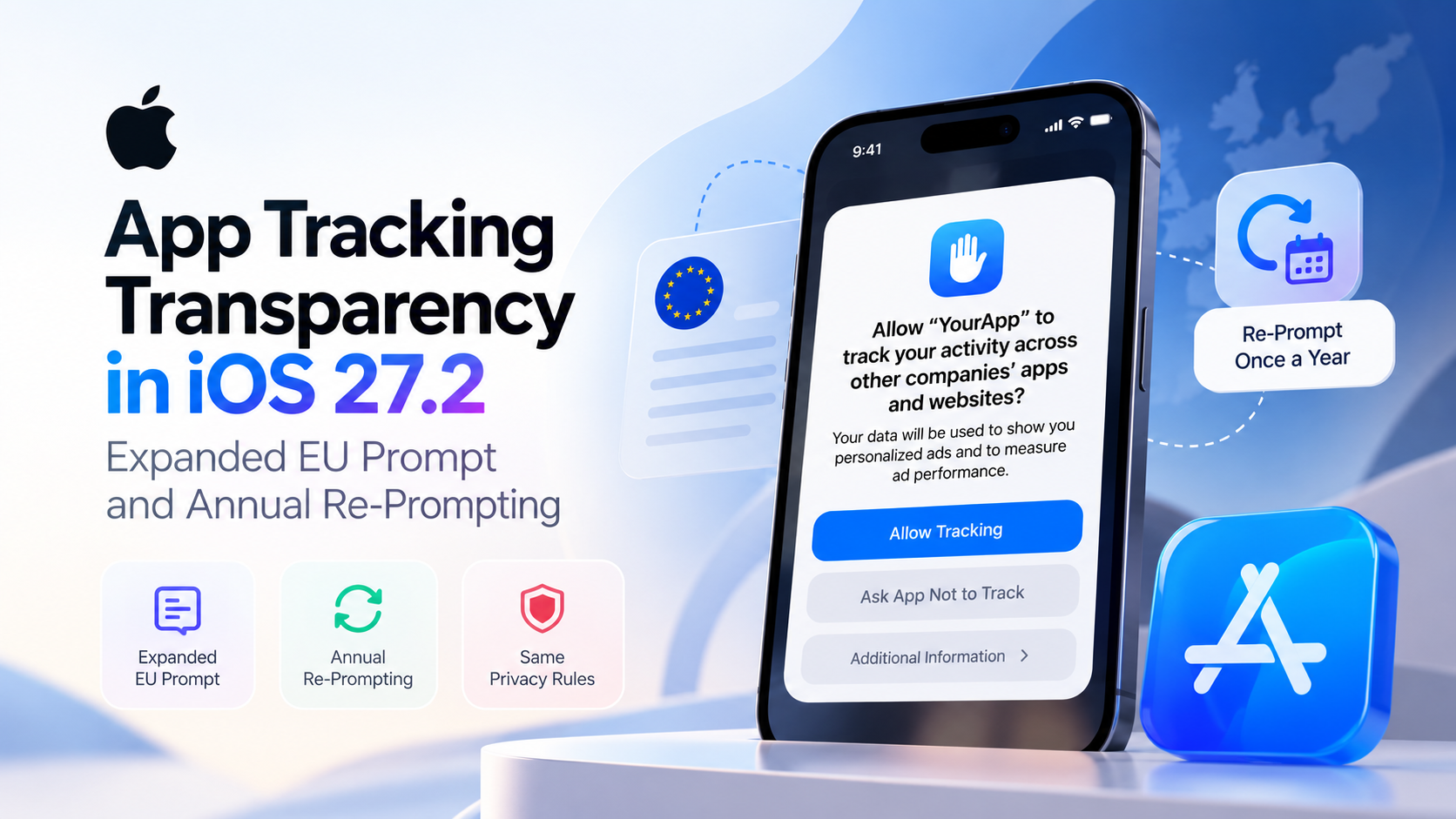
Summary. iOS 27.2 and iPadOS 27.2, now in beta, change how App Tracking Transparency (ATT) asks for permission in the European Union. Apple adds a full-page prompt with Markdown text and an optional Additional Information button, and EU users can be asked again a year after they answer. In France, Germany, Italy, Poland and Romania, the new prompt replaces the old alert even for apps that don't adopt the new API. The rules on when you must ask haven't changed.
Apple lists these changes as new features, not as a fix for a broken API, and says it is introducing them under agreements with select European competition authorities. This matters to any app whose advertising, attribution or analytics code falls within Apple's definition of tracking, including code that arrives through a third-party SDK.
About this article. This guide reflects Apple's developer documentation and the iOS & iPadOS 27.2 beta 2 release notes as of 30 September 2026. The new ATT method and the Markdown usage description are documented as beta, so check the behaviour against the final release before you ship. Researched with AI assistance and reviewed by our editorial team.
What is App Tracking Transparency?
App Tracking Transparency is the framework an app must use to ask permission before it tracks someone. Apple defines tracking as linking user or device data from your app with data from other companies' apps, websites or offline properties for targeted advertising or advertising measurement, or sharing user or device data with data brokers. That includes placing an SDK in your app that combines your users' data with other developers' data for advertising, even if you don't use the SDK for that purpose.
The basic implementation has three steps:
- Add the
NSUserTrackingUsageDescriptionkey to your app's target properties in Xcode.
- Call
requestTrackingAuthorization(completionHandler:)to present the request.
- Check
trackingAuthorizationStatusto find the current authorisation status.
The prompt itself is shown by the system. Your app supplies the purpose string and decides when to ask. The usage-description key is mandatory, and Apple warns that an app crashes if it uses the framework without it.
Responsibility for tracking also covers code you didn't write. Apple says developers are responsible for all code included in their apps, and the App Review Guidelines extend that to ad networks, analytics services and third-party SDKs.
What changed in iOS 27.2?
iOS 27.2 is still in beta; our iOS 27.0.1 update guide covers where the current release stands. The iOS & iPadOS 27.2 beta release notes list one ATT item, under New Features: ATT now supports an alternative expanded prompt and re-prompting once a year for users in the EU, and the alternative prompt is required for users in France, Germany, Italy, Poland and Romania.
Apple's developer announcement of 16 September 2026 adds the context. Developers get the option of an alternative version of the ATT system prompt in the EU, the requirements for when you must ask permission to track stay the same, and, because of legal requirements, only the alternative prompt is available for apps distributed in Germany, France, Italy, Poland and Romania.
Where each prompt appears
The system decides which experience to show from two signals: where the device is located, and the country or region set on the Apple Account it is signed in with.
| Region | Existing requestTrackingAuthorization(completionHandler:) |
New requestTrackingAuthorization(preferExpandedInterface:additionalInformationAction:completionHandler:) |
|---|---|---|
| France, Germany, Italy, Poland, Romania | Full-page sheet, using your Markdown text if you provide it | Full-page sheet whatever you pass for preferExpandedInterface, plus the Additional Information button if you supply an action |
| Rest of the EU | Standard system alert | Full-page sheet if you pass true for preferExpandedInterface, with Markdown text and the Additional Information button if you supply them |
| Outside the EU | Standard system alert | Both new parameters are ignored and the standard alert appears, exactly as with the existing method |
Yearly re-prompting applies in the EU whichever method you call.
What was the limitation before iOS 27.2?
The previous ATT experience was a fixed system alert. You could supply the plain-text NSUserTrackingUsageDescription string and request authorisation, but there was no full-page EU sheet, no Markdown formatting, no Additional Information button, and no built-in way to ask again once someone had answered.
That wasn't a bug. It was the design of the earlier interaction model. The new options give developers a system-supported way to explain tracking in more depth and, in the EU, to connect the prompt to their own screens for additional information or more granular consent controls under local privacy law.
ATT itself still does one job: it records permission for tracking. The Additional Information button can take someone into your app's own screens, but it doesn't turn ATT into a general consent-management platform.
Why did Apple make this change?
Apple says the change comes from agreements with select European competition authorities. Its user privacy page describes the alternative prompt as having modified formatting and language, with an optional text button labelled Additional Information that lets you surface more detail about your request to track, or to share data with a data broker.
The practical result is more room to explain tracking and to present extra privacy controls, while ATT remains the mechanism that records permission for tracking covered by Apple's framework.
The new expanded ATT interface
The new method is requestTrackingAuthorization(preferExpandedInterface:additionalInformationAction:completionHandler:), marked beta for iOS 27.2, iPadOS 27.2 and Mac Catalyst 27.2. There is also an async version that returns the status directly. It adds two parameters to the familiar request:
preferExpandedInterfaceasks the system to present a full-page sheet instead of a system alert.
additionalInformationActionis the closure to run when someone taps Additional Information. Passnilto leave the button out.
            import AppTrackingTransparency

func requestTracking() {
    ATTrackingManager.requestTrackingAuthorization(
        preferExpandedInterface: true,
        additionalInformationAction: { showTrackingDetails() }
    ) { status in
        switch status {
        case .authorized:
            enableAttribution()
        case .notDetermined:
            break // Additional Information was tapped, or the prompt was dismissed
        default:
            disableTracking() // .denied or .restricted
        }
    }
}
The completion handler is @Sendable, so move back to the main actor before you update any UI.
How the Additional Information flow works
When someone taps Additional Information, the sheet closes without recording an answer and your closure runs. Present your own screen with the extra information or controls, then call the method again so the person can make the actual decision. The flow looks like this:
ATT prompt, then Additional Information, then your screen, then the ATT prompt again, then the person's decision.
Your completion handler still runs after the tap and receives ATTrackingManager.AuthorizationStatus.notDetermined, because no decision has been made yet.
Apple is explicit about responsibility here. Anything you show through the button, including granular consent controls, is entirely your responsibility. You also can't read the device's advertising identifier, or collect and use the data your prompt describes, until the person grants permission in the ATT prompt itself.
Markdown text with NSUserTrackingMarkdownUsageDescription
The new NSUserTrackingMarkdownUsageDescription key, also in beta, supplies a Markdown version of your purpose string for the full-page sheet. It supports:
- Bold text
- Italic text
- Bullet lists
- Paragraph breaks
Underline isn't supported. The key is optional: if you leave it out, the system falls back to NSUserTrackingUsageDescription. In France, Germany, Italy, Poland and Romania, the system uses it whenever it is present. Elsewhere in the EU, it is used when you call the new method with preferExpandedInterface set to true. Outside the EU, the system ignores it.
NSUserTrackingUsageDescription remains required with either method. The Markdown key supplements it and doesn't replace it. Apple's usual advice still applies: keep the text short and specific, and leave out your app's name, because the system already shows it.
Annual re-prompting in the EU
In the EU, the system notes the date when someone answers the prompt and won't show it again until a year has passed. After that, you can make another request, whether the person allowed or denied tracking last time.
There is one exception. If the person has turned off the Allow Apps to Request to Track setting, which Apple renames Allow Apps to Request to Link Your Activity Across Companies in the EU, under Settings > Privacy & Security > Tracking, your app can't prompt again.
| Lifecycle | What happens |
|---|---|
| Before iOS 27.2 | Initial request, the person allows or denies, and that choice stands |
| iOS 27.2 in the EU | Initial request, the person allows or denies, a year passes, and your app may ask again |
A new request doesn't change the existing status by itself and doesn't bypass the earlier decision. The person still decides through Apple's system prompt.
When the prompt won't appear at all
Apple lists cases where the system skips the prompt and runs your completion handler straight away. Build your logic around them:
- Tracking is restricted on the device, so the status is
restricted.
- The person has turned off the setting that lets apps ask to track.
- Another permission request is already pending.
- The call comes from an app extension.
- Your app isn't in the active state.
What changes for developers?
The new options add flexibility. They don't remove any of your responsibilities.
Existing integrations can change without a code update
In France, Germany, Italy, Poland and Romania, the existing requestTrackingAuthorization(completionHandler:) already presents the full-page sheet, and uses your Markdown string if you have added one. Test your current flow in those countries even if you don't plan to adopt the new API.
To offer the Additional Information button, or to show the full-page sheet in the rest of the EU, you need the new method.
The tracking requirement hasn't changed
iOS 27.2 doesn't let you track anyone without ATT permission. Apple says the requirements for when you must ask stay the same. Without permission, you also can't track with another identifier, such as a hashed email address or phone number, and fingerprinting a device is prohibited.
Third-party SDKs remain your responsibility
Advertising, analytics, attribution and deep-linking SDKs can all bring tracking into your app. If your app uses third-party code, you must describe what data it collects, how it is used and whether it tracks users, and privacy manifests exist to record exactly that. As part of a broader privacy review, check:
- Advertising, analytics and attribution SDK behaviour
- Deep-linking and deferred deep-linking services
- Privacy manifests
- ATT authorisation handling and IDFA access
- App Privacy Details and data-sharing declarations
Not all of these are new in iOS 27.2, but the new prompt is a good moment to review them together. If you use Google's ad stack, our guide to the Google Mobile Ads SDK migration covers the SDK side.
What changes for users?
For people in the EU, the most visible difference is a more detailed ATT prompt. Eligible users may see a full-page sheet with formatted text, and an Additional Information button that leads to more detail or finer consent controls.
The yearly re-prompt also means an ATT choice is no longer necessarily permanent for EU users: after a year, an eligible app can ask again. The person stays in control. The status doesn't change unless they choose, and turning off the setting that lets apps ask to track stops all such requests.
Practical implementation checklist
If your app uses ATT and has users in the EU, work through these steps before adopting the new functionality.
1. Confirm whether your app falls under ATT
Check whether your app, or any SDK in it, links user or device data with other companies' data, uses that data for targeted advertising or advertising measurement, or shares it with a data broker. Those are the cases Apple's definition of tracking covers.
2. Review your existing ATT implementation
Verify your NSUserTrackingUsageDescription string, your requestTrackingAuthorization call, how you read trackingAuthorizationStatus, when you access the IDFA, and how you handle each authorisation state.
3. Test the five countries first
Your current code already shows the full-page sheet in France, Germany, Italy, Poland and Romania. Because the system checks both the device's location and the Apple Account's region, plan test devices and accounts accordingly.
4. Decide whether to adopt the new method
If you need the Additional Information button, or want the full-page sheet across the rest of the EU, move to requestTrackingAuthorization(preferExpandedInterface:additionalInformationAction:completionHandler:).
5. Add the Markdown description where it helps
Write an NSUserTrackingMarkdownUsageDescription that explains your tracking-related data use more clearly than the plain string can, using only bold, italics, bullet lists and paragraph breaks.
6. Design the Additional Information screen carefully
- Explain the relevant data practices.
- Provide any extra controls your privacy and legal design requires.
- Respect the choices people make there.
- Return to the ATT prompt only when appropriate.
- Never use the screen to manipulate, trick or pressure anyone into granting permission.
The App Review Guidelines don't allow any of those tactics, and the extra content is your responsibility.
7. Test the whole lifecycle
Test undetermined to allowed, undetermined to denied, the one-year re-prompt, the Additional Information path returning notDetermined, and the cases where no prompt appears, including the tracking setting turned off.
How eCorpIT can help
eCorpIT is a Gurugram-based technology organisation, founded in 2021, assessed at CMMI Level 5 and MSME certified, with senior-led engineering teams working across AWS, Microsoft and Google platforms. Our iOS app development team in India audits the ad, analytics and attribution SDKs in your app, implements the new ATT method and the Markdown purpose string, and designs Additional Information screens that meet Apple's rules and EU privacy law. We also build server-side tagging and consent measurement so your reporting holds up when people decline tracking. If you need more hands for iOS 27.2 testing, you can hire iOS developers from our team. Talk to us at /contact-us/.
Last updated: 30 September 2026.


