

On this page · 11 sections
- Driver 1: adaptive layouts are scope now, not polish
- Driver 2: your existing codebase decides more than your feature list
- Driver 3: the test matrix, and the device you do not need to buy
- Driver 4: camera and media rework, if you touch them at all
- Driver 5: native Kotlin, or Kotlin Multiplatform
- Driver 6: the store overhead nobody quotes
- What this means for an India engagement
- How we scope an Android build
- FAQ
- How eCorpIT can help
- References
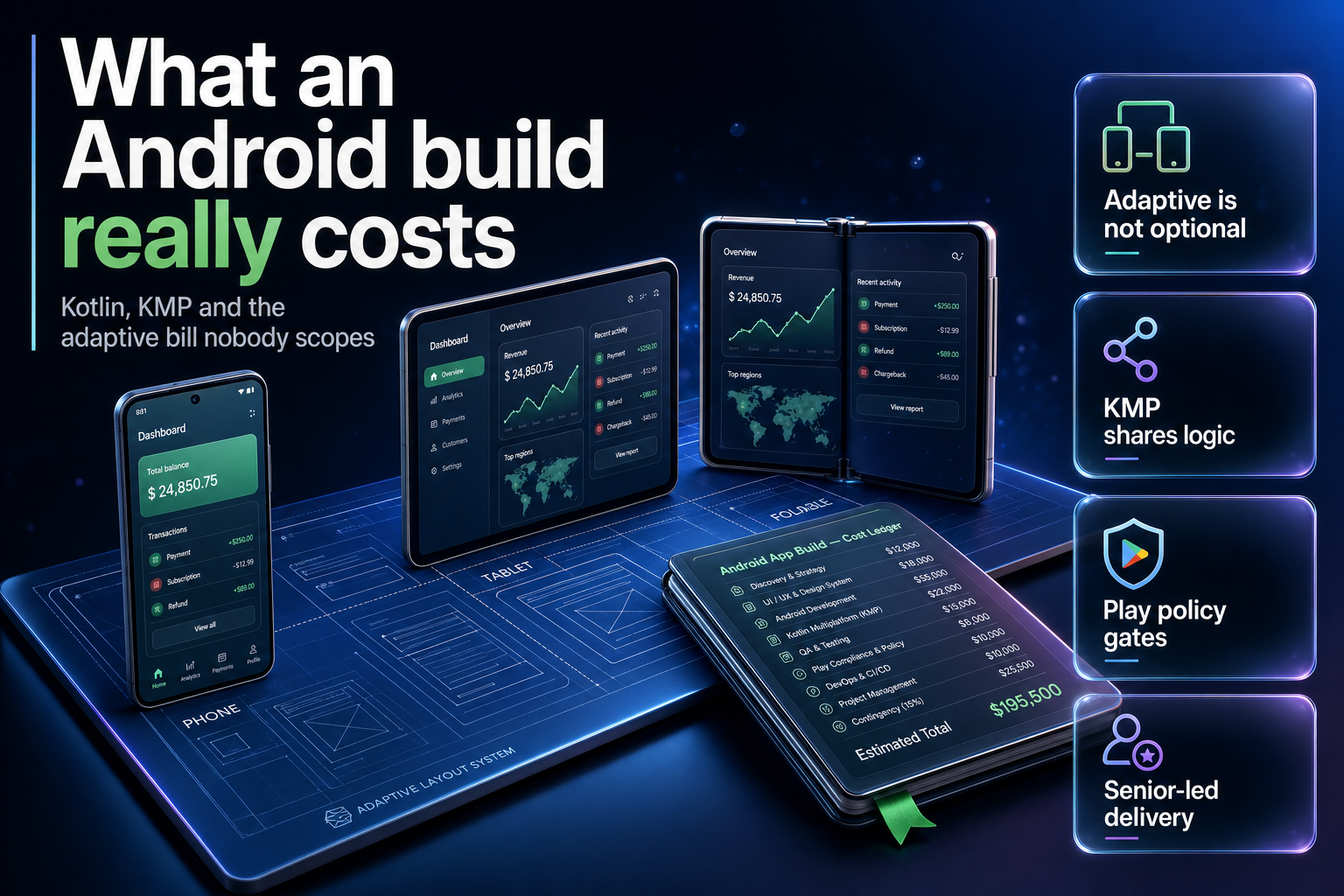
Summary. Three platform decisions taken between February 2026 and June 2026 changed what an Android build costs, and most quotes have not caught up. Android 17 shipped on 16 June 2026 and removed the large-screen opt-out for any app targeting API level 37, so orientation locks and resizeableActivity="false" stop working above 600 dp. Google Play will require API level 37 for new apps and updates in August 2027. Google declared Android development Compose-first, putting Fragments, RecyclerView and ViewPager into maintenance mode. Against that, the fixed costs are trivial: a Play Console developer account is a US$25 one-time fee. The variable costs are where quotes go wrong, and a Galaxy Z Fold7 at ₹1,74,999 is the device that exposes them.
eCorpIT builds Android apps out of Gurugram. This is how we scope one in 2026, written the way we would explain it to you on a call rather than the way a proposal deck would.
Driver 1: adaptive layouts are scope now, not polish
For years, "we only support portrait on phones" was a legitimate way to cut a quote. Android 17 ended it. Google's behaviour-change documentation is unambiguous: "For apps targeting Android 17 (API level 37) or higher, orientation, resizability, and aspect ratio restrictions no longer apply on displays whose smallest width is greater than 600dp. Apps fill the entire display window, regardless of aspect ratio or a user's preferred orientation, and pillarboxing isn't used."
Android 16 gave a temporary opt-out in 2025. Android 17 removed it. Games, identified by the android:appCategory flag, remain exempt; nothing else does.
The deadline is a store deadline, and Google's developer relations engineer Miguel Montemayor stated it in February 2026: "The deadlines for targeting a specific API level are app-store specific. For Google Play, new apps and updates will be required to target API level 37, making this behavior mandatory for distribution in August 2027."
What this does to a quote: every screen now needs a defined behaviour at two window shapes instead of one, and the primary-action screens need it tested. That is not a rewrite. It is real design and QA time that a 2023-era estimate does not contain. We break it out as its own line so you can see it; the full engineering detail is in our guide to the Android 17 targetSdk 37 adaptive migration.
Driver 2: your existing codebase decides more than your feature list
If you already have an Android app, the honest cost question is not "what do the new features cost". It is "what state is the UI layer in".
Google's Android 17 launch post is blunt about the direction: "Android development is now Compose-first. All new Android APIs, libraries, tools, and developer guidance will be built exclusively for Jetpack Compose. Legacy View components (in the android.widget package) and View-based Jetpack libraries (like Fragments, RecyclerView, and ViewPager) are now in maintenance mode. They will receive only critical bug fixes, and no new features."
That single paragraph reprices a large share of the Indian Android market, because a great many apps built between 2018 and 2023 are Fragments and RecyclerView all the way down. Those apps still run. They will not get new adaptive APIs, and the components Google now recommends, NavigationSuiteScaffold from the Material 3 Adaptive library and Navigation 3 Scenes such as ListDetailSceneStrategy, are Compose-only.
| Codebase state | What driver 1 costs you | Honest advice |
|---|---|---|
| Compose, modular, state hoisted | Days. Width caps and scroll modifiers | Do it now, before the Play deadline forces a rush |
| Compose, but state lives in the Activity | Weeks. State survival is the work | Fix state preservation first; the layout part is easy |
| Views and Fragments, actively developed | A quarter or more | Migrate the screens you touch anyway, not all of them |
| Views and Fragments, in maintenance | Reconsider the app, not the layout | If it is not worth a Compose migration, it may not be worth the API 37 bump either |
The last row is the one buyers do not expect a vendor to say out loud. Some apps should be left targeting an older API level and quietly retired, not modernised. We would rather tell you that in week one than bill you for a migration that ends in a shelf.
Driver 3: the test matrix, and the device you do not need to buy
Adaptive work fails in ways emulators catch and phones do not. Google's guidance names the four common breakages: "skewed or misoriented camera previews, stretched layouts, inaccessible buttons, or loss of user state when handling configuration changes."
Here is where Indian delivery economics actually help. You do not need a device lab. Google's own testing path is the Pixel Tablet and Pixel Fold series emulators with targetSdkPreview = "CinnamonBun", or the app compatibility framework with the UNIVERSAL_RESIZABLE_BY_DEFAULT flag if you are not on API 36 yet. DeviceConfigurationOverride puts display characteristics into unit tests, and Compose UI Check audits layouts automatically.
Buy one physical foldable for acceptance, not one per pod. At ₹1,74,999 for a Galaxy Z Fold7, with Samsung's next foldables due at Galaxy Unpacked in London on 22 July 2026, the device line in a proposal is a real number that deserves a real decision rather than a reflex. Where a client has no in-house QA, we fold this into our QA and test automation service instead of pricing a lab.
Driver 4: camera and media rework, if you touch them at all
Camera is the most under-scoped line in Android quotes, because the bug is arithmetic rather than layout. Apps assume a fixed relationship between sensor orientation and device orientation, and once the window can be any shape, that assumption produces stretched or rotated previews.
There is also a hard version floor that has nothing to do with design. Google's note is specific: "You'll need to update your CameraX version to either 1.5.2 or 1.6.0+ to avoid a crash related to an added dynamic range mode on Android 17 devices." A crash on a shipped OS is a P0, not a nice-to-have, and if your current vendor has not raised it, ask why.
Google ranks the fixes: Jetpack CameraX PreviewView first, since it "correctly adjusts for sensor orientation, device rotation, and scaling"; CameraViewfinder for existing Camera2 code, backward compatible to API level 21; manual Camera2 only if neither is possible; or a plain camera Intent if you just need a photo back. One line from that guidance is the whole engineering lesson: "screen size should not be used to determine the dimensions of the camera viewfinder; use window metrics instead."
If your app scans documents, does KYC, or reads a barcode, this is a scoped work package. If it does not, it is a zero. Quotes that price it the same either way are guessing.
Driver 5: native Kotlin, or Kotlin Multiplatform
The cross-platform question is where most of the budget actually moves, and 2026 is the first year the honest answer is boring: Kotlin Multiplatform is stable for the platforms most Indian builds care about.
JetBrains publishes the stability table, and as of its 10 September 2025 update it reads:
| Platform | Core Kotlin Multiplatform | Compose Multiplatform UI |
|---|---|---|
| Android | Stable | Stable |
| iOS | Stable | Stable |
| Desktop (JVM) | Stable | Stable |
| Server-side (JVM) | Stable | Not listed |
| Web based on Kotlin/Wasm | Beta | Beta |
| Web based on Kotlin/JS | Stable | Not listed |
| watchOS | Beta | Not listed |
| tvOS | Beta | Not listed |
Read the table rather than the marketing. Android and iOS are Stable for both shared logic and shared UI, which means a KMP build is a defensible engineering choice and not a gamble. Wasm, watchOS and tvOS are Beta, which JetBrains defines as "you can use it, we'll do our best to minimize migration issues for you". If your roadmap has a watch app on it, price that row as Beta, because it is.
Our advice is unglamorous. Share business logic in Kotlin, and decide UI per platform based on how much your two apps genuinely differ. A fintech app whose Android and iOS screens are the same screens is a good KMP candidate. A consumer app where the iOS version is the brand is not. Teams weighing the alternatives should read our Jetpack Compose versus Flutter comparison and, if the real constraint is who you can hire in Gurugram or Bengaluru, our React Native versus Flutter hiring framework. Swift-side teams looking the other way across the fence will find our Swift 6.3 Android guide useful.
Driver 6: the store overhead nobody quotes
The Play Console side is cheap in money and expensive in calendar time.
The fee is trivial: "There is a US$25 one-time registration fee", payable by credit or debit card, with prepaid cards not accepted. Compare that with the platform work above and it disappears.
The friction is elsewhere. Google requires identity verification, and notes that "to process your request for a Play Developer account you may be asked for a valid government ID and a credit card, both under your legal name." Developers with personal accounts created after 13 November 2023 must meet specific testing requirements before their app can be distributed, and since early 2024 new personal accounts must verify access to an Android device through the Play Console mobile app.
For an Indian startup registering under a founder's name to save a week, that sequence is where the week goes back. Register the organisation account early, before the code is ready. It costs nothing to wait on a finished account and a fortnight to wait on an unverified one.
On target API levels, one more thing is worth knowing, because it will confuse your compliance reviewer. As of 17 July 2026, Google Play's published requirement pages, including the developer.android.com page stamped "Last updated 2026-05-18 UTC", still describe only the August 31 2025 requirement to target Android 15 (API level 35). The August 2027 API 37 date currently lives in Google's developer blog, not the policy page. Plan against the blog post, and do not let a reviewer tell you the deadline is not real because the policy page has not been rewritten yet.
What this means for an India engagement
Two figures frame every Android conversation we have. The Play fee is US$25. The device that will break your layout is ₹1,74,999. Everything between those two numbers is engineering judgement, which is the part worth paying for and the part a template quote cannot contain.
Indian delivery still wins on cost, and the gap is real rather than rhetorical; we set out where it comes from in our India versus US app development cost analysis. But the gap narrows fast when a cheap quote skips driver 1 and bills the adaptive work as change requests in month five. The real cost is usually the migration, not the code.
Where personal data is involved, the Digital Personal Data Protection Act 2023 sits underneath all six drivers. More configuration changes mean more state saved and restored, and a form that repopulates from a cached bundle is a data question as well as a UX one. We design applications aligned with DPDP requirements and say so in that language deliberately, because a vendor claiming to make you compliant is telling you something that is not theirs to promise.
How we scope an Android build
- Read the codebase before quoting. The Compose-versus-Views answer moves the number more than the feature list does.
- Run your app on a Pixel Fold emulator with the compat flag on, and show you the four failures on video. No slides.
- Separate the platform-forced work (drivers 1, 2, 4) from the product work you asked for. You should be able to see which is which.
- Decide native or KMP against your actual roadmap, using JetBrains' stability table, not a preference.
- Price the store overhead as calendar, not cash.
- Re-check the plan against the API 37 deadline in August 2027. Anything shipping after that carries it whether or not it is in the quote.
FAQ
How eCorpIT can help
eCorpIT is a CMMI Level 5 certified, MSME certified engineering organisation founded in 2021 and based in Gurugram, with senior-led teams building Android and Kotlin Multiplatform applications for Indian and global clients. We scope an Android build by reading your codebase first, separating the work Android 17 forces on you from the product work you actually asked for, and showing you the difference on video rather than in a deck. If a migration is not worth it, we will say so before you spend on it. If you already ship and just need the adaptive work done before the API 37 deadline, we do that as a fixed package alongside our mobile app maintenance and support service, and our Flutter app development service covers the cross-platform route. Tell us about your app and we will tell you what it will take.
References
- Restrictions on orientation and resizability are ignored — Android Developers, Android 17 behaviour changes.
- Android 17 is here — Android Developers Blog, Matthew McCullough, 16 June 2026.
- Prepare your app for the resizability and orientation changes in Android 17 — Android Developers Blog, Miguel Montemayor, 13 February 2026.
- Stability of supported platforms — Kotlin Multiplatform Documentation, JetBrains, updated 10 September 2025.
- Get started with Play Console — Play Console Help.
- Target API level requirements for Google Play apps — Play Console Help.
- Meet Google Play's target API level requirement — Android Developers, last updated 18 May 2026.
- Buy Samsung Galaxy Z Fold7, price and offers — Samsung India.
- Invitation: Galaxy Unpacked July 2026, A New Shape Unfolds — Samsung Global Newsroom, 8 July 2026.
- Kotlin Multiplatform — Android Developers.
- Kotlin Multiplatform, build cross-platform apps — JetBrains.
Last updated: 17 July 2026.


