

On this page · 10 sections
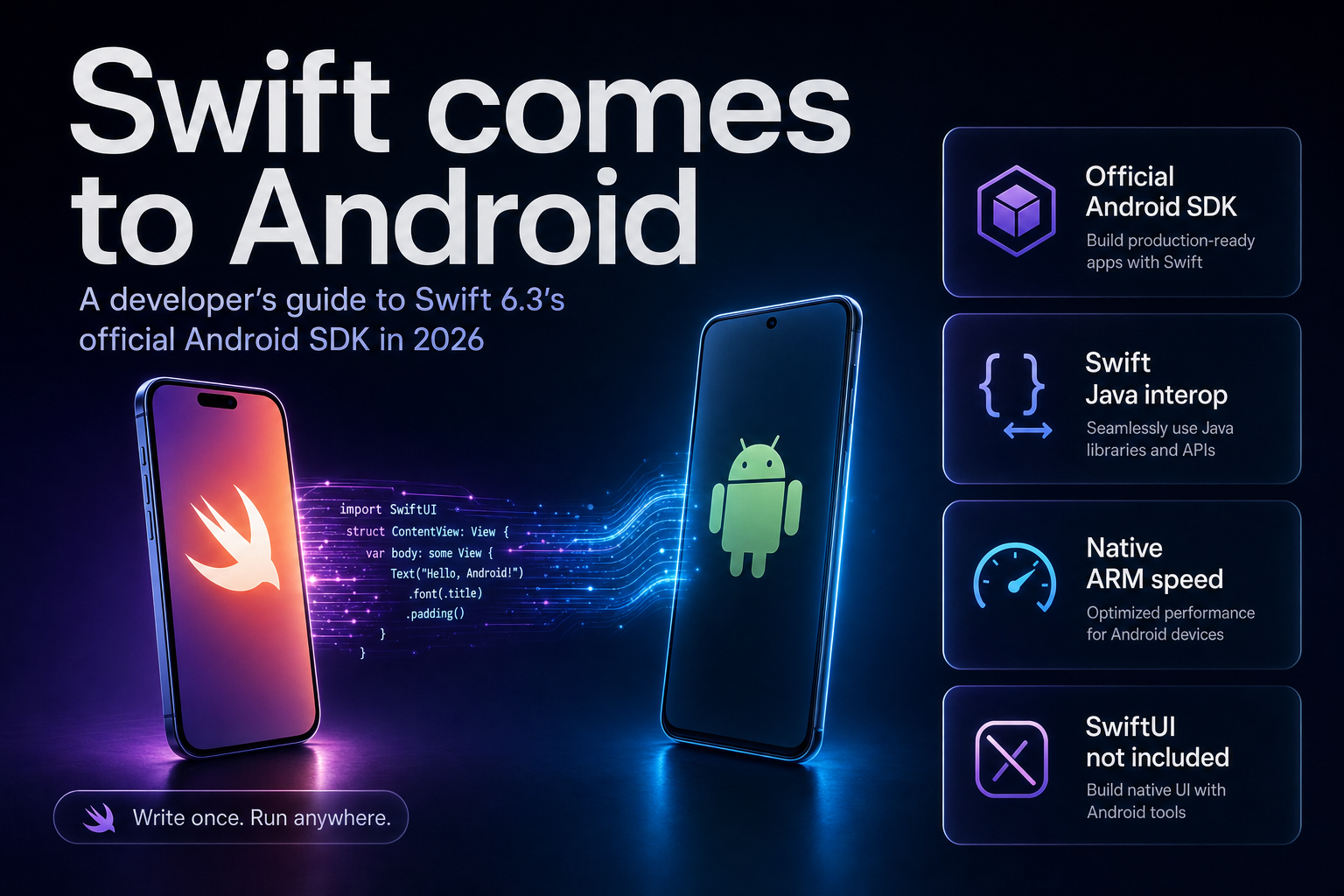
Summary. Swift 6.3 landed on March 24, 2026 with the first official Swift SDK for Android, owned and versioned by the Swift project itself after the Swift on Android Community Working Group formed in February 2025. Swift now compiles to native ARM machine code on Android, not JVM bytecode, and the swift-java tool generates the JNI bindings that let Kotlin call a Swift module like any native library. The catch: SwiftUI does not run on Android, and Kotlin stays the recommended Android UI language. The SDK is free, but the real bill is engineering time, and a duplicated iOS-and-Android build can run ₹15 lakh to ₹40 lakh for a production app, which is the cost a shared Swift core is meant to cut.
This guide covers what shipped, how Swift actually runs on Android, the architecture that works, and where it sits against Kotlin Multiplatform and Flutter. It is written for iOS and mobile developers deciding whether to adopt it in 2026.
What shipped in Swift 6.3
The Android SDK is the headline, but Swift 6.3 stabilised several things at once. The Android SDK moved from nightly previews to a stable, production-grade release after roughly a year of work by the Swift Android Workgroup. Alongside it, Swift 6.3 extended C and C++ interoperability with two new attributes: a function marked @c automatically gets a matching declaration in the generated C or C++ header, and pairing @c with @implementation lets the compiler confirm the C declaration already exists.
Concurrency also improved. A weak let capture lets a closure hold a non-reference, immutable symbol in a concurrency-safe way, and writing Swift::Task { ... } guarantees you use the standard-library task even when another module defines its own Task, which cuts naming conflicts. These are quality-of-life gains that matter once a shared Swift core grows.
How Swift runs on Android
The important mental model: when Swift compiles for Android, the output is a native binary, not JVM bytecode or interpreted code. Performance is comparable to C++ built with the Android NDK. Your Swift module has no knowledge of which platform calls it.
The bridge is swift-java. It analyses your Swift APIs and generates Java bindings that Android code calls through JNI. From the Kotlin side, invoking the Swift module looks like calling any other native library, and the bridge handles memory management, type conversion and async operations. You keep writing Kotlin for the Android app and Swift for the shared logic, and the two meet at the generated binding layer.
The architecture that works: shared core, native UI
The pattern that holds up in production keeps business logic in Swift and UI native to each platform. The Swift module owns API communication, data transformation, filtering and search. The UI layer stays platform-specific: SwiftUI on iOS, Jetpack Compose or XML layouts on Android. That split is not a limitation to route around; it is the recommended design, because native UI is where users judge an app.
| Layer | Handled in Swift core | Handled per platform |
|---|---|---|
| Networking and API calls | Yes | No |
| Data models and transformation | Yes | No |
| Business rules and validation | Yes | No |
| UI rendering | No | SwiftUI / Jetpack Compose |
| Device APIs (camera, sensors) | Partial | Native per platform |
The clear boundary is SwiftUI. It does not run on Android, so any attempt to share the UI layer through Swift fails. Share the core, write the screens twice. Our SwiftUI versus Kotlin Multiplatform comparison goes deeper on that tradeoff.
Swift on Android vs Kotlin Multiplatform vs Flutter
Swift on Android is not the only way to share code, and it is not always the best one. The right choice depends on where your team's existing skills sit and how much UI you want to share.
| Approach | Shared layer | UI model |
|---|---|---|
| Swift on Android (6.3) | Native Swift business logic via JNI | Native: SwiftUI + Jetpack Compose |
| Kotlin Multiplatform | Native Kotlin business logic | Native: SwiftUI + Jetpack Compose |
| Flutter | Dart logic and UI | Single Flutter UI on both |
| React Native | JavaScript or TypeScript logic and UI | React Native components on both |
| Separate native apps | Nothing shared | Native each, two codebases |
The pattern to notice: Swift on Android and Kotlin Multiplatform solve the same problem from opposite ends. Both share logic and keep UI native. If your team is iOS-heavy and already fluent in Swift, sharing a Swift core lowers the learning cost. If it is Android-heavy, Kotlin Multiplatform is the mirror-image choice. Flutter and React Native, which together power over 80 percent of the cross-platform market, trade native UI for a single shared UI, a different bet entirely. Our Jetpack Compose versus Flutter guide and Expo versus React Native comparison cover those options.
Who should adopt it in 2026
Swift on Android is a strong fit for an iOS-first team that wants a second platform without a full rewrite of its domain logic, and for teams with substantial Swift business rules they would rather not port. It is a weaker fit if you want to share UI, if your team has no Swift skills, or if you need the largest hiring pool, where Kotlin and Flutter still win. Kotlin remains the primary and recommended language for Android UI, so this is about sharing the core, not replacing Android development.
India-specific considerations
For Indian studios and product teams, the calculus is mostly about people and cost. A shared Swift core reduces duplicated logic across two apps, but it needs engineers comfortable in both Swift and the Android toolchain, a narrower pool than Kotlin or Flutter developers. Weigh the saved maintenance against the harder hire. For teams costing a build, our India versus US app development cost analysis frames the tradeoff, and the general rule holds: the real cost is usually the second UI and the maintenance, not the shared core.
Getting started
Install the Swift 6.3 toolchain from swift.org, add the Swift SDK for Android, and update your Swift package to declare Android as a build target. Move a small, self-contained piece of logic first, such as your networking client or a data-transformation function, generate the Java bindings with swift-java, and call it from a throwaway Kotlin screen. Prove the bridge on something low-risk before you migrate anything a user depends on.
FAQ
How eCorpIT can help
eCorpIT is a Gurugram-based, CMMI Level 5 technology consultancy with senior iOS, Android and Flutter engineers who ship cross-platform apps. We help teams decide between a shared Swift core, Kotlin Multiplatform and Flutter, then build the shared module, the JNI bridge and the native UIs. If you are weighing Swift on Android for a 2026 build, talk to our team.
References
- Swift 6.3 released - Swift.org.
- Swift 6.3 boosts C interoperability, Android SDK - InfoWorld.
- Swift 6.3 brings first SDK for Android - Thurrott.
- Swift 6.3 runs on Android: here is how it actually works - Tony Trejo, CodeX.
- Swift on Android is official: a practical guide to cross-platform Swift development in 2026 - Stora.
- Swift 6.3 adds official Android support: what it means for apps - Android Headlines.
- Swift for Android: what developers need to know (2026) - Innovatrix Infotech.
- Flutter vs React Native in 2026 - TechAhead.
_Last updated: July 10, 2026._


