

On this page · 11 sections
- The four dates that decide your October
- What EwsEnabled and the allow list actually do
- Find every caller before you write the list
- Mapping EWS operations to Microsoft Graph
- Where Microsoft Graph still does not reach
- Deciding per application: migrate, allow-list, or decommission
- India-specific considerations
- What to do in the next four weeks
- FAQ
- How eCorpIT can help
- References
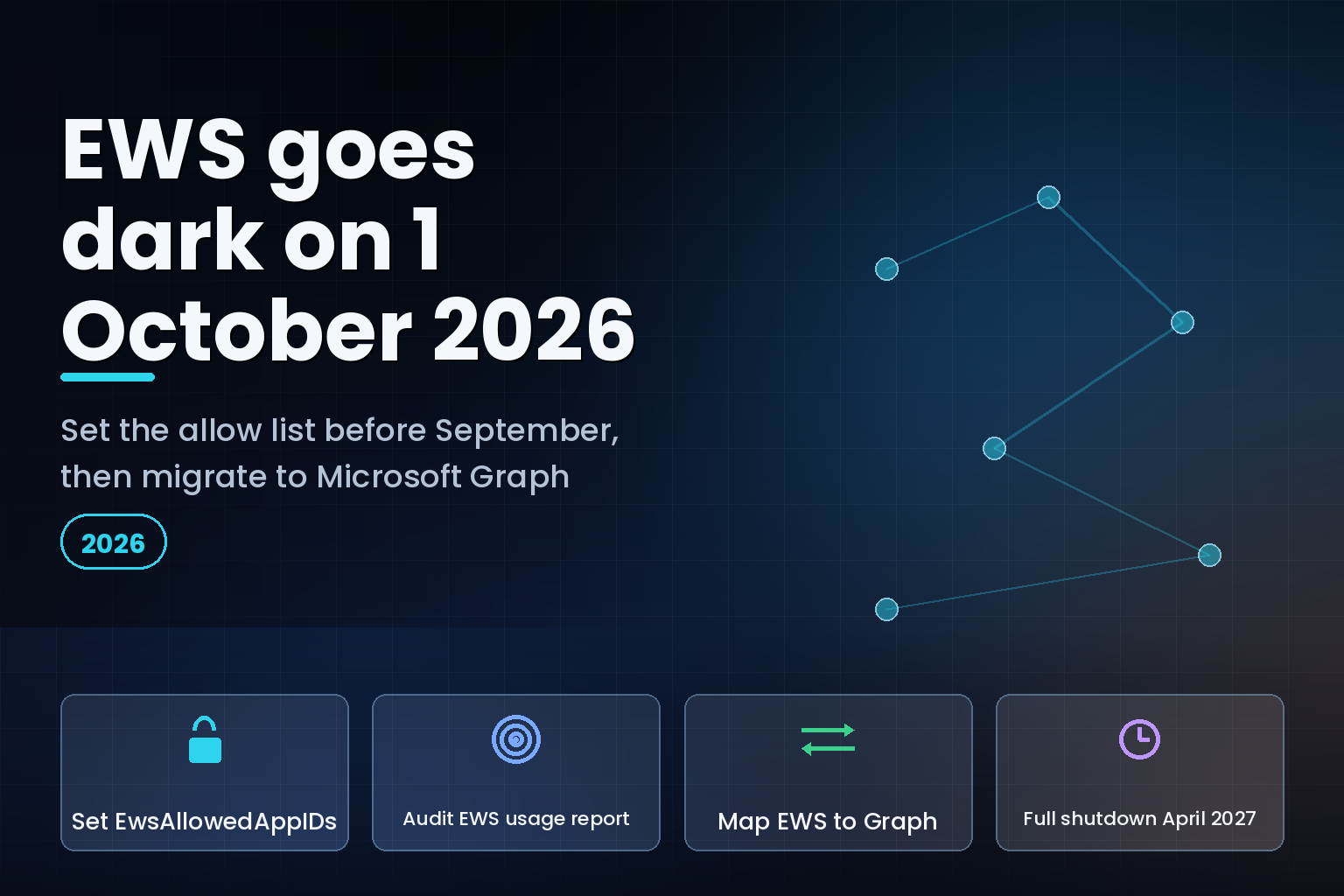
Summary. Microsoft starts blocking Exchange Web Services (EWS) requests in Exchange Online on 1 October 2026 and removes access permanently on 1 April 2027, per the Microsoft Learn deprecation page. The date that decides your outcome is earlier. Message Center notice MC1227454, published 5 February 2026, states that tenants which have not configured an AppID AllowList and set EWSEnabled=True before the end of August 2026 will be switched to EWSEnabled=False, at which point every EWS application in the tenant stops working. That gives most teams about four weeks from today, 6 August 2026. The protocol has been on notice since July 2018, the shutdown date was fixed in 2023, and EWS itself has shipped since Exchange Server 2007. The cost context has moved too: Microsoft raised Office 365 E3 by 13% from $23.00 to $26.00 per user per month on 1 July 2026, and Microsoft 365 F3 by 25% to $10.00, so the frontline SKUs most exposed to EWS licence changes are also the ones that just repriced. Microsoft Graph is the replacement, and the parity gaps are documented rather than hypothetical.
This runbook covers the four dates, the exact PowerShell surface, how to find every caller, the operation-level mapping to Microsoft Graph, and the workloads where Graph still does not reach.
The four dates that decide your October
Microsoft has published the retirement in stages rather than as a single cutover. The timeline below is drawn from the Microsoft Learn deprecation article and Message Center notice MC1227454.
| Date | What Microsoft does | What you have to do first |
|---|---|---|
| July 2018 | Announces that EWS will receive no further functionality updates in Exchange Online | Treat any EWS code path as frozen |
| 2023 | Fixes the disablement date at October 2026 and announces blocking of non-Microsoft app requests | Start the application inventory |
| End of August 2026 | Accepts proactive configuration of an AppID AllowList with EWSEnabled=True |
Populate the list, or accept the default flip |
| 1 October 2026 | Begins phased blocking of EWS requests; unconfigured tenants move to EWSEnabled=False |
Confirm allow-listed apps still authenticate |
| 1 April 2027 | Disables EWS in Exchange Online permanently, with no re-enablement | Every remaining app must already run on Graph |
Two details in MC1227454 are easy to miss. The first is that Microsoft may run temporary "scream tests" before October 2026 to help identify dependencies, so a short unexplained EWS failure in September is a signal rather than an incident. The second is the wording of the default: without admin action Microsoft sets EWSEnabled=False, and the notice adds that tenant admins will be able to re-enable EWS if necessary. That makes the October outage recoverable, but it is still an outage across every EWS application at once, and recovery depends on someone knowing which switch to throw at the time.
The scope is narrower than the panic suggests. The 2023 announcement on the Microsoft 365 Developer Blog states that the change applies only to Microsoft 365 and Exchange Online, with no changes to EWS in Exchange Server. It also covers the EWS SDKs for Java and .NET, which is where most in-house code sits. Hybrid tenants need to work out which side of the boundary each dependency runs against before they classify it.
What EwsEnabled and the allow list actually do
The control surface is Exchange Online PowerShell, and it predates the retirement. Microsoft Learn documents the current cmdlet behaviour on the EWS access control page, including a note that the way EWSEnabled operates changes in October 2026 because of the deprecation.
There are two distinct mechanisms and they get confused constantly. The older one filters by user agent string. The newer one filters by Microsoft Entra application ID, and it is the one the retirement uses.
            # Application-ID allow list: only these AppIDs may call EWS when EWSEnabled is True
Set-OrganizationConfig -EwsAllowedAppIDs "11111111-2222-3333-4444-555555555555,aaaaaaaa-bbbb-cccc-dddd-eeeeeeeeeeee"

# Tenant switch. Null is treated as True today; that default changes on 1 October 2026
Set-OrganizationConfig -EwsEnabled:$true

# Legacy user-agent controls, still present, not the retirement mechanism
Set-OrganizationConfig -EwsApplicationAccessPolicy:EnforceAllowList -EwsAllowList:"OWA/*"
Set-OrganizationConfig -EwsApplicationAccessPolicy:EnforceBlockList -EwsBlockList:"OWA/*"

# Per-mailbox override. Disabling EWS at the organization level also disables these
Set-CASMailbox -Identity adam@contoso.com -EwsEnabled:$false
Three behaviours matter operationally. Setting EwsAllowedAppIDs restricts EWS to the listed GUIDs only when EWSEnabled is True, so the switch and the list are a pair rather than alternatives. Disabling EWS at the organization level also disables per-user overrides, which means a tenant-wide $false is absolute. And Microsoft's Set-OrganizationConfig reference records that the parameter applies to direct EWS SOAP connections only, so it does not affect Microsoft Graph or REST endpoint requests; you cannot use it to throttle a Graph migration by accident.
Two verification habits are worth building before the deadline. Read the configuration back with Get-OrganizationConfig after every change, and keep the resulting AppID list in source-controlled tenant documentation rather than in an admin's notes. The allow list is an access grant; it deserves the same change control as a firewall rule.
The temptation is to set the switch, add every AppID the usage report shows, and move on. Tiago Carvalho, a Microsoft 365 architect who published an EWS retirement discovery playbook in June 2026, puts the objection plainly: "The Allow List is a stopgap, not a strategy." Everything on that list still has to be off EWS before 1 April 2027, and the list is the thing that tells you how much work you deferred.
Find every caller before you write the list
An allow list built from an incomplete inventory is worse than no allow list, because it looks finished. Microsoft ships a first-party discovery tool, and its limits are documented.
The Exchange Web Services usage report sits in the Microsoft 365 admin center under Reports, then Usage, then Exchange, then the EWS usage tab. Microsoft Learn describes what it returns:
- Two summary headers: Active apps, the number of unique applications that sent at least one EWS request in the period, and Daily average call volume.
- A usage details table with four columns you cannot customise: Application ID, SOAP Action, Call Volume, and Last Activity date (UTC).
- Filters for the last 7, 30, or 90 days, with an explicit note that usage data is collected and aggregated weekly, not daily.
- An Export control that writes the data to an Excel .csv file for sorting and filtering.
The Application ID column is the point of the exercise. That GUID is what goes into EwsAllowedAppIDs, and it is what a migration ticket needs. Microsoft also points admins at its published list of commonly used first-party application IDs so that legitimate Outlook or Teams traffic is not logged as a rogue custom integration.
The weekly aggregation and the 90-day ceiling are the two constraints that break a naive inventory. A quarterly reconciliation job that runs on the first working day of each quarter can fall outside a 90-day window depending on when you look, and the report will show nothing. Carvalho's playbook adds three complementary sources for exactly this reason: the Unified Audit Log activity EwsAccess, which reaches further back subject to audit retention; Microsoft Entra ID sign-in logs filtered on the Office 365 Exchange Online resource, which catch applications that authenticated even if the call failed; and a static inventory of app registrations holding EWS-relevant grants such as the full_access_as_app application role or the EWS.AccessAsUser.All delegated scope. Permissions granted do not prove usage, and usage inside 90 days does not prove the full set. Run all four.
Code-side discovery is separate again. Microsoft publishes an EWS Analyzer tool and an AI-assisted code analysis and refactoring tutorial, both linked from the deprecation page, for the case where a scheduled task or an old .NET service contains EWS calls that have not fired inside any log window.
Mapping EWS operations to Microsoft Graph
Most of the migration is mechanical. Microsoft publishes an operation-level mapping table, and the common mail, folder, attachment, and synchronisation paths have direct equivalents.
| EWS operation | Microsoft Graph replacement | Migration note |
|---|---|---|
FindItem |
List messages | Direct list call; rework paging and filter syntax |
GetItem |
Get message | Direct; property selection replaces shape definitions |
CreateItem / SendItem |
Create message, then Send message or Send mail | Two Graph shapes for one EWS operation |
SyncFolderItems |
Get messages delta | Delta tokens replace sync state blobs |
SyncFolderHierarchy |
Get mail folder delta | Same delta pattern at folder level |
Subscribe (push) |
Create subscription | Webhook lifecycle with explicit renewal |
GetEvents (pull) |
Get messages delta | Graph requires a subscription only for push |
GetUserOofSettings |
Get user mailbox settings | Out-of-office moves into mailbox settings |
GetUserAvailability |
Get free/busy schedule | Availability collapses into one call |
ConvertId |
Translate Exchange IDs | Needed when both stacks run in parallel |
The mapping table is the fastest way to size an in-house application: pull the SOAP Action column from the usage report export, join it against the mapping, and the rows that match are the ones a competent developer can port in days. The rows that do not match are the project.
Pull notifications deserve a specific call-out. Microsoft's note on the mapping page is that Graph requires a subscription only for push notifications, and that applications currently using EWS pull notifications should move to the delta query instead. Teams that try to recreate a pull loop on top of Graph subscriptions are solving a problem they no longer have.
Authentication changes with it. The Graph migration overview states the reason plainly: Graph applies OAuth with granular scoping to limit data access within a mailbox, against what Microsoft calls the all or none access model in EWS. Graph is also REST rather than SOAP, which Microsoft cites for faster JSON serialisation and lower network usage. A migration that copies the old broad permission shape into Graph keeps the security posture that made EWS a liability after the January 2024 Midnight Blizzard incident, which the deprecation page names as the event that widened the retirement scope from third-party applications to Microsoft's own.
Where Microsoft Graph still does not reach
The deprecation page carries a roadmap section listing the feature areas Graph does not fully support, ordered by Microsoft's own work priority. This is the list that decides which applications need the allow list rather than a sprint.
| EWS capability | Current Graph position | Practical consequence |
|---|---|---|
| Mailbox import and export | In preview, excluding Microsoft 365 Groups and public folder mailboxes | Migration and backup vendors are the exposed class |
| Import and export of public folders | On the roadmap, not delivered | Public folder tooling has no clean target yet |
| Import and export of Microsoft 365 Groups | On the roadmap, not delivered | Group mailbox archival needs a redesign |
| In-place Archive | Redirect handling documented, coverage scenario-specific | Validate each archive workflow against a test mailbox |
| Event delta for recurring events | On the roadmap | Calendar sync with recurrence needs testing before cutover |
| Sticky Notes CRUD | On the roadmap | Small surface, but it blocks the apps that use it |
| User configuration | In preview | Folder-associated settings storage is not yet stable |
| Administration APIs | In preview across mailbox, accepted domain, and group membership endpoints | Admin automation on EWS is the slowest track |
Microsoft's guidance on the same page is not to wait for the gaps to close. The sequencing that follows from the table is to migrate everything the mapping covers now, put the roadmap-blocked applications on the allow list with a named owner and a date, and treat preview APIs as a signal to build a proof of concept rather than a production commitment.
Backup, archiving, and mailbox migration tooling sits almost entirely in the blocked column, because import and export is the capability those products are built on. If a vendor tells you their Graph-based release is coming, ask which of the roadmap items above it depends on.
Deciding per application: migrate, allow-list, or decommission
Every application in the inventory resolves to one of four outcomes. The comparison below is the one to take into a change board, because it prices the decision in the vectors that actually differ.
| Decision | Time to deliver | Ongoing overhead | When it is the right call |
|---|---|---|---|
| Port to Microsoft Graph now | Days for a script, weeks for a service | Lowest; supported API surface | Every SOAP action has a mapping-table equivalent |
| Upgrade to the vendor's Graph release | Days, plus a pilot window | Vendor-managed | Third-party product with a shipped Graph version |
| Allow-list as a stopgap | Hours | Monthly review until removed | Roadmap gap, or the original author has left |
| Decommission | Hours, plus stakeholder confirmation | None | Last Activity date is stale and no owner claims it |
| Rebuild on a different pattern | Weeks | Depends on target | EWS impersonation or extended properties are load-bearing |
The cheapest outcome is the fourth one, and it is the one teams skip. Sort the usage report export by Last Activity date, then by call volume ascending, and the bottom of that list is usually two or three integrations nobody has thought about since 2019. Confirming they are dead costs an afternoon and removes them from every future audit.
The real cost here is rarely the code. It is finding the owner.
The same discipline applies to any deprecation with a hard date, which is why the pattern repeats across vendors: the Bing Webmaster Tools SOAP and POX API retirement and the Content API for Shopping move to the Merchant API both turned on inventory quality rather than developer effort. If you have run one of those, the shape of this work will look familiar. It is the same discipline that runs through the wider web platform and API developer guide: the standard changes on a published date, and the inventory decides whether that date hurts.
India-specific considerations
Indian enterprises and global capability centres carry a specific version of this problem. A large share of EWS integrations in Indian delivery estates were written by vendor teams under fixed-scope contracts that ended years ago, which means the application exists, the AppID is live, and the contractual owner does not. Start the vendor conversation before the allow list is populated, not after, because a September escalation into a partner who no longer staffs the account will not resolve before 1 October.
The licensing angle is sharper in India too. Frontline SKUs are heavily used across retail, logistics, and manufacturing floors here, and those are the SKUs that repriced hardest on 1 July 2026: Microsoft 365 F1 rose 33% from $2.25 to $3.00 per user per month and F3 rose 25% from $8.00 to $10.00, against 8% for Microsoft 365 E3 at $39.00. Any remediation plan that quietly assumes moving frontline users to a richer SKU should be costed at the new rates.
Data protection sits on top. EWS applications typically hold broad mailbox access, and mailbox contents are personal data under the Digital Personal Data Protection Act 2023. A Graph migration is the natural moment to narrow that access, because Graph supports scoping to specific mailboxes rather than the all-or-nothing model EWS used. Teams running an API integration modernisation programme should fold the EWS work into it rather than running a parallel project, and the same access-narrowing logic behind Entra ID risk policies and conditional access migration applies here to application permissions.
What to do in the next four weeks
The work splits cleanly into discovery, decision, and configuration, and only the last of those is technical.
Week one is discovery. Export the EWS usage report at the 90-day filter, query the Unified Audit Log for EwsAccess across the longest window your audit retention allows, filter Entra sign-in logs on the Office 365 Exchange Online resource, and enumerate app registrations holding EWS grants. Merge the four into a single register keyed on AppID.
Week two is ownership. Every row needs a named person inside your organisation, not a vendor name. Rows with no owner after a week of asking are decommission candidates by default, and saying so in writing tends to produce the owner.
Week three is decision. Join the SOAP Action column against the Microsoft Graph mapping table, mark each application against the five outcomes above, and confirm vendor Graph release status in writing with a reference number.
Week four is configuration. Set EWSEnabled to $true, populate EwsAllowedAppIDs with only the GUIDs that survived the decision pass, read the configuration back with Get-OrganizationConfig, and commit the list to tenant documentation with a review date. Then watch the usage report through the first weeks of October to confirm that allow-listed applications still call successfully and that nothing else does.
One habit to carry into 2027: the allow list should shrink every month. If it is the same length in January that it was in September, the migration is not happening, and 1 April 2027 arrives without a second stopgap behind it.
FAQ
How eCorpIT can help
eCorpIT builds and modernises Microsoft 365 integrations for enterprises in India and abroad, and the EWS work is a familiar shape: inventory first, ownership second, code last. Our senior engineering teams run the four-source discovery pass, produce an AppID register with a decision against every row, configure and document the allow list, and port the applications that have a Graph equivalent. We are CMMI Level 5, MSME certified and ISO 27001:2022 certified, and we design application permissions to the narrowest scope the workload needs rather than reproducing the EWS access model in Graph. If you need the August configuration handled and the October migration planned, talk to our team.
References
- Deprecation of Exchange Web Services in Exchange Online. Microsoft Learn, retirement timeline and Graph parity roadmap.
- MC1227454: Exchange Web Services (EWS) retirement update. Microsoft 365 Message Center archive, published 5 February 2026.
- Retirement of Exchange Web Services in Exchange Online. Microsoft 365 Developer Blog, the 2023 announcement.
- Control access to EWS in Exchange. Microsoft Learn, cmdlet reference for
EwsAllowedAppIDsandEWSEnabled.
- Set-OrganizationConfig (ExchangePowerShell). Microsoft Learn, parameter reference.
- Exchange Web Services (EWS) usage report. Microsoft Learn, report columns, filters and export.
- Migrate Exchange Web Services (EWS) apps to Microsoft Graph. Microsoft Learn, security and REST rationale.
- Exchange Web Services (EWS) to Microsoft Graph API mappings. Microsoft Learn, operation-level mapping tables.
- EWS Retirement 2026: How to Find Legacy Exchange Integrations Before They Break. Tiago S. Carvalho, Microsoft 365 architect, June 2026.
- Microsoft 365 Pricing and Packaging Updates. Microsoft Licensing Resources, commercial pricing effective 1 July 2026.
- Microsoft 365 Packaging and Pricing Updates Public FAQ. Microsoft Licensing Resources.
- Prepare for EWS retirement in Exchange Online. Microsoft Learn, hybrid-specific preparation guidance.
Last updated: 6 August 2026.


