On this page · 9 sections
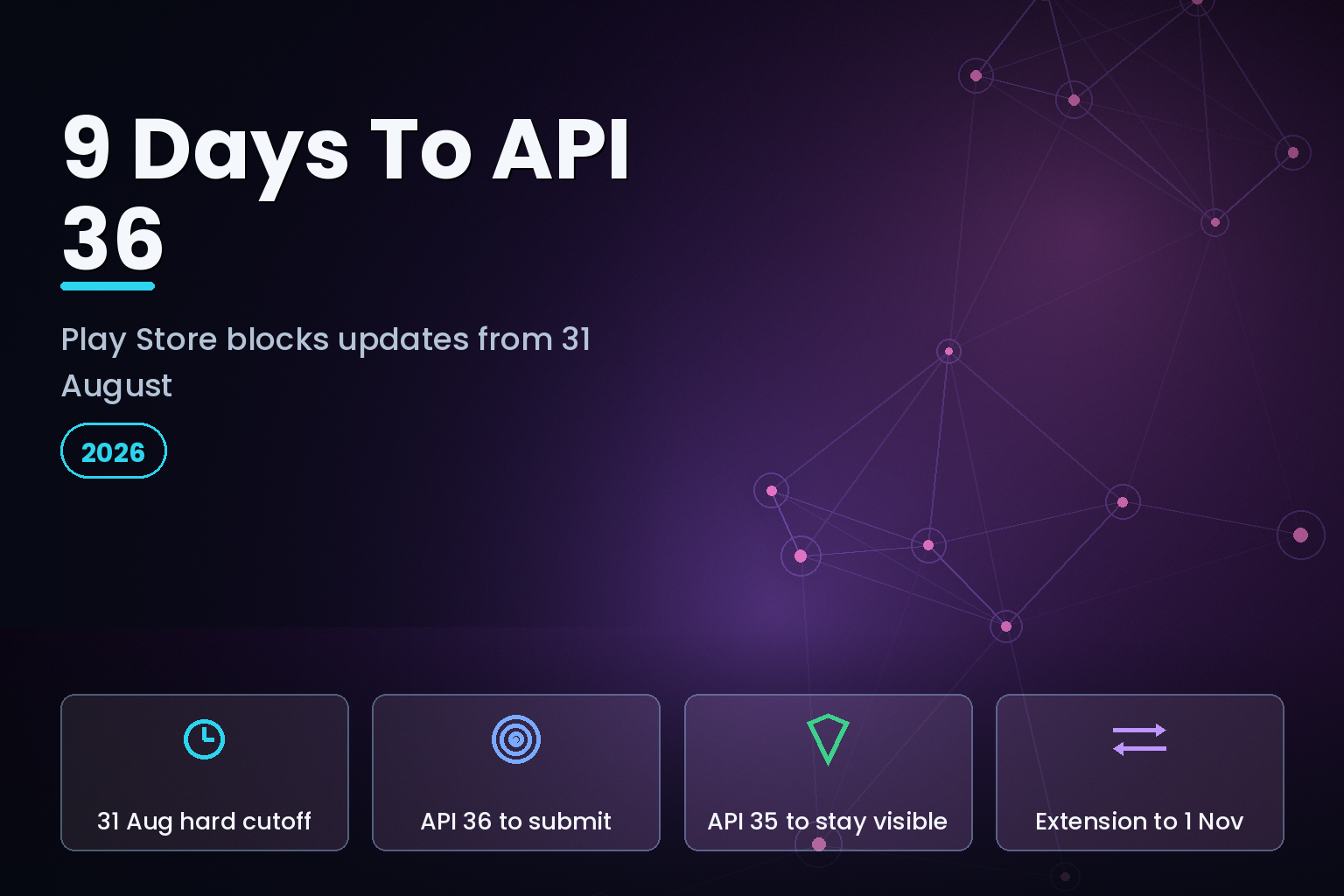
Summary. From 31 August 2026, Google Play will not accept new apps or app updates that target below Android 16 (API level 36). As of 22 August 2026 that is nine days away, and this page has been rewritten around that fact. The three-week plan it originally carried no longer fits, so what follows is a triage: what a team can still finish inside nine days, and how to use the extension properly if it cannot. The Play Console Help page is explicit: on that date, both new apps and app updates must set targetSdkVersion to 36 or higher, with Wear OS and Android Automotive OS held to API 35 and Android TV and Android XR to API 34. If you miss it, you cannot ship an update, but you are not permanently locked out: Google will let you request an extension to 1 November 2026 through the Policy status page in Play Console, and existing installs keep working. The trap is treating this as a one-line manifest change. Targeting Android 16 turns on real behaviour changes, edge-to-edge enforcement, adaptive-layout rules on screens 600dp and wider, stricter JobScheduler quotas, and a dropped elegantTextHeight opt-out, on top of the separate 16 KB native-page-size requirement that has applied to API 35+ builds since 1 November 2025. For an Indian team with a live app and other roadmap work, the realistic cost is 2 to 3 weeks of focused engineering, and it collapses fast if native SDKs are involved. This article lays out what breaks, a three-week plan, and how eCorpIT runs this as a fixed-scope engagement.
What the deadline actually says
The distinction that catches teams out is new app versus app update versus existing app. The Play Console Help page defines all three, and the rule differs for each.
Your situation | Requirement on 31 August 2026 | If you miss it ---|---|--- Submitting a brand new app | Must target API 36 | Submission rejected in Play Console Submitting an update to a live app | Must target API 36 | Update rejected; you cannot ship Live app you will not update | Must already target API 35 to stay discoverable to new users on newer devices | Stops appearing for new users on Android OS above your target; existing users keep it
Read the middle row twice. The most common shape for a working product is a live app you update regularly. From 31 August, the next update you try to push is blocked unless the build targets API 36. Every bug fix, every feature, every security patch goes through that gate.
The extension is real but limited. Google states you can request an extension to 1 November 2026, and the form appears on the Policy status page in Play Console for apps flagged as non-compliant, reached via a policy warning on that app. It buys nine weeks, not a reprieve. Use it to finish the work, not to avoid it.
One reassurance worth stating plainly, because it calms the room: users who already installed your app are not affected. Google's own FAQ says previously installed users can still discover, reinstall and use the app on any Android version it supports. The deadline governs distribution to new users on newer devices, and your ability to ship updates.
Why this is not a one-line change
Bumping targetSdkVersion to 36 is one line in build.gradle. The work is everything that line switches on. Here are the behaviour changes that most often break a real app, all from the Android 16 behaviour-changes documentation.
Edge-to-edge is enforced. Apps targeting Android 16 can no longer opt out of drawing edge-to-edge. Your content extends behind the status and navigation bars unless you handle window insets. If your app has custom toolbars, bottom bars or full-screen media, expect visible overlap until you apply insets correctly. This is the single most common visual regression.
Adaptive layout rules apply on large screens. For apps targeting API 36, orientation, resizability and aspect-ratio restrictions are ignored on displays with a smallest width of 600dp or more, so the app fills the whole window regardless of a screenOrientation lock. Portrait-only apps that assumed a fixed orientation on tablets and foldables will now resize, and layouts that were never tested wide will show their seams. For the large and growing Indian tablet and foldable base, this is not a corner case.
JobScheduler quotas tighten. Android 16 enforces JobScheduler quotas more strictly. Background jobs that ran comfortably before can be throttled, which surfaces as delayed syncs, missed uploads or stalled background refresh. Apps that lean on background work, most commerce, logistics and messaging apps do, need to re-test their job scheduling under the new limits.
`elegantTextHeight` opt-out is gone. Targeting Android 16 makes the system ignore an elegantTextHeight="false" setting, to give correct spacing for scripts including Tamil, Kannada, Malayalam, Telugu, Gujarati and Odia. For Indian-language apps this is mostly an improvement, but it changes line height and can break tight custom layouts, so it needs a visual pass in every supported script.
Access to Android internals may break. If the app or an SDK reaches into Android internals through reflection or JNI, Android 16 may block it. This is where old dependencies bite.
Separately from the target-API rules, the 16 KB native page-size requirement has applied since 1 November 2025 to apps targeting API 35 and above on 64-bit devices. If your app or any SDK ships native .so libraries, they must be rebuilt to support 16 KB memory pages. Pure Kotlin or Java apps are generally unaffected; anything with native code, and that includes many analytics, media, maps and payment SDKs, is not.
Where the time actually goes
The honest estimate depends almost entirely on one question: does your app ship native code, directly or through an SDK?
App profile | Realistic effort | Main risk ---|---|--- Pure Kotlin/Java, few SDKs | 3 to 5 working days | Edge-to-edge insets, large-screen layout Kotlin/Java with several third-party SDKs | 1 to 2 weeks | An SDK not yet API-36 or 16 KB ready Native code or older SDKs (maps, media, payments) | 2 to 3 weeks | Rebuilding .so for 16 KB; SDK upgrades React Native or Flutter | 1 to 2 weeks | Plugin and toolchain updates, then the same behaviour changes
The line that blows up estimates is a dependency you do not control. If a payment, chat or analytics SDK has not shipped an API-36-ready and 16 KB-ready build, you wait on their release or replace them, and that is outside your team's velocity. Finding those blockers in week one, not week three, is the whole game.
Cross-platform teams do not escape this. A React Native or Flutter app still produces an Android build with a target API level, and still hits edge-to-edge, adaptive layout and native-page-size requirements through its native modules and plugins. If you are weighing frameworks for a rebuild rather than a migration, our comparison of Expo versus bare React Native and of Jetpack Compose versus Flutter covers the trade-offs.
What nine days actually buys you
The plan below is the sequence we run when a team has three weeks. Read it first, because the shape of the work does not change — but be honest about which version of it you are in.
If your build already compiles at `targetSdkVersion 36` and you are only working through behaviour changes, nine days is enough. Compress weeks two and three, cut the device matrix to your real top ten handsets by install base, and ship to a closed track by day six so you have a buffer for a second submission.
If you have not yet tried the build, do that today, before you read anything else on this page. Set targetSdkVersion 36 in a branch and let the compiler and the 16 KB page-size check produce the blocker list. That single hour determines which of the two situations you are in, and there is no substitute for it. Teams routinely discover that the blocker is one unmaintained SDK with no API-36-ready release, and that discovery on day one is recoverable while the same discovery on day eight is not.
If the blocker list includes an SDK you do not control, stop planning to make 31 August and request the extension deliberately rather than by default. The distinction matters. An extension requested now, with a written remediation plan behind it, is a managed decision. An extension requested on 30 August because the build failed is the same outcome reached badly, and it costs you the ten weeks between 31 August and 1 November that you could have been using.
One thing worth saying plainly: missing 31 August is not a catastrophe, and treating it as one leads teams to ship rushed builds that regress vitals. Existing installs keep working. What you lose is the ability to push updates — which matters enormously if you have a payment or security fix in flight, and much less if you do not. Decide which of those you are before you decide how hard to push the team.
The three-week plan, for reference and for the extension window
This is the sequence we run. It front-loads discovery so the unknowns surface while there is still time to act on them. If you are heading for the 1 November extension, this is the plan to run inside it.
Week 1 — audit and unblock. Set targetSdkVersion 36 in a branch and let the build tell you the truth. Inventory every dependency and native .so file, and check each SDK for an API-36-ready and 16 KB-ready release. File the upgrades or replacements now, because those have the longest lead time. Run the app on a 16 KB-page-size emulator image and on a 600dp+ device or foldable to see the layout changes immediately. By the end of week one you should have a written list of blockers with an owner against each.
Week 2 — fix behaviour changes. Apply window insets so edge-to-edge renders correctly across every screen. Fix large-screen layouts where the orientation lock no longer holds. Re-test background jobs against the tighter JobScheduler quotas and adjust scheduling. Do a visual pass in each supported Indian-language script for the elegantTextHeight change. Rebuild native libraries for 16 KB pages and integrate the upgraded SDKs.
Week 3 — test, stage, submit. Run the full regression suite plus device-matrix testing across your real Android version and screen-size spread. Push to a Play Console internal or closed track first to confirm the store accepts the API-36 build and nothing regressed in vitals. Then promote to production. Keeping an eye on crash and ANR rates after a target-SDK bump matters, because behaviour changes surface as new crashes in the field; our Android vitals ANR and crash remediation work exists for exactly that post-migration window.
Started on 5 August, when this page was first published, three weeks landed you at roughly 26 August with a few days of buffer. Started on 22 August, it lands on 12 September — after the cutoff. If that is where you are, run the compressed triage above to try for 31 August, and run this full sequence inside the extension window if you do not make it. What does not work is running the full three-week sequence and hoping the deadline moves. It has not moved, and Google has restated the same 31 August date and the same 1 November extension.
India-specific considerations
Two things make this sharper for Indian teams. First, the device mix here skews toward a wide range of Android versions and a fast-growing tablet and foldable base, so the adaptive-layout and large-screen changes hit a larger share of real users than they would in a single-flagship market. Test on mid-range and large-screen devices, not just a recent flagship.
Second, the Indian-language rendering change is a feature, not just a risk, if you plan for it. The elegantTextHeight behaviour improves spacing for major Indian scripts, so an app that supports Hindi, Tamil, Telugu, Kannada, Malayalam, Gujarati or Odia should verify each one looks right and can market the improvement rather than merely absorbing the layout shift.
Where personal data is involved, design and test the update against Digital Personal Data Protection Act 2023 expectations as you would any release; the target-SDK change does not alter your obligations, but a rushed migration is a common moment for a permissions or data-handling regression to slip in.
How this compares to doing nothing
For a team genuinely weighing whether to act, the options are narrow.
Option | Outcome | When it makes sense ---|---|--- Migrate to API 36 by 31 August | Keep shipping updates normally | Any actively developed app Request the extension to 1 November | Nine more weeks, then migrate anyway | You need updates live but cannot finish in 26 days Do nothing, app already targets API 35 | Stays discoverable to new users; you still cannot ship an update after 31 August | A frozen app you will not touch Do nothing, app targets below API 35 | Drops from discovery for new users on newer devices | Effectively retiring the app
There is no version of "keep shipping updates without migrating." That is the point of the deadline.
How eCorpIT can help
eCorpIT is a senior-led mobile engineering organisation in Gurugram, founded in 2021, CMMI Level 5 and ISO 27001:2022 certified, and a Google partner. We run target-SDK migrations as a fixed-scope engagement: a week-one audit that surfaces every SDK and native-library blocker, the behaviour-change fixes across edge-to-edge, adaptive layout, JobScheduler and 16 KB pages, and a staged Play Console rollout with vitals monitoring afterwards. It suits Indian product owners and mobile leads whose app still targets API 35 or lower and who would rather not pull their own roadmap apart in the last nine days before the cutoff. Where the constraint is capacity rather than knowledge, bringing in android developers who have already run several of these migrations is usually faster than redirecting a product team mid-sprint, because the blocker list is the same one every time. For the broader engineering picture, see our enterprise mobile app development guide; to scope a migration, reach us at /contact-us/.