

On this page · 9 sections
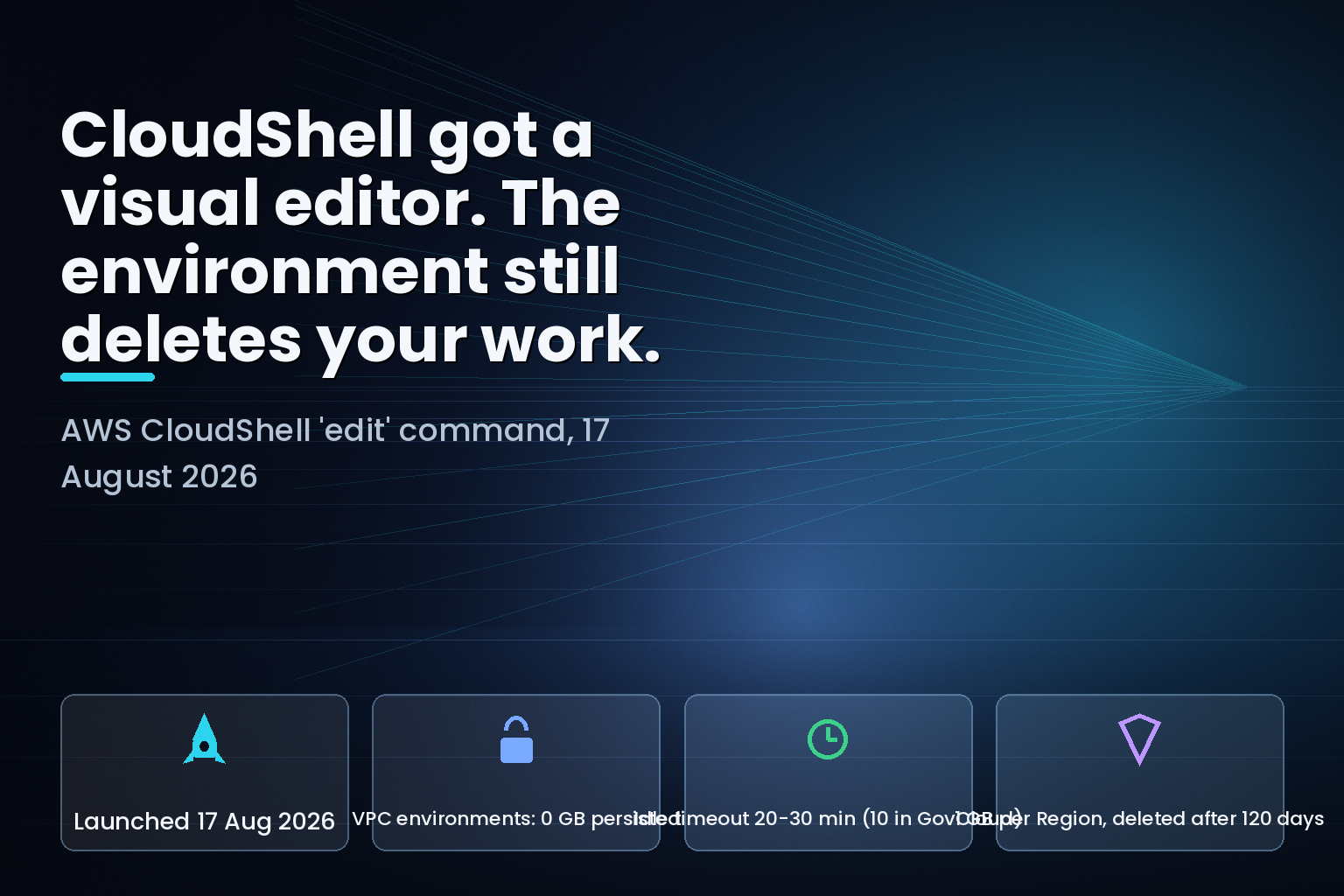
Summary. AWS added a built-in visual file editor to AWS CloudShell on 17 August 2026, launched with a single edit command and available in every Region where CloudShell runs. The announcement names four workloads: scripts, infrastructure-as-code, agentic workflows, and AWS Lambda workflows. The AWS CloudShell User Guide, read the same week, sets limits that collide with three of those four. CloudShell VPC environments have no persistent storage at all and delete $HOME on timeout. Any CloudShell session ends after 20 to 30 minutes of inactivity, 10 minutes in AWS GovCloud (US), and the guide states plainly that running processes do not count as interactions. A session that stays busy still dies at roughly 12 hours. Standard environments keep 1 GB per Region on 1 vCPU and 2 GiB of RAM, and that 1 GB is deleted after 120 days without a session in that Region. CloudShell itself carries no additional charge. The guide's own document history has 16 entries and the newest is dated 2 October 2024, so the editor appears in none of them.
What actually shipped
The AWS What's New entry, posted 17 August 2026, describes a GUI editing surface reachable from inside the shell with no setup. AWS lists the capabilities as syntax highlighting, find-and-replace, multi-line selection, copy-paste, and undo-redo. The stated before-state is real friction: editing a file in CloudShell previously meant a terminal editor such as Vim or Emacs, or downloading the file, changing it locally, and re-uploading it.
The edit command is documented. It sits in the pre-installed software table in the CloudShell compute environment page, described as a visual editor supporting navigation, copy-paste, undo-redo, syntax highlighting, multi-line selection, block and line comment toggling, code folding, and find-replace. The Customizing AWS CloudShell page now gives edit .bashrc as a first-class alternative to vim .bashrc. So this is not vapourware, and the friction it removes is genuine.
The gap is between where AWS points the feature and where the environment can hold the work.
The three limits, and which workload each one breaks
AWS names four target workloads in the announcement: "updating a deployment script, modifying an agent steering file, editing an AWS CloudFormation template, or fixing an AWS Lambda function." Set each against the Service quotas and restrictions page.
| Limit as documented | Standard CloudShell environment | CloudShell VPC environment | Workload it breaks |
|---|---|---|---|
| Persistent storage | 1 GB per Region, in $HOME, no additional charge |
None. $HOME is deleted on timeout or delete |
CloudFormation templates and agent steering files edited against private resources |
| Idle timeout | 20–30 minutes; 10 minutes in AWS GovCloud (US) | 20–30 minutes; 10 minutes in GovCloud | Agentic runs, because running processes do not count as interaction |
| Maximum continuous session | About 12 hours, even with constant interaction | About 12 hours | Long deployments and multi-stage IaC applies |
| Environments per IAM principal | Not capped this way; 10 concurrent shells per Region | 2 VPC environments per IAM principal | Parallel work across several VPCs |
| Storage retention when unused | Deleted 120 days after the last session in that Region | Not applicable; nothing persists | Region-specific scripts kept "just in case" |
The first row is the one that matters most and it is the least visible. The limits page carries it as a note: CloudShell VPC environments do not have persistent storage, and the $HOME directory is deleted when the VPC environment times out or when you delete it. A VPC environment is exactly the configuration you reach for when the thing you are editing has to talk to a private subnet — an RDS instance without a public endpoint, an internal load balancer, a VPC-attached Lambda function. That is a large share of real infrastructure work. In that configuration, the new editor writes to a filesystem AWS has told you it will erase, and the erase trigger is 20 to 30 minutes of you not typing.
The second row breaks the agentic case on its own terms. The announcement calls out "modifying an agent steering file", and the CloudShell TOC lists a page for Kiro CLI in CloudShell, so agent work in the shell is intended. But an agent run is a long-running process that produces no keyboard or pointer input. The guide's wording is unambiguous: running processes don't count as interactions. Start a 40-minute agent loop, stop touching the browser tab, and the session that was supposed to supervise it ends first.
The third row is the ceiling nobody hits until they do. A session running continuously for roughly 12 hours ends automatically even when the user is interacting throughout.
Who this actually affects
You are exposed if any of the following is true. You use CloudShell VPC environments and keep working files in $HOME between sessions. You have started running agents or long build steps in CloudShell rather than on an instance. You keep the only copy of a deployment script or CloudFormation template in a CloudShell home directory in a Region you visit rarely.
You are largely fine if you use standard CloudShell environments as a console-adjacent terminal, commit everything to Git, and treat the 1 GB home directory as scratch. That is also what AWS advises: the security best practices page says to store your code securely in a version control system, and to prepare rollback mechanisms before editing shell scripts that affect the shell experience.
The compute ceiling deserves a line of its own. Each CloudShell environment gets 1 vCPU and 2 GiB of RAM with 1 GB of persistent storage. The same guide notes that Docker has limited space in the environment and that large or numerous pre-existing images cause problems. An editor, a container build, and a CDK synth inside 2 GiB is not a comfortable place to put a deployment pipeline.
What to do
Treat the editor as a fast way to fix a file, not a place to keep one. Four concrete changes, all inside the documented behaviour:
Commit before you walk away. In a VPC environment there is no 120-day grace period and no 1 GB of persistence to fall back on — a git push before the tab idles is the only thing standing between your edit and deletion. Standard environments give you more room but the same discipline applies.
Move long-running work off CloudShell. The guide recommends this itself: for terminal-based tasks against an AWS service with more flexible timeouts, launch and connect to an Amazon EC2 instance. An agent loop or a multi-stage Terraform apply belongs there or in a CI runner, not in a browser tab with a 20-minute idle fuse.
Check GovCloud separately. The 10-minute idle timeout in AWS GovCloud (US) is half the commercial figure, and teams that write runbooks against commercial behaviour will find GovCloud sessions gone in a third of the time they expected.
Audit your rarely-used Regions. Anything sitting in a CloudShell home directory in a Region you have not opened a session in is on a 120-day clock. Launching CloudShell in that Region resets it, which is a poor substitute for a repository.
India-specific considerations
Indian teams running console-first operations from Mumbai (ap-south-1) or Hyderabad (ap-south-2) get the same 1 GB per Region and the same timeouts, and the same $0 charge for CloudShell itself — AWS states CloudShell is available at no additional charge, with standard data transfer rates and the cost of any other AWS resources you run still applying. The practical exposure here is organisational rather than technical. Where a small platform team shares operational scripts through a console session instead of a repository, the 120-day deletion clock and the VPC environment's zero-persistence rule turn an informal habit into data loss. For teams handling personal data, the Digital Personal Data Protection Act 2023 makes the location and lifecycle of any file touched during an operational session a question worth answering before it is asked, and a browser-based home directory that AWS deletes on a schedule is a poor place for that answer to live.
What is still unknown
Three things the sources do not settle. The limits page states a monthly usage quota per Region combining all IAM principals but publishes no figure, pointing to the Service Quotas console instead, so the practical ceiling on CloudShell hours is account-specific and not readable from the documentation. The announcement says the editor is available in all Regions where CloudShell is available, but the Supported AWS Regions page defers entirely to the AWS Regional Services List rather than naming Regions, and VPC environments and Docker have historically been limited to certain Regions — so "all Regions where CloudShell is available" is a smaller set than "all AWS Regions" by an amount the page does not quantify.
The third is a documentation problem rather than a product one. The CloudShell User Guide document history contains 16 entries and the most recent is dated 2 October 2024, nearly two years before this launch. The visual file editor appears in zero of them, and the guide's 36-entry table of contents has no page for it — the feature is documented only as a row in a software table and a step in a shell-customisation walkthrough. The same history table still labels the shell's assistant "Amazon Q CLI" while the current table of contents calls it "Kiro CLI in CloudShell". When a service's own change log is two years stale, the limits pages are the only reliable record of what the environment will do to your files, which is exactly why they are worth reading before you trust the editor with anything.
FAQ
How eCorpIT can help
We review AWS operational tooling the way we review production systems: against the documented quotas, not the launch copy. If your team has drifted into running deployments, agent loops, or IaC edits from console sessions, we map what actually persists, what times out, and what belongs on an instance or in CI instead. eCorpIT is CMMI Level 5 and ISO 27001:2022 certified, and works with AWS as a partner. Book an AWS operations review and we will start with your CloudShell and session-timeout exposure.
For wider context, see our guide to cloud FinOps for Indian teams, and the related analyses of AWS Lambda MicroVMs region and quota gaps, Console-to-Code recording and its documentation contradiction, and IAM Policy Autopilot with Terraform plan files.
References
Last updated: 23 August 2026.


