

On this page · 11 sections
- What Cloudflare actually announced
- Gap 1: the reference doc predates the announcement by three months
- Gap 2: the Access category is missing from the announcement
- Gap 3: two parameters can never leave the config file
- Who this affects, and how to tell if that is you
- What to do this week
- India-specific considerations
- What is still unknown
- FAQ
- How eCorpIT can help
- References
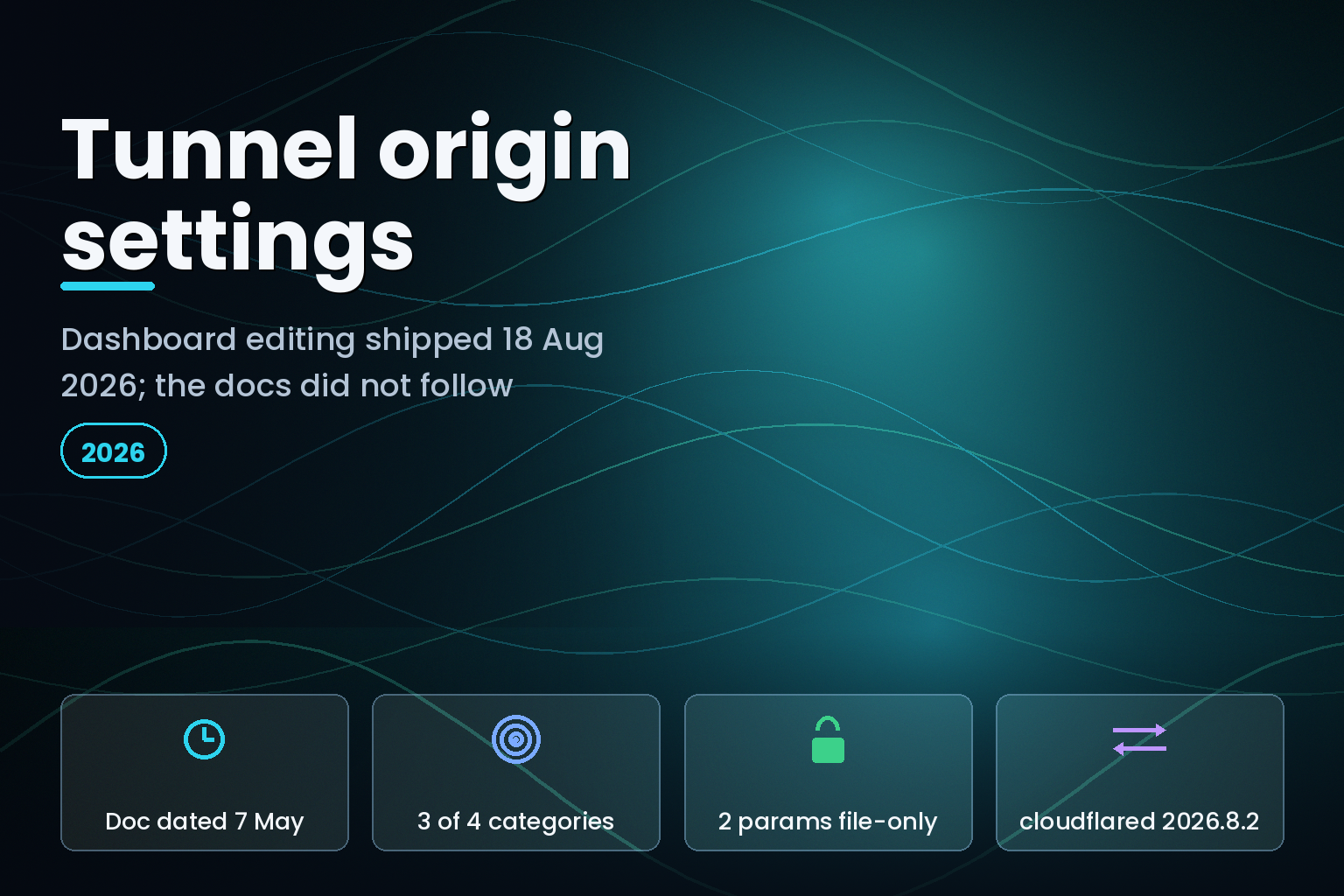
Summary. On 18 August 2026 Cloudflare published a changelog post saying you can now configure Cloudflare Tunnel origin application settings when adding or editing a published application route in the Cloudflare dashboard, under an "Additional application settings" panel with three categories: HTTP, TLS and Connection. The reference page that post links to, Origin parameters, carries dateModified of 2026-05-07 and has not been touched since. That page already describes the same five-step dashboard flow, and it lists four categories, not three: the fourth is Access. It also marks two parameters, proxyAddress (default 127.0.0.1) and proxyPort (default 0), as locally-managed only with a UI name of --. The last cloudflared release, 2026.8.2, shipped on 14 August 2026, four days before the announcement, so nothing on your servers changes. What changes is which team members can now alter connection behaviour without touching a config file.
What Cloudflare actually announced
The changelog entry is titled "Configure origin application settings for Cloudflare Tunnel in the dashboard" and is dated 18 August 2026. Its wording is specific: these settings "control how cloudflared connects to your origin server and were previously only available in the Cloudflare One dashboard or via local configuration files."
The panel is reached by editing a published application route, expanding Additional application settings, and choosing from three groups:
- HTTP, for a custom Host header or disabling chunked encoding.
- TLS, for origin server name, CA pool, TLS timeout, disabling TLS verification, matching SNI to host, or HTTP/2 to origin.
- Connection, for connect timeout, keep-alive timeout, keep-alive connections, TCP keep-alive interval, proxy type, or disabling Happy Eyeballs.
That is a control-plane change. Cloudflare's cloudflared release feed shows the newest tagged release as 2026.8.2, published 14 August 2026, before the announcement. No agent upgrade is required and no version gate applies.
Gap 1: the reference doc predates the announcement by three months
The changelog closes with "For the full list of origin parameters, refer to Origin parameters." That page reports "dateModified":"2026-05-07" in its JSON-LD and renders "Last updated May 7, 2026" in the body.
Open it and you find, under "Update origin parameters", the exact procedure the changelog announces: go to Networking > Tunnels, select your tunnel, open the Routes tab, choose Edit route or Add route, expand Additional application settings, modify parameters under HTTP, TLS or Connection, then Save changes. Both pages link to the same dashboard destination, dash.cloudflare.com/?to=/:account/tunnels.
So the reference documentation described this flow in May and the changelog announced it in August, and nothing in either page tells you when the capability actually became available in your account. If you went looking for "Additional application settings" in June on the strength of the docs and could not find it, that was not a misread.
The practical consequence is narrow but real: you cannot use the doc's date to decide whether a parameter is live. A page dated 7 May 2026 documenting an 18 August 2026 feature means the date field is not tracking the product. Check the panel in your own account instead.
Gap 2: the Access category is missing from the announcement
The changelog names three categories. The Origin parameters page has four sections: TLS settings, HTTP settings, Connection settings and Access settings.
The Access section documents one parameter, access, with the dashboard label "Protect with Access". It makes cloudflared validate the Cloudflare Access JWT before proxying traffic to your origin. For every L7 request to a protected hostname, Access sends the token to cloudflared in a Cf-Access-Jwt-Assertion request header.
The only worked example the doc gives for access is YAML:
            access:
  required: true
  teamName: <your-team-name>
  audTag:
    - <Access-application-audience-tag>
    - <Optional-additional-tags>
That snippet is introduced with "To enable this security control in a configuration file", which is the locally-managed path. The one origin parameter that is a security control is also the one the 18 August post does not list among the dashboard categories, and the one whose documented setup instructions assume a file on disk.
If you are relying on origin-side JWT validation as defence in depth, verify it in the panel before you delete a config file. Cloudflare's own JWT guidance (page dated 6 May 2026) recommends validating the Cf-Access-Jwt-Assertion header rather than the CF_Authorization cookie, "since the cookie is not guaranteed to be passed". The AUD tag is per application, so a tunnel fronting several Access applications needs several tags in audTag.
Gap 3: two parameters can never leave the config file
Two Connection settings are flagged in the doc with the note "For locally-managed tunnels only" and a UI name of --:
| Parameter | Default | Dashboard UI name | Settable from the dashboard |
|---|---|---|---|
connectTimeout |
30s | Connect Timeout | Yes |
tlsTimeout |
10s | TLS Timeout | Yes |
keepAliveTimeout |
1m30s | Idle Connection Expiration Time | Yes |
keepAliveConnections |
100 | Keep Alive Connections | Yes |
tcpKeepAlive |
30s | TCP Keep Alive Interval | Yes |
proxyType |
"" |
Proxy Type | Yes |
proxyAddress |
127.0.0.1 |
-- |
No, locally-managed only |
proxyPort |
0 |
-- |
No, locally-managed only |
proxyType accepts "" for the regular proxy or "socks" for a SOCKS5 proxy, and it is settable remotely. The listen address and port for that same proxy are not. A team routing SSH or RDP through a SOCKS5 proxy on a non-default bind address keeps a config.yml, which means the migration to dashboard management is partial for exactly the workloads that most need a fixed bind address.
Two more details in the same table are worth reading closely before anyone moves settings. caPool is described as a "local file path to the certificate authority (CA) for your origin server certificate (for example, /root/certs/ca.pem)". That value is stored on Cloudflare's side for a remotely-managed tunnel but resolved on the machine running cloudflared, so it only works if the path exists identically on every replica. And the UI labels do not match the YAML keys: keepAliveTimeout appears as "Idle Connection Expiration Time", http2Origin as "HTTP2 connection", noTLSVerify as "No TLS Verify". You cannot grep a config file for what someone changed in the dashboard.
Who this affects, and how to tell if that is you
Cloudflare's locally-managed tunnels page, dated 16 April 2026, is direct about the intended split: remotely-managed tunnels are recommended "for most use cases", and locally-managed tunnels are "intended for specific scenarios such as local development, testing, or legacy configurations". The 18 August change makes the remote path cover more ground, which sharpens a question a lot of teams have deferred.
You are affected if any of these are true:
- You run a locally-managed tunnel with an
originRequestblock and were keeping it only because the dashboard could not express those values.
- You have per-ingress overrides. The configuration file doc, dated 9 July 2026, shows a top-level
connectTimeout: 30swith a single service overriding it to10s; that inheritance model is a file-level construct.
- You bind a SOCKS5 proxy to something other than
127.0.0.1.
- You depend on origin-side Access JWT validation.
There is also a documentation chain worth knowing about, because it costs time. The configuration-file page links "origin-specific properties" to /tunnel/configuration/#origin-parameters. That page is dated 21 May 2026, and its Origin parameters section is a pointer: "For the complete list of origin parameters and setup instructions, refer to Origin parameters." Three pages, three different modified dates (7 May, 21 May, 9 July 2026), one list of parameters. Budget for the hop.
What to do this week
Audit before you migrate. The real cost here is usually the audit, not the change.
- Run
cloudflared tunnel ingress validateagainst your current config file and record the resolved settings per hostname, including inherited top-level values.
- Write down every parameter you have not set explicitly. Moving to remote management means unset values take the documented defaults:
connectTimeout30s,tlsTimeout10s,keepAliveTimeout1m30s,keepAliveConnections100,tcpKeepAlive30s. Silence is not "same as today" unless today matches those numbers.
- Confirm
proxyAddressandproxyPortare at defaults before retiring a config file, or keep the file.
- Check whether "Protect with Access" appears in your panel, and if origin JWT validation matters, keep the
accessblock until you have seen it work from the dashboard.
- Confirm outbound reachability to Cloudflare on port
7844, which the Tunnel setup page still lists as the prerequisite for a restrictive firewall.
One cost note that has not changed: publishing an application through a tunnel does not need a paid Cloudflare Access plan. The published applications page, dated 23 June 2026, says Access seats are required only when you secure the application with Access policies. Seat consumption is per user, not per application: the seat management page, dated 1 May 2026, states a user "will occupy and consume a single seat regardless of the number of applications accessed", and once all seats are consumed, additional users who try to log in are blocked.
India-specific considerations
For Indian teams keeping origin servers in-country under the Digital Personal Data Protection Act 2023, the change is control-plane only and does not move any traffic path. What it does move is configuration state: a remotely-managed tunnel stores origin parameters on Cloudflare rather than on your server. That is a change to where a configuration record lives, so record it in your change log and your data-flow documentation before an auditor finds it first. Teams running a mix of dashboard-managed and file-managed tunnels should also decide which is authoritative, because the two do not reconcile automatically.
What is still unknown
Cloudflare has not published a date on which the dashboard panel became available in all accounts, nor a note explaining why the reference page was written in May. The changelog does not say whether Access settings appear in the panel for remotely-managed tunnels, and the Origin parameters page has not been updated since the announcement. Neither page mentions Terraform or API parity for the new panel. Treat all four as unresolved and verify in your own account.
FAQ
How eCorpIT can help
eCorpIT builds and operates Cloudflare Tunnel and Zero Trust connectivity for teams running origins in India and abroad, including migrations from locally-managed config files to remotely-managed tunnels without changing effective timeouts. We audit resolved per-hostname settings first, then move them, so nothing silently reverts to a default. If a connector migration is on your roadmap this quarter, ask our networking team to review your tunnel configuration.
Related reading: our analysis of Cloudflare Workers Access and its WebSocket and ctx.access gaps, the Access resource lists and scoped roles change, the Cloudflare One Client 2026.7.1343.0 per-platform known issues, and the broader web platform developer guide.
References
Last updated 24 August 2026.


