

On this page · 11 sections
- What shipped
- The limitation that breaks production
- ctx.access stops at the first Worker
- The Static Assets trap you did not opt into
- The two samples disagree on the status code
- Local testing needs an aud, or Wrangler will not start
- What to do before you flip the account-wide switch
- India-specific considerations
- FAQ
- How eCorpIT can help
- References
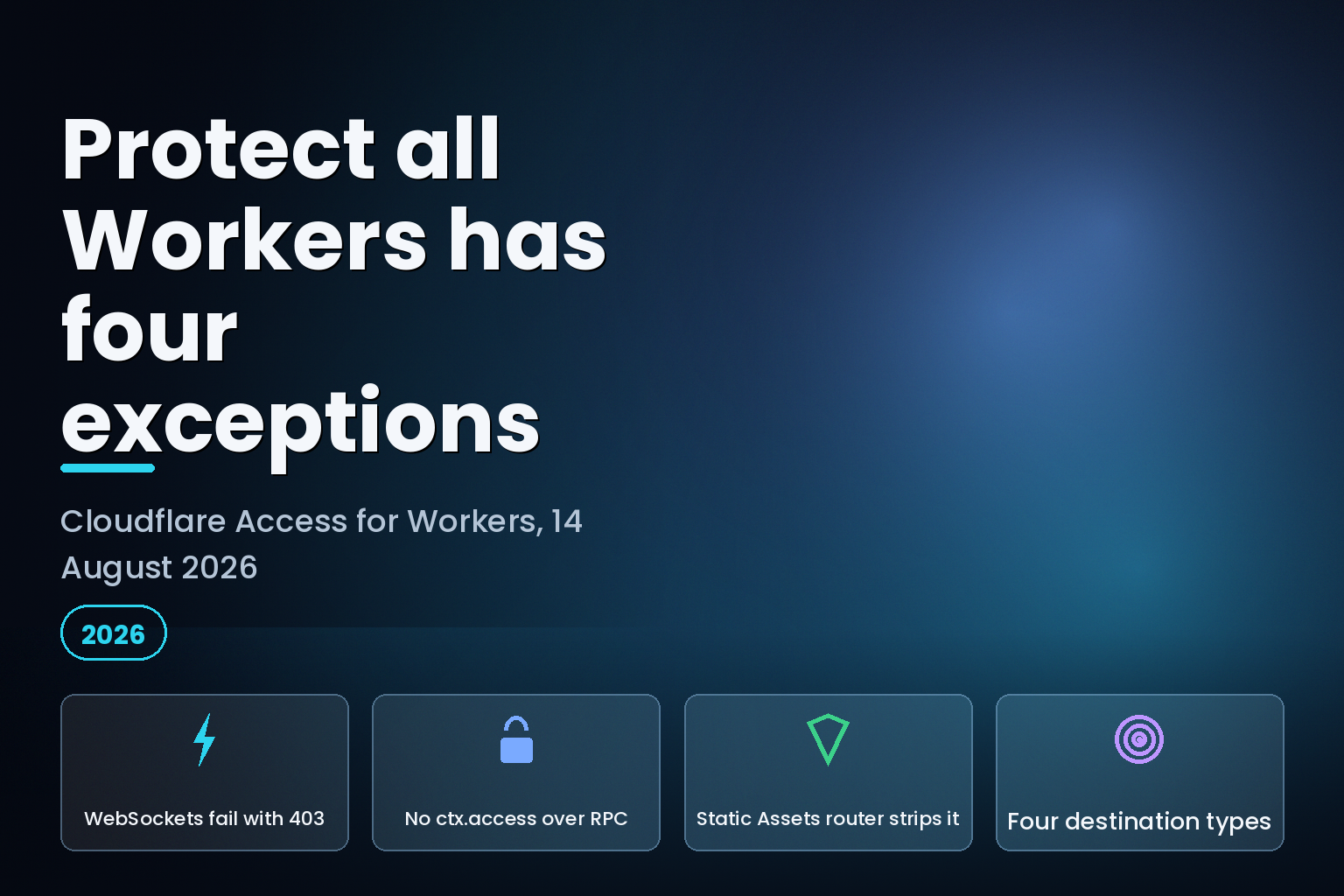
Summary. On 14 August 2026 Cloudflare added two ways to put Cloudflare Access in front of Workers: attach a policy to a single Worker so it covers every route, Custom Domain and workers.dev URL at once, or set an account-wide default that protects every existing and future Worker. The changelog runs to roughly 500 words and lists no limitations. The Workers Cloudflare Access documentation page, last updated 18 August 2026, four days later, carries four. The first is the one that will page you: "Worker-level Access policies do not currently support WebSocket connections. WebSocket upgrade requests to a Worker protected by a worker-level Access policy will fail with a 403 error." Durable Objects, real-time applications and RDP-over-WebSocket are named explicitly. The second is that ctx.access, the new identity object, does not cross a Service Binding or an RPC call. The third is that Workers with Static Assets run behind an internal router Worker that does not pass ctx.access through. The fourth is that the Cloudflare Vite plugin can add assets to a deployment configuration on its own, so the third limitation can hit a project whose own Wrangler file never asked for it. TanStack Start is named as an affected framework.
What shipped
The changelog entry, You can now enable Access on a Worker or all Workers at once, carries a dateModified of 2026-08-14. Its pitch is precise about the problem it solves:
"Until now, if a Worker was reachable on a route, a Custom Domain, and a workers.dev URL, you had to manually add each one to an Access application and keep the list in sync whenever routes or domains changed. Now, Access attaches the policy to the Worker itself, so every associated domain and preview URL stays protected even when its routes or domains change."
The second half is the account-wide switch: "Make all Workers private by default, so every existing and newly created Worker requires sign-in before anyone can reach it." A Worker that should stay public gets a Worker-level bypass.
The API surface behind the dashboard is a self-hosted Access application with a new destinations array. The documentation page gives four destination types: all_preview_workers, all_workers, preview_worker and worker, the last two taking a worker_id. All four are created with POST /accounts/{account_id}/access/apps.
| I want to protect | Destination type | Scope |
|---|---|---|
| Preview deployments for all Workers | all_preview_workers |
Account-wide, previews only |
| Production and previews for all Workers | all_workers |
Account-wide, all traffic |
| Preview deployments for one Worker | preview_worker |
One worker_id, previews only |
| Production and previews for one Worker | worker |
One worker_id, all traffic |
| One hostname, Custom Domain or path | Self-hosted application domain | That exact URL only |
Zero Trust has to be enabled on the account first, and you need permission to manage both Workers and Access applications.
The limitation that breaks production
The documentation page places this in a callout headed "WebSocket limitation", inside the "Protect one Worker" section:
"Worker-level Access policies do not currently support WebSocket connections. WebSocket upgrade requests to a Worker protected by a worker-level Access policy will fail with a 403 error. If your Worker uses WebSockets (including Durable Objects, real-time applications, or RDP-over-WebSocket), protect it with a hostname-based Access application instead."
Read that against the account-wide switch. all_workers applies a Worker-level policy to every Worker in the account, including ones you have not deployed yet. Nothing in the enable flow filters out the Workers that terminate WebSockets. So the failure shape for a team that turns on "Protect all Workers" on a Friday afternoon is: every HTTP Worker starts prompting for sign-in as intended, and every WebSocket application in the account starts returning 403 on upgrade. Collaborative editors, live dashboards, chat backends, anything hibernating a Durable Object on a socket.
A 403 on an upgrade request is also a bad failure to diagnose. Browser clients report it as a generic connection failure, and the WebSocket close code will not tell you Access is involved. If your Durable Objects are behind a Worker and you enabled account-wide Access at some point in the last week, that is the first thing to check. The Cloudflare Agents SDK and Durable Objects production guide covers the socket lifecycle these applications depend on.
The documented workaround is to use a hostname-based Access application instead, which protects one exact URL rather than the Worker. But hostname-based Access is precisely what the 14 August change was meant to replace, because it means going back to enumerating routes and Custom Domains by hand. WebSocket Workers do not get the new ergonomics. They get the old ones plus an account-wide default they must be carved out of.
ctx.access stops at the first Worker
The changelog's identity story reads cleanly: "When Access is enabled on your Worker, every authenticated request includes ctx.access. Call ctx.access.getIdentity() to get the user's email, name, and groups — no manual JWT validation required."
The documentation adds the boundary. Under "ctx.access limitations":
"ctx.access applies only to the Worker invocation authenticated by Access. Cloudflare Access does not propagate ctx.access through Service Binding HTTP requests or remote procedure call (RPC) invocations. The downstream Worker does not receive the caller's Access context."
For anyone running a front Worker that fans out to internal Workers over Service Bindings, which is the standard shape for a Workers-based service mesh, this means identity is available exactly once, at the edge, and every hop after it is anonymous unless you pass the identity yourself. The documented alternative is to send a fetch() subrequest to an Access-protected hostname carrying service token headers or a valid CF_Authorization cookie, at which point "Access evaluates the new request and creates a ctx.access object for the downstream Worker. This is a newly authenticated context, not context propagated from the caller." That is a second full Access evaluation on the internal hop, with the latency and the policy-maintenance cost that implies.
| Invocation path | Does the downstream Worker get ctx.access? |
What you must do |
|---|---|---|
| Direct HTTP request through Access | Yes | Nothing |
| Service Binding HTTP request | No | Pass identity explicitly, or re-authenticate |
| RPC invocation | No | Pass identity explicitly, or re-authenticate |
fetch() to an Access hostname with a service token |
Yes, as a new context | Manage service tokens and a second policy |
| Static Assets router to user Worker | No | No documented workaround |
The Static Assets trap you did not opt into
The last row deserves its own paragraph. The documentation states: "Workers with Static Assets execute behind an internal router Worker. Access still protects the application and its assets. However, the router does not pass ctx.access to the user Worker."
So the protection holds and the identity disappears. A Worker that reads ctx.access to personalise a response will find it undefined, and code written from the changelog's example will treat an authenticated user as unauthenticated.
Then the sentence that turns this from a footnote into a trap: "The Cloudflare Vite plugin can add assets to the generated deployment configuration when the input Wrangler configuration omits it. Frameworks that use the plugin, including TanStack Start, can therefore be affected even when their source configuration does not declare Static Assets."
Grep your own wrangler.jsonc for assets and you may find nothing, and still be behind the router Worker. The generated deployment configuration is what matters, not the input. That is a real gap between what a reviewer reads and what runs.
The two samples disagree on the status code
A smaller inconsistency, worth knowing if you are copying code. The changelog's sample returns 401 when Access did not run:
            if (!ctx.access) {
  return new Response("Access did not run", { status: 401 });
}
The documentation page's sample, for the same check, returns 403:
            if (!ctx.access) {
  return new Response("Access required", { status: 403 });
}
Neither is wrong on its own terms. But an unauthenticated request that reaches your Worker with ctx.access undefined is the same condition in both files, and two Cloudflare-authored samples answer it differently. Pick one deliberately, because the choice changes how clients and monitoring behave: 401 invites a retry with credentials, 403 says stop.
Local testing needs an aud, or Wrangler will not start
The wrangler dev support is genuinely useful and has one hard requirement. The access.dev block takes aud, described as "your Access application's audience tag, available as ctx.access.aud. Wrangler will not start without it." The identity object is optional; omit it if your Worker only checks whether Access ran.
            {
	"access": {
		"dev": {
			"aud": "my-app",
			"identity": { "email": "admin@example.com" }
		}
	}
}
To test the unauthenticated path, remove the dev block entirely and ctx.access becomes undefined. There is no flag for it. That makes "test both paths" a config edit and a restart rather than a switch, so it will not sit naturally in a CI matrix.
What to do before you flip the account-wide switch
Inventory the WebSocket Workers first. Anything using Durable Objects with hibernation, anything doing server-sent real-time work, anything proxying RDP. Those need hostname-based Access applications or a Worker-level bypass, decided before all_workers goes on, not after.
Start with all_preview_workers rather than all_workers. Previews-only carries the same policy machinery with none of the production blast radius, and it is the configuration most teams actually wanted when they asked for this feature.
Audit for the Static Assets path by reading the generated deployment configuration rather than your Wrangler source, especially on any Vite-plugin framework. If assets appears there, treat ctx.access as unavailable in that Worker and read identity another way.
Map your Service Binding graph and decide, once, how identity travels. Passing a validated claim set in ctx.props on the binding is cheaper than a second Access evaluation on every internal hop, and it keeps one policy rather than two. Whichever you pick, write it down, because the failure mode is silent: the downstream Worker does not error, it simply sees nobody.
India-specific considerations
Teams in India running multi-tenant SaaS on Workers should note that the account-wide default applies to every Worker in the account, including any tenant-facing Worker deployed later by a different team. Where tenant data falls under the Digital Personal Data Protection Act 2023, an accidental account-wide sign-in requirement on a customer-facing endpoint is an availability incident, not a privacy improvement. Separate accounts per environment remain the cleanest boundary. Our multi-cloud security posture management practice treats account-wide defaults like this one as configuration drift to be detected, not settings to be trusted.
FAQ
How eCorpIT can help
Account-wide security defaults are the settings most likely to be turned on once and never reviewed, and this one has four documented exceptions living on a different page from the announcement. We audit Cloudflare Workers and Zero Trust configurations for exactly that gap, and build the CI checks that catch a generated assets entry or an unprotected Service Binding hop before it ships. eCorpIT is ISO 27001:2022 certified and CMMI Level 5 appraised. If your Workers estate is about to go private by default, book a Workers and Zero Trust configuration review.
References
Last updated 23 August 2026.


