

On this page · 12 sections
- What actually stops working on 9 August
- Path 1: stay with OpenAI, move to ChatGPT desktop and the Chrome extension
- Path 2: Perplexity Comet Enterprise
- Path 3: Claude in Chrome
- Path 4: build it as infrastructure, not as a browser
- The permission surface nobody read
- A six-day plan
- India-specific considerations
- What this episode says about betting on agentic browsers
- FAQ
- How eCorpIT can help
- References
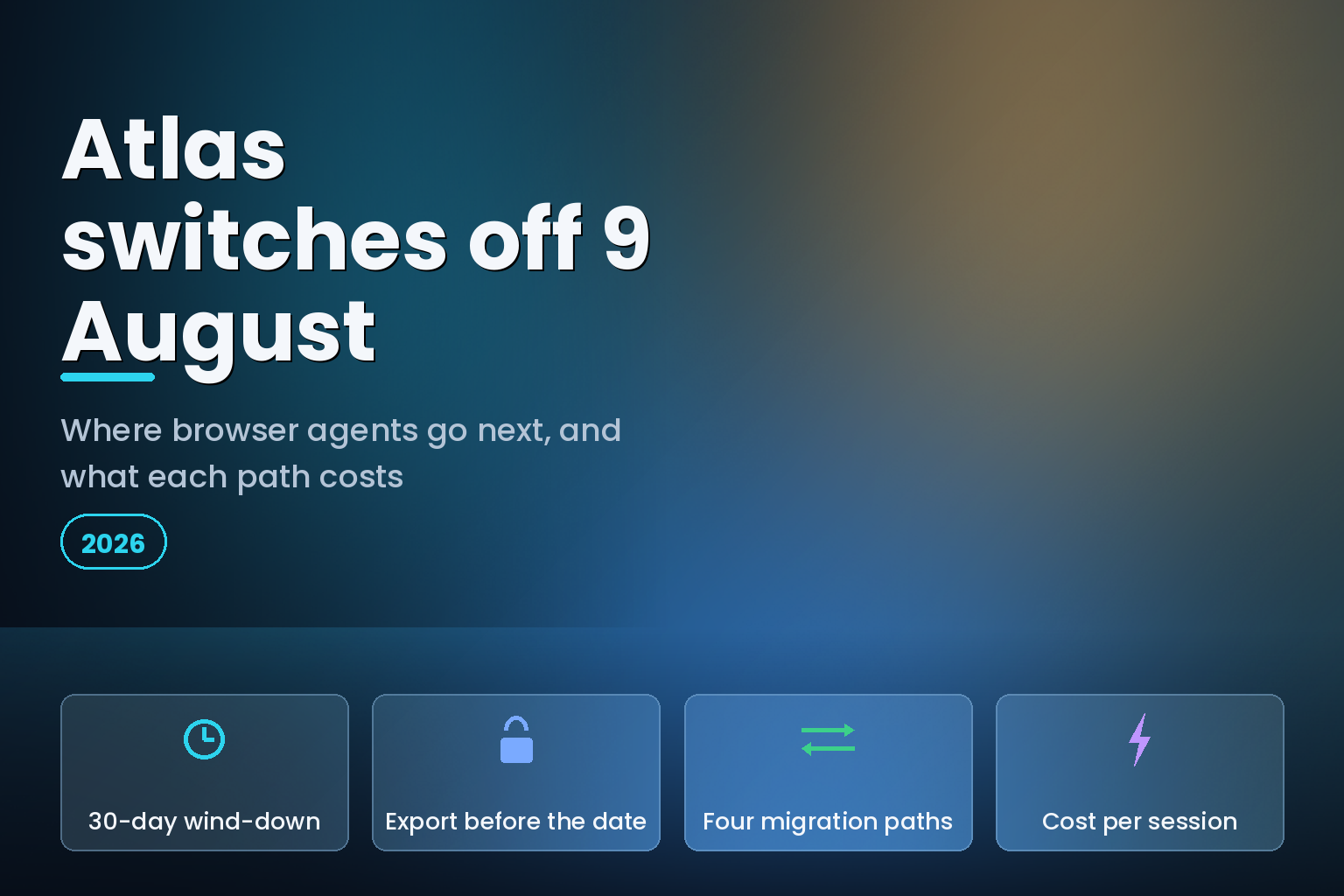
Summary. OpenAI is deprecating Atlas and moving browser-based agentic capabilities into ChatGPT and Codex. Atlas is scheduled to stop working on 9 August 2026, six days from the date of this article, after a wind-down OpenAI describes as "approx. 30 day" from a planned announcement date of 9 July. Bookmarks, browser history and open tabs may not transfer automatically, and OpenAI's help centre states plainly that "cookies and active sessions cannot be imported into another browser". The browser also stops receiving security maintenance: OpenAI writes that it does "not want users to remain on a discontinued browser that may degrade or stop receiving security updates". For any team that piloted Atlas, the decision this week is not whether to move but which of four paths to move to, and they differ far more on admin control than on capability. Perplexity's Comet Enterprise is SOC 2 Type II and HIPAA compliant with CrowdStrike bundled in. Anthropic's Claude in Chrome is disabled by default for Enterprise organisations and does not support zero data retention at all. Amazon's AgentCore Browser Tool bills $0.0895 per vCPU-hour and $0.00945 per GB-hour, which AWS's own worked example turns into $1,226.67 a month for 100,000 ten-minute sessions.
The uncomfortable part is the calendar. Six days is not enough time to run a security review of a replacement agentic browser, so most teams should split the decision: get the data out before 9 August, then choose the replacement on a normal timeline.
What actually stops working on 9 August
OpenAI's help centre article is specific about what does and does not survive. The distinction between "will not transfer" and "may not transfer" is theirs, and it matters when you write the runbook.
| Atlas data | What OpenAI says happens | What you must do before 9 August |
|---|---|---|
| Bookmarks | "Bookmarks will not transfer automatically" | Export to an HTML file, import into Chrome |
| Open tabs | "Open tabs may not transfer automatically" | Bookmark the pages or copy URLs into a document |
| Browser history | "Browser history may not transfer automatically" | Save or bookmark anything you will need later |
| Cookies and sessions | "Atlas will provide export options where available"; they "cannot be imported into another browser" | Plan to re-authenticate everywhere; treat exported files as sensitive |
| ChatGPT conversations | "separate from Atlas browser data" | Nothing; they stay in ChatGPT |
The cookie line is the one that breaks automations. Any Atlas-driven workflow that depended on a signed-in session, an internal portal, a vendor dashboard, a CRM, has to be re-authenticated in whatever replaces it. If your team recorded ten workflows against ten logged-in tools, that is ten credential flows to redo, and OpenAI's own guidance is to "handle cookie and session files as sensitive data".
OpenAI also gives workspace admins an explicit task list: review whether members are using Atlas, tell them the date, ask them to export, check whether the ChatGPT desktop app and Chrome extension are available for the workspace, and update internal documentation that references Atlas. That last item is the one that gets skipped and then surfaces six months later in an onboarding doc.
Path 1: stay with OpenAI, move to ChatGPT desktop and the Chrome extension
This is the path OpenAI is steering everyone toward. The help centre says browser-based agentic capabilities move "into ChatGPT and Codex", and points deeper agentic browser work at the ChatGPT desktop app, which it says supports "multiple tabs, downloads, improved navigation, account login support, and related browser improvements where available". For lighter work inside an existing browser there is the ChatGPT Chrome extension or sidebar.
The published ChatGPT plan comparison lists a "Built-in browser" row and a "Workspace agents" row, so the capability is a plan-level entitlement rather than a separate product. On the administration side, the Business and Enterprise columns list SAML SSO, SCIM, IP allowlisting, role-based access controls, a Compliance API Logs Platform, Enterprise Key Management, and data residency in US, EU, UK, JP, CA, KR, SG, IN, AU and UAE. That residency list includes India, which is the single most useful fact on the page for an Indian enterprise weighing this path.
The argument for staying: no new vendor, no new security review, no new procurement cycle, and the entitlement sits inside a subscription you already administer. The argument against: you are migrating because a product you adopted eight months earlier was discontinued, and nothing about a plan row guarantees the next one survives longer.
Path 2: Perplexity Comet Enterprise
Comet is the most direct like-for-like replacement, because it is also a full Chromium-based AI browser rather than an extension. Perplexity's Comet Enterprise page lists the controls that matter for a corporate rollout: block domains, set browser approvals, and limit the tasks assigned to agents; deploy "across all employee devices simultaneously via existing MDM infrastructure with a silent installer"; and get "native telemetry, audit logs, and analytics". The page states Comet Enterprise is "SOC 2 Type II and HIPAA compliant" and that CrowdStrike security controls are "included in your Perplexity Enterprise subscription".
Perplexity puts a named customer behind the claim. Brendan Lore, AI Manager for Process and Solutions at Atrium Hospitality, is quoted saying: "Atrium Hospitality operates hotels across Hilton, Marriott, IHG, Wyndham, and independent brands, each with different systems, portals, and data sources. Comet is the first tool that lets our teams navigate that complexity without drowning in tabs. It pulls context from one brand portal, cross-references a competitor set in another, and drafts the analysis, all before our morning revenue call."
On the consumer side, Perplexity's Comet help centre documents a locally-biased data model: "All browsing data, including visited sites and cookies, is stored locally", Comet "only sends minimal context to Perplexity when needed to complete a request", and it "never has access to your passwords or payment data". Users can block AI actions on specific sites, which the documentation illustrates with a bank's website.
Perplexity does not publish a Comet Enterprise seat price on the Comet Enterprise page; the page routes to a "Get started" flow instead. Budget for a sales conversation rather than a self-serve card.
Path 3: Claude in Chrome
Anthropic's approach is an extension rather than a browser, and its documentation is the most explicit of the three about what it will not do. Claude in Chrome is available on all paid plans (Pro, Max, Team and Enterprise), is generally available in Claude Cowork and Claude Code, and remains in beta in the Chrome browser itself.
The admin posture is conservative by design. On Team plans the extension is enabled by default; on Enterprise plans it is disabled by default and an owner has to turn it on. Admins configure allowlists and blocklists, and Anthropic's own recommendation is to "start with a more restrictive allowlist for the security of your organization's data, then expand access over time". Deployment can be self-service from the Chrome Web Store or managed through the Google Workspace admin console or MDM, and the forceLoginOrgUUID Chrome enterprise policy limits which organisation the extension can be used with.
Two lines in that documentation will decide the answer for regulated buyers. First: "Zero data retention (ZDR): Not supported for Claude in Chrome, the same as Cowork." Second: "Claude in Chrome isn't available to organizations covered by HIPAA, and we recommend against using it on pages that contain regulated data." If your Atlas pilot lived in a healthcare, insurance or BFSI workflow, this path closes there.
Anthropic is also unusually direct about prompt injection, which it calls "the biggest risk facing browser-using AI tools". Two safety classifiers run, one screening incoming content and one checking every action before it executes, and Anthropic reports that its "current configuration reduces attack success rates to less than 0.08% against our internal testing that combines known effective attack techniques" with Claude Opus 4.8. It then says the plain thing: "The risk is not zero."
That framing applies to every option on this page, not just Anthropic's, which is why the controls in an agentic browser enterprise data security controls review matter more than the demo.
Path 4: build it as infrastructure, not as a browser
The fourth path is the one most teams underrate. If your Atlas usage was an automation rather than a person browsing, then a consumer AI browser was always the wrong shape for it, and a managed headless browser is a better fit. Amazon's AgentCore Browser Tool is priced like compute rather than like a seat: $0.0895 per vCPU-hour and $0.00945 per GB-hour, billed per second with a one-second minimum and a 128MB minimum memory charge. AWS states that "I/O wait and idle time is free, if no other background process is running", which matters because browser automation is mostly waiting.
AWS publishes the arithmetic. For an automated travel booking system running 100,000 sessions a month, ten minutes each, with 80% of the time in I/O wait and 2 vCPU plus 4GB of memory: CPU is 120 seconds x 2 vCPU x ($0.0895/3600) = $0.005967 per session, memory is 600 seconds x 4GB x ($0.00945/3600) = $0.0063 per session, for a monthly total of $1,226.67. Note that Browser Profiles require S3 storage for cookies and local storage artifacts, billed at S3 Standard rates from 15 April 2026.
| Path | Shape | Admin control published | Regulated-data posture | Cost model |
|---|---|---|---|---|
| ChatGPT desktop and Chrome extension | Desktop app plus extension | SAML SSO, SCIM, IP allowlisting, RBAC, compliance logs | Data residency in 10 regions including India | Per user, per month |
| Comet Enterprise | Full Chromium browser | Domain blocking, browser approvals, agent task limits, MDM silent install, audit logs | SOC 2 Type II and HIPAA compliant | Not published; contact sales |
| Claude in Chrome | Chrome extension | Org toggle, allowlist and blocklist, per-role capability, forceLoginOrgUUID | No ZDR; not available to HIPAA organisations | Included in Pro, Max, Team, Enterprise |
| AgentCore Browser Tool | Managed headless browser | AWS IAM, VPC, standard AWS controls | Runs inside your AWS account | $0.0895 per vCPU-hour, $0.00945 per GB-hour |
The choice between rows one to three and row four is really a question about who is driving. A person clicking through five portals before a revenue call wants a browser. A nightly job that logs into a supplier portal and reconciles 4,000 line items wants infrastructure, an audit trail and a bill measured in vCPU-hours. Teams already thinking in terms of enterprise AI agent production use cases usually find their Atlas workloads split cleanly across that line.
The permission surface nobody read
Whichever path you take, the permission grant is broader than most reviewers assume. Anthropic publishes the full list for Claude in Chrome, and the entry worth quoting to your security team is debugger: "This is what allows Claude to actually control your browser, clicking buttons, typing text, and taking screenshots, when you ask it to complete tasks for you." Others include tabs, downloads, nativeMessaging, unlimitedStorage and system.display.
Anthropic is equally clear about what the model sees: "To see a page and decide what to do next, Claude takes screenshots of the tabs it's working in. Whatever is visible in one of those tabs is captured in the screenshots and becomes part of the conversation." Its recommendation is a separate browser profile with no access to banking, healthcare or government accounts.
That recommendation generalises. The single highest-value control for any of these tools is a dedicated browser profile, signed into only the systems the agent is supposed to touch, with a restrictive allowlist on top. It costs nothing and it caps the blast radius of a prompt injection to the accounts you deliberately exposed. The same reasoning drives the rollout controls teams apply to Copilot browser tools in VS Code.
A six-day plan
The data deadline is fixed. The vendor decision is not. Split them.
Before 9 August 2026:
- Identify every user with Atlas installed. OpenAI tells workspace admins to do exactly this, and it is the only step that cannot be done afterwards.
- Export bookmarks from Atlas to an HTML file and import into Chrome, following OpenAI's documented steps. Check the Downloads folder if the file goes missing, and check Chrome's "Other bookmarks" folder if imported items are not where expected.
- Copy the URLs of any open tabs and any history you rely on into a document. History will not come with you.
- List every signed-in session that an Atlas workflow depended on and schedule the re-authentication. Cookies cannot be imported into another browser, so this work is unavoidable.
- Update internal documentation, onboarding material and support guidance that mentions Atlas.
After 9 August 2026:
- Classify each Atlas workflow as human-in-the-loop browsing or unattended automation. Send the second group to infrastructure, not to another consumer browser.
- Run the replacement through your normal review. Ask for the ZDR answer, the regulated-data answer and the audit-log answer in writing before the pilot, not after.
- Pilot on a restrictive allowlist with a dedicated browser profile, then widen.
India-specific considerations
For Indian enterprises the residency question is the one to settle first. The published ChatGPT plan comparison lists data residency options that include IN among ten territories for Business and Enterprise plans, which is a concrete answer to a question the other options do not address on their public pages. Neither the Comet Enterprise page nor Anthropic's Claude in Chrome admin documentation publishes an India data residency option.
Under the Digital Personal Data Protection Act 2023, the relevant exposure with a browser agent is not just what you send in a prompt. It is what is on screen. Anthropic's documentation makes this explicit for its own product: whatever is visible in a working tab is captured in a screenshot and becomes part of the conversation. A support agent's browser showing a customer record, an HR portal showing employee data, a lending dashboard showing account numbers, each of those is a screenshot away from a model context. A restrictive allowlist plus a dedicated profile is the practical control, and it should be written into the rollout plan rather than left to individual judgement.
The other India-specific point is procurement timing. Comet Enterprise has no published seat price, so an Indian buyer is looking at a sales cycle in a foreign currency, while Claude in Chrome is included in plans a team may already hold and ChatGPT's browser entitlement sits in an existing subscription. If the Atlas workload was small, the cheapest correct answer is often the one already inside a plan you pay for.
What this episode says about betting on agentic browsers
Atlas launched and was discontinued inside a single product cycle, and OpenAI's own reason for the wind-down is instructive: a discontinued browser stops getting security maintenance, and a browser without security maintenance is a liability, not a feature. That is a general property of this category. A browser is a security-critical piece of software with a permanent maintenance cost, which is a heavy commitment for a vendor whose actual product is a model.
The durable version of the capability is the one that does not require anyone to ship a browser. An extension inherits Chrome's update channel. A managed headless browser inherits a cloud provider's. Both survive a strategy change better than a standalone binary does, and both are easier to govern with controls your organisation already runs.
Price the work the way you would price any grounding or tool layer. If you have not yet done that exercise, the same discipline applied to agent web search API costs works here: count sessions, not seats, and find out which meter you are actually on before the annual plan is signed.
FAQ
How eCorpIT can help
eCorpIT builds and operates browser and agent automation for enterprises in India and global markets, including the parts that survive a vendor discontinuation: allowlisted profiles, audit trails, credential handling and a provider abstraction so the agent outlives the tool. Our senior engineering teams help classify which workloads belong in a managed browser and which belong in headless infrastructure, then cost each properly before a pilot starts. As a CMMI Level 5, ISO 27001:2022 certified and MSME certified organisation, we design these systems aligned with DPDP Act requirements. Talk to us via /contact-us/ about moving an Atlas workflow before the 9 August cut-off.
References
- Evolving Atlas into ChatGPT for browser-based agentic work. OpenAI Help Center, on the 9 August 2026 shutdown, data export and the replacement path.
- ChatGPT plans and pricing. OpenAI, plan comparison listing the built-in browser, workspace agents, and Business and Enterprise administration and residency rows.
- Comet Enterprise. Perplexity, on admin controls, MDM deployment, CrowdStrike, SOC 2 Type II and HIPAA, and the Atrium Hospitality quote.
- Control what Comet Assistant can use. Comet Browser Help Center, 4 March 2026, on local data storage and site blocking.
- Get started with Claude in Chrome. Claude Help Center, on plan availability, capabilities and the extension permission list.
- Claude in Chrome admin controls. Claude Help Center, on default states by plan, allowlists, network endpoints and the ZDR statement.
- Use Claude in Chrome safely. Claude Help Center, on prompt injection classifiers, screenshot capture and regulated data.
- Amazon Bedrock AgentCore pricing. AWS, Browser Tool rates and the published browser automation cost example.
- Amazon Bedrock AgentCore Gateway. AWS, on MCP tool composition and managed authentication for agent tooling.
- Announcing Web Search on Amazon Bedrock AgentCore. AWS News Blog, on managed grounding as an alternative to browser-driven retrieval.
- Announcing Web Search on Amazon Bedrock AgentCore for Agentic Web Retrieval. AWS What's New, on Region availability for managed agent tooling.
Last updated: 3 August 2026.


