

On this page · 11 sections
- What actually shipped on 14 August 2026
- The warn action is not portable across capabilities
- One active configuration per account
- Five ways a file skips your label map
- "Without additional tools" needs three AWS resources and an Entra app
- How to tell if this affects you
- India-specific considerations
- What is still unknown
- FAQ
- How eCorpIT can help
- References
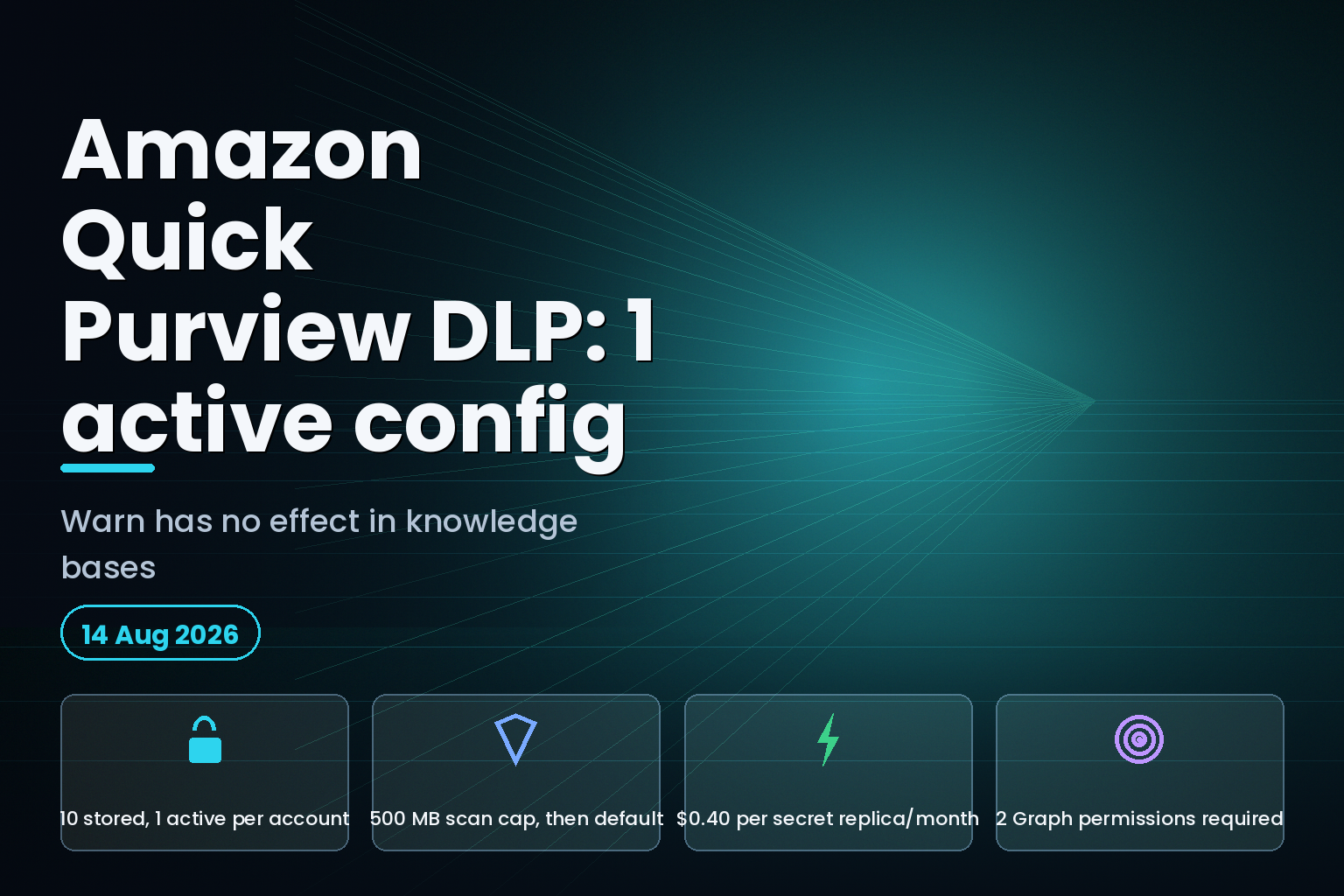
Summary. On 14 August 2026 AWS shipped a Microsoft Purview integration for Amazon Quick that enforces data loss prevention across 3 capabilities: chat, spaces and knowledge bases. The announcement says administrators "can configure enforcement actions (block, warn, or allow) for each sensitivity label". The Amazon Quick User Guide says something narrower. In knowledge bases there is no warn prompt at all: "Quick ingests a file that carries a label mapped to Warn, and the Warn action has no user-visible effect on this capability." The same page caps you at 10 DLP configurations per account but only 1 active configuration, refuses to scan files over 500 MB, and routes 5 separate categories of file to your fallback action rather than the action you mapped. Protected labels are among those 5, so the files carrying your strongest Purview classification are the ones Quick never inspects. Setup needs a Microsoft Entra ID app registration with 2 mandatory Graph permissions and an AWS Secrets Manager secret replicated into every Region where Quick evaluates files, at $0.40 per replica per month.
What actually shipped on 14 August 2026
The 14 August 2026 What's New post describes the feature in governance terms: apply "existing Purview sensitivity labels to automatically control how files are handled in Quick capabilities such as chat, spaces, and knowledge bases", and extend "existing Microsoft Purview governance policies into Quick without additional tools".
The mechanism is a label lookup, not a content scan. Quick reads a file's Microsoft Purview sensitivity label live from your tenant, matches it against a label-to-action map you build, and applies block, warn or allow. It does not classify content itself. If Purview never labelled the file, Quick has nothing to match on and falls through to your default action.
That distinction drives most of what follows. The Data loss prevention page in the Amazon Quick User Guide is unusually candid about it, and it is the only place the limits appear.
The warn action is not portable across capabilities
Quick's three protected capabilities do not behave the same way, because two of them evaluate files while a person waits and one evaluates them during a background sync.
| Capability | When Quick evaluates | What warn does |
|---|---|---|
| Chat | Interactively, at share time | Shows a warning, user can proceed or cancel |
| Spaces | Interactively, at upload time | Shows a warning, user can proceed or cancel |
| Knowledge bases | During ingestion, after a sync starts | Nothing user-visible; file is ingested |
| Knowledge bases (reporting) | Quick Observability report | Warn files appear as ADDED or MODIFIED |
| Knowledge bases (block) | During ingestion | Status BLOCKED, which also covers internal failures |
The user guide states the consequence plainly: "There is no warn prompt. Quick ingests a file that carries a label mapped to Warn, and the Warn action has no user-visible effect on this capability."
The reporting side is worse than the enforcement side. Files that matched a Warn label are recorded as ADDED, and the guide confirms "the report doesn't show them separately". So a label you deliberately set to warn produces a knowledge base index entry that is indistinguishable from a file you allowed. If your compliance story depends on being able to say which sensitive documents entered the index under a soft policy, warn cannot give you that answer. Block can.
BLOCKED is ambiguous in the other direction. The guide says a BLOCKED status "can indicate DLP enforcement or an internal failure. The error message for internal failures is generic." A sync that silently drops files for an unrelated reason looks the same in the report as a policy working correctly.
One active configuration per account
The limits section is short and it is the part most likely to break a rollout plan.
| Limit | Value | What it constrains |
|---|---|---|
| DLP configurations per account | 10 | How many you can store |
| Active DLP configurations per account | 1 | How many actually enforce |
| Maximum file size scanned | 500 MB | Larger files fall to the default action |
| Required Graph permissions | 2 | UnifiedPolicy.Tenant.Read, SensitivityLabels.Read.All |
| Optional Graph permission | 1 | Files.Read.All, for SharePoint and OneDrive knowledge bases |
Ten stored, one enforcing. You cannot run a strict policy for knowledge bases and a permissive one for chat at the same time, because a configuration carries its own capability scope, its own label map, its own default action and its own provider outage action, and only one of them is live. The other nine are drafts. Teams that assumed they could stage per-business-unit policies will have to collapse them into a single label map.
The 500 MB ceiling matters more for knowledge bases than for chat. Large PDFs, exported mailboxes and archive files routinely exceed it, and an unscanned file does not fail closed by default. It takes whatever your default action is.
Five ways a file skips your label map
Quick applies the default action, which the public API calls unmappedAction, whenever any of the following is true:
- The file carries a label you did not explicitly map, and no mapped parent label exists.
- The file carries no sensitivity label at all.
- The file type is not supported for Purview labelling.
- The file is over 500 MB.
- The file is 0 bytes.
There is a sixth, and it is the one worth reading twice. The guide says: "If a file carries a label that has protection enabled, Quick doesn't scan the file and applies your default action instead. Protected labels don't appear in the label-mapping step in the admin console."
Protection enabled means the label applies Azure Rights Management encryption. In most Purview deployments those are the highest tiers, the ones an organisation reserves for material it least wants leaving a boundary. Quick cannot open them, so it never sees the label, so the mapping you would have written for them is never consulted, and they are not even offered in the console for mapping. You can supply them through the CreateDlpSetting API, but the guide is explicit that "the evaluation outcome is the same: the default action applies".
The engineering conclusion follows directly. If the default action is anything other than block, your most sensitive documents are the ones travelling on the loosest rule. AWS reaches the same place in its own tip: "For a knowledge base that holds sensitive material, we recommend that you set both the default action and the provider outage action to Block."
Supported file types track Microsoft's list for labelling, which covers Word, Excel, PowerPoint, PDF, Visio, Project, JPEG, PNG, TIFF, DNG, PSD, XPS, Power BI .pbit and .pbix, .dwfx, and .msg and .eml email. Plain text, source code and most archive formats are not on it. Microsoft's own sensitivity labels documentation is the authority on which labels apply protection.
"Without additional tools" needs three AWS resources and an Entra app
The announcement's phrase is "without additional tools". The prerequisites in the user guide are a Microsoft Entra ID app registration, an AWS Secrets Manager secret, and a permissions grant in the Quick admin console. Two of those have costs or failure modes the announcement does not mention.
The secret must hold exactly three keys, clientId, clientSecret and tenantId. The guide warns that "Quick looks up these keys verbatim, so a renamed or missing key causes validation to fail with a missing-fields error". Validation is a hard gate: you cannot leave step 2 of the wizard until it passes.
Then the replication requirement. "Quick reads your secret in every AWS Region where it evaluates files, so the secret must exist in each of those Regions." Secrets Manager pricing treats each copy as a chargeable secret: "A replica secret is considered a distinct secret and will also be billed at $0.40 per replica per month." Checked against the AWS Price List metered unit map on 22 August 2026, that $0.40 is flat across Asia Pacific (Mumbai), EU (Ireland) and US East (N. Virginia). Four Regions is $1.60 a month, which is trivial money and an easy thing to forget when someone deletes a replica during a cleanup and DLP starts failing in one Region only.
Multi-Region replication also carries a boundary rule that matters for regulated deployments: you cannot replicate a commercial-Region secret into AWS GovCloud (US) or the China Regions, or the reverse. And the destination Region has to be enabled on the account first.
The sharpest operational trap is the KMS one. If a customer managed key encrypts the secret, Quick also needs kms:Decrypt, and the guide states: "The Permissions, AWS resources page can't grant kms:Decrypt. Edit the Quick service role directly in IAM to add it. After you edit the role manually, you can no longer manage it from the AWS resources page in the admin console." That is a one-way door. Granting one permission moves the whole service role out of console management permanently.
How to tell if this affects you
Work through it in this order.
Check whether your Purview tenant uses protected labels. If it does, decide the default action before you activate anything, because protected files will land on it. Set it to block unless you have a specific reason not to.
Check what your knowledge base connectors ingest. Quick lists Google Drive, Microsoft OneDrive, Microsoft SharePoint, a web crawler, Amazon S3 and Atlassian Confluence Cloud. SharePoint and OneDrive are the two that need the optional Files.Read.All permission. If you only run S3 and Confluence, keep the app registration scoped to the two required permissions.
Check file sizes and types against the 500 MB cap and Microsoft's labelling list. Anything outside both goes to the default action.
Use the dry run before you activate. Each configuration card has a test icon that takes an S3 URI of a labelled file and returns the expected Allow, Warn or Block result. The guide confirms it "doesn't modify the file or affect any live data".
Decide the provider outage action deliberately. Block fails closed and stops ingestion during a Purview outage. Allow fails open. There is no middle setting that preserves an audit trail, because warn does not produce one in knowledge bases.
Teams already tracking Quick's permission model will recognise the pattern from the deny-by-default change for custom permissions, and anyone mid-migration should re-read the access control gaps between Q Business and Quick before layering DLP on top. The wider cost and governance picture sits in our cloud FinOps guide for Indian teams.
India-specific considerations
Amazon Quick's DLP feature is available "in all AWS Regions where Amazon Quick agentic capabilities are supported", which is a narrower set than the Quick service itself. Indian teams running in Asia Pacific (Mumbai) or Asia Pacific (Hyderabad) should confirm the Region against the AWS Region table before planning a rollout, and should remember that the Secrets Manager replica has to exist in each evaluating Region at $0.40 per month each.
For a Digital Personal Data Protection Act 2023 programme, the useful property here is that block prevents ingestion into the Quick index rather than removing a file after the fact. The limitation is the audit trail. Warn leaves no distinguishable record in a knowledge base sync, so a DPDP-facing control that has to evidence which classified documents were processed needs the block action, not warn. Purview classification quality is the upstream dependency: an unlabelled file is invisible to this control regardless of how it is configured.
What is still unknown
The user guide does not publish an ingestion latency figure for the label lookup, so the throughput cost of DLP on a large first-time knowledge base sync is unstated. Nor does it say whether activating a configuration re-evaluates content already in the index; the wording is that Quick "begins enforcing on new file uploads", which reads as forward-only but is not stated as a guarantee. There is no published quota for label-map size, and no documented behaviour for a label deleted in Purview after it was mapped. The dashboard card warns about new unmapped labels, but the guide describes no equivalent warning for removed ones.
FAQ
How eCorpIT can help
eCorpIT is an ISO 27001:2022 certified, CMMI Level 5 assessed engineering organisation in Gurugram that designs and operates AWS data platforms for regulated Indian and global businesses. We design applications aligned with DPDP Act 2023 requirements, and our senior engineering teams handle the Entra ID, Secrets Manager and IAM plumbing this integration needs without the one-way door catching you later. If you are planning a Quick knowledge base rollout with a governance requirement attached, talk to our team or read about our data residency and DPDP cloud architecture work.
References
- Amazon Quick now supports data loss prevention with Microsoft Purview, AWS What's New, 14 August 2026.
- Data loss prevention, Amazon Quick User Guide.
- AWS Secrets Manager pricing, Amazon Web Services.
- Replicate an AWS Secrets Manager secret to other Regions, AWS Secrets Manager User Guide.
- Promote a replica secret to a standalone secret, AWS Secrets Manager User Guide.
- Supported file types for classification and protection, Microsoft Learn.
- Learn about sensitivity labels, Microsoft Learn.
- Microsoft SharePoint knowledge base integration, Amazon Quick User Guide.
- Amazon S3 integration, Amazon Quick User Guide.
- Amazon Quick adds deny by default for custom permissions, AWS What's New, 19 August 2026.
- AWS service endpoints and quotas, AWS General Reference.
- Requesting a quota increase, Service Quotas User Guide.
Last updated: 22 August 2026.


