

On this page · 11 sections
- What shipped on 20 August
- The contradiction: unlimited, or 10?
- The 500 MB layer ceiling is the one that breaks builds
- What actually breaks
- GHCR against VCR, on the points that matter
- Who this is for, and how to tell if it is you
- India-specific considerations
- What is still unknown
- FAQ
- How eCorpIT can help
- References
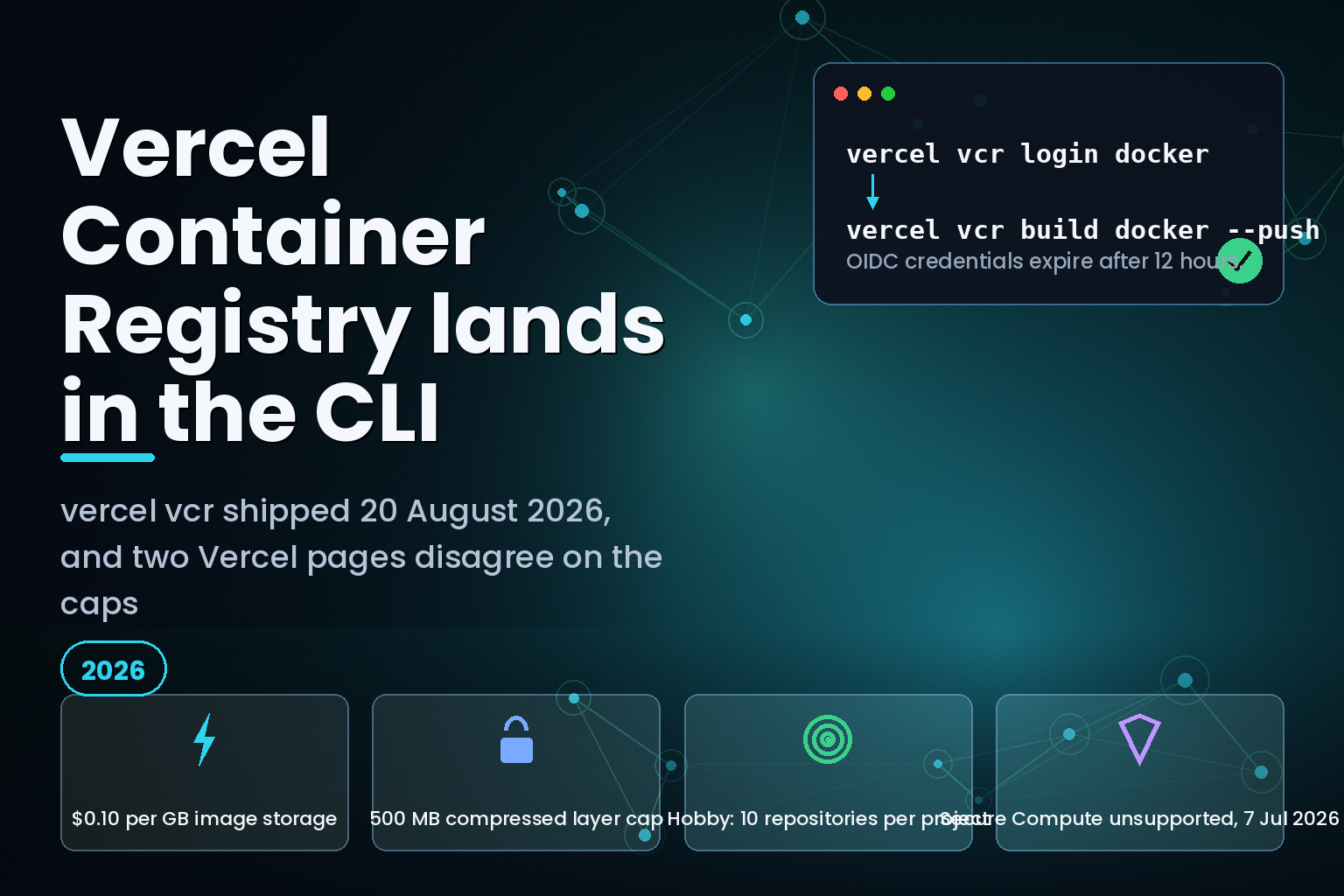
Summary. On 20 August 2026 Vercel shipped the vercel vcr command group, which lets Docker, Podman and Buildah push to Vercel Container Registry from a terminal instead of the dashboard. Two Vercel pages now disagree about what you are allowed to store. The launch changelog from 30 June 2026 states that "a Vercel project can have unlimited repositories". The limits page, last updated 3 August 2026, caps repositories per project at 10 on Hobby, 1,000 on Pro and 5,000 on Enterprise. Storage is billed at $0.10 per GB. The ceiling that stops most real images is not the 15 GB total size but the 500 MB cap on a single compressed layer, and Secure Compute and Static IPs still do not work with custom container images.
What shipped on 20 August
The vercel vcr command group wraps your existing container tool rather than replacing it. Marc Codina Segura and Andy Waller of Vercel described the flow in the 20 August changelog: "Authenticate your container tooling, such as Docker, Podman, or Buildah, with a short-lived token scoped to your project."
Three commands cover the common path:
            vercel vcr login docker
vercel vcr build docker --push
vercel vcr build docker ./app my-api:1.2.3 --push
The registry itself is not new. VCR launched on 30 June 2026 as an OCI-compliant registry at vcr.vercel.com, implementing the Docker Registry HTTP API v2. What changed on 20 August is that repository, tag, image and permission management moved into the CLI, alongside a --untagged filter on vercel vcr image ls and a vercel vcr config --public switch for repository visibility.
The image reference has four segments rather than GHCR's two: vcr.vercel.com/team-slug/project-name/my-repository:latest. A repository belongs to a Vercel project, not to a user or an organisation. That single structural difference drives most of the migration work.
The contradiction: unlimited, or 10?
Vercel's June launch announcement is still live and still says this:
A Vercel project can have unlimited repositories. You can create and manage them through the Vercel dashboard, or push directly to VCR, which creates the repository for you on the fly.
The limits and pricing page, last updated 3 August 2026, says something else entirely.
| Resource | Hobby | Pro | Enterprise |
|---|---|---|---|
| Repositories per project | 10 | 1,000 | 5,000 |
| Images per repository | 50 | 10,000 | 50,000 |
| Tags per repository | 1,000 | 10,000 | 50,000 |
| Teams a repository is shared with | 100 | 100 | 100 |
| Image storage price | $0.10 per GB | $0.10 per GB | $0.10 per GB |
The migration guide Vercel published on 29 July 2026 and updated on 12 August 2026 sides with the limits page: "On the Pro plan, each project supports up to 1,000 repositories with 10,000 images and 10,000 tags per repository. Hobby projects support 10 repositories with 50 images and 1,000 tags each."
Two of three pages agree, and the odd one out is the one people find first when they search for the product. Treat the caps as real and the launch line as stale. The practical hazard is auto-creation: pushing to a name that does not exist creates the repository, so a CI job that tags per branch on a Hobby project can consume all 10 repository slots without anyone choosing to create one.
The images cap bites harder than the repository cap. Fifty images per repository on Hobby means a pipeline pushing one image per commit exhausts a repository in fifty commits. There is no documented automatic garbage collection. Vercel gives you vercel vcr image ls --untagged to find orphans and vercel vcr image rm to delete them, both of which you have to run yourself, and both of which are permanent.
The 500 MB layer ceiling is the one that breaks builds
The size limits are published as a flat table, and the interesting number is not the largest one.
| Resource | Limit | What typically hits it first |
|---|---|---|
| Compressed image layer | 500 MB | A single COPY of model weights or a JDK plus application |
| Total image size | 15 GB | Multi-stage builds that never prune |
| Manifest body | 4 MB | Manifest lists covering many platforms |
| Image config blob | 1 MB | Very long layer histories and label sets |
Total image size is calculated from the compressed layers and the config blob referenced by the manifest. An image can sit comfortably under 15 GB and still be rejected because one COPY produced a 600 MB compressed layer. The fix is a Dockerfile change, not a plan upgrade: split the fat layer, or move the payload out of the image. Teams that already split build stages carefully will not notice this. Teams that ship a monolithic runtime image will.
Compression rules are equally load-bearing. Layers must use gzip or zstd; uncompressed OCI layers are rejected outright. Vercel recommends zstd, and here the CLI has a sharp edge worth knowing before your first CI run: Docker only applies zstd through the Buildx --output exporter. The documentation is direct about it. "Without Buildx, Docker builds and pushes without zstd compression, and the CLI warns you." Podman and Buildah build first, then push with zstd. Existing GHCR images built with standard Docker tooling use gzip, which VCR accepts, so a migration does not force a rebuild.
What actually breaks
Three things will surprise a team moving production workloads.
Credentials expire in 12 hours. vercel vcr login mints a project-scoped OpenID Connect token and hands it to the container tool with the username oidc. It is valid for 12 hours. That is fine on a laptop and wrong for an unattended runner. For non-interactive environments Vercel's guidance is a long-lived access token, with the Docker username set to the team ID rather than a personal username:
            printf '%s' "$VERCEL_TOKEN" | docker login vcr.vercel.com \
  --username "$VERCEL_TEAM_ID" \
  --password-stdin
The exception is Vercel's own build environment, which is pre-authenticated for the current project and needs no token at all.
Secure Compute and Static IPs do not work. The container images documentation, last updated 7 July 2026, states plainly that "Secure Compute and Static IPs are not yet supported with custom container images". Any workload that reaches a database behind an IP allowlist, or that a customer security review pinned to a fixed egress address, cannot move to a VCR-backed function today. This is the single most common blocker we see in regulated migrations, and it has no workaround inside the platform.
Default platform is `linux/amd64` and pulls are not wrapped. vercel vcr build targets linux/amd64 unless you pass --platform linux/arm64. The CLI has no pull subcommand at all: you run vercel vcr tag inspect to print the reference, then pull it with your own tool. For multi-architecture tags, a plain docker pull retrieves only your local platform's variant, so a pull-tag-push migration silently flattens a multi-platform image. Vercel's guide recommends docker buildx imagetools create to copy the manifest list between registries instead.
GHCR against VCR, on the points that matter
| Dimension | GitHub Container Registry | Vercel Container Registry |
|---|---|---|
| Registry host | ghcr.io |
vcr.vercel.com |
| Namespace | User or organization | Team slug plus project slug |
| Authentication | Personal access token (classic) | OIDC via vercel vcr login, 12-hour credentials, or an access token |
| Repository creation | On first push | On first push, or from the Images tab |
| API | Docker Registry HTTP API v2 | Docker Registry HTTP API v2, OCI format |
| Storage price | Not the subject of this comparison | $0.10 per GB |
The migration mechanics are ordinary. Authenticate to both, copy with docker buildx imagetools create, compare manifest digests to confirm the copy is byte-identical, then switch the login step and image name in the GitHub Actions workflow. The GITHUB_TOKEN and the packages: write permission are no longer needed for the registry step once you cut over.
The reason to do it is placement rather than price. Vercel optimises every pushed image in the background into a precompiled snapshot for Fluid compute, and Vercel Functions and Vercel Sandbox pull from VCR directly. That optimisation is also a gate: Sandbox returns image_not_ready until the optimised linux/amd64 build has been prepared, so a script that pushes and immediately calls Sandbox.create() will fail on a cold repository.
Who this is for, and how to tell if it is you
You are affected if you deploy a Dockerfile.vercel on Vercel Functions, if you create Sandboxes from custom images, or if you were about to script registry cleanup against the dashboard. Run vercel vcr ls and vercel vcr image ls <repo> --untagged on your busiest project. If the untagged count is climbing and nothing in your pipeline deletes them, you are paying $0.10 per GB for images no environment references. At Indian pricing that is roughly ₹9 per GB per month at an exchange rate you should check on the day, which is small until a 15 GB image family multiplies it.
The runtime behaviour matters too. Functions running container images scale down after five minutes without traffic in production and after 30 seconds in preview, and the container receives SIGTERM with a 30-second grace period. The default port is 80 unless PORT is set. Teams coming from a long-lived container platform tend to miss the shutdown contract and lose in-flight work.
If you are weighing this against a self-managed setup, the same trade-off appears in our comparison of Cloudflare Workers and Vercel Functions cost, and in the operational detail behind self-hosting Next.js without the Vercel adapter. The billing surface for the surrounding telemetry is covered in our note on Vercel custom metrics billing limits. For the container hygiene that keeps you under the 500 MB layer cap, see our write-up on Docker Compose init containers.
India-specific considerations
Vercel does not publish a region-scoped storage price for VCR, so the $0.10 per GB rate applies regardless of where your team sits. For Indian teams the sharper question is the Secure Compute gap. If a client's DPDP-driven security review requires a fixed egress IP to reach a managed database, a VCR-backed container function cannot satisfy it today, and the workload has to stay on a platform that supports static egress. Plan the registry migration and the compute migration as two separate decisions rather than one.
What is still unknown
Vercel has not published a retention or lifecycle policy for VCR images, so there is no documented answer to how long untagged images are billed or whether automatic pruning is planned. The company has also not said whether the "unlimited repositories" line in the June changelog was a policy change or an error. Secure Compute support is described as "not yet supported", which implies intent without a date. Until Vercel corrects the launch post or the limits page, plan against the caps.
FAQ
How eCorpIT can help
Registry migrations fail on the boring parts: a fat layer nobody split, a CI runner still holding a 12-hour token, an egress IP requirement discovered a week before go-live. Our senior engineering teams run container platform assessments that map image sizes, layer counts and network requirements against a target platform's real limits before anything moves. eCorpIT is CMMI Level 5 and ISO 27001:2022 certified, and our DevOps services and cloud migration services cover the pipeline rework as well as the copy. Tell us what you run today at /contact-us/.
References
- Manage Vercel Container Registry with Vercel CLI, Vercel changelog, 20 August 2026.
- Introducing VCR: Vercel Container Registry, Vercel changelog, 30 June 2026.
- Container Registry limits and pricing, Vercel documentation, last updated 3 August 2026.
- Vercel Container Registry, Vercel documentation, last updated 3 August 2026.
- Container Registry CLI Reference, Vercel documentation, last updated 3 August 2026.
- Container Images, Vercel documentation, last updated 7 July 2026.
- How to migrate from GHCR to Vercel Container Registry, Vercel Knowledge Base, published 29 July 2026, last updated 12 August 2026.
- Vercel Changelog, Vercel, entries for 19 and 20 August 2026.
- vercel vcr, Vercel CLI documentation, last updated 3 August 2026.
- Limits, Vercel documentation, last updated 3 August 2026.
- Does Vercel support Docker deployments?, Vercel Knowledge Base, published 3 November 2025, last updated 12 August 2026.
Last updated: 21 August 2026.


