On this page · 10 sections
- The four dates, and who each one hits
- Change one: Envoy replaces Kong as the default gateway
- Change two: extension version pinning stops working on 5 August 2026
- Change three: logs.all is removed on 23 September 2026
- The change you may already have missed: Postgres 15 to 17
- A migration order that actually works
- India-specific considerations
- FAQ
- How eCorpIT can help
- References
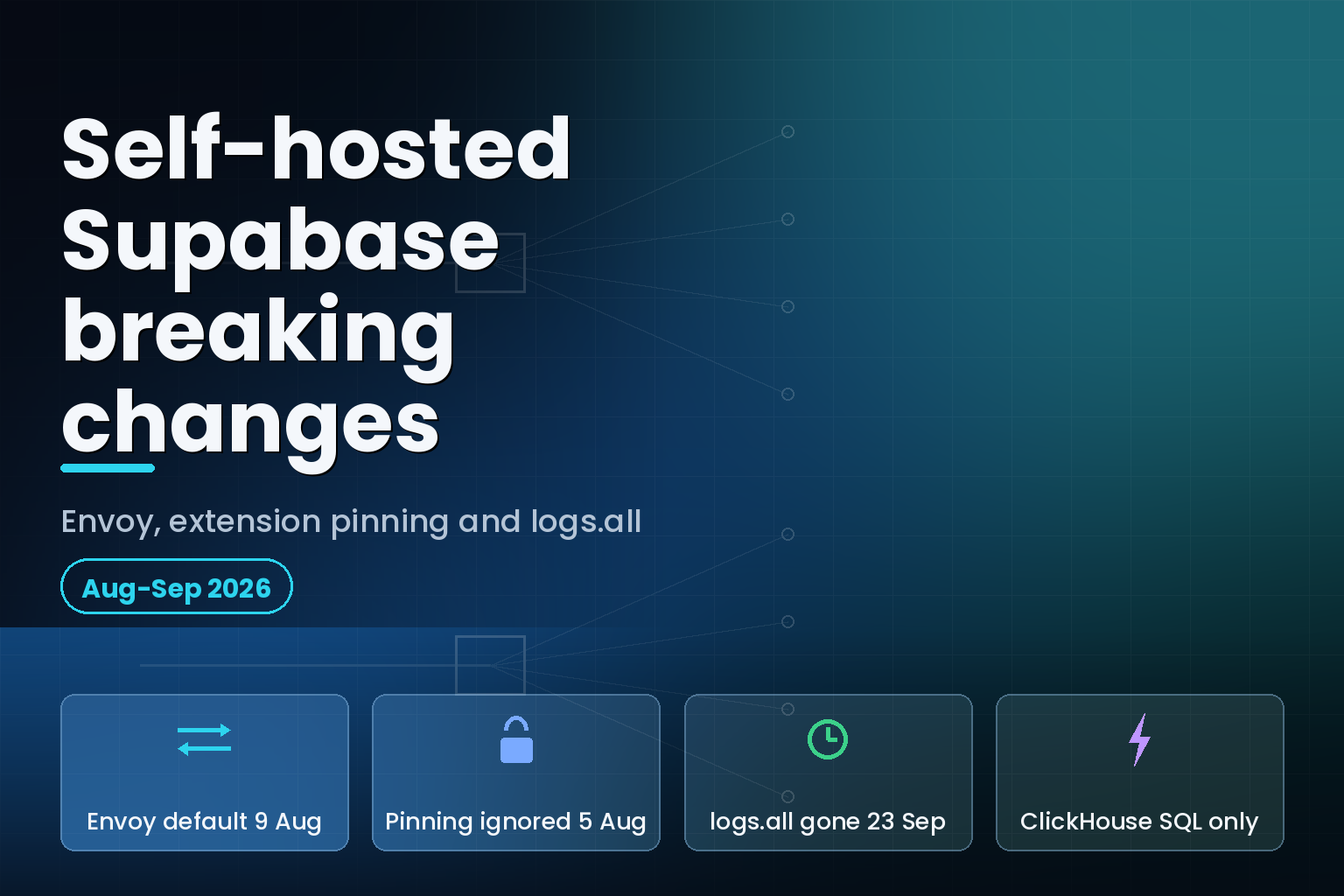
Summary. Three separate breaking changes hit self-hosted Supabase inside seven weeks. From 5 August 2026, an explicit version in CREATE EXTENSION or ALTER EXTENSION is ignored and the default version is installed instead. The week of 9 August 2026, the default API gateway in the Docker stack flips from Kong to Envoy on the same port 8000, with Envoy pinned to image envoyproxy/envoy:v1.37.2 or newer. On 23 September 2026, the logs.all Management API endpoint is removed and log querying moves to a ClickHouse-backed logs endpoint that accepts ClickHouse SQL only. A fourth change already landed: the default db image moved from Postgres 15 to Postgres 17 on 17 June 2026, and a PG 15 data directory will not auto-upgrade. None of these is optional if you track master. Supabase, which announced a $500M Series F led by GIC in its June 2026 developer update, is consolidating the self-hosted stack on the same components it runs on the platform, and the migration work lands on operators.
If you run self-hosted Supabase from the ./docker directory and pull from master without pinning image tags, you are in scope for all four. If you pin every tag, you are in scope for exactly one of them: the extension pinning change is a database behaviour change, not an image change, and it does not care what tag you run.
The four dates, and who each one hits
| Date | Change | Who is affected |
|---|---|---|
| 17 June 2026 | Default db image moves from Postgres 15 to Postgres 17 |
Anyone pulling master with data on PG 15 |
| 5 August 2026 | Explicit version clause in CREATE/ALTER EXTENSION ignored, warning emitted |
Any project using pinned extension versions, hosted or self-hosted |
| Week of 9 August 2026 | Envoy replaces Kong as the default API gateway | Self-hosted operators with a custom kong.yml, Kong's HTTPS listener, or hardcoded kong service name |
| 23 September 2026 | logs.all Management API endpoint removed |
Anyone calling analytics/endpoints/logs.all from scripts, integrations or dashboards |
Two of these are silent. The extension change succeeds and emits a warning rather than an error, so a migration file that pins pgvector to a specific version will keep passing CI while installing something else. The gateway swap keeps the same port and the same hostnames, so a smoke test that only checks GET /rest/v1/ returns 200 will pass on either gateway while your custom Kong plugin quietly stops running.
Change one: Envoy replaces Kong as the default gateway
Supabase has shipped an Envoy-based gateway as an optional Docker Compose override for several months. The week of 9 August 2026 that override becomes the default, and Kong becomes the opt-in path.
The Envoy gateway does the same job Kong did: it accepts client requests, routes them to Auth, PostgREST, Realtime, Storage, Edge Functions, postgres-meta and Studio, and enforces API key authentication by translating opaque sb_ keys into the internal credentials those services expect.
What does not break
Supabase went to some trouble to make the swap invisible to code that talks to the gateway by name. Envoy is registered as the api-gw service and also exposes kong as a network alias. The base Kong service exposes api-gw in the same way. Either hostname resolves to whichever gateway is active, so an internal config that hardcodes kong:8000 inside Edge Functions or Studio keeps working with no edit.
The listener stays on port 8000. CORS policy is unchanged in effect: all origins allowed, methods GET, POST, PUT, PATCH, DELETE, OPTIONS, HEAD, CONNECT, TRACE, all request and response headers allowed, and a preflight max-age of 3600 seconds. Supabase's own docs state this matches both the current platform behaviour and the previous Kong-based gateway, because the auth boundary for Supabase APIs is the apikey header rather than the request origin.
What does break
Three things, named explicitly in the changelog entry: Kong's HTTPS listener, a custom kong.yml, and any dependency on the kong service name beyond the alias.
The HTTPS listener is the one that bites hardest in small deployments. The Envoy gateway listens on plain HTTP only and does not terminate TLS. If you were relying on Kong to serve HTTPS directly, you now need a reverse proxy in front. The Docker setup ships docker-compose.caddy.yml and docker-compose.nginx.yml for exactly this.
A custom kong.yml has no equivalent. Envoy's configuration lives in ./volumes/api/envoy/ and is split across four files with different jobs.
| File | Purpose | Edit it when |
|---|---|---|
envoy.yaml |
Bootstrap config: points at CDS and LDS files, admin interface, overload manager limit | Changing the admin bind or connection ceiling |
cds.yaml |
Cluster Discovery Service: upstream DNS names, ports, health checks, connect timeouts, circuit breakers | Adding a new upstream service |
lds.template.yaml |
Listener Discovery Service template: listener, filter chain, routes, RBAC policy, CORS policy, with placeholders | Adding or reordering routes, changing RBAC or CORS |
docker-entrypoint.sh |
Renders the LDS template into lds.yaml at startup by substituting environment variables and hashing DASHBOARD_PASSWORD |
Adding a new ${VAR_NAME} placeholder |
Envoy cannot read environment variables inside its own config, so the entrypoint script renders them in with sed before launch. That has a practical consequence: configuration changes require a container restart so the entrypoint re-renders the template. sh run.sh restart api-gw is the command, and editing lds.yaml directly is pointless because it is regenerated.
The opt-back-in path
Enabling Envoy today is a two-step override:
            sh run.sh config add envoy
sh run.sh start
Bring the stack down first with sh run.sh stop if it is already running. After the default flips, the equivalent Kong override is what you add instead. Verify whichever gateway you land on with a single request:
curl -i -H "apikey: your-service-role-key" http://<your-domain>/rest/v1/
A 200 OK from PostgREST confirms routing. A 401 Unauthorized with the header removed confirms enforcement is live. Run both halves. A gateway that routes but does not enforce is worse than one that is down, because it fails open and you will not notice.
The filter chain, and why route order matters
Every request passes an ordered chain of HTTP filters before it reaches an upstream cluster: CORS, basic auth on the dashboard route only, then a sequence of Lua filters that copy an ?apikey query parameter into the header, reject missing or invalid keys with 401, translate opaque keys in the query and in the header, mirror apikey into x-api-key for Realtime WebSockets, and synthesise an Authorization header. RBAC runs after that, then the router.
Routes are matched in the order declared, and the first matching prefix wins. If you add a custom route, it has to sit before the catch-all / route or it will never match. That is a different failure mode from Kong's, and it is the single most common way a hand-migrated route silently disappears.
The RBAC layer is stricter than most operators expect. /pg/ accepts only service_role keys, meaning sb_secret_* or the legacy SERVICE_ROLE_KEY. The exact path /rest/v1/, which is the PostgREST OpenAPI schema root, also accepts only service_role keys, while /rest/v1/<table> and other Data API paths stay open to any valid key. Both /api/mcp and /mcp are denied by default via an RBAC DENY override, as are the Realtime management endpoints /realtime/v1/api/tenants and /realtime/v1/api/openapi.
Two routes bypass API key enforcement entirely. /functions/v1/ passes through because the Edge Runtime does its own JWT verification, and it carries a 150-second timeout. /storage/v1/ passes through because Storage does its own authorisation. Worth knowing before you file a bug about the gateway not checking keys on Functions.
Kong and Envoy on the dimensions that decide the migration
| Dimension | Kong (previous default) | Envoy (new default) |
|---|---|---|
| TLS termination | HTTPS listener available in-gateway | Plain HTTP only; terminate at Caddy or Nginx in front |
| Configuration surface | Single declarative kong.yml |
Four files under ./volumes/api/envoy/, template rendered at startup |
| Applying a config change | Reload the declarative config | sh run.sh restart api-gw so the entrypoint re-renders lds.yaml |
| Route matching | Kong route objects | First matching prefix wins, declaration order is load-bearing |
| Admin surface | Kong admin API | Envoy admin bound to 127.0.0.1:9901, not reachable from the host |
| Image pin | kong image |
envoyproxy/envoy:v1.37.2 or newer, for Envoy 1.37.x security patches |
Security posture worth auditing after the swap
The Envoy config ships with settings that will change behaviour for some clients, and they are worth reading before the flip rather than after an incident.
normalize_path: true and merge_slashes: true prevent path-confusion bypass of the RBAC prefix rules. path_with_escaped_slashes_action: REJECT_REQUEST rejects any path containing URL-encoded slashes. headers_with_underscores_action: REJECT_REQUEST blocks header smuggling that exploits show-versus-hyphen normalisation, and it is the reason a client sending X_Forwarded_For with shows now gets a 400 Bad Request. use_remote_address: true treats Envoy as an edge proxy, using the peer connection IP as the trusted client address rather than trusting a client-supplied X-Forwarded-For, and stripping untrusted x-envoy-* request headers. Per-connection buffer memory is capped at 32 KiB, and the overload manager caps total downstream connections at 30,000.
One item deserves a line in your runbook rather than a footnote. The admin interface is bound to 127.0.0.1:9901 inside the container, and /config_dump returns the fully rendered configuration including every API key, JWT and the basic auth hash in plaintext. Never expose port 9901 to other containers or the host, and never paste /config_dump output into a ticket without stripping secrets first. Because the standard envoyproxy/envoy image is minimal and ships without curl or wget, you query the admin endpoints from a short-lived sidecar:
            docker run --rm --network container:supabase-envoy \
  curlimages/curl http://127.0.0.1:9901/clusters
Storage has one more coupling worth checking. Envoy sets X-Forwarded-Prefix per route, and Storage needs it for S3 signature v4 verification and for constructing TUS upload Location URLs. If S3 requests start returning SignatureDoesNotMatch after the swap, confirm the Storage service in docker-compose.yml still carries REQUEST_ALLOW_X_FORWARDED_PATH=true and STORAGE_PUBLIC_URL.
Change two: extension version pinning stops working on 5 August 2026
From 5 August 2026, specifying an explicit version when creating or updating a Postgres extension is deprecated on Supabase. The statement still succeeds. The requested version is ignored, the extension is installed or updated at its current default version on your instance, and Postgres emits a warning:
WARNING: only superusers can specify extension versions, ignoring version <version> and installing the default version
The rationale Supabase gives is security. Allowing any role to install or downgrade to an older version means a project can end up running an extension version with known vulnerabilities, including reintroducing a flaw that was already patched in the default. Version pinning is now reserved for platform operations. Supabase has said that in a future release, announced separately in advance, these statements will be rejected with an error rather than warned about.
This is the change most likely to slip past a team, because a warning is not a failure. Three places to check today:
Migration files that carry CREATE EXTENSION vector VERSION '0.x.x' or an ALTER EXTENSION ... UPDATE TO with an explicit target now do something different from what they say. The file still reads like a pin. It no longer is one.
Environment parity tests that assert an extension version match between local and production will start passing or failing for a new reason. If your local Postgres is not a Supabase image, its default version is unrelated to the one you now get on Supabase.
Anything that downgrades an extension deliberately, usually to work around a regression, no longer downgrades. That code path needs a different fix, and it needs it before an upgrade quietly moves you forward.
The practical replacement is to stop encoding the version in SQL and start encoding it in the image. Pin the supabase/postgres tag, test extension behaviour against that tag, and treat the extension set as a property of the image rather than of the migration.
Change three: logs.all is removed on 23 September 2026
The logs.all Management API endpoint is being removed on 23 September 2026, two months after the 23 July 2026 announcement. Log querying moves to a new ClickHouse-backed logs endpoint that accepts ClickHouse SQL only and returns every source through a single unified logs table instead of a separate table per source.
You are affected only if something you own calls analytics/endpoints/logs.all directly: a script, an integration, a scheduled export, an internal dashboard. Using the Logs Explorer in the Supabase dashboard is unaffected.
The migration is three mechanical edits.
First, change the endpoint path from analytics/endpoints/logs.all to analytics/endpoints/logs.
Second, convert your SQL to the ClickHouse dialect. The endpoint accepts nothing else.
Third, filter by source_name in the WHERE clause instead of selecting a source table. Every source now lives in one logs table, so any query that previously targeted a specific table needs the filter added.
            -- Before: query the source table directly
SELECT timestamp, event_message
FROM edge_logs
ORDER BY timestamp DESC
LIMIT 100;

-- After: filter the unified stream by source_name
SELECT timestamp, event_message
FROM logs
WHERE source_name = 'edge_logs'
ORDER BY timestamp DESC
LIMIT 100;
Nested fields change shape too, and this is where the rewrite gets easier rather than harder. Fields move from the metadata array to a flat log_attributes map. Previously you added one CROSS JOIN unnest() per level of nesting to reach a field. Now you read it directly with map key access, and the joins disappear:
            -- Before: unnest each level of metadata
SELECT timestamp, request.method, header.x_real_ip
FROM edge_logs
CROSS JOIN unnest(metadata) AS m
CROSS JOIN unnest(m.request) AS request
CROSS JOIN unnest(request.headers) AS header;

-- After: read from the log_attributes map
SELECT timestamp,
       log_attributes['request.method'] AS method,
       log_attributes['request.headers.x_real_ip'] AS x_real_ip
FROM logs
WHERE source_name = 'edge_logs';
If you run log queries from a CI job or an alerting rule, port them first. Those are the ones nobody notices until the alert stops firing, which is the wrong time to find out.
The change you may already have missed: Postgres 15 to 17
The default db image in the self-hosted docker-compose.yml moved from Postgres 15 to Postgres 17 on 17 June 2026, after being available as opt-in from 8 April 2026. Existing Postgres 15 data directories do not auto-upgrade. Bringing up the new compose file against a PG 15 volume fails to start, because PG 17 cannot read a PG 15 data directory.
Four extensions are not built for the Supabase Postgres 17 images: timescaledb, plv8, plcoffee and plls. If you use any of them and need to keep them, do not run the upgrade. None is installed by default, so this only affects deployments where someone added them deliberately.
The supplied script at utils/upgrade-pg17.sh automates a pg_upgrade in place. It runs as root, requires bash, needs all containers running first, and wants at least 2x your current database size plus 5 GB of free disk, because pg_upgrade copies the data directory and the upgrade tarball is roughly 1.2 GB compressed. It stages work in /tmp unless you override TMPDIR.
Phase one runs inside a temporary Postgres 15 container: it disables the extensions that are incompatible with pg_upgrade (pg_graphql, pg_stat_monitor, pg_backtrace), temporarily grants superuser to the postgres role, runs initdb, runs pg_upgrade --check before touching anything, then runs the migration. Phase two runs in a Postgres 17 container: it patches extension compatibility for Wrappers, pg_net, pg_cron and Vault, applies the catalog scripts pg_upgrade generated, re-enables the disabled extensions, grants the predefined roles and revokes the temporary superuser, then runs vacuumdb --all --analyze-in-stages to rebuild optimiser statistics.
Rollback is supported for as long as the backup directory survives. The original data is kept at ./volumes/db/data.bak.pg15 and the pgsodium key at ./volumes/db/pgsodium_root.key.bak.pg15. Do not delete either until you have verified the upgrade, because rollback is only possible while they exist.
Take your own backup regardless. Copy the data directory with cp -a ./volumes/db/data ./volumes/db/data-manual-backup, and separately export the pgsodium root key, which lives in the db-config Docker named volume and is not covered by that copy:
            docker compose run --rm db \
  cat /etc/postgresql-custom/pgsodium_root.key > ./pgsodium_root.key.backup
Lose that key with vault secrets in place and they are unrecoverable. The same reasoning is why docker compose down -v is the most dangerous command in a self-hosted Supabase runbook: it destroys named volumes.
One behaviour change catches fresh PG 17 deployments rather than upgrades. On a new Postgres 17 install, pg_graphql is disabled by default and has to be enabled from Studio or with create extension pg_graphql;. Databases that already used GraphQL keep it after an upgrade.
A migration order that actually works
Run these in dependency order, not calendar order. The gateway swap and the log endpoint are independent, but both are easier to debug on a database you are not simultaneously upgrading.
Audit first. Grep your migrations for an explicit VERSION clause in CREATE EXTENSION and ALTER EXTENSION. Grep your infrastructure for logs.all. Grep your compose files and internal service configs for kong, kong.yml and port 8443. Confirm which supabase/postgres tag you actually run, rather than which one you think you run.
Pin before you migrate. Pin the db image tag and the gateway image tag explicitly so that the next git pull on master does not change two variables at once. Pinning is not a fix, but it converts a surprise into a scheduled task.
Do the database first if you are still on Postgres 15, because the extension version reconciliation at the end of the upgrade script interacts with the extension pinning change. Verify with docker compose exec db psql -U postgres -c "SELECT version();" and keep data.bak.pg15 until a full application test passes.
Then the gateway. Enable the Envoy override in a staging stack, run the 200 and 401 checks, then walk your route table: any custom route ahead of the catch-all, TLS terminating at Caddy or Nginx, X-Forwarded-Prefix reaching Storage, and MCP still denied unless you deliberately allowed it.
Then the logs. Port every logs.all caller to the ClickHouse dialect and run both old and new queries side by side until 23 September 2026, which is the only one of these deadlines where you get a genuine parallel-run window.
If you are weighing whether to keep self-hosting at all after this sequence, the comparison worth running is total operational cost rather than licence cost, and the same question comes up in Neon versus Supabase for a serverless Postgres backend. Teams already running an ingress migration will recognise the pattern from the ingress-nginx end-of-life move to Gateway API: the gateway is rarely the hard part, the route table is.
India-specific considerations
For Indian teams, self-hosting Supabase is usually a data residency decision rather than a cost one, and the Digital Personal Data Protection Act 2023 is the reason the stack sits in an Indian region in the first place. Two of these changes touch that reasoning directly.
The Envoy admin /config_dump endpoint returns API keys and JWTs in plaintext. Any runbook that tells an on-call engineer to dump gateway config into a shared channel is a credential disclosure path, and it is the kind of detail a DPDP-aligned access review should catch before an auditor does. Bind it as shipped, to 127.0.0.1:9901, and query it from a sidecar.
The log endpoint change matters for retention and export. If you export logs to an Indian-region store for retention, that export job is a logs.all caller and it stops on 23 September 2026. Rewriting it in ClickHouse SQL is a small job. Discovering it broke after a retention gap opened is not. Teams building the surrounding controls will find the groundwork in the DPDP Act engineering playbook for Indian startups and in the design patterns for data residency and DPDP cloud architecture.
The real cost here is usually the audit, not the migration. Each individual change is an afternoon. Finding every caller across three years of scripts is the week.
FAQ
How eCorpIT can help
eCorpIT runs platform migrations of exactly this shape: audit every caller, pin the moving parts, sequence the changes so only one variable moves at a time, and verify each step against the vendor's own documented behaviour. Our senior engineering teams work across self-hosted Postgres, API gateways and log pipelines, and we design deployments aligned with DPDP requirements for teams that self-host for residency reasons. eCorpIT is CMMI Level 5, MSME Certified and ISO 27001:2022 certified. If a self-hosted Supabase stack needs to clear all four of these deadlines without an outage, talk to us.
References
Last updated: 6 August 2026.