

On this page · 11 sections
- What actually changed in watchOS 27
- The five-slot problem
- Which apps still earn a place on the wrist
- The device base you are actually building for
- What a watchOS build actually involves
- The privacy question Indian teams should ask first
- A decision sequence that saves money
- How to tell whether the watch app is working
- How eCorpIT can help
- FAQ
- References
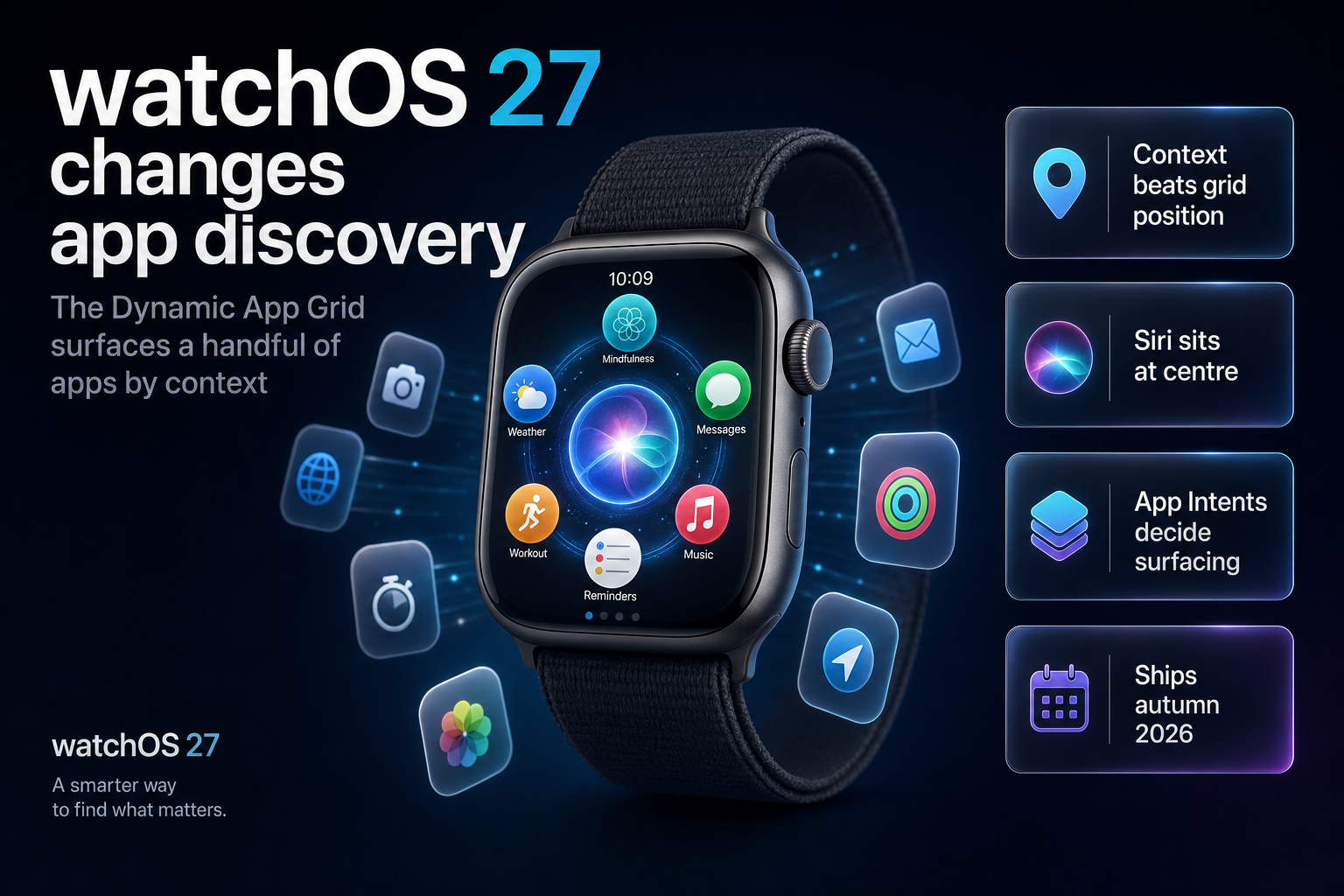
Summary. Apple unveiled watchOS 27 at WWDC 2026 on 8 June 2026, and the change that matters commercially is the Dynamic app grid. Hartley Charlton, senior editor at MacRumors, described it on the day: "The new dynamic app grid surfaces and rearranges five apps based on context and usage. Users can simply tap the bottom center icon to go to the rest of their apps." Five visible slots, assigned by the system rather than by where a user once dragged your icon. Beta 4 went to developers on 20 July 2026, a public beta arrived in July, and the release ships in September 2026. watchOS 27 runs on Apple Watch Series 9 and later, Ultra 2 and later, and SE 3, and it requires a paired iPhone on iOS 27. Siri AI reaches the watch, needs an Apple Intelligence-capable paired iPhone, and does not process on-device. Entry cost to distribute anything is unchanged at 99 USD per membership year for the Apple Developer Program, with a 15% commission rate under the App Store Small Business Program. The build cost is where the real decision sits. This article sets out which app categories still earn a watch app under a five-slot model, what the engineering scope actually is, and where the privacy questions land for Indian teams.
What actually changed in watchOS 27
Taking the verified feature set rather than the launch-day summary, here is what changes and what each item asks of an app team.
| watchOS 27 change | What it does | What it asks of your app |
|---|---|---|
| Dynamic app grid | Surfaces and rearranges five apps by context and usage; the rest sit behind a bottom-centre icon | Give the system usable signals, or accept being one tap deeper |
| Siri AI on the watch | Conversational Siri that can take action in apps; requires an Apple Intelligence-capable paired iPhone | Expose actions the assistant can invoke |
| New tap gesture | Index finger and thumb tapped together selects a widget in the Smart Stack | Design widgets for one-handed selection |
| Expanded Smart Stack suggestions | Parked car, birthday reminders, transit balances, sleep alarm adjustments and more | Compete for Smart Stack placement, not just grid placement |
| Custom Wallet passes | Any membership or card with a QR code or barcode, created on iPhone, usable on the watch | Reconsider whether you need an app at all |
| Consolidated Find My | Find Devices, Find People and Find Items merged into one map-centric app | Nothing directly, but it signals Apple's own consolidation |
| Call Context | Surfaces relevant information from other apps during a call to a business | An integration opportunity for service brands |
Two of those rows are commercially loaded, and they point in opposite directions.
The five-slot problem
Under the old model, a watch app's discoverability was a function of where the user put it. Users curated a grid, and a determined user could keep a rarely used app somewhere findable. That was a weak but predictable form of distribution.
The Dynamic app grid replaces user curation with system inference. Five apps surface, chosen on context and usage, and everything else moves behind an extra tap. Apple's framing in the watchOS 27 roundup is that the grid "highlights Siri Suggested apps, including your most recently and most used apps, and puts Siri front and center."
Read that as a distribution rule. An app that is used often keeps surfacing. An app that is used rarely stops surfacing, which makes it used more rarely still. For a companion app with modest engagement, the grid is a ratchet working against you.
This does not make watch apps pointless. It makes the low-engagement companion app, the kind built because the brand felt it should have a presence on the wrist, a poor investment in a way it was not in 2024. The apps that survive a five-slot model are the ones a user opens on a schedule or in a moment the phone cannot serve.
The design lever that remains is signalling. The grid draws on Siri Suggestions, so the practical work is making your app's actions legible to the system rather than decorating a watch screen. We covered the mechanics of that on the iPhone side in our App Intents and Siri AI developer guide for iOS 27, and the same discipline applies here.
Which apps still earn a place on the wrist
This is the decision table we use with clients before quoting any watch work.
| App category | Does the watch earn its place? | Why |
|---|---|---|
| Fitness, workout and health tracking | Yes, strongly | The watch is the sensor; the phone is the report. Workout Buddy now runs without the iPhone nearby |
| Transit, ticketing and access | Often not as an app | Custom Wallet passes cover QR and barcode cases without a build |
| Field service and logistics | Yes | Hands-busy work is precisely what the new tap gesture addresses |
| Payments and banking | Balance and alerts only | Wallet already shows card balances; a full app rarely gets opened |
| Ecommerce and D2C retail | Rarely | Purchase intent lives on a larger screen; notifications suffice |
| Media and audio | Yes, for playback control | Music playback startup is faster in watchOS 27 |
| Enterprise workflow and approvals | Sometimes | Only where a decision is genuinely single-tap |
| Content, news and social | No | Reading on a watch loses to reading on a phone every time |
The pattern is consistent. A watch app earns funding when the wrist is the right input surface or the only available one, not when it mirrors a phone screen at a smaller size.
Before committing to a build, run the Wallet test. If what you want on the wrist is a code to be scanned, watchOS 27 now lets users create a custom pass from any membership or card that uses a QR code or barcode on the iPhone and access it from the Wallet app or pin it to the Smart Stack. That is a platform feature you get for nothing. Shipping an app to do the same job is a maintenance liability with no upside.
The device base you are actually building for
Compatibility narrowed this cycle, and that changes the addressable install base rather than just the test matrix.
| Aspect | watchOS 27 position |
|---|---|
| Supported models | Apple Watch Series 9, 10 and 11; Ultra 2 and Ultra 3; SE 3 |
| Dropped versus watchOS 26 | Original Apple Watch Ultra, Series 6 through Series 8, and SE 2 |
| Paired iPhone requirement | iOS 27 or later |
| Siri AI requirement | A paired iPhone that supports Apple Intelligence |
| Release timing | Developer beta since June 2026, public beta in July, release in September 2026 |
Two consequences follow. Your watch app's minimum deployment target has to be set against a base that just lost several generations of hardware, so supporting watchOS 26 alongside 27 is not optional for most consumer products in the first year. And any feature you design around Siri AI is gated twice, by watch model and by the paired iPhone, which makes it a poor foundation for a core user journey and a reasonable one for an enhancement.
If you are also planning the iPhone side of this release, our breakdown of Apple Intelligence features and device requirements in iOS 27 covers the same gating question for the phone.
What a watchOS build actually involves
The honest scope, in the order the work usually lands.
Interface. A watch app is not a responsive layout of your phone app. Screens carry one decision each, and the interaction budget is a few seconds. Most of the design effort goes into deciding what to remove.
Complications and Smart Stack widgets. For many products this is the entire value of the watch presence, and it is a smaller build than a full app. If your goal is a glanceable number, start here and consider stopping here.
Actions the system can invoke. Under a Siri-centred grid, the work that pays is exposing your app's capabilities as intents so the assistant and the suggestion engine can surface them. This is the difference between an app that occasionally appears in five slots and one that does not.
Independence from the phone. Deciding whether the watch app runs standalone or depends on a paired iPhone session drives connectivity, sync and error handling. Apple's own Workout Buddy moved to working without the iPhone nearby in watchOS 27, which is a fair signal about user expectations.
Health data handling. If you touch health or fitness data, the permission model, the on-device storage rules and App Store review scrutiny are all materially stricter than for a general app.
Ongoing maintenance. Apple ships a major watchOS version annually alongside iOS. A watch app is a permanent line item, not a one-off. Teams weighing that against a phone-only roadmap will find our view in the legacy mobile app rewrite versus refactor decision.
Distribution costs are the small part: 99 USD per membership year for the Apple Developer Program, which also covers your iPhone app, with nonprofit, educational and government entities potentially eligible for a fee waiver. Qualifying small businesses pay a 15% commission on paid apps and in-app purchases under the App Store Small Business Program.
The privacy question Indian teams should ask first
One detail in watchOS 27 deserves more attention than it has had. Siri AI on the Apple Watch does not run on-device. The processing happens off the watch, and the feature requires a paired iPhone that supports Apple Intelligence.
For a consumer fitness app this may be immaterial. For anything touching health records, financial data or employee information under the Digital Personal Data Protection Act 2023, it changes what you can say in your notice. If your app exposes actions that an assistant can invoke, and that assistant is not processing locally, your data flow diagram now has a leg you have to describe accurately. Our DPDP engineering playbook for Indian startups covers how to document that without overclaiming.
The related feature worth watching is Call Context, which can surface information from other apps during a call to a business, such as a confirmation code from Mail when a user rings an airline. That is useful for service brands and it also means app content is being read and surfaced in a new context. We looked at the business implications of that separately in our piece on Call Context and business privacy in iOS 27.
The organisational answer is not to avoid these features. It is to decide deliberately, document the flow, and design applications aligned with DPDP requirements from the first sprint rather than retrofitting a consent screen before launch.
A decision sequence that saves money
Run these in order. Most teams stop at step two or three, which is the point.
First, ask what the user does on the wrist that they cannot do faster on the phone. If there is no answer in one sentence, stop.
Second, check whether a Wallet pass, a complication or a Smart Stack widget delivers it. All three are smaller builds than an app and all three surface without competing for the five grid slots.
Third, estimate opened sessions per user per week. Under a usage-driven grid, an app opened once a month effectively disappears. Be honest about this number rather than optimistic.
Fourth, decide standalone or paired. Standalone costs more and is the right answer for fitness, field work and anything used away from the phone.
Fifth, plan the annual maintenance cycle before you commit, not after.
The real cost is rarely the first build. It is the second and third year of keeping a low-traffic watch app current through annual OS releases.
How to tell whether the watch app is working
Most teams measure a watch app the way they measure a phone app, which hides the problem until the renewal conversation. Under a usage-driven grid the metrics that predict survival are different.
Weekly opened sessions per active user is the number that matters most, because it is the input the grid is inferring from. A watch app that a user opens several times a week keeps its slot. One opened fortnightly is competing against apps that are not.
Complication and widget impressions are a separate and usually healthier signal. A complication on a watch face is seen every time the user raises their wrist, with no grid competition at all. If your complication numbers are strong and your app-open numbers are weak, the honest conclusion is that you built an app when you needed a complication, and the fix is to cut scope rather than add features.
Task completion on the watch versus the phone tells you whether the wrist is genuinely the better surface. If users start an action on the watch and finish it on the phone, the watch flow is a launcher rather than a feature, and a notification would do the same job for none of the maintenance.
Standalone session share matters for fitness and field products specifically. If most sessions happen with the phone in range, the case for the expensive standalone build weakens considerably.
Set these baselines before the first release. Retrofitting instrumentation after launch means arguing about a watch app's value with no evidence, which is how low-traffic apps survive three budget cycles longer than they should. The same instrumentation discipline applies across a mobile portfolio, which we covered in our guide to enterprise mobile app development.
A closing judgement, offered as one: on the wrist, the feature that gets used is almost never the one the roadmap was most excited about. Ship the small version, measure it for a quarter, and let the numbers decide the second phase.
How eCorpIT can help
eCorpIT builds iOS and watchOS applications from our Gurugram engineering base, and we would rather tell a client that a complication beats a full watch app than sell the larger build. Founded in 2021 and assessed at CMMI Level 5, our senior-led teams handle the parts that decide whether a watch app survives a five-slot grid: exposing app actions the system can surface, designing complications and Smart Stack widgets that earn placement, and building standalone watch experiences for fitness and field workflows. We design applications aligned with DPDP requirements, and we scope watch work as an explicit annual commitment rather than a one-off. If you are deciding whether watchOS 27 justifies a build, talk to us and we will work through the decision sequence above with your actual usage numbers, or point you at our iOS and Swift app development service if the phone is the better place to start.
FAQ
References
Last updated: 21 July 2026.


