

On this page · 11 sections
- What AWS said, and what the flag does
- What you can and cannot do with the result
- The lineage rule that decides your first snapshot
- Residency: what the IAM control actually covers
- Capacity is the failure mode to instrument
- What to do this week
- India-specific considerations
- What is still unknown
- FAQ
- How eCorpIT can help
- References
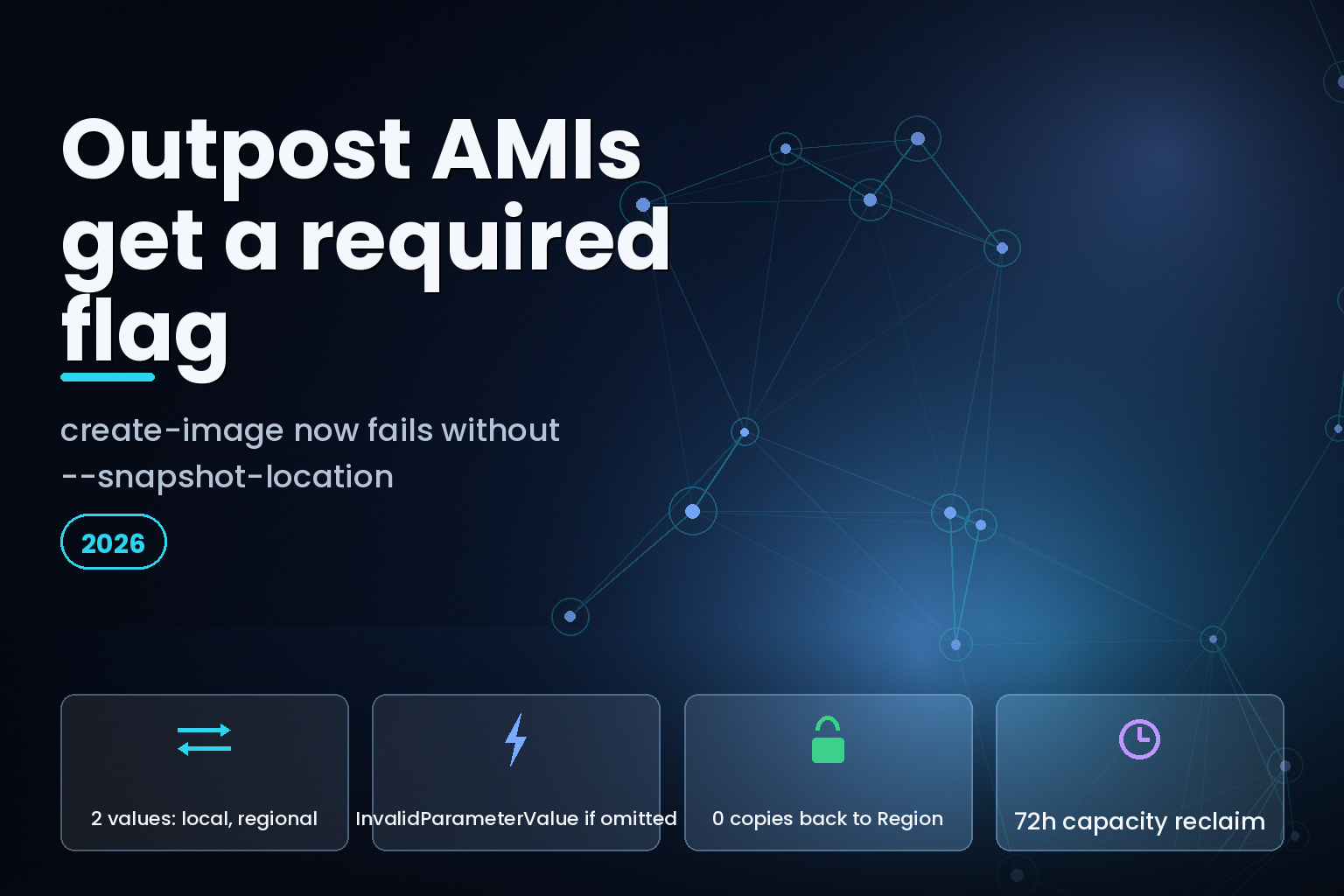
Summary. On 19 August 2026 AWS announced that Amazon EC2 can create Amazon Machine Images with local snapshots from instances on AWS Outposts, and said the change "enables customers to integrate AMI creation into their existing backup and lifecycle workflows for instances on Outposts". The Amazon EBS user guide adds a sentence the announcement leaves out: if the source instance sits on an Outpost that supports local snapshots, the --snapshot-location parameter is required, and "if you omit it, the request fails with an InvalidParameterValue error". Every unchanged create-image call against an Outpost instance now breaks. The flag takes 2 values, local and regional. Once an AMI is backed by local snapshots there are 0 supported ways to copy it back to a Region, to another Outpost, or within the same Outpost, and it can launch instances only on the Outpost that holds it. Amazon S3 capacity freed by deleting local snapshots takes up to 72 hours to return.
The feature is genuinely useful for data residency. It is not a drop-in addition to an existing backup pipeline, which is the reading the announcement invites.
What AWS said, and what the flag does
The What's New entry states that when keeping data local, "EC2 automatically determines the target Outpost from the instance's location, no need to manually specify an Outpost ARN". That part is accurate. You do not supply an Outpost ARN.
You supply something else instead. The EBS local snapshots on Outposts page documents the mechanism:
            aws ec2 create-image \
    --instance-id i-1234567890abcdef0 \
    --name "My Outpost image" \
    --snapshot-location local
local stores the backing snapshots on the same Outpost as the instance. regional stores them in the parent Region. There is no default. On an Outpost that supports local snapshots, the parameter is mandatory, and the failure mode is a rejected API call rather than a silent choice.
That is the operational headline. Any Data Lifecycle Manager policy, backup script, Systems Manager runbook or CI job that calls create-image against an Outpost instance and predates this release will now error until someone adds the flag. AWS did not mention it.
What you can and cannot do with the result
| Operation | Local snapshots on an Outpost | Snapshots in the parent Region |
|---|---|---|
| Copy to the Region | Not supported | n/a |
| Copy to another Outpost | Not supported | Supported, Region to Outpost only |
| Copy within the same Outpost | Not supported | n/a |
| Share the snapshot | Not supported | Supported |
| Fast snapshot restore | Not supported | Supported |
| EBS direct APIs | Not supported | Supported |
| Launch Spot Instances or Spot Fleet | Not supported | Supported |
| Launch an Auto Scaling group | Same Outpost subnet only | Supported |
The copy row is the one that changes disaster-recovery design. The EBS guide is explicit: "You can't copy local snapshots or AMIs from an Outpost to an AWS Region, from one Outpost to another, or within an Outpost. However, you can copy snapshots from an AWS Region to an Outpost." AMI copies from a Region to an Outpost work through the copy-image CLI command only, not the console.
So the data flows one way. An image built to satisfy residency stays where it was built, and if that Outpost is lost, the image is lost with it. Teams that treat AMIs as a recovery artefact need a second, Region-stored image built with --snapshot-location regional, which by definition does not meet the residency requirement the local option exists to serve. That tension is the design decision, and no flag resolves it.
Auto Scaling is a partial exception worth knowing. Groups can launch from AMIs backed by local snapshots, but only into a subnet on the same Outpost, and the Amazon EC2 Auto Scaling service-linked role needs permission on the KMS key used to encrypt the snapshots. Launching such a group in a Region is not supported. Spot Instances and Spot Fleet are excluded outright.
The lineage rule that decides your first snapshot
The EBS guide sets rules that make the storage location sticky per volume:
- If the most recent snapshot of a volume is on an Outpost, every successive snapshot must go to the same Outpost.
- If the most recent snapshot is in a Region, every successive snapshot must stay in that Region.
- Local snapshots, whether created on the Outpost or copied to it from a Region, can create volumes only on that same Outpost.
- A volume created on an Outpost from a Region snapshot keeps taking Region snapshots. A volume created from a local snapshot keeps taking local ones.
Switching an existing volume from Region storage to local storage is a four-step rebuild: snapshot the volume in the Region, copy that snapshot to the Outpost, create a new volume from the local snapshot, then attach the new volume to an instance on the Outpost. There is no in-place flip.
One more constraint applies to the AMI itself. You cannot create an AMI whose backing snapshots are spread across multiple Outposts. Mixing an Outpost-local data volume with a Region-stored root volume is allowed and documented; mixing two Outposts is not.
Residency: what the IAM control actually covers
The announcement frames this as a residency capability, and the EBS guide agrees that IAM is the enforcement mechanism. The example policy denies ec2:CreateSnapshot and ec2:CreateSnapshots where ec2:SourceOutpostArn matches a specific Outpost and ec2:OutpostArn is null, which blocks a principal from snapshotting an Outpost volume into the Region while still permitting local snapshots.
The same page carries an important limitation in an Important callout: "you currently can't use IAM policies to enforce data residency for CopySnapshot and CopyImage actions." Today that gap is closed by the copy restriction itself, because Outpost-to-Region copies are not supported at all. It stops being closed the day AWS ships that path, so a residency control built on this feature should be documented as depending on a product limitation, not only on a policy.
Two further residency details belong in any assessment. Snapshot metadata is stored in the AWS Region associated with the Outpost; the guide says this does not include snapshot data. And the Outpost must have connectivity to its Region to create, use or delete local snapshots, because the Region supplies access, authorization, logging and monitoring. A disconnected Outpost cannot create a new local snapshot, cannot create volumes or launch instances from existing ones, and cannot delete them.
Capacity is the failure mode to instrument
Local snapshots consume S3 on Outposts capacity, which is finite hardware rather than an elastic Region service. The guide sets out what happens at the ceiling: Data Lifecycle Manager keeps attempting to create local snapshots, "the snapshots immediately transition to the error state and they are eventually deleted by Amazon Data Lifecycle Manager". The recommended detection is the SnapshotsCreateFailed CloudWatch metric on the lifecycle policy.
Reclaiming space is slow. After you delete local snapshots, capacity "becomes available within 72 hours after deleting the snapshot and the volumes that reference that snapshot". Deleting a snapshot on a full Outpost does not free room for tonight's backup, and retention policies have to be sized with that lag in mind.
| Constraint | Value | Where it is documented |
|---|---|---|
| Capacity reclaim after deletion | Up to 72 hours | EBS local snapshots on Outposts |
| Snapshot encryption | Mandatory, unencrypted not supported | EBS local snapshots on Outposts |
| Re-encrypt on volume create | Not allowed, same KMS key required | EBS local snapshots on Outposts |
| Prerequisite | Outpost provisioned with S3 on Outposts | EBS local snapshots on Outposts |
| Region connectivity | Required to create, use or delete | EBS local snapshots on Outposts |
| Backing snapshots across Outposts | Not supported in one AMI | EBS local snapshots on Outposts |
Encryption is worth a line of its own. Local snapshots are always encrypted, with the Region default KMS key or one you specify at request time, and a volume created from a local snapshot must use the same key as the source snapshot. There is no re-encryption on restore, so key rotation strategy has to be settled before the first local snapshot, not after.
What to do this week
Search your automation for create-image calls that can target an Outpost instance and add --snapshot-location. Decide the value deliberately: local for anything covered by a residency obligation, regional for anything you expect to restore somewhere else. Then check whether any Data Lifecycle Manager policy writes local snapshots, and put a CloudWatch alarm on SnapshotsCreateFailed before capacity, not after. Multi-volume crash-consistent local snapshots are supported, so consistency groups do not need to change.
The judgement worth stating plainly: the real cost here is not the flag, it is the recovery plan. Choosing local converts an AMI from a portable artefact into an on-premises one, and the backup design has to say out loud what happens if the Outpost itself is unavailable.
India-specific considerations
For Indian organisations placing workloads on Outposts to keep data on premises, this closes a real gap, because AMI backing snapshots no longer have to leave the rack. Under the Digital Personal Data Protection Act 2023, the useful control is the IAM deny on ec2:CreateSnapshot with a null ec2:OutpostArn, which produces an auditable technical boundary rather than a policy statement. Two caveats belong in the same document: snapshot metadata still lands in the associated AWS Region, and the copy restriction that currently backstops the CopyImage policy gap is a product limitation AWS could lift. Teams building on this should also plan around the connectivity dependency, since an Outpost cut off from Asia Pacific (Mumbai) cannot take a local snapshot at all.
What is still unknown
AWS has not said whether --snapshot-location will gain a default value, which would restore compatibility for unchanged scripts. There is no published timeline for Outpost-to-Region copy, and therefore none for the CopySnapshot and CopyImage residency policy gap. The guide does not state a per-Outpost limit on local snapshots or AMIs, so capacity planning currently rests on S3 on Outposts sizing rather than a documented quota.
FAQ
How eCorpIT can help
Deciding between local and regional is a residency and recovery question before it is a CLI change: which workloads carry an on-premises obligation, what the recovery plan is when the image cannot leave the rack, and how key rotation works when volumes must inherit the source snapshot's KMS key. Our data residency and cloud architecture team runs that assessment alongside the AWS IAM policy limits review the deny policies usually trigger, and it pairs naturally with India data centre capacity planning. To scope it, contact our AWS infrastructure team.
References
Last updated: 22 August 2026.


