

On this page · 11 sections
- What actually changed
- Three documentation pages, three different stories
- Two ways to narrow a Wrangler token, and no stated precedence
- The failure mode is a failed command, not a warning
- Who is affected, and how to tell if that is you
- What to do this week
- India-specific considerations
- What is still unknown
- FAQ
- How eCorpIT can help
- References
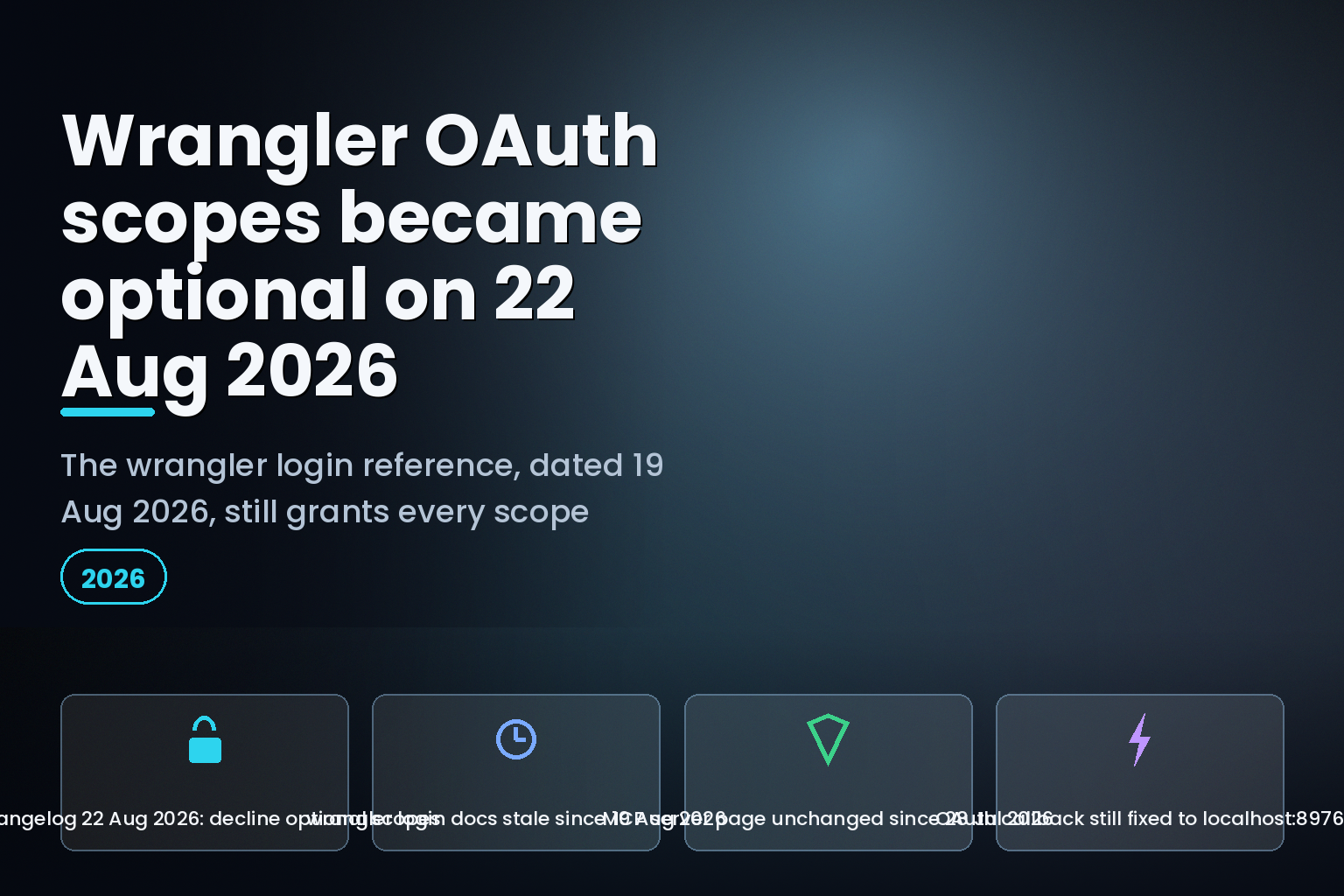
Summary. On 22 August 2026 Cloudflare shipped optional OAuth scopes to Wrangler and the Cloudflare API MCP server, so the consent dialog now carries an Edit Permissions control and you can decline individual scopes instead of approving everything a client asks for. The wrangler login reference page carries a Last updated date of 19 August 2026 and still states that the command "uses all the available scopes by default if no flags are provided". The Cloudflare API MCP server page has not moved since 28 July 2026, 25 days before the change, and describes consent only as "select the permissions to grant to your agent". The platform-side feature reached GA two days earlier, on 20 August 2026, with the default that all configured scopes remain required. So there are now two independent places to narrow a Wrangler token, the --scopes flag and the browser consent screen, and no Cloudflare page says which one wins. This matters to any team on the Workers Paid plan, which starts at a minimum charge of $5 USD per month per account, that has handed a laptop or an AI agent a full-scope Cloudflare credential.
What actually changed
Cloudflare's changelog entry of 22 August 2026 is short. Wrangler and the Cloudflare API MCP server now use optional OAuth scopes, the consent dialog gains an option to edit the permissions you grant, and "Required scopes remain selected." The entry closes with the operational consequence, stated in one sentence: "If a command or tool call needs a scope that you declined, reauthorize the client and grant that scope."
That is the whole notice. It does not list which Wrangler scopes are required and which are optional, and it does not say what a declined scope looks like when a deploy hits it.
The platform capability behind it landed two days earlier. The 20 August 2026 changelog entry announced the GA of optional OAuth scopes for OAuth client developers, who can classify configured scopes as required or optional in the Cloudflare dashboard. One line in that entry governs everything downstream: "By default, all configured scopes remain required." Optional scopes are opt-in work for the client developer, not a platform-wide default. Wrangler and the Cloudflare API MCP server are the first Cloudflare-owned clients to do that work.
Three documentation pages, three different stories
The gap is easy to check, because Cloudflare stamps a Last updated date on every docs page and a dateModified value in the JSON-LD of every changelog post.
| Page | Last updated | What it says about declining scopes |
|---|---|---|
| Changelog: Choose OAuth scopes for Wrangler and the Cloudflare API MCP server | 22 August 2026 | You choose which optional scopes to grant; required scopes stay selected |
| Changelog: Optional OAuth scopes | 20 August 2026 | Client developers mark scopes optional; by default all scopes remain required |
| Authorizing an application | 20 August 2026 | Documents Edit Permissions, Read only and Full access, but never names Wrangler or the MCP server |
| wrangler login reference | 19 August 2026 | "uses all the available scopes by default if no flags are provided" |
| Cloudflare API MCP server catalog | 28 July 2026 | "select the permissions to grant to your agent", with no required or optional distinction |
The fundamentals page is the closest thing to a real description of the new flow, and it is the one page a Wrangler user is least likely to find. It records that all requested permissions are selected by default, that you can turn off optional permissions while required permissions remain selected, and that the editor offers a Read only shortcut which includes only optional scopes with read access, or Full access which includes all of them. It also records the tell that saves you a support ticket: "If the client has no permissions configured as optional, editing controls do not appear." A team that upgrades Wrangler, runs wrangler login, and sees no Edit Permissions button is not looking at a broken rollout. It is looking at a client build whose scopes are all still classified required.
That page was last updated on 20 August 2026, two days before the Wrangler post, which is why it describes the machinery in the abstract and names no client.
Two ways to narrow a Wrangler token, and no stated precedence
Wrangler has had command-line scope control for years. The reference page documents --scopes-list, which prints every available OAuth scope with a description, and --scopes, which takes a whitespace-separated set, with the page's own example being npx wrangler login --scopes account:read user:read.
So from 22 August 2026 there are two independent chokepoints on the same credential:
| Surface | Where the restriction is applied | Documented interaction |
|---|---|---|
wrangler login --scopes |
The CLI, before the browser opens | None stated |
| Consent dialog Edit Permissions | The browser, at authorization time | None stated |
| No flags, no editing | Reference page says all available scopes | Contradicted by the 22 August entry |
No Cloudflare page we retrieved states what happens when a developer passes --scopes account:read user:read and then also toggles permissions in the consent editor. The plain reading is that the consent screen can only ever subtract, because it is the resource owner's approval step, but that is inference, not documentation. Treat it as unknown until Cloudflare writes it down.
The failure mode is a failed command, not a warning
The honest engineering read of this change is that it moves a class of failure from install time to run time. Before 22 August 2026, a Wrangler login that took every scope meant a deploy either worked or failed on your own account permissions. After it, a developer who declines an optional scope has created a credential that works for most commands and fails for a subset, on a date nobody will connect to the login they performed weeks earlier.
Cloudflare's own remedy is a full reauthorization: decline a scope, hit a command that needs it, and you run wrangler login again. There is no documented way to add a single scope to an existing authorization, and no documented pre-flight check that compares the scopes a command needs against the scopes the stored token carries.
This lands harder on the MCP side. An AI agent holding a Cloudflare API MCP server authorization does not read an error the way a developer does. The MCP catalog page notes that the API MCP server uses roughly 1,000 tokens regardless of how many API endpoints exist, against more than 1 million tokens for an equivalent server that exposed every endpoint as a native tool. That design is what makes the server usable, and it also means the agent discovers a missing permission by calling a tool and reading a failure, mid-task, with no scope inventory to consult first.
Who is affected, and how to tell if that is you
You are exposed if any of the following is true. First, your developers authorize Wrangler interactively on laptops rather than using API tokens. Second, you have connected the Cloudflare API MCP server to an agent client. Third, your runbooks tell people to accept the consent screen without reading it, which is now a strictly worse instruction than it was on 21 August 2026.
You are not affected in CI. The wrangler login page points headless and continuous integration environments at Cloudflare's CI/CD guidance, last updated 3 July 2026, and the MCP catalog page says the same thing for automation: create a Cloudflare API token with the permissions you need and pass it as a bearer token in the Authorization header, with both user tokens and account tokens supported. API tokens have always been scoped explicitly. This change does not touch them.
Two other details from the reference page are worth checking while you are in there, because they decide whether the new consent screen is even reachable. The OAuth callback server listens on localhost port 8976 by default, and Cloudflare's OAuth provider always redirects there, so a Wrangler running inside a container needs port 8976 mapped from the host or the login simply hangs. Teams that cannot open a browser at all should use wrangler login --device, which uses the OAuth 2.0 Device Authorization Grant defined in RFC 8628 instead of the localhost callback.
What to do this week
Audit what your existing authorizations already carry. Cloudflare's fundamentals page documents the review path: the profile page on the dashboard lists every application you have authorized, with a Revoke button per row. Every Wrangler login performed before 22 August 2026 was granted under the old all-scopes behaviour, and nothing about this change downgrades an existing token.
Decide the policy before your developers meet the dialog. The consent editor's Read only shortcut includes only optional scopes with read access, which is a reasonable default for anyone who inspects Cloudflare state but never deploys. Anyone who runs wrangler deploy needs write scopes and should take Full access rather than guess.
Check the account-level control, too. Administrators can restrict OAuth applications from reaching account resources under Manage Account, then Members, Settings, Public OAuth App access. Cloudflare's caution on that page is explicit: it does not prevent existing authorizations that account members already hold, and only blocks new authorizations from accessing account resources. Turning it on is not a revocation.
Finally, teach people to read the shield. The same page defines three states: a green filled shield means Cloudflare owns and manages the application, a blue outlined shield means a third-party application with verified ownership of its domain, and an amber filled shield means a third-party application without verified domain ownership. Cloudflare adds that domain verification only confirms the application owner controls the displayed domain. It is an identity signal, not a safety rating.
India-specific considerations
For teams in India running Cloudflare under the Digital Personal Data Protection Act 2023, the interesting part of this change is the audit trail rather than the convenience. A full-scope Wrangler credential on a contractor's laptop is a standing grant over account resources, and until 22 August 2026 there was no interactive way to reduce it below whatever the client requested. Least-privilege engineering credentials are easier to defend to a reviewer than a blanket authorization, and the dashboard's per-application revoke list gives you something concrete to show. The same reasoning applies to agent clients, where the access-control gaps in Cloudflare Workers Access and the permission-group naming in Cloudflare's enriched API 403 responses already reward teams that keep a written scope inventory.
What is still unknown
Cloudflare has not published which Wrangler scopes are classified required and which are optional, so there is no way to plan a minimum viable scope set from the documentation. It has not stated the precedence between --scopes and the consent editor. It has not described the error a declined scope produces, on the CLI or through MCP. And the wrangler login reference page, dated 19 August 2026, still carries a note that the 22 August 2026 changelog contradicts. Until that note changes, verify behaviour against the changelog, not the reference.
FAQ
How eCorpIT can help
eCorpIT builds and operates Cloudflare Workers deployments for teams in India, the UK and the US, and credential scope is part of every handover we write. If your developers still authorize Wrangler with every available scope, or an agent client holds a Cloudflare API MCP server grant nobody has audited, we can inventory the authorizations, define the minimum scope set each pipeline actually needs, and move deployment credentials to explicitly scoped API tokens. eCorpIT is ISO 27001:2022 certified and CMMI Level 5 appraised. Ask our platform engineering team for a Cloudflare credential review.
References
Last updated 23 August 2026.


