On this page · 10 sections
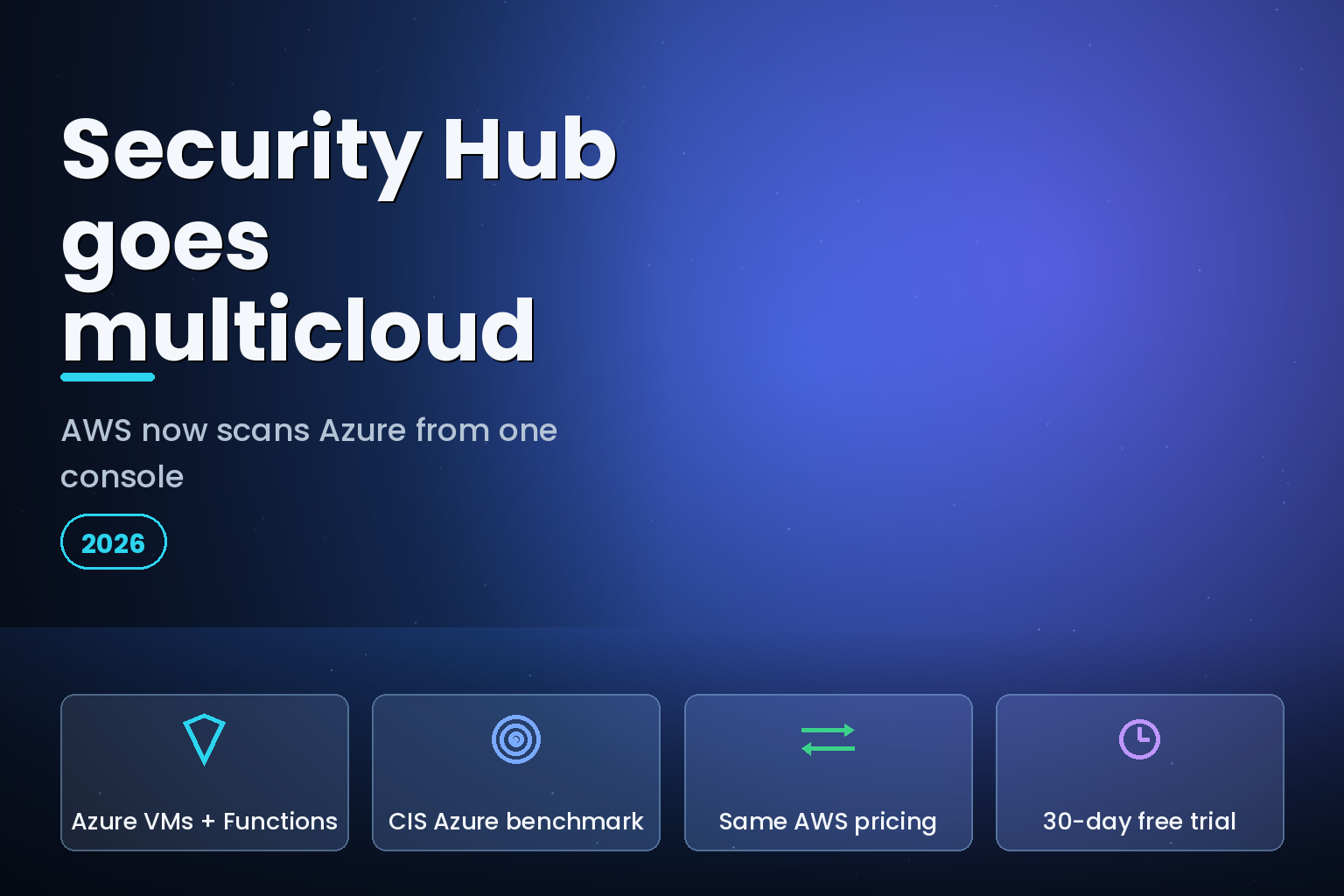
Summary. On July 14, 2026 AWS extended Security Hub to Microsoft Azure. It now discovers Azure Virtual Machines, container images, Function Apps, and identities, then checks them for misconfigurations, internet exposure, and software vulnerabilities, with posture checks against the CIS Microsoft Azure Foundations Benchmark. Azure findings sit next to AWS findings in the same finding format, with the same automation and response workflows, so one team works from one prioritized view. AWS prices Azure resources at the same rates as the equivalent AWS resources with no additional fees, and there is an independent 30-day free trial. Security Hub Essentials lists at $3.75 per resource unit in us-east-1, where an EC2 instance counts as 1 unit, a Lambda function 1/12, a container image 1/18, and an IAM user or role 1/125. A mid-sized Azure estate can land near $1,140 a month on that model, and the optional Threat Analytics add-on meters separately at $0.55 per GB. This guide covers what the Azure support actually checks, what a realistic monthly bill looks like, how it compares to Microsoft Defender for Cloud and Wiz, and when to run it in-house versus hand it to a managed team.
What AWS shipped on July 14, 2026
Cloud security posture management, or CSPM, is the practice of continuously checking cloud resources for risky configuration, exposure, and known vulnerabilities. Most teams have run CSPM per cloud, in separate consoles with separate rules. The Security Hub update collapses part of that split. Michael Fuller, who has led product for AWS Security Services for 11 years, wrote in the AWS announcement that customers "have been clear with us that they want Security Hub to also cover the rest of their estate," starting with Azure and "more clouds following quickly."
The mechanism matters for accuracy. Rather than the fixed polling interval many third-party tools use, AWS built the Azure evaluation on AWS Config, which now reads across clouds and re-evaluates a resource when it changes. That gives near-real-time posture rather than a once-a-day snapshot, which is the difference between catching an exposed database in minutes and catching it tomorrow.
The Azure support arrived alongside a broader push into AI-workload security in the same announcement: GuardDuty AI Protection went generally available, GuardDuty AI-powered investigations entered preview in 10 AWS Regions, and a new Security Hub AI inventory shipped inside the Essentials plan at no extra cost. The through-line is one prioritized view instead of another dashboard to staff.
What Security Hub checks on Azure
The Azure coverage is scoped to four resource types today, with benchmark posture on top.
| Azure resource | What Security Hub evaluates | AWS-equivalent billing unit |
|---|---|---|
| Virtual Machines | Misconfiguration, internet exposure, software vulnerabilities | Like an EC2 instance (1 unit) |
| Container images | Known software vulnerabilities in images | Like an ECR image (1/18 unit) |
| Function Apps | Misconfiguration and exposure | Like a Lambda function (1/12 unit) |
| Identities | Posture and access risk | Like an IAM user or role (1/125 unit) |
| All of the above | CIS Microsoft Azure Foundations Benchmark posture checks | Priced same as equivalent AWS resources |
Two limits are worth flagging before you plan a rollout. First, the coverage is those four resource types plus benchmark checks, not yet every Azure service, so it complements rather than replaces a full Azure-native tool for teams that live in Azure. Second, per AWS documentation, you cannot include a multicloud standard such as the CIS Azure Foundations Benchmark inside a Security Hub configuration policy. To enable or configure the multicloud standard you use local configuration directly in the AWS account, which changes how you script a large multi-account rollout.
What it costs
Security Hub Essentials is priced per resource unit, listed at $3.75 in us-east-1, and AWS bills Azure resources at the same rates as the equivalent AWS resources. Because the unit weights differ by resource type, the bill depends on your mix, not just your headcount of machines.
Take an Azure estate of 200 Virtual Machines, 600 Function Apps, 900 container images, and 500 identities. Mapped to the equivalent units, that is roughly 200 units for the VMs, about 50 units for the Function Apps at 1/12 each, about 50 units for the images at 1/18 each, and 4 units for the identities at 1/125 each. That totals near 304 units, or about $1,140 a month at $3.75 per unit, before the 30-day free trial. Confirm the exact Azure-to-AWS unit mapping against the Security Hub pricing page for your regions, because rates vary by region and the resource weights drive the number.
If you also turn on the optional Threat Analytics add-on for GuardDuty-powered detection, that meters separately, listed at $0.55 per GB for the first tier of security log volume. Keep it out of the base CSPM estimate and size it against your log volume.
Security Hub multicloud versus Defender for Cloud versus a dedicated CSPM
Security Hub joining the multicloud field does not end the CSPM decision. It changes it for teams whose center of gravity is already AWS. The three realistic options compare like this.
| Vector | AWS Security Hub multicloud | Microsoft Defender for Cloud | Dedicated CSPM (for example Wiz) |
|---|---|---|---|
| Home console | AWS Security Hub | Azure portal | Vendor console |
| Azure coverage | VMs, containers, Function Apps, identities; CIS Azure benchmark | Deep, Azure-native | Agentless, broad multicloud |
| AWS coverage | Native | Via Defender for Servers with the Arc agent | Agentless |
| Evaluation cadence | Near-real-time via AWS Config | Continuous | Often API polling |
| Attack-path analysis | Finding correlation and exposure findings | Azure-centric | Security Graph, a market benchmark |
| Pricing model | Per resource unit; Azure same as AWS | Free CSPM tier plus paid plans | Enterprise contract |
| Best fit | AWS-centric teams adding Azure | Microsoft-aligned teams | Multicloud-first security teams |
Read it as a center-of-gravity choice. Microsoft Defender for Cloud leads on native Azure integration, a free CSPM tier, and first-party ties to Entra ID and Azure Policy, which suits Microsoft-aligned shops. Wiz leads on agentless multicloud breadth and graph-based attack-path analysis, which suits security teams that treat every cloud as equal. Security Hub multicloud is the pragmatic pick when AWS is already your primary console and Azure is the smaller, secondary estate you want folded into the same triage queue rather than watched in a separate window. For teams weighing broader multicloud plumbing, our guide to AWS Systems Manager for Azure VMs covers the operations side of the same estate.
A setup checklist
The rollout is short but has an ordering that saves rework.
Enable Security Hub in your primary AWS security account and confirm the Essentials plan is active. Start the Azure connection during the 30-day free trial so you can size real spend before you pay. Onboard the Azure subscriptions you want covered, then configure the CIS Microsoft Azure Foundations Benchmark using local configuration in the AWS account, since it cannot go in a configuration policy. Point Azure and AWS findings at the same automation rules so a critical exposure raises the same ticket regardless of which cloud it came from. Then tune: suppress the benchmark rules that do not apply to your architecture before the noise trains your team to ignore the queue.
The honest failure mode of any CSPM is not missing a finding, it is drowning real findings in ones nobody triaged.
When to run it yourself versus use a managed team
CSPM earns its keep only if someone acts on the findings. That is the real buy-versus-build line, not the tool.
| Factor | Run Security Hub yourself | Managed by a partner |
|---|---|---|
| Time to first findings | Hours to enable, inside the 30-day trial | Days, with initial tuning included |
| Ongoing triage | Your team suppresses noise and chases owners | Handled and reported |
| Azure onboarding | You wire the connection and local config | Done for you |
| Cost control | You track resource-unit spend yourself | Tracked and optimized |
| Data control | Fully in your AWS account | In your account, partner-operated |
| Best fit | Teams with a dedicated cloud-security engineer | Teams without in-house cloud security |
A team with a security engineer who owns the queue should run it in-house; the tooling is now cheap enough and native enough that a separate product is hard to justify for a secondary Azure estate. A team without that person will collect findings and act on none of them, which is worse than no tool because it manufactures false comfort. If you are already rationalizing multicloud spend, the same discipline applies to cost as to security; see our multicloud FinOps guide for AWS, Azure and GCP and the broader cloud FinOps playbook for Indian teams. For securing the AI workloads that Security Hub's new AI inventory now surfaces, our GKE AI security blueprint covers the production-agent side.
India-specific considerations
For Indian teams the pricing lands in dollars, so the weak rupee matters. As of late July 2026 the US dollar traded around 96 rupees, so the roughly $1,140 example works out to about 1,09,000 rupees a month for that estate, before the free trial and before any Threat Analytics add-on. Budget in rupees and size the resource-unit count against your real Azure inventory, because the unit weights, not the machine count, drive the figure.
There is a compliance angle too. The Digital Personal Data Protection Act 2023 expects reasonable security safeguards over personal data, and misconfigured, internet-exposed cloud resources are a common route to a reportable breach. A single prioritized view of AWS and Azure exposure makes it easier to show that safeguards are monitored across the estate rather than per cloud. eCorpIT designs cloud data flows aligned with DPDP requirements; unified posture monitoring is one control that supports that alignment without claiming any certification the tool itself provides.
FAQ
How eCorpIT can help
eCorpIT helps AWS-centric teams fold their Azure estate into one Security Hub view, then actually work the queue. We enable multicloud posture during the free-trial window, wire the CIS Azure benchmark through local configuration, connect Azure and AWS findings to shared automation, and tune out the noise so criticals surface. That sits inside our cloud and FinOps managed service, where security posture and cloud spend are managed together. To scope a multicloud posture rollout, contact eCorpIT.
References
- AWS Security Blog, Michael Fuller, "Security Hub adds AI workload protection and multicloud support for Microsoft Azure," July 14, 2026: aws.amazon.com/blogs/security
- AWS, "AWS Security Hub supports monitoring Microsoft Azure" (What's New): aws.amazon.com/about-aws/whats-new
- AWS Security Hub, "Pricing": aws.amazon.com/security-hub/pricing
- AWS Security Hub, "Creating and associating configuration policies" (docs): docs.aws.amazon.com/securityhub
- Help Net Security, "AWS retools Security Hub for AI and multicloud threats," July 15, 2026: helpnetsecurity.com
- The New Stack, "AWS will now watch Microsoft's cloud for you": thenewstack.io/aws-security-hub-azure
- SiliconANGLE, "AWS turns Security Hub into an AI and multicloud security control plane," July 22, 2026: siliconangle.com
- Arnav, "Wiz vs Microsoft Defender for Cloud," June 27, 2026: arnav.au
- Protego, "Best CSPM Tools 2026: Defender for Cloud vs Wiz vs Orca vs Prisma Cloud": protego.me
- Exchange Rates UK, "US Dollar to Indian Rupee spot exchange rates history 2026": exchangerates.org.uk
_Last updated: July 29, 2026._