

On this page · 11 sections
- What AWS DevOps Agent actually is
- What it automates
- The integrations that matter
- The pricing model, decoded
- The MTTR evidence, and where it is softer
- AWS DevOps Agent vs PagerDuty vs Datadog vs building your own
- Buy vs build: the decision that actually matters
- India-specific considerations
- What to watch before you commit
- How eCorpIT can help
- FAQ
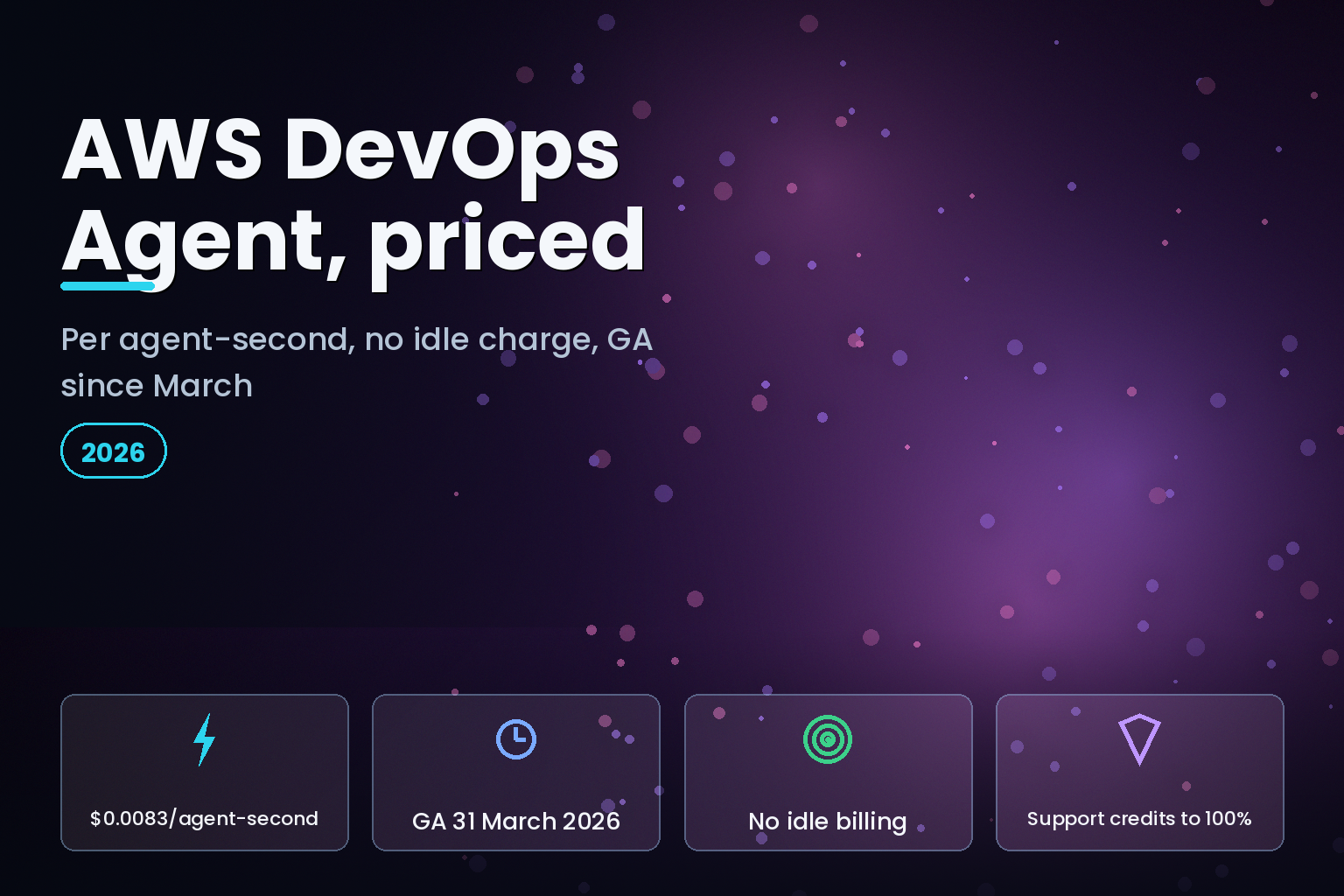
Summary. AWS DevOps Agent reached general availability on 31 March 2026, priced at $0.0083 per agent-second, which is $0.498 per minute or about $29.88 for a full hour of active work, with no charge for idle time. It is an autonomous site reliability engineering (SRE) teammate: it starts investigating the moment a CloudWatch alarm or PagerDuty alert fires, correlates telemetry, code and deployment data, and returns a root cause. AWS reports preview results of up to 75% lower mean time to resolution (MTTR), 80% faster investigations and 94% root-cause accuracy, enabling 3 to 5 times faster incident resolution. Western Governors University, an early adopter serving over 191,000 students, cut one production investigation from an estimated two hours to 28 minutes, a 77% improvement. The agent now runs in six AWS Regions and investigates workloads across AWS, Azure and on-premises. This analysis breaks down what it automates, what it costs at real volumes, how it compares to PagerDuty and Datadog, and when building your own is still the better call.
What AWS DevOps Agent actually is
AWS DevOps Agent is a managed AI agent that performs incident investigation, incident prevention and on-demand SRE tasks without step-by-step human prompting. It sits on top of the observability, source control and CI/CD tools a team already runs, learns the application topology, and acts across the full incident lifecycle: detection, investigation, recovery and prevention.
The product previewed at re:Invent on 2 December 2025 and went GA on 31 March 2026. AWS positions it as one of a new class of "frontier agents", autonomous systems that run persistently and handle concurrent tasks. In practice, the pitch is narrow and concrete: cut the manual toil an on-call engineer does at 2 AM, when a page arrives and someone has to correlate metrics, logs, traces and recent deploys by hand before forming a single hypothesis.
What it automates
The agent covers four jobs that used to sit entirely with a human responder.
Autonomous incident response is the headline. When an alert arrives from Amazon CloudWatch, PagerDuty, Dynatrace, a ServiceNow ticket or any configured webhook, the agent begins investigating immediately. It traces dependencies, correlates signals across tools, and writes an investigation journal that shows its reasoning and the evidence behind the root cause.
Proactive incident prevention analyses patterns across historical incidents and returns targeted recommendations meant to stop repeat outages, moving a team from reactive firefighting toward fixing the conditions that cause pages.
On-demand SRE tasks let an engineer query the environment in natural language: resource inventory, alarm status, deployment history and incident patterns, with saved custom charts and reports.
A dedicated Triage agent assesses severity and detects duplicate tickets, linking them with a LINKED status so parallel investigations do not fan out. At GA, AWS also added code indexing, so the agent reads application repositories, spots likely bugs during an investigation and proposes code-level fixes, plus Learned Skills and Custom Skills that capture how a specific team resolves specific incident types.
The integrations that matter
The agent is only as useful as the tools it can see. At GA it connects to Amazon CloudWatch plus partner tools including Datadog, Dynatrace, New Relic, Splunk, GitHub, GitLab, ServiceNow and Slack. The GA release added built-in support for Azure, Azure DevOps, PagerDuty and Grafana. The Grafana connection uses a built-in Model Context Protocol (MCP) server that reaches any Grafana instance, self-managed, Grafana Cloud or Amazon Managed Grafana, and through it reads Prometheus, Loki and OpenSearch data sources.
On-premises support also arrives through MCP: the agent discovers on-prem resources by analysing metrics, logs and code to build a topology, so incident response spans AWS, Azure and a data centre in one investigation. Private connections let an Agent Space reach services inside a VPC or internal network without exposing them publicly, and the agent supports customer-managed keys and identity provider integration with Okta and Microsoft Entra ID.
The pricing model, decoded
AWS DevOps Agent bills per second of active agent time at $0.0083 per agent-second, applied identically to Investigations (incident response), Evaluations (site reliability) and on-demand SRE tasks. There are no upfront commitments and no charge while the agent is idle. You still pay standard rates for any connected AWS services the agent calls, such as Amazon CloudWatch Logs Insights queries, billed through those services.
AWS publishes its own worked examples. A small team running 10 investigations a month at 8 minutes each pays about $39.84. A more active team running 80 investigations plus 100 short chats pays about $343.62. An enterprise deployment with 10 agent spaces running 500 incidents, 40 evaluations and 30 custom SRE agents pays about $2,365.50 a month.
Two details change the real bill. First, a two-month free trial starts with the first operational task after GA and includes, per trial month, up to 10 agent spaces, 20 hours of investigations, 15 hours of evaluations and 20 hours of on-demand SRE tasks. Second, AWS Support customers receive monthly credits against DevOps Agent usage based on the prior month's support charge: 100% for Unified Operations, 75% for Enterprise Support and 30% for Business Support+. A team on Enterprise Support spending $10,000 a month on support receives $7,500 in monthly DevOps Agent credits, which for many teams cancels most of the cost.
Cost vector | AWS DevOps Agent | Typical assumption teams get wrong ---|---|--- Billing unit | $0.0083 per agent-second, active time only | That it is a per-seat or flat monthly fee Idle cost | $0 when not working | That an always-on agent bills continuously Small team (10 investigations/mo) | About $39.84/month | That entry cost runs into hundreds Enterprise (500 incidents + more) | About $2,365.50/month | That heavy use is unbounded Support credits | 100% / 75% / 30% of prior support spend | That list price is the net price Connected-service fees | Billed separately (CloudWatch, etc.) | That the per-second rate is all-in
The MTTR evidence, and where it is softer
AWS's headline preview figures are up to 75% lower MTTR, 80% faster investigations and 94% root-cause accuracy, enabling 3 to 5 times faster resolution. Treat "up to" as a ceiling, not an average; these are vendor-reported preview numbers, so the useful signal is the named customer detail behind them.
Western Governors University, which serves over 191,000 students and runs Dynatrace at scale, used the agent during a live service disruption. It reduced total resolution time from an estimated two hours to 28 minutes, a 77% improvement, and located the root cause inside a Lambda function's configuration.
"It was able to provide the smoking gun, identified the Lambda was the cause. The investigation had almost flawless metrics that matched what we saw on the front-end," said Angel Marchena, Director of Technical Operations at Western Governors University.
Zenchef, a restaurant technology platform, reported a similar result during a company hackathon: an investigation that would have taken one to two hours manually wrapped in 20 to 30 minutes, roughly a 75% reduction, tracing the fault to an IAM misconfiguration. T-Mobile, a carrier with over 140 million subscribers, joined as a design partner and highlighted the agent's ability to read logs in its on-premises Splunk deployment across a multicloud estate. The pattern across all three is the same: the agent compresses the correlation and hypothesis stage, which is where on-call time actually goes.
AWS DevOps Agent vs PagerDuty vs Datadog vs building your own
The agent does not enter an empty market. PagerDuty and Datadog both sell AI incident tooling, and plenty of teams have wired their own responders using an LLM API plus scripts. The pricing models differ enough that a like-for-like table matters more than a feature checklist.
Option | Pricing model (list, mid-2026) | Deployment reach | Best fit ---|---|---|--- AWS DevOps Agent | $0.0083 per agent-second, active time only | AWS, Azure, on-prem via MCP; six Regions | AWS-centric teams wanting usage-based cost PagerDuty AIOps | AIOps add-on from about $699/month, on top of seats near $21 to $41/user/month | Tool-agnostic, mature alerting graph | Teams already standardised on PagerDuty Datadog Bits AI | About $25 to $30 per conclusive investigation | Deep inside the Datadog platform | Heavy Datadog observability shops Build your own | LLM API tokens plus engineering time to build and maintain | Whatever you integrate yourself | Unusual stacks or strict control needs
The comparison is not purely about the sticker. PagerDuty prices AI as a flat monthly add-on that is predictable but paid whether or not incidents occur, while AWS charges only for active seconds, which favours teams with spiky, infrequent incidents and penalises nobody for a quiet month. Datadog's per-investigation model sits between the two. A build-your-own responder can be cheaper in raw token terms, but the cost moves into engineering headcount for the integration and its upkeep, which is exactly the trap teams underestimate.
Buy vs build: the decision that actually matters
For an incident-response agent, the honest build-versus-buy table compares four vectors, not one.
Decision vector | Buy (AWS DevOps Agent) | Build your own responder ---|---|--- Time to first value | Days: create an Agent Space, connect tools, reinvestigate a past incident | Weeks to months of integration work Upfront cost | $0; usage-based from the first task | Engineering time before any payoff Maintenance overhead | AWS owns model updates and integrations | Your team owns prompts, connectors, drift Data control | Runs in your account with private VPC connections, customer-managed keys | Full control, full responsibility
The real cost of building is rarely the model call; it is the maintenance of connectors, the prompt and evaluation harness, and the on-call rotation for the responder itself. For most AWS-centric teams, buying wins on time-to-value and total cost of ownership. Building still makes sense when the stack is unusual, when data cannot leave a specific boundary, or when incident response is itself the product. Teams without the platform headcount to run either path usually bring in a devops services company for the pilot and keep the rotation in-house afterwards. Whichever path you choose, the agent needs the same guardrails you would give any production agent: scoped permissions, evaluation against known incidents, and a governance layer. Our guides on enterprise AI agent governance layers and catching silent AI agent failures in CI/CD cover both, and the wider pattern sits in our enterprise AI agents in production pillar.
India-specific considerations
For Indian engineering teams and the global capability centres (GCCs) that run 24/7 production from Bengaluru, Pune and Gurugram, the per-second model reads differently. At $0.0083 per agent-second, a team handling 40 investigations a month at 8 minutes each spends roughly $159, close to ₹13,300 at mid-2026 rates, before any support credit, which is a fraction of one senior on-call engineer's monthly cost. The nearest Region is Asia Pacific (Tokyo or Sydney), so latency and data-residency planning matters where workloads or logs are sensitive. Any telemetry that contains personal data still falls under the Digital Personal Data Protection Act 2023, so the agent's access to logs should be scoped and the data flows documented, the same discipline we apply in our cloud FinOps work for Indian teams.
What to watch before you commit
Three limits deserve attention. The agent launched in six Regions (N. Virginia, Oregon, Frankfurt, Ireland, Sydney and Tokyo), so confirm coverage for your workloads. Connected-service fees are separate, so a chatty investigation that runs many CloudWatch Logs Insights queries adds cost outside the per-second rate. And an agent with production read access is a security surface: use private VPC connections, customer-managed keys and identity provider integration from day one rather than retrofitting them. Measured against a past incident, though, the value is easy to test in a week, which is the cleanest way to decide.
How eCorpIT can help
eCorpIT is a Gurugram-based, senior-led engineering organisation, founded in 2021 and certified for CMMI Level 5, MSME and ISO 27001:2022, with partnerships across AWS, Microsoft and Google. We help teams pilot AWS DevOps Agent against real past incidents, wire it safely into CloudWatch, Grafana, Datadog or an on-premises Splunk deployment, and put the guardrails, evaluations and scoped permissions around it that a production agent needs. If you are weighing an AIOps buy against building your own responder, contact us for a scoped assessment.


