On this page · 11 sections
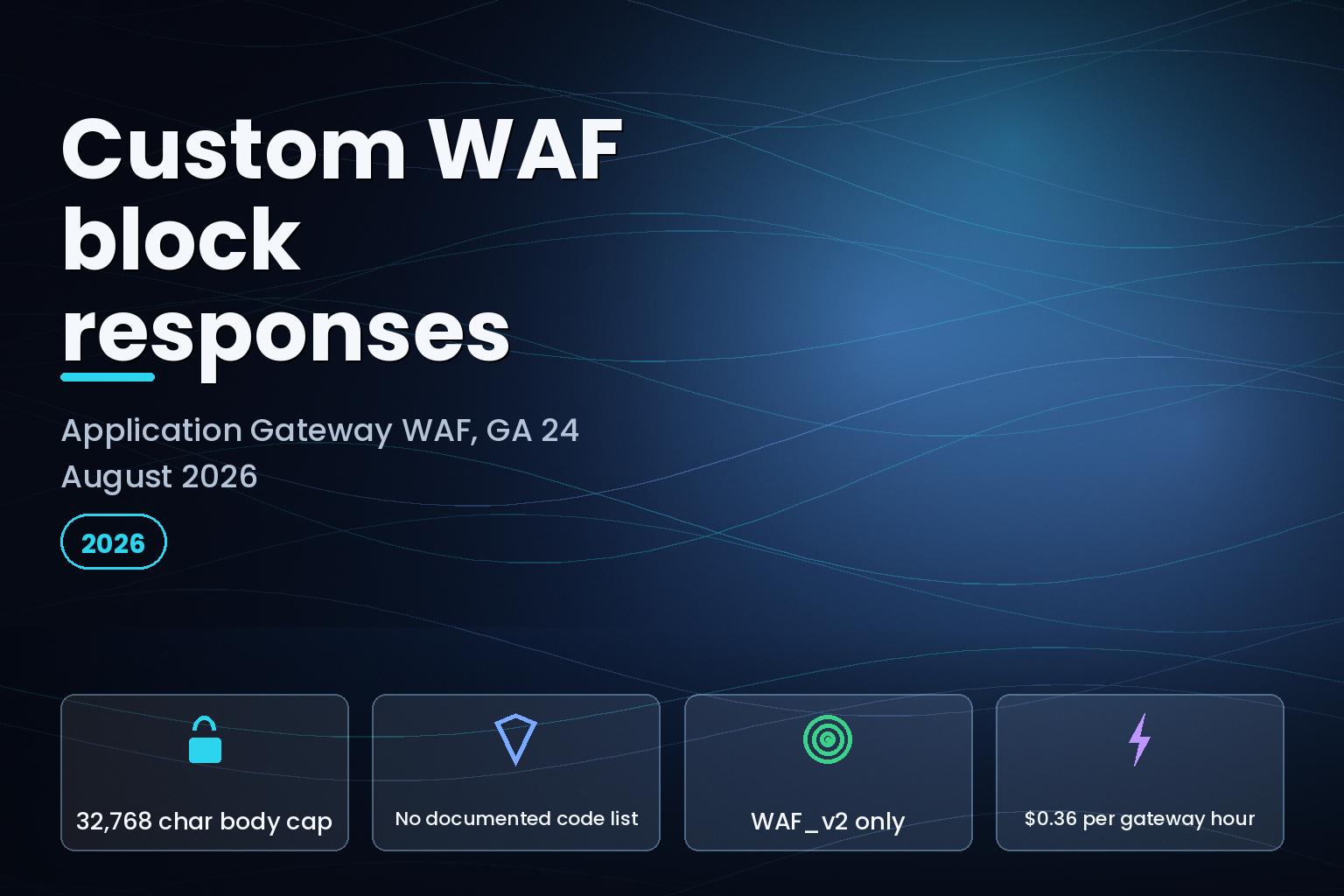
Summary. Microsoft moved custom block response code and body to general availability for the Azure Web Application Firewall integrated with Application Gateway on 24 August 2026. Until now a blocked request always returned HTTP 403 with the message "The request is blocked". The ARM template reference caps the replacement body at 32,768 base64 characters, roughly 24,576 bytes of decoded HTML, and declares the replacement status code as a plain integer with a minimum value of 0 and no permitted list. Azure Front Door, which the announcement names as the parity target, publishes exactly five allowed codes: 200, 403, 405, 406 and 429. Application Gateway publishes none. The feature is also WAF_v2 only, and on 24 August 2026 the Azure Retail Prices API put WAF_v2 at $0.36 per gateway hour against $0.20 for Application Gateway Standard v2 in East US, with capacity units at $0.0144 against $0.008: an 80% premium on both meters, as of 24 August 2026.
What Microsoft actually shipped
The Azure update record, published at 17:25 UTC on 24 August 2026 against the Application Gateway and Web Application Firewall products, is short. It says the WAF "now supports customizable response status codes and bodies for blocked requests", that the default is "a 403 status code with a 'The request is blocked' message", and that "as with WAF with Azure Front Door, now customers can also define a custom response status code and message with Application Gateway when WAF blocks a request". It then adds the sentence that decides how you deploy it: "This customization is a policy-level setting, ensuring that all blocked requests receive the same custom response status and message."
Two fields carry it. In the ARM template reference for Microsoft.Network/applicationGatewayWebApplicationFirewallPolicies, policySettings gained customBlockResponseStatusCode and customBlockResponseBody. The body is a string, must be base64, and has a documented maximum length of 32,768 characters. The status code is an int with one constraint recorded: a minimum value of 0.
That minimum is the interesting part. HTTP has no status code 0. A schema that accepts 0 is a schema nobody has narrowed to the set the data plane will actually honour, which means the portal, the CLI and your Bicep files will all accept values the gateway may reject at runtime or silently coerce.
Where the documentation disagrees with itself
Three Microsoft pages describe what an Application Gateway WAF returns on a block, and on GA day they do not agree.
The Application Gateway WAF overview still describes prevention mode as: "Blocks intrusions and attacks that the rules detect. The attacker receives a '403 unauthorized access' exception, and the connection is closed." No override is mentioned. The Azure WAF policy overview walks through global, per-site and per-URI policy association without naming either new field. Only the ARM template reference records the constraints, and it is the one page that does not tell you which codes are legal.
The Front Door side is documented properly. The policy settings article for Front Door lists the supported custom status codes as 200 OK, 403 Forbidden, 405 Method not allowed, 406 Not acceptable and 429 Too many requests, and notes that the default 403 response also returns a reference string for logging. If parity is the claim, that five-value list is the only published starting point you have.
| Property | Azure Front Door WAF | Application Gateway WAF |
|---|---|---|
| Documented status codes | 200, 403, 405, 406, 429 | None published; schema accepts any integer from 0 |
| Body encoding | base64 | base64 |
| Documented body cap | Not stated in the policy settings article | 32,768 characters in the ARM reference |
| Scope | Policy level | Policy level, and policies attach globally, per listener or per URI |
| SKU requirement | Front Door Premium | WAF_v2 only |
| Default block response | 403 with "The request is blocked" plus a reference string | 403 with "The request is blocked" |
The granularity nobody mentioned
The announcement calls the setting policy level, which reads like a limitation. On Application Gateway it is closer to the opposite. The Azure WAF policy overview states that policies "are then associated to an application gateway (global), a listener (per-site), or a path-based rule (per-URI)" and that "more specific policies override less specific ones", with no limit on the number of policies you can create.
So a single gateway fronting contoso.com, fabrikam.com and adatum.com can return three different block responses, because each listener can carry its own policy. A payments path under adatum.com can return a fourth. Front Door's policy-level setting does not decompose that way. The practical read: if you want per-site branded block pages, you build them by splitting policies, not by writing rules.
The same overview carries the hard prerequisite. WAF policy associations are supported only on the Application Gateway WAF_v2 SKU. A gateway still running WAF_v1 with settings in the legacy WAF configuration cannot use either field until the configuration is migrated to a policy.
What breaks if you set the code to 200
The tempting configuration is a 200 with a friendly page, because it stops security controls from looking like outages to end users. It also breaks three things at once.
Synthetic monitors and uptime probes read 200 as success. Blocked traffic disappears from the availability numbers your service level objectives are computed from, so a managed rule set that starts false-positive blocking a checkout path shows up as a conversion problem rather than an error rate spike. Client retry logic stops retrying, because there is nothing to retry. And any detection that counts 4xx responses to spot credential stuffing or scraping loses its input entirely.
The firewall resource log is the compensating control. The Application Gateway WAF log records each matched request with its action, and the access resource log separately records the return code, the caller IP and the requested URL for every request. Move the alerting to the firewall log before you change the response code, not after. The block still happens and is still recorded; only the thing your HTTP-level tooling sees has changed.
The 32,768 character cap is a second, quieter constraint. Base64 turns three bytes into four characters, so the ceiling is about 24,576 bytes of decoded content. A self-contained page with inline CSS fits comfortably. A page that references an external stylesheet, a web font or a logo does not fit the way you expect, because those requests leave the gateway and go somewhere the blocked client may also be blocked from reaching.
What it costs
Fixed and variable costs are separate on Application Gateway v2. The pricing article is explicit that fixed cost applies "even if zero instances are reserved by specifying 0 in the minimum instance count" and that the number of running instances does not change it. These are the values the Azure Retail Prices API returned for East US on 24 August 2026.
| Meter | Application Gateway Standard v2 | Application Gateway WAF v2 |
|---|---|---|
| Fixed cost, per hour | 0.20 USD | 0.36 USD |
| Capacity unit, per hour | 0.008 USD | 0.0144 USD |
| Discounted fixed cost, per hour | Not listed | 0.20 USD |
| Discounted capacity unit, per hour | Not listed | 0.008 USD |
| CAPTCHA sessions, per 1,000 | Not listed | 0.40 USD |
Five rows, and the two "discounted" WAF v2 meters land on exactly the Standard v2 numbers. On list price the WAF premium is 80 per cent on both the fixed meter and the capacity unit meter. That is the real cost of the feature, because you cannot reach it from Standard v2 at all.
What to change, and in what order
| Step | Where | Why it matters |
|---|---|---|
| Confirm the SKU is WAF_v2 | Application Gateway resource | Policy settings do not apply to WAF_v1 |
| Migrate legacy WAF config to a policy | WAF policy resource | The two new fields live in policySettings |
| Move block alerting to the firewall log | Diagnostic settings | HTTP-level alerts stop firing if you return 200 |
| Test each candidate status code | Non-production gateway | The schema documents no permitted set |
| Keep the page under 24,576 decoded bytes | Bicep or Terraform | 32,768 base64 characters is the hard cap |
Test order matters more than usual here. Because the permitted code set is undocumented, the only trustworthy list is the one your own gateway accepts and returns. Start from Front Door's five, add anything else you need one value at a time, and check the response on the wire rather than in the portal.
India-specific considerations
Teams running Application Gateway from Central India face the same 80 per cent WAF premium on the fixed and capacity meters, and the same policy-per-listener pattern for multi-brand estates. Where a custom block page carries an explanatory message, it is worth checking that the message does not disclose which rule fired or which backend was targeted. Under the Digital Personal Data Protection Act 2023, a block page is still a surface that reaches a data principal, and a verbose one leaks internal structure to whoever triggered it.
What is still unknown
Microsoft has not published the permitted status code list for Application Gateway, has not updated the WAF overview page, and the update record says only "for further details, please reach out to the Azure WAF product team". Whether the data plane accepts the full integer range the schema allows, what happens on an unsupported value, and whether the reference string Front Door returns on a default block is also present on Application Gateway are all unanswered as of 24 August 2026.
FAQ
How eCorpIT can help
We run Azure edge and WAF configurations for teams that cannot afford a false-positive block on a payment path. That work sits alongside our multi-cloud security posture management practice and our Azure landing zone and Terraform modernization work, and it usually starts with reading the firewall log rather than the rule set. If you are about to change what your WAF returns to blocked clients, book a WAF configuration review and we will check the alerting path first. eCorpIT is ISO 27001:2022 certified and CMMI Level 5 appraised.
Related reading: our note on the Cloudflare WAF ruleset override block trap, the Azure summarized gateway prefixes change, and the cloud FinOps guide for Indian teams.
References
- Azure updates: Generally Available: Custom block response code and body for Application Gateway WAF (published 24 August 2026)
- Azure Retail Prices API (queried for Application Gateway, East US, 24 August 2026)
Last updated: 24 August 2026.