

On this page · 10 sections
- The problem: an agent that acts needs to authenticate
- What 1Password for Claude actually does
- Agentic Mode: guarding the vault when an agent drives the browser
- What this does not solve
- The bigger pattern: runtime secrets for a new class of identity
- India-specific considerations
- How engineering and security leaders should decide
- FAQ
- How eCorpIT can help
- References
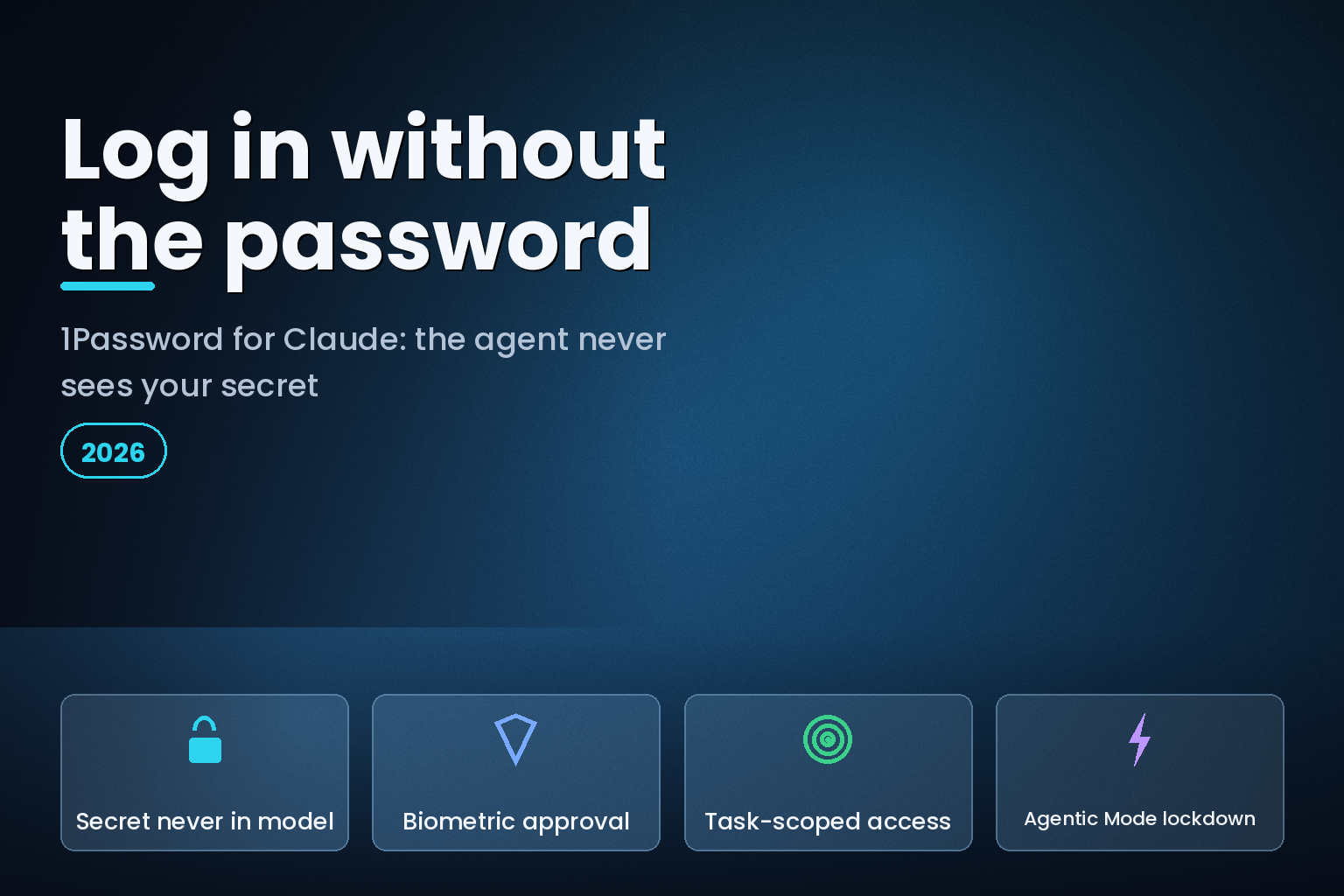
Summary. On July 16, 2026, 1Password launched 1Password for Claude, a way to let an AI agent finish tasks that need a login without the password or one-time code ever entering the model. The design is what 1Password calls zero-exposure: when Claude reaches a sign-in page, 1Password shows you which credential is being requested and why, you approve with biometrics, and 1Password injects the secret straight into the page. Claude never sees the vault item, the password, or the code. This matters because credentials are expensive to lose: IBM's Cost of a Data Breach 2025 put the global average breach at $4.44 million, $10.22 million in the United States, and breaches that started with compromised credentials at $4.67 million. With 57.3% of organisations now running AI agents in production and another 30.4% building them, per LangChain's 2026 State of AI Agents survey, "give the agent your password" was never a safe default. This guide explains the mechanism, the three ways teams currently hand agents credentials, the residual risks, and how engineering and security leaders should decide.
The shift underneath this is simple to state. AI agents have moved from helping people think to acting for them in browsers and accounts, and once an agent can click, buy, and submit, the question becomes what identity it acts under and what access it should hold. Claude in Chrome can compare deals, add an item to a cart, or update account details, but at a login page you used to face two bad options: paste your password into the agent, or stop and do it yourself. 1Password for Claude, built by 1Password with Anthropic, is the first mainstream answer that removes that tradeoff for browser tasks.
The problem: an agent that acts needs to authenticate
An agent that only reads can run on your session cookies. An agent that acts on your behalf hits authentication walls: a login form, a two-factor prompt, a one-time passcode. Teams have solved this in three rough ways, and two of them are the reason security leaders lose sleep.
The first is to paste the password into the chat or let the agent read it from the page. The secret then lives in the model's context and possibly its logs. The second is to store credentials in the agent's own browser profile or a script, which spreads long-lived secrets into places you do not audit. The third, and the one 1Password for Claude implements, is runtime injection: the secret is issued only at the moment of use, scoped to the task, and never enters the model. The table below compares them.
| Approach | Does the agent see the secret? | Where it breaks |
|---|---|---|
| Paste password into the chat | Yes, it enters the model context | Secret can persist in logs, memory, and training-adjacent stores |
| Store credentials in the agent's browser profile | Yes, long-lived and local | Broad, unaudited access that outlives the task |
| Hardcode secrets in a script or environment | Yes, in plaintext or config | Leaks through repos, CI logs, and shared machines |
| Broad OAuth token granted to the agent | Not the password, but a powerful token | Over-scoped access that is hard to revoke per task |
| Runtime injection (1Password for Claude) | No, the credential never enters the model | Requires per-task approval and a supported site |
The security case is not abstract. IBM found that compromised credentials remained one of the costliest initial vectors in 2025 at $4.67 million per breach, and that credential-based intrusions took a 246-day average to identify and contain. Handing a fresh, autonomous actor your reusable password widens exactly that exposure. Teams already building agents know the reliability side of this too, which we cover in why AI agent evals catch silent failures in CI/CD.
What 1Password for Claude actually does
The core idea, in 1Password's words, is "credential access without credential exposure." 1Password stays the source of truth for the secret, and access is granted only at runtime. Here is the flow it describes, step by step.
- Claude, running in Chrome, navigates to a site and reaches a page that needs a login or a one-time passcode.
- 1Password shows you which credential is being requested and why, so the request is explicit rather than silent.
- You approve with a biometric check, such as Touch ID. Nothing is filled without that consent.
- 1Password injects the credential directly into the page. Claude never sees the vault item, the password, or the one-time code.
- Access is scoped to the current task and ends when the task is complete.
- After autofill, 1Password checks that the secret was not exposed on the page. If submission fails, it clears the filled values before returning control.
Two everyday examples from 1Password make the pattern concrete. You ask Claude to review your Audible wishlist and redeem an expiring credit; Claude navigates the store, you approve the credential, 1Password supplies the login, and the audiobook lands in your library without you typing a password or a time-based code. A small-business owner asks Claude for a Stripe revenue summary; Claude opens the dashboard, the owner approves the Stripe login, and 1Password handles both the credential and the one-time code, so the answer arrives without the secret ever entering the model. The same pattern works anywhere Claude in Chrome can act and the login lives in 1Password.
Nancy Wang, CTO of 1Password, framed the design choice this way: "We need a new security model that is purpose-built for agents, not just humans. The answer isn't handing agents your secrets. It is to let a user give an agent permission to use a credential without letting the agent see it. Claude knows it used your login; it does not need the password or one-time code in its context. That distinction is where trust in agents starts and the foundation we're building with Anthropic."
Agentic Mode: guarding the vault when an agent drives the browser
There is a second risk that has nothing to do with any one login: what happens when a browser agent takes control of a browser where your password manager is installed. Without guardrails, the agent could try to interact with the extension itself. 1Password's answer is Agentic Mode, a feature in the browser extension that locks the extension down when a compatible AI agent takes over. The interface is hidden, and the agent can use only the logins and one-time codes explicitly approved for the current task. The rest of the vault stays out of reach.
Three details matter for anyone evaluating this. Agentic Mode works even if the 1Password for Claude integration is not set up, and even if 1Password is not required for the current agentic task, so the lockdown is not conditional on using the feature. It supports agents beyond Claude. And for qualifying enterprises there is nothing new to configure: employees using 1Password for work credentials get the same protection, and every credential request from an AI agent is visible, explicit, and authorised. The capability summary is below.
| Capability | What it does | Who approves |
|---|---|---|
| Runtime credential injection | Fills the password into the page at the moment of use | You, per credential |
| One-time code handling | Supplies the time-based code without revealing it | You, per task |
| Task-scoped access | Grants access for one task, then ends it | Automatic on task completion |
| Post-fill exposure check | Verifies the secret was not exposed; clears on failed submit | Automatic |
| Agentic Mode lockdown | Hides the extension; limits the agent to approved items | Automatic when an agent takes over |
What this does not solve
A security feature is only as useful as an honest read of its limits. Zero-exposure keeps the secret out of the model, but the agent still drives the browser after you approve, so an agent that has been misdirected, for example by a prompt-injection attack on a malicious page, can still take an approved action you did not intend. Approval quality is the control that remains yours: read what is being requested and why before you tap Touch ID, and treat blanket approval fatigue as the real risk. Scope discipline matters too, because task-scoped access limits damage only if your tasks are narrow. None of this replaces least-privilege account design, monitoring, or the ability to revoke access after the fact. For teams shipping agents, that operational layer is the harder half of the work, and it is the focus of our AI agent security and guardrails service.
It is also, for now, a bounded release. 1Password for Claude is available on Mac across business, family, and individual plans, and it targets browser tasks that Claude in Chrome can perform. Teams on Windows or Linux, or those whose workflows sit outside the browser, will wait or use the developer-side pieces described below.
The bigger pattern: runtime secrets for a new class of identity
1Password for Claude is one instance of a broader move to treat agents as their own identity type that needs governed access, the same way humans and machines do. The company has been shipping this access layer across surfaces: it became a trusted access layer for OpenAI's Codex on May 20, 2026, added trusted access for the Kiro development environment on June 17, 2026, and offers the 1Password MCP Server so agents working in an IDE, repository, terminal, or CI/CD pipeline can pull secrets at runtime rather than reading them from plaintext config. The principle is consistent across all of them: issue the secret at runtime, scope it to the task, and govern it centrally.
For engineering teams, that principle is portable even if you never touch this specific product. If you are wiring agents into tools through the Model Context Protocol, the same runtime-secret discipline applies, which we cover in the context of building integrations in our note on MCP server development and integration. The reliability backdrop is worth keeping in view: LangChain's 2026 survey found 57.3% of organisations already run agents in production and another 30.4% are actively building them, with quality cited by roughly a third as the top blocker. Access control that fails closed is part of that quality bar, not separate from it. The agent surface in the browser is also expanding fast, a shift we track in ChatGPT Work versus Claude for office agents.
India-specific considerations
For teams in India, agent credential handling sits directly under the Digital Personal Data Protection Act, 2023. When an agent logs into a system that holds customer data, the account it uses and the data it can reach are part of your processing footprint, and a model that never receives the raw credential reduces one clear path for a secret to leak into logs or a third-party model context. That does not remove your obligations: you still owe purpose limitation, access minimisation, and the ability to show who authorised what. Design the agent's account with the least access it needs, log every approval, and keep secrets in a governed store rather than in prompts or browser profiles. Our DPDP engineering playbook for Indian startups covers the controls that make this defensible under audit.
How engineering and security leaders should decide
Treat this as a policy decision, not a gadget. If your team is piloting browser agents, the default should be that agents never receive reusable secrets in their context, and runtime injection with per-task approval is the pattern to require. Ask three questions of any tool you adopt: does the secret stay out of the model, is access scoped and revocable per task, and is every credential request visible and authorised. 1Password for Claude answers all three for supported browser tasks today. Where it does not fit, for example on Windows or in non-browser workflows, apply the same three tests to whatever you build, and do not let convenience push a plaintext secret into a place you cannot audit.
FAQ
How eCorpIT can help
eCorpIT is a Gurugram software organisation with senior-led engineering teams that build and secure production AI systems. We help teams put agents into real workflows without widening their attack surface: designing least-privilege identities for agents, keeping secrets out of model context, wiring runtime-secret patterns into browser and developer workflows, and adding the approval logging that stands up to a DPDP or security review. If you are moving browser or developer agents past the pilot stage, contact us and we will scope a secure rollout with you.
References
- 1Password, "1Password for Claude: Give Claude access without giving up your credentials," July 16, 2026. https://1password.com/blog/1password-for-claude
- IBM, "Cost of a Data Breach Report 2025." https://www.ibm.com/reports/data-breach
- LangChain, "State of AI Agents." https://www.langchain.com/state-of-agent-engineering
- The New Stack, "1Password's new browser integration for Claude changes how AI uses your credentials." https://thenewstack.io/1password-agent-authentication-framework/
- Engadget, "You can now grant Claude access to your 1Password credentials." https://www.engadget.com/2216405/1password-anthropic-claude-integration/
- 9to5Mac, "1Password now lets Claude sign in to websites without seeing your passwords," July 16, 2026. https://9to5mac.com/2026/07/16/1password-now-lets-claude-sign-in-to-websites-without-seeing-your-passwords/
- MacRumors, "1Password for Claude Lets AI Log In Without Seeing Your Passwords," July 16, 2026. https://www.macrumors.com/2026/07/16/1password-claude-integration/
- 1Password, "1Password is now a trusted access layer for OpenAI's Codex," May 20, 2026. https://1password.com/blog/1password-trusted-access-layer-for-openai-codex
- 1Password, "1Password + Kiro: Trusted Access for AI-Powered Development," June 17, 2026. https://1password.com/blog/1password-kiro-trusted-access
- 1Password, "1Password for Claude support documentation." https://support.1password.com/1password-claude/
- 1Password, "1Password MCP Server." https://www.1password.dev/environments/mcp-server
_Last updated: July 19, 2026._


