

On this page · 13 sections
- watchOS 27 requirements and how to install it
- Siri AI on Apple Watch
- Everyday watchOS 27 features
- Health and fitness
- Wallet custom passes
- Apple Watch For Your Kids and child safety
- watchOS 27 compatibility: supported and dropped models
- What developers should do
- What IT teams should know
- What Apple confirms for India users
- Is watchOS 27 worth updating to now?
- How eCorpIT can help
- References
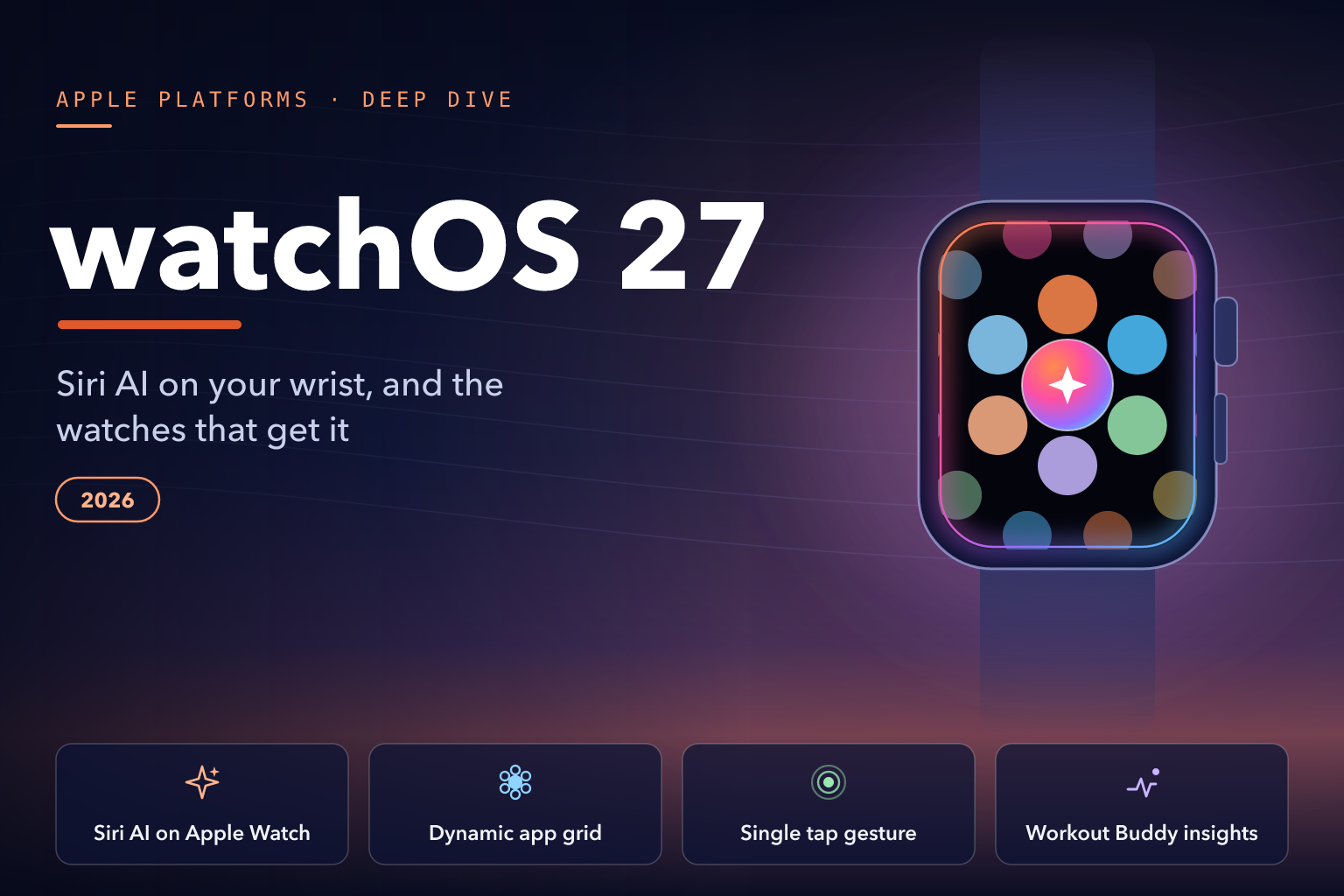
Summary. watchOS 27 is Apple's 2026 software update for Apple Watch, adding Siri AI in beta, a dynamic app grid, a single tap gesture for the Smart Stack and new Workout Buddy insights. Apple began rolling it out on 14 September 2026. It runs on Apple Watch SE 3, Series 9 and later, and Ultra 2 and later, and needs an iPhone 11 or later or an iPhone SE (2nd generation or later) with iOS 27.
This guide to watchOS 27 features covers what changed on the wrist, how Siri AI depends on the iPhone, which watches were dropped, and what developers and IT teams must do. The watch needs iOS 27 on the iPhone first, so read it alongside our iOS 27 deep dive.
watchOS 27 requirements and how to install it
watchOS 27 has been rolling out since 14 September 2026, and Apple's developer releases page lists the final build as watchOS 27.0 (24R364).
Before you install it, check that you have:
- An Apple Watch SE 3, Series 9, Series 10, Series 11, Series 12, Ultra 2, Ultra 3 or Ultra 4.
- An iPhone 11 or later, or an iPhone SE (2nd generation) or later, already running iOS 27.
- A watch charged to at least 50 per cent, an iPhone connected to Wi-Fi, and the iPhone kept near the watch.
Apple says to leave the watch on its charger while the update completes and not to restart the iPhone or the watch. You can update through the paired iPhone or directly on the watch, which then also needs Wi-Fi. If you plan to use Apple Intelligence features, Apple says they need up to 1.5GB of storage on Apple Watch.
One decision is final. Apple states that after a watchOS software update is installed, "it cannot be downgraded to the previous version".
What older Apple Watch models get
Apple's watchOS 27 model list leaves out five models that run watchOS 26: Apple Watch Series 6, Series 7, Series 8, SE (2nd generation) and the original Ultra. These watches stay on watchOS 26. Apple's security releases page lists watchOS 26.6, released on 27 July 2026, for "Apple Watch Series 6 and later", and on a watch that cannot run watchOS 27, Software Update shows the newest version that watch can use. Apple has not published an end-of-support date for these models.
Siri AI on Apple Watch
Siri AI is the headline change. Apple's India page introduces it as a more capable assistant "with expanded intelligence to be more helpful every day". On the wrist, Apple says Siri AI can:
- Find personal details, such as your driving licence number, the door code for an upcoming house rental or the details from a saved note.
- Take actions in apps, such as sharing flight details with family, playing a song your trainer recommended or setting a new Activity ring goal.
- Answer general-knowledge questions with up-to-date information from the web.
A dedicated Siri app keeps your conversations in one place. Apple says it uses iCloud to sync conversation history, so a chat started on iPhone can continue on Apple Watch. You can pin conversations or start new ones from the wrist, and a new Siri Modular watch face keeps Siri within easy reach through the day.
Apple's release notes list a known issue where Siri AI conversations might not sync to a paired Apple Watch, failing with a "No iCloud is configured" error. The workaround is Settings > Apple Account on the watch.
Requirements, waitlist and limits
Apple's Siri AI support page says Siri AI works with watchOS 27 on Series 9 or later, Ultra 2 or later and SE 3 "when paired with an Apple Intelligence-enabled iPhone nearby". The same page names those iPhones as iPhone 15 Pro, iPhone 15 Pro Max, iPhone 16 models or later, and iPhone Air. An iPhone 11 is enough to install watchOS 27, but not to use Siri AI on the watch.
Apple sets several other conditions:
- Beta, in English first. Siri AI began rolling out as a beta in English, and Apple says French, Japanese, Korean, Portuguese and Spanish are coming in October. Device and Siri language must match, and your Apple Account must be in an eligible region.
- A waitlist. Turning Siri AI on "will add you to a waitlist, and wait times can vary". Apple does not say whether the watch waits separately from the paired iPhone.
- Usage limits. Apple Intelligence features that rely on server-side models, including Siri AI, have daily usage limits. Apple adds: "Expanded access to such features will be available for a fee in the future."
- Not in the EU or China. Apple says Siri AI "will not be available initially in the EU in iOS, iPadOS, and watchOS", and that the new Apple Intelligence features will not be available in China while it works through regulatory requirements.
- Not for under-13s. Apple states that Siri AI is not available for users under 13.
Everyday watchOS 27 features
Dynamic app grid
The app grid now puts five Siri-suggested apps up front, which Apple describes as your most-used and recently used Apple Watch apps. Apple's India page says the grid highlights these apps "with the Siri app always front and centre".
Single tap gesture
watchOS 27 adds a single tap: tap your index finger and thumb together once to select a widget in the Smart Stack. Apple pairs it with double tap, which scrolls through the Smart Stack, so you can browse and open widgets with one hand.
Smart Stack suggestions
More widgets now appear in the Smart Stack when they are relevant. Apple's India page gives three examples: wishing a close contact a happy birthday, seeing where your car is parked, and changing your sleep alarm before selected holidays.
Find My, Liquid Glass and Call Context
- Find Devices, Find People and Find Items are now combined in the Find My app.
- Apple says the updated Liquid Glass design improves readability "with more uniform refraction and improved contrast".
- Call Context can surface information from your apps when you call a business, such as a confirmation code from Mail when you call an airline. Apple lists it as an Apple Intelligence feature on Apple Watch, so it needs a paired Apple Intelligence-enabled iPhone.
Smaller changes
Apple says music playback now starts faster, the step count in the Fitness app syncs with steps counted in the Health app, and the watch may suggest battery optimisations.
Health and fitness
Workout Buddy
Apple lists three changes to Workout Buddy:
- New data insights on your progress in pace, distance and workout duration.
- Support during workouts without your iPhone nearby.
- Spanish, alongside English.
Workout Buddy needs a paired Apple Intelligence-enabled iPhone and Bluetooth headphones, with device and Siri language set to English or Spanish. Using it without your iPhone nearby needs a Wi-Fi or cellular connection. Apple's watchOS feature availability page lists Workout Buddy in nine English locales, including English (India), and five Spanish locales.
More accurate indoor distance
Apple says improved motion tracking algorithms measure the distance of treadmill runs and walks more precisely from the wrist.
Cycle Tracking and perimenopause support
Cycle Tracking in the Health app on iPhone now supports perimenopause and menopause. Apple says it can notify you when your logged cycle patterns are suggestive of perimenopause, and it adds symptom tracking and educational resources. These notifications are for people aged 40 and above.
Apple's own cautions matter here. It says the Cycle Tracking app "should not be used for birth control or to diagnose a health condition", and that the notifications are based solely on your logged cycle history. If you get an alert, discuss it with a doctor.
Wallet custom passes
Apple says you can now create custom passes for any membership or card that uses a QR code or barcode, such as a library card, then open the pass in Wallet or pin it in the Smart Stack. Apple gives no region note for it, and its feature availability page does not list it, so test it before planning around it.
Apple Watch For Your Kids and child safety
Apple Watch For Your Kids lets you set up a watch for a child who does not yet have an iPhone, though Apple warns that not all features are available and cellular service needs a wireless service plan. India is among the 21 countries and regions Apple lists for the feature, and Apple's India cellular page lists Jio as the only Apple Watch For Your Kids carrier in India.
Siri AI is not available for users under 13. Apple's India cellular page lists only GPS + Cellular models for Apple Watch For Your Kids, and of those, only SE 3, Series 9 and later, and Ultra 2 and later can run watchOS 27. For child safety controls across Apple devices, see our guide to iOS 27 child safety and Screen Time.
watchOS 27 compatibility: supported and dropped models
The table combines Apple's watchOS 27 model list and its Siri AI requirements.
| Apple Watch model | watchOS 27 | Siri AI (needs an Apple Intelligence-enabled iPhone) |
|---|---|---|
| Apple Watch Series 12 | Yes | Yes |
| Apple Watch Ultra 4 | Yes | Yes |
| Apple Watch Series 11 | Yes | Yes |
| Apple Watch Ultra 3 | Yes | Yes |
| Apple Watch Series 10 | Yes | Yes |
| Apple Watch SE 3 | Yes | Yes |
| Apple Watch Ultra 2 | Yes | Yes |
| Apple Watch Series 9 | Yes | Yes |
| Apple Watch Series 8 | No, stays on watchOS 26 | No |
| Apple Watch Series 7 | No, stays on watchOS 26 | No |
| Apple Watch Series 6 | No, stays on watchOS 26 | No |
| Apple Watch SE (2nd generation) | No, stays on watchOS 26 | No |
| Apple Watch Ultra (1st generation) | No, stays on watchOS 26 | No |
Apple's watchOS 27 user guide also shows extra daytime vitals on Series 12 and Ultra 4, such as resting heart rate and heart rate variability collected during the day.
What developers should do
Apple opened App Store submissions for watchOS 27 apps on 9 September 2026, and says that from April 2027, uploads to App Store Connect must meet a new minimum: "watchOS apps must be built with the watchOS 27 SDK or later". The watchOS 27 SDK ships with Xcode 27.
- Move the toolchain. Xcode 27 includes Swift 6.4, requires macOS Tahoe 26.6 or later and installs only on Apple silicon Macs. On-device debugging now needs watchOS 10 or later. See our Xcode 27 and Swift 6.4 guide.
- Expose actions to Siri AI. Apple's watchOS developer page says apps integrate their content and actions into Siri AI and across the system through App Intents.
- Make widgets earn their place. Apple says widgets that provide relevance cues appear in the Smart Stack when needed, and Live Activities from an iOS app appear at the top of the Smart Stack on a connected watch. Test widget selection with the new single tap on a watchOS 27 device.
- Plan Foundation Models around the server. Apple's Foundation Models documentation lists the Private Cloud Compute model, PrivateCloudComputeLanguageModel, for watchOS 27, and says Private Cloud Compute requires meeting eligibility requirements and requesting a managed entitlement. The on-device SystemLanguageModel reference lists no watchOS version.
- Recheck health and fitness apps. HealthKit now supports heart rate and cycling power zones. When a third-party heart rate monitor is active, Apple Watch pauses its background heart rate measurements and heart rate notifications for the session.
- Use the new test tools. Xcode 27's Device Hub can pair a watch running watchOS 27 over a network, and Coding Intelligence agents can verify watchOS apps, including Digital Crown input.
If your iPhone app is adopting Liquid Glass at the same time, our Liquid Glass migration guide for Xcode 27 covers the iOS side.
What IT teams should know
Apple documents only a few management changes for watchOS 27:
- Stricter TLS. System processes for MDM, device enrolment, profile and app installation, and software updates now need servers with TLS 1.2 or later and App Transport Security-compliant cipher suites and certificates.
- Legacy profiles as declarative assets. On watchOS 27, legacy configuration profiles can be delivered as declarative assets.
- New status items. Declarative device management adds status items for enrolment type, awaiting configuration, Return to Service, and push magic and token, and supervised watches can report Lockdown Mode status.
- Software updates. Apple says legacy software update management "no longer functions in all 27.0 operating systems", but it does not spell out Apple Watch-specific controls, so ask your MDM vendor what it can enforce on watches.
What Apple confirms for India users
- Siri AI, in English. Apple lists English (India) among nine English locales for Siri AI on watchOS, and its launch exclusions name the EU and China. The waitlist and eligible-region rules still apply. No Indian languages are listed.
- Workout Buddy. English (India) is a listed locale.
- Apple Watch For Your Kids. India is a listed region, with Jio as the only listed carrier.
- Not confirmed for India. Apple has not published India availability for perimenopause notifications, Wallet custom passes or Smart Stack suggestions, and its watchOS feature availability page has no Call Context entry.
Is watchOS 27 worth updating to now?
For most owners of a supported watch, yes:
- Update now if you have an Apple Intelligence-enabled iPhone and want Siri AI, or Workout Buddy without your phone. Expect a beta, a waitlist and daily usage limits.
- Update when convenient if your iPhone is not Apple Intelligence-enabled. You still get the app grid, tap gesture, Smart Stack suggestions and Find My app, but not Siri AI or Workout Buddy.
- Test first if your business depends on a watch app or a companion iPhone app. Try both on watchOS 27 and iOS 27 before users update, because the watch cannot be downgraded.
How eCorpIT can help
eCorpIT is a Gurugram-based technology organisation, founded in 2021, assessed at CMMI Level 5 and MSME certified, with senior-led engineering teams working across AWS, Microsoft and Google platforms. For watchOS 27, our watchOS app development team can update watchOS apps and Smart Stack widgets for the watchOS 27 SDK ahead of Apple's April 2027 upload requirement, build App Intents so an app's actions can work with Siri AI, and test watch apps with their iOS 27 companion apps before users update. Talk to us at /contact-us/.
Last updated: 15 September 2026.


