

On this page · 13 sections
- What a platform property actually is
- How platform properties differ from your existing properties
- Setup, step by step
- The three reports you get
- Three ways the numbers will mislead you
- What to do in the first 28 days
- How this fits with the AI search reporting
- What Google says about optimising for all of this
- India-specific considerations
- The honest limitations
- FAQ
- How eCorpIT can help
- References
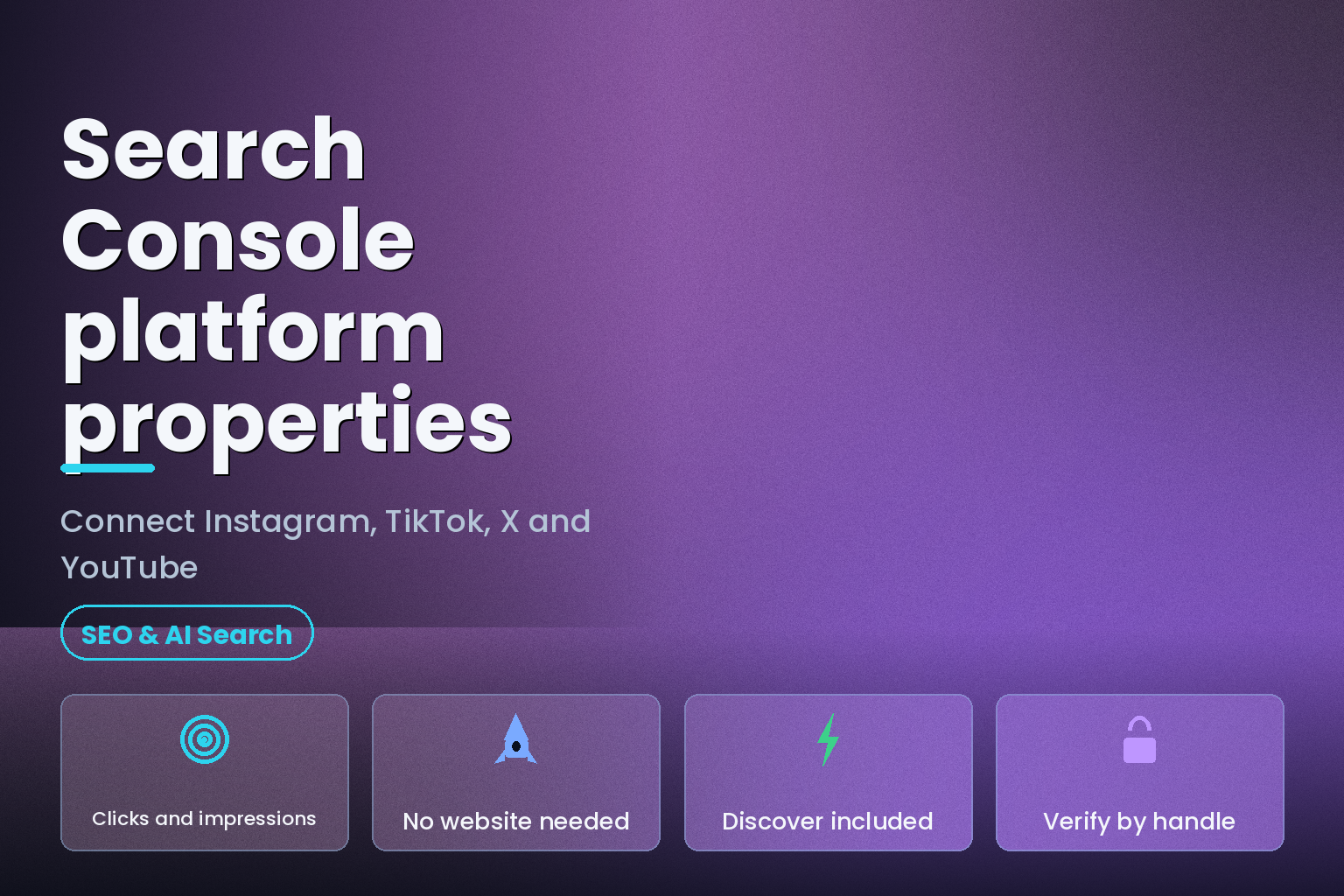
Summary. Google announced platform properties on 7 July 2026 and made them globally available on 29 July 2026, a new Search Console property type covering exactly 4 platforms: Instagram, TikTok, X and YouTube. Setup takes under five minutes and needs no website, no DNS record and no HTML file, because verification runs through the platform login rather than through domain ownership. What you get is a Performance report with total clicks, impressions, average click-through rate and average position, plus an Insights page and an Achievements view, defaulting to a 28-day window. What you do not get is any view of how your content performs inside TikTok or Instagram themselves. In Google's own words: "Platform properties only show how your content performs on Google Search."
The commercial reason to care is that the traffic being measured here was previously invisible. Indian brands are on track to spend ₹3,375 crore on influencer marketing in 2026 at an 18% compound growth rate, per an EY and Big Bang Social study, and until July 2026 none of that spend could be attributed to Google Search demand. There are three specific places the new numbers mislead people, and they are all in the Insights page. This guide covers the setup, the reports, the traps, and what to do in the first 28 days.
What a platform property actually is
A platform property is a Search Console property that represents a social or video account rather than a website. Google's help documentation puts the scope plainly: "If you're a creator or publisher who posts on platforms like Instagram, TikTok, X, and YouTube, you can use Search Console to monitor how people find your content when searching on Google."
Three structural points matter before you set one up.
Each account is its own property. Google's instruction is explicit: "If you have accounts across multiple platforms (like Instagram, TikTok, and X), or manage more than one profile on a single platform, be sure to repeat this process to create a platform property for each one." A brand with an Instagram account, a TikTok account and two YouTube channels needs four properties.
Verification is delegated, not proven. You are not proving you own a domain. You authorise Search Console against the platform account, which is why Barry Schwartz, Executive Editor at Search Engine Roundtable, wrote on 7 July 2026: "I just think it is super cool that you can now verify your content on domain names that you are not the owner or developer of."
The connection expires. Google states: "For security, ownership is periodically checked. If your connection is lost, either because an external login expired, access to your platform property will pause until you re-verify." The recovery is painless: "Once you re-verify, you get access to the same report and you don't need to wait for data to accumulate."
How platform properties differ from your existing properties
| Property type | What it verifies | What it reports |
|---|---|---|
| Domain property | DNS record ownership of a domain | All URLs on the domain across subdomains and protocols |
| URL-prefix property | HTML file, tag, Analytics or Tag Manager | URLs under one exact prefix |
| Platform property | Authorisation to a platform account | Performance of that account's posts on Google Search, Discover and News |
| Platform property scope | Google surfaces only | Nothing about impressions inside TikTok, Instagram, X or YouTube |
| Platform property setup | No website required | Available to creators with no site of their own |
Google's help pages do not publish a direct comparison between platform, domain and URL-prefix properties, so the row about verification method above is drawn from each property type's own documentation rather than a single official table.
Setup, step by step
Google's help documentation gives three steps, and the auto-provisioning shortcut in the companion guide is worth checking first.
- Check whether you already have them. Google's guide states: "If you already claimed your Search profile, all of your verified accounts are automatically added as properties in Search Console. To see the data, open Search Console and select one of your social accounts." Daniel Waisberg of Google confirmed on 12 July 2026 that the first properties to appear came from Search profiles.
- Open Search Console and either use the welcome screen or the property selector dropdown in the sidebar, then click Add property.
- Click Add next to the platform you want from the supported list of Instagram, TikTok, X and YouTube, then follow the prompts.
- Complete the authorisation flow on the platform side.
- When ownership is verified, click Go to property.
- Wait. Google's wording is "It will take a few days for data to appear in the reports."
- Repeat for every account and channel you manage.
Two things will look broken and are not. Empty charts on day one are expected: "If you recently added your property, you might see empty charts. It takes a few days to collect and process performance metrics after setup." And a short history is expected: "If your property was created recently, your charts will only show data for the days since collection started." There is no backfill of historical data that we could find documented.
The three reports you get
Performance. Google lists the four metrics without ambiguity: "View total clicks, impressions, average click-through rate (CTR), and average search position for your selected property. You can filter this data to see which specific posts drive the most traffic across Google Search, Discover and Google News." Filters cover country, specific dates and search terms. A 24-hour filter sits on top of the chart, which Google suggests using to "check if your new video is trending up".
Insights. A summary view with four blocks: traffic trends over the last 28 days, top-performing content, the search terms people use to find your channel or profile page, and which countries your audience comes from.
Achievements. A milestone view. Google describes it as tracking growth and celebrating "milestones, such as reaching a new threshold for total clicks from Google Search in the last 28 days."
Two surface caveats apply to all three. Discover and Google News sections appear only "if your content receives traffic from those surfaces", so an account with no Discover traffic will simply not see those cards. And the standard Search Console limits carry over, including the 1,000-row cap on report tables.
Three ways the numbers will mislead you
1. the Insights summary card and the lists below it count different things
This is the trap most likely to produce a wrong number in a client report. Google states it directly: "On the Insights page, the top summary card shows all clicks to your property across Google (including web, image, video, and news searches). However, the detailed lists below the summary card focus specifically on traffic from web search results. Because of this, the total from specific cards might be lower than the number shown in the main summary card."
So the headline number and the sum of the rows underneath it will not reconcile, by design. If you are building a monthly report, decide which one you are reporting and label it. Do not present the summary total next to a query table and imply the table explains it.
2. a click inside the Google video viewer still counts as a click
Google spells this out: "When your video content appears in search results or Discover, it counts as an impression. If a user clicks it, it counts as a click. Note that even if that click opens the video inside the Google viewer, a click will be added in Search Console."
A user who never leaves google.com registers as a click in Search Console. Your YouTube Studio numbers and your Search Console numbers are therefore measuring different events, and the gap between them is not an error to be reconciled. Instagram stories follow the same logic: an appearance in results is an impression, a tap is a click.
3. Zero visibility into on-platform performance
The single most common misreading is treating a platform property as a social analytics tool. It is not. Google's limitation statement is unambiguous: platform properties "don't track when people see your content on the platform itself (for example, they won't show how many times your video appeared on TikTok)."
If TikTok's own analytics show 400,000 views and Search Console shows 900 impressions, both are correct. They are counting different surfaces.
What to do in the first 28 days
The 28-day default window is not an accident, and it maps to a sensible first cycle of work.
| Day | Action | What it produces |
|---|---|---|
| 1 | Add one property per account and channel | Collection starts; charts stay empty |
| 4-7 | First data appears; screenshot the baseline | A starting point that will not be backfilled later |
| 7 | Export the search terms list from Insights | The demand language your audience actually types |
| 14 | Split YouTube by URL contains /watch versus /shorts/ |
Long-form versus Shorts performance on Search |
| 14 | Split Instagram by URL contains /p/ versus /reels/ |
Static posts versus Reels performance on Search |
| 21 | Filter Performance by country | Which markets Google is sending you |
| 28 | Compare against your on-platform analytics | The size of the Search-driven share you were not measuring |
The two format splits come straight from Google's companion guide, which gives the exact filter recipes: "YouTube: Compare URLs containing the word /watch to URLs containing the word /shorts/" and "Instagram: Compare URLs containing the word /p/ to URLs containing the word /reels/". One warning attaches to YouTube playlists: filtering to a playlist URL "will show you the performance for the playlist page itself, not the videos included in it."
How this fits with the AI search reporting
Platform properties arrived in the same quarter as Google's generative AI performance report, and the two are often conflated. They are separate, and the AI report is far more limited.
| Report | Coverage | Metrics | Availability |
|---|---|---|---|
| Platform properties Performance | Search, Discover, News for one social account | Clicks, impressions, CTR, position | Globally available since 29 July 2026 |
| Generative AI performance report | AI Overviews and AI Mode, combined | Impressions only | Rolling out to a subset of site owners |
| Generative AI report dimensions | Pages, countries, dates, devices | No query dimension listed | Excludes Search Labs experiments |
Google's own note on the AI report is worth quoting: "We're rolling out this report to a subset of website owners, allowing for thorough testing before rolling it further." It reports impressions for AI Overviews and AI Mode without separating them, and Search Console "doesn't include data from experiments in Search Labs, as these experiments are still in active development."
If you are building an AI-search measurement plan on top of this, our work on tracking GEO visibility through the Search Console AI performance report covers what the report can and cannot answer, and the broader SEO guide for 2026 sets the measurement framework these reports sit inside.
What Google says about optimising for all of this
Google published a consolidated guide on optimising for generative AI features, last updated 10 July 2026, and its central claim removes several popular tactics from the table. Verbatim: "From Google Search's perspective, optimizing for generative AI search is optimizing for the search experience, and thus still SEO."
Two specific denials in that guide apply directly to teams planning a social-plus-search programme. On special files: "You don't need to create new machine readable files, AI text files, markup, or Markdown to appear in Google Search (including its generative AI capabilities), as Google Search itself doesn't use them." On structured data: "Structured data isn't required for generative AI search, and there's no special schema.org markup you need to add."
And a warning worth passing to any agency pitching you a tool: "Be wary of third-party tools that promise ranking success or claim to use 'internal' Google metrics. No third-party tool has access to our internal ranking or AI systems." Our analysis of why GEO and AEO are still SEO works through what that means for content planning.
India-specific considerations
For Indian brands the attribution gap this closes is commercially large. EY and Big Bang Social project Indian influencer marketing spend reaching ₹3,375 crore in 2026 at an 18% compound annual growth rate, and the same study found that 50% of mobile time is spent on social platforms. Until platform properties shipped, none of that spend could be tied to Google Search demand, because the creator's post lived on a domain the brand did not control.
Three practical notes for Indian teams. First, the country filter in the Performance report is the fastest way to separate domestic demand from diaspora and international traffic on the same handle, which changes how you brief creators. Second, agencies running accounts on a client's behalf now need a documented handover for the authorisation, because the connection is tied to a platform login that expires and pauses reporting when it does. Third, if you are running Hindi or regional-language content, the search-terms list in Insights is the first Google-sourced view of which transliterations people actually type, which is not something on-platform analytics expose.
Personal data handling still applies. The reports themselves are aggregate, but the platform authorisation grants an account connection, so treat the access grant as you would any other third-party integration under the Digital Personal Data Protection Act 2023 and record who holds it.
The honest limitations
Google has published no adoption figure for platform properties, so any number you see quoted about how many creators have connected an account is unsourced. Google's blog post did not carry a named product manager quote that we could verify. And the data retention window for platform properties is not stated in the help documentation, so do not assume the 16-month window from web properties carries over until Google says so.
The feature is also new enough that its reporting shape may change. Google's line on the generative AI report, "We expect to update this list over time as we develop Google Search", is the standard caveat and applies here too. Screenshot your baselines.
FAQ
How eCorpIT can help
eCorpIT sets up and reads Search Console for brands running content across owned sites and creator channels, including the property-per-account structure platform properties require and the reporting rules that keep the Insights summary from being misread. Our teams are CMMI Level 5 and ISO 27001:2022 certified, and we design measurement and access workflows aligned with Digital Personal Data Protection Act 2023 requirements. Talk to us through /contact-us/, or see how we approach GEO and AEO optimisation.
References
- Platform properties in Search Console, Google Search Console Help.
- Analyze your social and video content performance, Google Search Central, last updated 29 July 2026.
- Barry Schwartz, Google Search Console social content performance, Search Engine Roundtable, 7 July 2026.
- Google Search Console gains reporting on social and video platforms, Search Engine Land, 7 July 2026.
- Google Search Console platform properties are now globally live, Search Engine Land, 29 July 2026.
- Generative AI performance report, Google Search Console Help.
- Generative AI performance report for Discover, Google Search Console Help.
- Optimizing your website for generative AI features on Google Search, Google Search Central, last updated 10 July 2026.
- EY and Big Bang Social predict 25% growth in influencer marketing in India, Rs 3,375 crore by 2026, afaqs, on the EY State of Influencer Marketing in India study.
- Search Console Help home, Google.
- Google Search Central documentation, Google.
_Last updated: 4 August 2026._


