

On this page · 10 sections
- What AWS actually shipped, and when
- The three pages disagree about what you pay
- Four constraints the announcement leaves out
- What the speedup numbers really show
- The recommended feedback loop points at a closed product
- What to do before you run the first job
- India-specific considerations
- FAQ
- How eCorpIT can help
- References
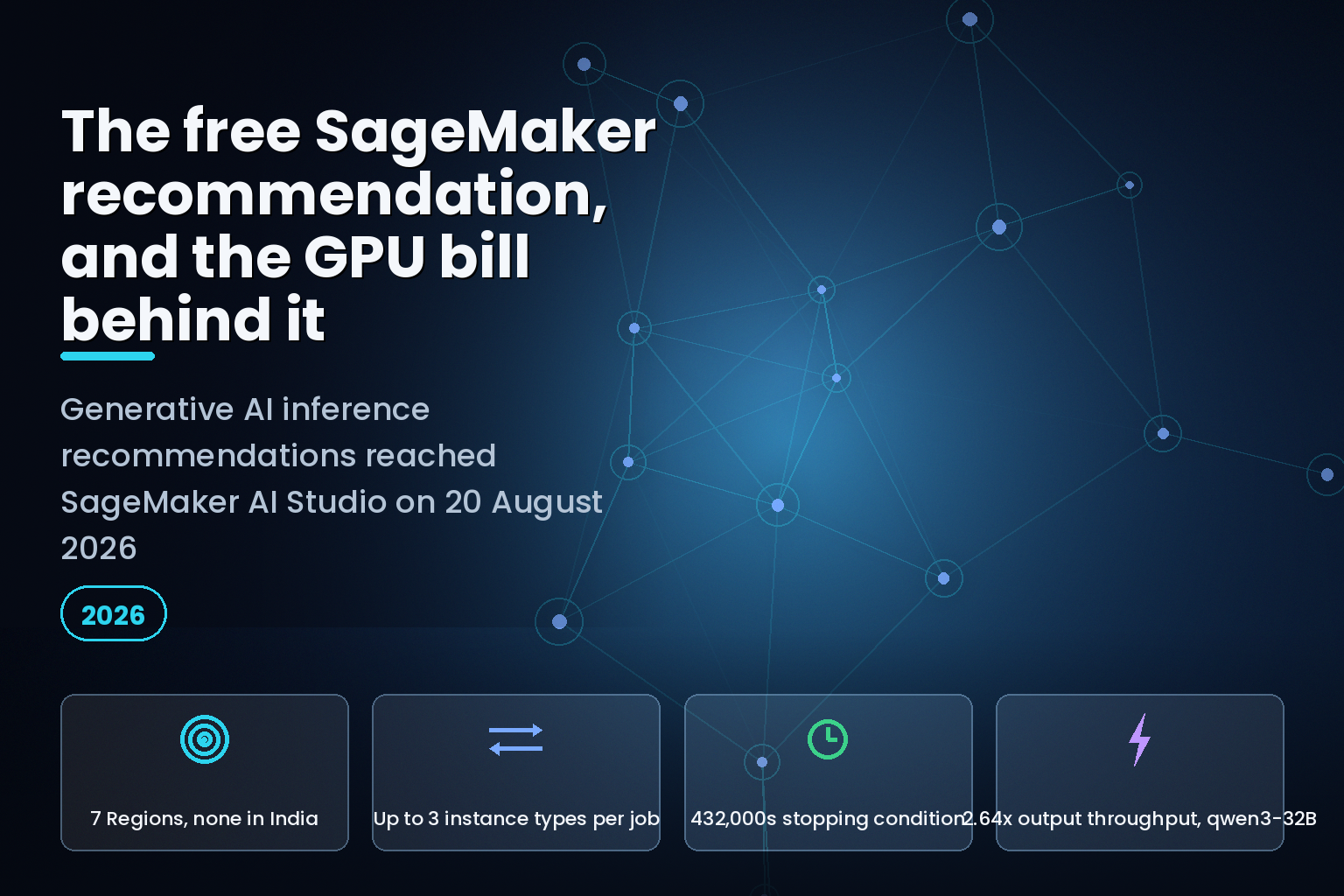
Summary. On 20 August 2026 AWS announced that Generative AI Inference Recommendations are available in Amazon SageMaker AI Studio, and stated plainly that there is "no additional cost for generating recommendations." That sentence is true and incomplete. The same announcement adds that "standard compute costs apply for optimization jobs and endpoints provisioned during benchmarking," and AWS's own EAGLE documentation from 25 November 2025 shows an optimization job created with --max-instance-count 10, a --deployment-instance-type of ml.p5.48xlarge, and a stopping condition of 432,000 seconds. That is up to 10 nodes of 8 NVIDIA H100 GPUs each, for up to 120 hours. The feature launched as an API on 21 April 2026 in 7 AWS Regions; the Studio interface was described in an AWS blog on 13 July 2026, five weeks before the What's New post. None of the three pages puts a dollar figure on a benchmark run. The nearest published rate on the SageMaker AI pricing page is $0.7364 per hour, and that is for a single ml.g4dn.xlarge in a worked example about notebooks.
What AWS actually shipped, and when
The capability itself is not new. AWS launched optimized generative AI inference recommendations through the API on 21 April 2026, in US East (N. Virginia), US East (Ohio), US West (Oregon), Asia Pacific (Singapore), Asia Pacific (Tokyo), Europe (Frankfurt) and Europe (Ireland). The 20 August 2026 What's New post extends the same benchmarking infrastructure to a low-code path inside Studio, under Jobs, then Inference optimization.
The mechanism is straightforward. You pick a use-case profile (Interact, Generate, Summarize or Custom), pick one optimization goal (minimize latency, maximize throughput or minimize cost), point at a model, and SageMaker AI benchmarks candidate configurations on real GPU hardware using NVIDIA AIPerf. It returns configurations ranked by time to first token, inter-token latency, throughput and cost, each deployable in one action.
Hrushikesh Gangur, Principal Solutions Architect at AWS, and his co-authors set out the reason for the interface in the 13 July 2026 blog: "The API already gives you programmatic access to recommendations, but it assumes you know which parameters to set and how to interpret raw benchmark output."
That is a fair description of the problem. The gap worth writing about is on the other side of the job.
The three pages disagree about what you pay
| Source | Published | What it says about cost |
|---|---|---|
| What's New, Studio launch | 20 Aug 2026 | "No additional cost for generating recommendations." Standard compute costs apply for optimization jobs and endpoints provisioned during benchmarking. |
| What's New, API launch | 21 Apr 2026 | Silent on pricing entirely. |
| AWS blog, Studio walkthrough | 13 Jul 2026 | Repeats the same two sentences in a Prerequisites box. |
| Developer Guide, inference recommendations | Undated | "No additional service fee." Use ML Reservations at no additional compute cost, or on-demand compute "that is provisioned automatically." |
| AWS blog, EAGLE speculative decoding | 25 Nov 2025 | "Optimization jobs run on SageMaker AI training instances, you will be billed depending on the instance type and job duration." |
The last row is the honest one, and it is the oldest. The two 2026 pages describe the service fee. The 2025 page describes the bill.
Read the mechanics in the 13 July blog and the shape of that bill becomes clear. For minimize cost, SageMaker AI creates an endpoint on the instance type it selects and runs benchmark jobs against it. For minimize latency, it creates one or more standard endpoints, one per instance type, then runs a benchmark job as a training job for each combination. For maximize throughput, a training job runs first to train the draft model, before any endpoint is deployed. So a single "free" recommendation can produce three concurrent GPU endpoints, a set of training jobs, and, on the throughput path, a draft-model training run before the benchmarking starts.
The blog does note that "the optimization job automatically deletes the endpoints after it completes." Deleting the endpoint ends the meter. It does not refund the hours. Teams already tracking endpoint spend through agentic FinOps tooling should expect these short-lived benchmark endpoints to show up as unattributed GPU line items unless the optimization job is tagged.
Four constraints the announcement leaves out
| Constraint | Where it is documented | What it means for you |
|---|---|---|
| Up to three instance types per comparison | Developer Guide, step 3 | You cannot sweep a wide instance matrix in one job. |
| Compute selection is optional, and unavailable for minimize cost | AWS blog, 13 Jul 2026 | On the cost goal, SageMaker AI picks the instance. You cannot cap what gets provisioned. |
| HuggingFace checkpoint format with SafeTensor weights | Developer Guide, step 1 | GGUF, custom serialisation and non-HF layouts are out. |
| Six model architectures for EAGLE | AWS blog, 25 Nov 2025 | LlamaForCausalLM, Qwen3ForCausalLM, Qwen3MoeForCausalLM, Qwen2ForCausalLM and GptOssForCausalLM get EAGLE 3; Qwen3NextForCausalLM gets EAGLE 2. |
| HuggingFace Hub model IDs not accepted | AWS blog, 25 Nov 2025 | "At the moment specification of the HuggingFace Hub Model ID is not supported." Pull artifacts to S3 first. |
| No Asia Pacific (Mumbai) or (Hyderabad) region | Both What's New posts | Indian teams benchmark in Singapore or Tokyo, moving model weights and evaluation data out of country. |
The third and fifth rows matter most in practice. The Studio model picker advertises four sources, JumpStart, S3, Model Registry and an existing SageMaker model, and the announcement repeats that list without qualification. The Developer Guide narrows it to HuggingFace checkpoints with SafeTensor weights. A team that has been serving a quantised GGUF build will find that out after building the job, not before.
The minimize-cost asymmetry is the sharper trap. It is the goal a cost-conscious team would pick first, and it is the only goal on which the console does not let you constrain the hardware.
What the speedup numbers really show
AWS states that EAGLE optimization jobs "typically deliver around a 2.5x throughput over standard decoding." The published qwen3-32B benchmark supports that on output throughput and undercuts it on one metric that matters for chat interfaces.
| Configuration | Concurrency | TTFT (ms) | ITL (ms) | Output throughput (tokens/sec) |
|---|---|---|---|---|
| No EAGLE | 4 | 168.04 | 45.95 | 86.76 |
| No EAGLE | 8 | 219.53 | 51.01 | 156.46 |
| Base EAGLE | 4 | 133.06 | 49.06 | 196.67 |
| Base EAGLE | 8 | 154.44 | 50.15 | 381.86 |
| Trained EAGLE | 4 | 133.11 | 49.43 | 214.27 |
| Trained EAGLE | 8 | 151.19 | 51.50 | 412.25 |
At concurrency 8, trained EAGLE moves output throughput from 156.46 to 412.25 tokens per second, a factor of 2.64. Time to first token falls from 219.53 ms to 151.19 ms, down 31.1%. Inter-token latency, however, goes the wrong way at concurrency 4: 45.95 ms without EAGLE against 49.43 ms with it, a 7.6% regression. Retraining on a custom dataset buys 214.27 against 196.67 tokens per second at the same concurrency, a 8.9% gain over the built-in datasets.
The reading for a buyer: EAGLE is a throughput and first-token win, and the gap between the built-in dataset and your own data is under 10%. If your service level is written against inter-token latency rather than tokens per second, run the numbers before you assume the optimization helps.
The recommended feedback loop points at a closed product
The EAGLE post tells you to build a custom dataset over time using Data Capture, so that later retraining reflects "real-time requests that are hitting your hosted model." Open the Data Capture page in the Developer Guide today and the first thing on it is a notice: "Amazon SageMaker Model Monitor is no longer open to new customers."
Data Capture is documented as a Model Monitor feature. Existing customers keep it. A team standing up its first SageMaker deployment in August 2026 cannot follow AWS's own recommended path to the workload-specific tuning that produced the 8.9% improvement above. The replacement AWS names is a set of open-source monitoring solutions in the aws-samples GitHub organisation, built on SageMaker AI MLflow Apps and Evidently AI, plus Amazon QuickSight dashboards and Amazon CloudWatch. The QuickSight governance path additionally requires a QuickSight Enterprise subscription, Python 3.12 or later, and the uv package manager.
That is a real migration, not a configuration change. Budget for it separately from the inference work.
What to do before you run the first job
Set a budget alarm before you open the Studio page, not after. CloudWatch anomaly detection trains on up to two weeks of metric data and can alarm on a band rather than a fixed threshold, which suits a spend line that has no historical shape yet.
Pin instance types wherever the goal allows it, which means using minimize latency or maximize throughput if you need cost control over the run itself. Confirm your artifacts are HuggingFace checkpoints with SafeTensor weights, in S3, before you build the job. Check your architecture against the six EAGLE-supported classes if throughput is your goal, because an unsupported architecture will fall back to standard endpoints and you will pay for benchmarking without getting the technique you came for.
Then re-run on a cadence. AWS advises re-running after fine-tuning, after container or framework upgrades, when new instance types land in your Region, and when traffic patterns shift. Each of those re-runs provisions GPUs again. If the recurring endpoint bill is what you are trying to fix, SageMaker container caching for generative AI cold starts attacks a different part of the same line, and the Bedrock versus direct OpenAI cost comparison is worth running before you commit to self-hosting at all.
The real cost here is not the recommendation. It is the benchmark, and AWS has not published a number for it.
India-specific considerations
Neither the April nor the August announcement lists an Indian Region. Teams in Gurugram, Bengaluru or Hyderabad benchmarking a model must move model weights and, on the Custom profile, a JSONL evaluation dataset drawn from production traffic into Singapore or Tokyo. Where that evaluation set contains personal data, the transfer is a processing decision under the Digital Personal Data Protection Act 2023 and belongs in your records before the job runs, not after. Synthetic or de-identified evaluation data avoids the question entirely and costs nothing extra to prepare.
FAQ
How eCorpIT can help
Right-sizing generative AI inference is a FinOps problem wearing an ML costume, and the expensive part is usually the experiment, not the endpoint. Our senior engineering teams run bounded benchmarking programmes on AWS as part of our cloud migration services, set spend guardrails before the first GPU is provisioned, and hand back a configuration with the measured numbers attached. eCorpIT is CMMI Level 5 and ISO 27001:2022 certified, which matters when the evaluation data leaving your Region is drawn from production traffic. If you are planning a SageMaker deployment or reviewing one that is already running hotter than budget, contact us.
References
- Generative AI Inference Recommendation for Amazon SageMaker now available in the SageMaker AI Studio, AWS What's New, 20 August 2026.
- Amazon SageMaker AI launches optimized generative AI inference recommendations, AWS What's New, 21 April 2026.
- Launching UI for generative AI inference recommendations in Amazon SageMaker AI, AWS Artificial Intelligence blog, 13 July 2026.
- Optimized generative AI inference recommendations, Amazon SageMaker AI Developer Guide.
- Inference optimization for Amazon SageMaker AI models, Amazon SageMaker AI Developer Guide.
- Amazon SageMaker AI introduces EAGLE based adaptive speculative decoding to accelerate generative AI inference, AWS Artificial Intelligence blog, 25 November 2025.
- Data capture, Amazon SageMaker AI Developer Guide.
- Amazon SageMaker Model Monitor availability change, Amazon SageMaker AI Developer Guide.
- Using CloudWatch anomaly detection, Amazon CloudWatch User Guide.
- Amazon SageMaker Studio, Amazon SageMaker AI Developer Guide.
Last updated: 21 August 2026.


