

On this page · 11 sections
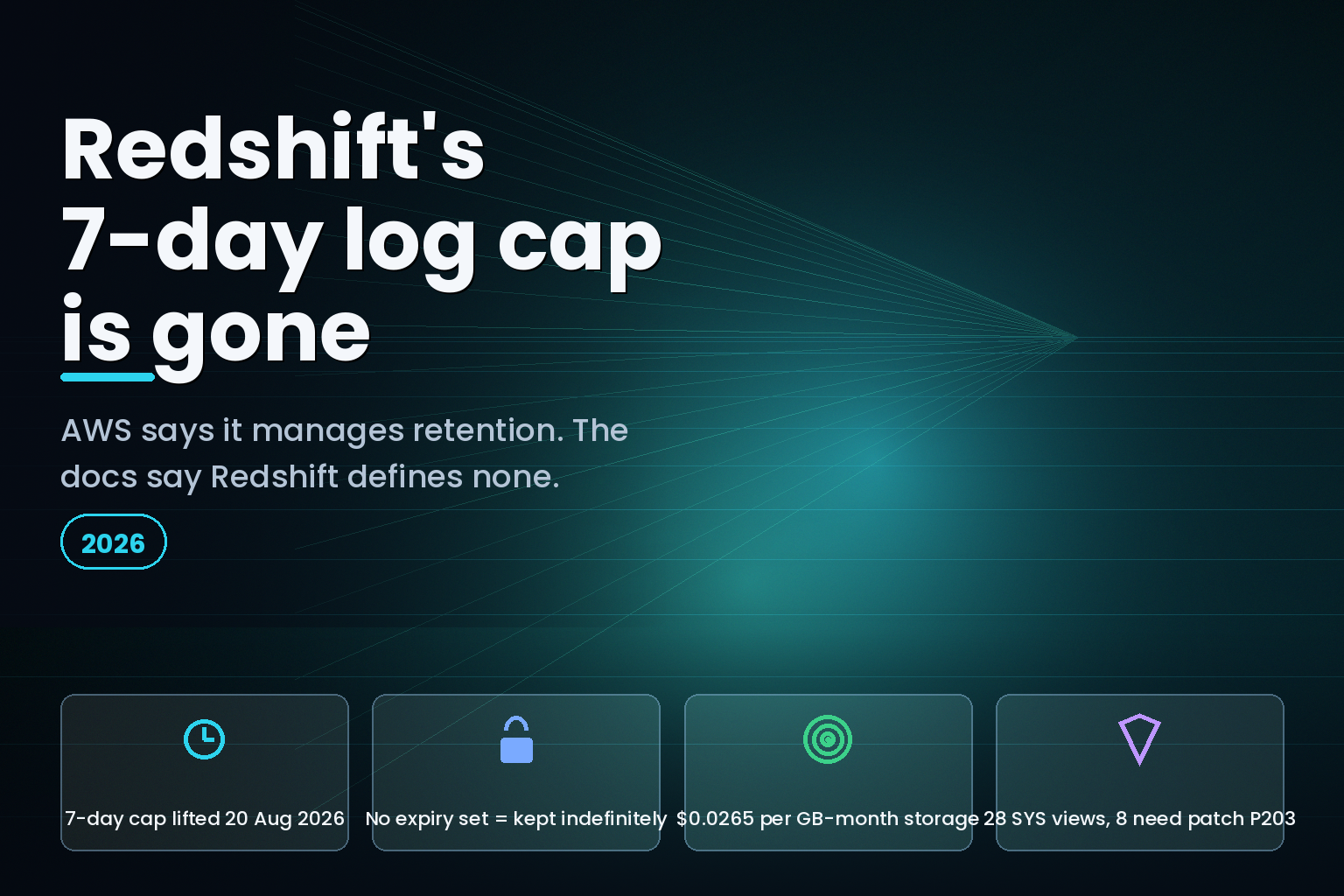
Summary. On 20 August 2026 AWS announced long-term retention for Amazon Redshift system tables, writing roughly 28 SYS_* views into Amazon S3 Tables in Apache Iceberg format. The announcement says AWS "manages partitioning, compaction, and retention." The Redshift management guide says the opposite: "Redshift does not define a retention policy for the data it delivers to S3 Tables," and "if you do not configure an expiration policy, data is kept indefinitely." Delivery is free. Storage is not, at $0.0265 per GB-month for the first 50 TB, plus $0.025 per 1,000 objects monitored and $0.002 per 1,000 objects compacted. Eight of the supported views return no data at all below patch P203.
What AWS actually shipped
The AWS What's New post, dated 20 August 2026, describes a native integration that lets you "configure your Redshift system table data retention beyond the current 7-day limit to meet your compliance, auditing, and observability requirements." Before this, the documented path was manual: the Redshift developer guide still tells readers that "you have to periodically copy log data to other tables or unload it to Amazon S3 to keep log data that's more than 7 days old."
Teams did exactly that. The awslabs/amazon-redshift-utils repository has carried a System Table Persistence utility since a 2016 copyright header, now at version 1.6, which creates seven history tables, runs UNLOAD statements to S3 and then issues delete from history.<table> where ... to prune what it copied. That utility is the operational overhead AWS says it is removing.
When you enable the feature, Redshift creates an S3 table bucket named aws-redshift in your account and begins writing. Per the Big Data blog post published the same day, "the feature supports over 25 system views at launch." The management guide enumerates 28.
The contradiction that costs money
Three AWS surfaces describe retention. Two of them are wrong.
| Source | What it says about retention | Published |
|---|---|---|
| What's New announcement | AWS "manages partitioning, compaction, and retention" | 20 Aug 2026 |
| Big Data blog | "AWS handles partitioning, compression, and retention management automatically" | 20 Aug 2026 |
| Redshift management guide | "Redshift does not define a retention policy for the data it delivers to S3 Tables" | undated |
| Redshift management guide | "If you do not configure an expiration policy, data is kept indefinitely" | undated |
| S3 Tables user guide | Compaction "occurs on an automated schedule" and "will incur additional costs" | undated |
A feature sold as long-term retention ships with no retention. If you enable it and configure nothing else, you have replaced a bounded 7-day window with an unbounded, growing Iceberg dataset that bills monthly and never stops. The record expiration policy is yours to set, through the S3 Tables API, and nothing in the enablement path forces you to set it.
The second contradiction is smaller but will catch people: the announcement enumerates 29 named Regions, while the management guide says the feature is available "in all AWS commercial Regions where Redshift and S3 Tables are supported." Canada West (Calgary) and Asia Pacific (New Zealand) appear in neither list.
What it costs when nobody sets an expiry
Delivery is genuinely free. The management guide is explicit: "Writing system table data to S3 Tables is free. You are charged for standard S3 Tables storage and maintenance for the retained data, and for the query engine you use to read the data." The charges live in S3 pricing, and there are four of them, not one.
| Charge | Rate (US East, Aug 2026) | Applies when |
|---|---|---|
| S3 Tables Standard storage | $0.0265 per GB-month, first 50 TB | Always, and forever without an expiry policy |
| Object monitoring | $0.025 per 1,000 objects | Per object stored in table buckets |
| Compaction (binpack) | $0.002 per 1,000 objects and $0.005 per GB processed | Enabled by default on every table |
| PUT / GET requests | $0.005 and $0.0004 per 1,000 requests | On write and on every query |
Compaction is the line item that surprises finance. The S3 user guide states plainly that "if you want to prevent charges associated with compaction you can manually disable it for a table using the PutTableMaintenanceConfiguration API operation," with a default target file size of 512 MB configurable between 64 MB and 512 MB. The Redshift guide lists the same compaction as a benefit "handled automatically by S3 Tables." Both are true. Only one of them appears on the invoice.
Snapshot maintenance carries its own defaults you did not choose: MinimumSnapshots is 1, MaximumSnapshotAge is 120 hours, unreferencedDays is 3 days and nonCurrentDays is 10 days. The S3 guide warns that "deletes of noncurrent objects are permanent with no way to recover these objects. To view or recover objects that has been marked as noncurrent you must contact AWS Support."
Which seven days, exactly
The announcement says the "current 7-day limit." The only AWS page that states a seven-day figure for system tables is the STL documentation: "STL system views retain seven days of log history. Log retention is guaranteed for all cluster sizes and node types." But STL views are not in the supported set. Every one of the 28 supported views is a SYS_* view, and the monitoring views documentation states no retention period at all. The nearest published figure sits on a console page describing a "seven-day query history."
The practical consequence is that you cannot reason about what you are gaining from the announcement alone. You have to open the supported-view list and check each one against what your dashboards actually read.
Eight views are worse than that. SYS_CHILD_QUERY_TEXT, SYS_COPY_REPLACEMENTS, SYS_EXTERNAL_QUERY_ERROR, SYS_PROCEDURE_MESSAGES, SYS_QUERY_DETAIL, SYS_QUERY_EXPLAIN, SYS_SPATIAL_SIMPLIFY and SYS_UNLOAD_DETAIL "require patch P203 or later." Below that patch, the guide says, "the tables are created with the correct schema but contain no data until the data warehouse is updated to P203 or later." Empty tables with correct schemas are the worst possible failure mode for an audit trail, because every dashboard and every compliance query returns zero rows and no error.
The things that are genuinely hard to undo
Two design decisions deserve attention before anyone enables this in production.
The encryption key is permanent. "You cannot change the key after S3 Tables are created. To change the key, disable the feature, drop the S3 Tables using the S3 Tables API (this permanently deletes retained data), and then re-enable the feature with the new key." A key rotation policy that assumes you can re-key in place will destroy the archive it was meant to protect.
There is no backfill, in any direction. "Switching deployment patterns, disabling and re-enabling, or removing and re-adding a system table does not backfill historical data." Turn it off for a week to control cost and that week is gone permanently, which is the exact gap an auditor will ask about.
Querying is also not free of setup. The S3 Tables query documentation requires that "before querying S3 Tables from Amazon Redshift, you must integrate S3 Tables with AWS Glue Data Catalog," and that you "must create a resource link in AWS Glue Data Catalog." Reading across more than one warehouse needs a UNION, per the AWS blog. If you are already choosing between open table formats, the Apache Iceberg and Delta Lake trade-offs apply here too, because the archive is Iceberg whether you wanted Iceberg or not.
The privacy problem nobody flagged
The management guide notes that "some system tables (such as SYS_QUERY_TEXT and SYS_PROCEDURE_MESSAGES) can capture literal values from your queries and stored procedures." The developer guide is blunter about the older equivalents: "STL_QUERY and STL_QUERY_TEXT contain the full text of INSERT, UPDATE, and DELETE statements, which might contain sensitive user-generated data."
Under a 7-day window, that exposure aged out on its own. Under indefinite retention it does not. Any personal data that appears as a literal in a query is now in an Iceberg table that persists until someone sets an expiry policy, and deleting a single subject's data from a compacted Iceberg archive is a materially harder job than waiting a week.
Indian teams should treat this as a Digital Personal Data Protection Act 2023 question, not a cost question. Enabling indefinite retention on views that capture query literals creates a new storage location for personal data with its own erasure obligations. The safe default is to set a record expiration policy at enablement time, sized to the retention period your policy actually requires, and to exclude the literal-capturing views unless you have a specific reason to keep them.
What to do this week
Set the expiration policy in the same change that enables the feature, never after. Confirm your warehouse is on patch P203 or later before you trust any of the eight affected views. Decide on compaction deliberately, because it is on by default and billed by objects and bytes processed. Choose the encryption key as though you can never change it, because you cannot. And exclude SYS_QUERY_TEXT and SYS_PROCEDURE_MESSAGES unless you have reviewed what literals your workload writes into them.
The real cost here is not the storage rate. It is that a bounded, self-cleaning 7-day window has been replaced by an unbounded one, and the announcement says the opposite. Teams tightening AWS spend will recognise the pattern from AWS Cost Anomaly Detection's own docs conflict, and the underlying storage rates are the same ones covered in S3 and cross-cloud storage pricing. For Indian teams running this alongside a broader spend review, it belongs in the same pass as cloud FinOps for Indian teams.
What is still unknown
AWS has not published a per-view estimate of daily bytes written, so nobody can size the bill in advance without enabling the feature and measuring. The two AWS pages describing when snapshot management fails also disagree: one says setting history.expire.max-snapshot-age-ms as an Iceberg table property breaks snapshot management "regardless of the configured value," while the considerations page says it breaks only when the configured retention is longer than the value set through PutTableMaintenanceConfiguration. Until that is reconciled, do not set Iceberg history properties on these tables by hand.
FAQ
How eCorpIT can help
Our senior engineering teams size and configure Redshift observability archives so retention, compaction and encryption decisions are made once, deliberately, rather than discovered on an invoice. We design data platforms aligned with DPDP Act 2023 requirements, including expiry policies on views that capture query literals. eCorpIT is CMMI Level 5, MSME Certified and ISO 27001:2022 certified. Talk to us through /contact-us/ or read more about our data engineering services.
References
- Amazon Redshift introduces long-term system table retention with Amazon S3 Tables integration - AWS What's New, 20 August 2026.
- Long-term system tables retention in Amazon Redshift with Amazon S3 Tables - AWS Big Data Blog, 20 August 2026.
- System table retention with S3 Tables - Amazon Redshift Management Guide.
- STL views for logging - Amazon Redshift Developer Guide.
- System tables and views reference - Amazon Redshift Developer Guide.
- Query Amazon S3 Tables from Amazon Redshift - Amazon Redshift Developer Guide.
- Amazon S3 pricing - Amazon Web Services.
- S3 Tables maintenance - Amazon S3 User Guide.
- S3 table bucket maintenance - Amazon S3 User Guide.
- S3 Tables considerations and limitations - Amazon S3 User Guide.
- Database audit logging - Amazon Redshift Management Guide.
- Monitoring views - Amazon Redshift Developer Guide.
- amazon-redshift-utils System Table Persistence - awslabs, GitHub.
Last updated: 21 August 2026.


