

On this page · 10 sections
- What type stripping actually does
- The version timeline, so you know what your runtime supports
- What breaks, and how to handle it
- The tsconfig that keeps your editor and runtime in agreement
- The one caveat that decides everything: Node does not type-check
- What you can drop, and what you keep
- Why this matters beyond convenience
- FAQ
- How eCorpIT can help
- References
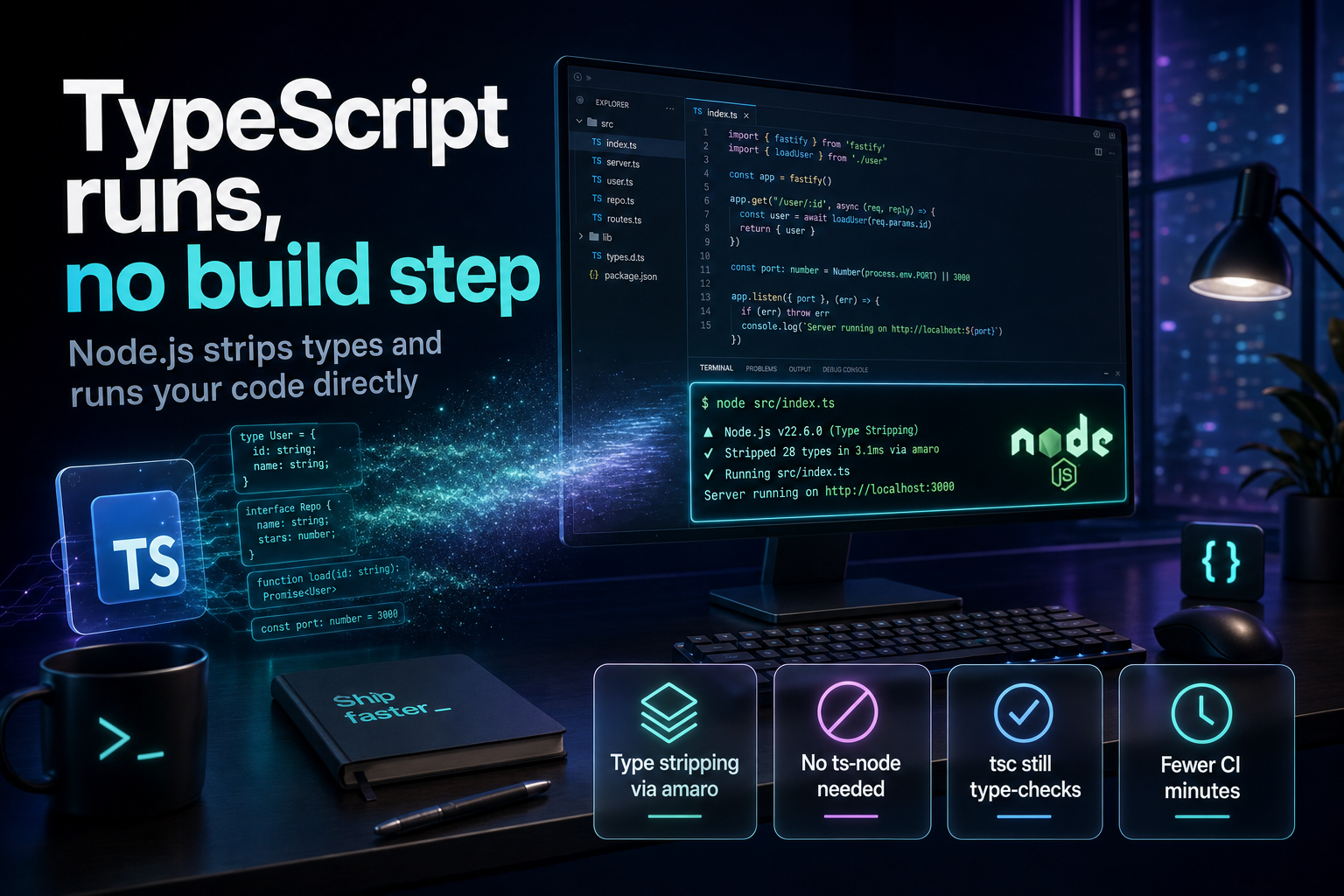
Summary. As of 2026 you can hand a .ts file straight to Node.js and it runs, no ts-node, no tsx, no transpile step. The feature is called type stripping, and it arrived in stages: Node.js v22 added an --experimental-strip-types flag, v22.18.0 ran erasable TypeScript with no flag at all, v23.6 turned execution on by default, and v24, the current long-term-support line, ships it on by default. Under the hood Node strips the types with a module named amaro, a thin wrapper around the SWC engine, and replaces each removed annotation with whitespace so line numbers stay identical. The payoff is concrete: fewer dependencies, faster startup, and shorter CI runs, which matter when GitHub Actions bills Linux runners at $0.006 per minute in 2026 after a 40% cut on 1 January, on top of a 2,000-minute monthly free tier. One caveat decides whether this works for you: Node runs your TypeScript, but it does not type-check it.
This guide covers what type stripping does, the syntax it cannot handle, the tsconfig that keeps your editor honest, and exactly which tools you can retire versus keep. It is written for backend and full-stack developers deciding whether to strip the build step out of a real service in 2026.
What type stripping actually does
Type stripping is narrow by design. When Node loads a .ts, .mts, or .cts file, the amaro module removes erasable syntax, meaning type annotations, interfaces, type aliases, and import type statements, then executes the JavaScript left behind. It does not rewrite your code into something else. Because removed types are swapped for whitespace rather than deleted, the byte offsets of your real code do not move, so stack traces and debugger breakpoints land on the correct lines without a source map.
The engine doing the removal is SWC, wrapped by amaro so it can be updated independently of the Node runtime. Marco Ippolito, a member of the Node.js Technical Steering Committee who led the work, explained the naming on his blog with typical honesty: "Amaro means bitter in Italian because the whole thing was a bit bitter." The result, though, is clean. Running a script now looks like this:
node app.ts
No wrapper, no loader flag on a current LTS. For a small service or a script, that removes an entire category of tooling and configuration.
The version timeline, so you know what your runtime supports
The behavior depends on your Node version, and the defaults changed quickly through 2024 and 2025. The table below is the practical summary.
| Node.js version | TypeScript execution | Flag needed |
|---|---|---|
| v22.0 to v22.17 | Erasable syntax only | --experimental-strip-types |
| v22.18.0+ | Erasable syntax runs unflagged | None |
| v23.6 | Enabled by default | None |
| v24 (LTS, 2026) | Default type stripping | None |
v24+ with --experimental-transform-types |
Adds enums, namespaces | One flag |
If you are on the current LTS, plain node file.ts works. If you are pinned to an older v22, add the flag. The official Node.js guide to running TypeScript natively documents each step, and community write-ups such as Node.js 24 ships native TypeScript track how the defaults moved.
What breaks, and how to handle it
Type stripping only removes syntax that can be erased without changing runtime behavior. Anything that needs Node to generate extra JavaScript is out of scope for stripping alone. In practice that means a specific list of TypeScript features will fail or need a flag.
| TypeScript syntax | Runs under type stripping? | What to do |
|---|---|---|
| Type annotations | Yes | Nothing |
| Interfaces and type aliases | Yes | Nothing |
import type |
Yes | Nothing |
| Enums | No | Use --experimental-transform-types or a union of literals |
| Parameter properties | No | Assign fields in the constructor body |
| Namespaces with runtime values | No | Use ES modules instead |
| Decorators | No | Compile with tsc or SWC; they are still TC39 Stage 3 |
| JSX | No | Use a bundler or loader for the front end |
Decorators are the sharpest edge. Because decorators remain a TC39 Stage 3 proposal, Node does not transform them and does not polyfill them, so a decorated class throws a parser error. Frameworks that lean on decorators, such as some dependency-injection setups, are not ready for pure stripping yet. For those, either keep a compile step or turn on --experimental-transform-types, which handles enums, namespaces, and parameter properties at the cost of leaving the "just erase" fast path.
The tsconfig that keeps your editor and runtime in agreement
The risk with type stripping is a split brain: your editor accepts code that Node will refuse to run. TypeScript 5.8, shipped in early 2025, closed that gap with a compiler option. The `erasableSyntaxOnly` flag makes tsc report an error for any construct that pure erasure cannot handle, so your editor flags an enum or a parameter property before you ever run the file. Pair it with the import options that match Node's resolver.
            {
  "compilerOptions": {
    "target": "esnext",
    "module": "nodenext",
    "allowImportingTsExtensions": true,
    "rewriteRelativeImportExtensions": true,
    "verbatimModuleSyntax": true,
    "erasableSyntaxOnly": true,
    "noEmit": true
  }
}
This is the setup that makes the workflow safe. Your editor and CI use tsc to validate types and to reject non-erasable syntax, while Node runs the files directly. For a wider view of how the TypeScript toolchain is shifting, our look at the Next.js 16.3 and TypeScript 7 toolchain covers the native-speed compilers arriving alongside this change.
The one caveat that decides everything: Node does not type-check
This is the point to internalize before you delete anything. Type stripping deletes your types and runs the code, so it performs zero type checking at runtime. A genuine type error will not stop the process; it will simply run until the bad value causes a normal JavaScript failure, if it causes one at all. Native execution replaces the transpile step, not the type checker.
So the type checker stays in your workflow, it just moves out of the run path:
tsc --noEmit
Run that in your editor via the language server and in CI as a gate. The mental model is a clean split. Node runs the code fast with no build; tsc validates the code separately. Teams that forget the second half ship type-unsafe code with a false sense of safety, which is worse than the old build step they removed.
What you can drop, and what you keep
Here is the honest accounting for a 2026 backend project. Some tools genuinely leave your dependency list; others just change shape.
| Task | Old tool | 2026 native option |
|---|---|---|
| Run a .ts file | ts-node or tsx | node file.ts |
| Type-check | tsc | Still tsc, as tsc --noEmit |
| Run tests | Jest | node --test with node:test |
| Run package scripts | npm run |
node --run |
| Bundle for browsers | esbuild or Vite | Still needed for the front end |
The test runner deserves a note. The built-in node:test module has been in Node core since version 20 and ships with the runtime, so it adds no dependency. One team that replaced Jest with node:test across 12 services reported large speedups, and a simple test needs nothing extra:
            import { test } from "node:test";
import assert from "node:assert/strict";

test("adds numbers", () => {
  assert.equal(1 + 1, 2);
});
That said, node:test still lacks some of the polish of Vitest and Jest, including mature snapshot testing and watch-mode ergonomics, so large suites may keep a dedicated runner. As one long-time Node developer put it, you might not need Jest, which is different from never needing it.
Why this matters beyond convenience
Removing the build step is not only about developer comfort. Fewer moving parts means fewer dependency upgrades, fewer transpiler-versus-runtime mismatches, and shorter feedback loops. It also trims CI. With GitHub Actions charging $0.006 per Linux minute in 2026 and a 2,000-minute monthly free tier for private repositories, cutting a transpile stage out of every pipeline run compounds across a busy team. For services that already run on ES modules and avoid decorators, the native path is a straightforward win. For projects deep in decorator-heavy frameworks, it is a signal to plan a migration rather than a switch to flip today. If you are modernizing an older codebase, our guide to moving a monolith to microservices pairs well with this shift, since both are about removing accidental complexity.
FAQ
How eCorpIT can help
eCorpIT is a Gurugram-based engineering organization, founded in 2021 and assessed at CMMI Level 5, with senior-led teams that build and modernize Node.js and TypeScript backends. We help teams simplify toolchains, cut CI time, and migrate decorator-heavy or legacy services toward the native TypeScript path without breaking type safety. If you want a pragmatic review of your build pipeline and test setup, talk to our engineers about a toolchain audit.
References
_Last updated: 12 July 2026._


