On this page · 11 sections
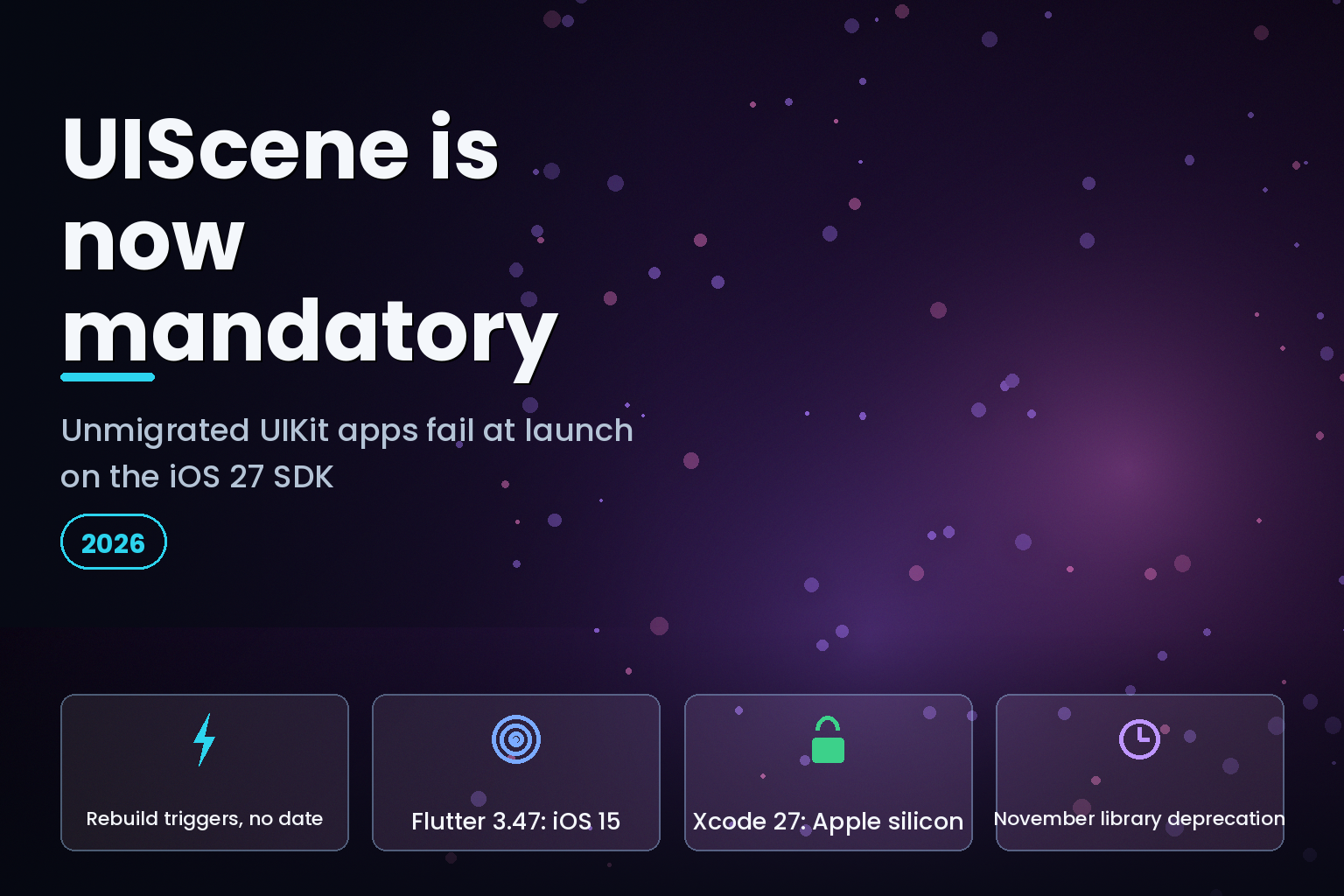
Summary. Apple's UIKit updates page carries one line that will stop a lot of builds: "Starting in iOS 27, apps built with the latest SDK must use the scene-based life cycle or they fail to launch." This is not a deprecation warning. Rebuild an unmigrated UIKit app against the 27.0 SDK and it installs, then dies at launch with a runtime assertion pointing at Technote TN3187. It was reported in the wild on June 8, 2026 against Xcode 27.0 beta build 27A5194q. The same SDK also requires a launch screen, per Apple's iOS and iPadOS 27 release notes of June 2026. Three things shape the planning. First, there is still no calendar deadline: Apple's submission floor has been Xcode 26 and the iOS 26 SDK since April 28, 2026, and as of August 21, 2026 Apple has not announced its replacement, so nothing forces you onto the 27.0 SDK yet. Second, Flutter 3.47, released August 12, 2026, makes the CLI handle the migration automatically for most apps. Third, that same release raised Flutter's minimum iOS deployment target from 13 to 15 and started winding down Intel Mac support, so the scene migration now arrives bundled with an audience decision and a hardware decision. A replacement Mac mini was announced at ₹59,900 in India, and the M4 Pro configuration at ₹1,49,900.
The trigger is a rebuild, not a date. That distinction is the whole planning problem.
What Apple actually changed
UIKit has nagged about scene adoption for years. Apple's framing at WWDC25, quoted in Flutter's breaking-change notes, set the terms: "In the release following iOS 26, any UIKit app built with the latest SDK will be required to use the UIScene life cycle, otherwise it will not launch." The release following iOS 26 is iOS 27, and the 27.0 SDK is where the warning became an assertion.
The change is narrower than it first reads. UIApplicationDelegate is not deprecated. It keeps process-level events. What moves is everything about the user interface: window ownership, foreground and background transitions, URL handling, state restoration. Apple's guidance in TN3187 is to move UI-related logic out of AppDelegate and into the matching UISceneDelegate methods, and to leave process concerns where they are.
Jordan Morgan, the iOS engineer who writes the Swiftjective-C blog, put the scale of iOS 27's UIKit changes plainly: "Overall, not much changed this year and not much was added that's flashy, but that's true of iOS 27 in several ways."
That is the trap. The API surface barely moved, so the release reads as a quiet year, and the one change that can hard-fail your app is a single sentence in a documentation update.
The exact failure
Here is what an unmigrated app does under the 27.0 SDK, reported on June 8, 2026 against Expo SDK 56 in expo/expo issue #46663:
Application failed to launch: UIScene life cycle is required for apps built with this SDK. See Technote TN3187 for more information on migration.
The console trace names the check directly:
failure in void _UIApplicationEvaluateRuntimeIssueForNoSceneLifecycleAdoption(void)_block_invoke (UIApplication_RuntimeIssues.m:106)
Xcode surfaces it as an EXC_BREAKPOINT in UIKit runtime issue evaluation. The app builds. It installs. It does not run. The reporter's environment was Xcode 27.0 beta build 27A5194q against an iOS 27.0 runtime, with Expo SDK 56 and React Native 0.85.3.
Two conditions decide whether this hits you, per TN3187's test: the UIApplicationSceneManifest key is missing from your Info.plist or declares no configurations, or your app delegate does not implement the scene-configuration method. Either one and you are unmigrated.
What breaks, and when
Condition | Built with iOS 26 SDK | Built with iOS 27 SDK ---|---|--- No UIApplicationSceneManifest in Info.plist | Warning logged, app launches | Assertion at launch, app does not run No launch screen | Accepted | App Store rejection (27.0 SDK or later) App delegate owns window and UI lifecycle | Works | UI lifecycle callbacks no longer fire Already on scene life cycle | Works | Works Building on an Intel Mac | Xcode 26 runs | Xcode 27 will not install Flutter app targeting iOS 13 or 14 | Supported through Flutter 3.44 | Unsupported from Flutter 3.47
The bottom two rows catch people out. Apple's SDK and system requirements state that Xcode 27 only installs and runs on Apple silicon Macs. An Intel build server cannot produce an iOS 27 SDK build at all, so the migration question and the hardware question arrive together.
Migrating a UIKit app
Three pieces of work, in order.
1\. Declare the scene manifest
Add UIApplicationSceneManifest to Info.plist. A single-scene app, which is what most production apps want, declares one configuration and turns multiple scenes off:
<key>UIApplicationSceneManifest</key> <dict> <key>UIApplicationSupportsMultipleScenes</key> <false/> <key>UISceneConfigurations</key> <dict> <key>UIWindowSceneSessionRoleApplication</key> <array> <dict> <key>UISceneClassName</key> <string>UIWindowScene</string> <key>UISceneDelegateClassName</key> <string>$(PRODUCT_MODULE_NAME).SceneDelegate</string> <key>UISceneConfigurationName</key> <string>Default Configuration</string> <key>UISceneStoryboardFile</key> <string>Main</string> </dict> </array> </dict> </dict>
Supporting multiple windows is a separate project. Apple requires scene life-cycle adoption, not multi-scene support. Ship the single scene, then decide about windows later.
2\. Move UI lifecycle to the scene delegate
Every app-level UI callback has a scene-level equivalent. Flutter's breaking-change page publishes the mapping, and it applies to plain UIKit apps too:
App delegate method | Scene delegate equivalent | Notes ---|---|--- applicationDidBecomeActive | sceneDidBecomeActive | Direct rename applicationWillResignActive | sceneWillResignActive | Direct rename applicationWillEnterForeground | sceneWillEnterForeground | Direct rename applicationDidEnterBackground | sceneDidEnterBackground | Direct rename application:openURL:options: | scene:openURLContexts: | Deep links now arrive per scene application:continueUserActivity:restorationHandler: | scene:continueUserActivity: | Handoff and state restoration application:performActionForShortcutItem:completionHandler: | windowScene:performActionForShortcutItem:completionHandler: | Home-screen quick actions application:didFinishLaunchingWithOptions: | scene:willConnectToSession:options: | Launch options move here application:performFetchWithCompletionHandler: | BGAppRefreshTask | Different framework, not a rename
The last row is not a rename. Background fetch moves to a different framework entirely, so budget for it rather than treating it as a find-and-replace.
Deep links and shortcut items are where migrations quietly break. Both arrive in UIScene.ConnectionOptions at scene:willConnectToSession:options: now. Code that read them out of launchOptions gets nil.
3\. Retire the deprecated globals
Scene adoption makes several old singletons wrong rather than merely dated, because an app can now have more than one window scene:
Deprecated API | Scene-era replacement ---|--- UIScreen.main | UIWindowScene.screen UIApplication.shared.keyWindow | UIWindowScene.keyWindow UIApplication.shared.windows | UIWindowScene.windows UIApplicationDelegate.window | UIView.window
Apple's WWDC26 session Modernize your UIKit app covers this ground and introduces, in Apple's words, "a skill for your coding agent of choice that helps modernize your codebase." If you point that skill at this migration, treat its output as a first draft and review the diff. These four replacements are mechanical; the judgement about which window a given call meant is not.
Migrating a Flutter app
Flutter did most of this for you, provided you are current.
The APIs landed in Flutter 3.38. From Flutter 3.41, per the breaking-change page, "UIScene support is the default for iOS apps, and eligible apps are migrated automatically." Flutter 3.47, published August 12, 2026, restates the requirement in blunter terms: "The iOS 27 SDK now mandates the UIScene lifecycle for all UIKit-based apps. Apps built with Xcode 27 that do not adopt UIScene will fail to launch on startup."
Trigger the automatic path by building: run flutter run or flutter build ios. On success the CLI prints:
Finished migration to UIScene lifecycle
Flutter's own caveat on 3.47 is the one that matters for real codebases: "manual migration is required if you have custom native code in your AppDelegate or use plugins that still rely on the legacy application lifecycle." That describes most production apps, which is why teams keep reporting this as a manual job despite the automation. If your team does not carry that native iOS depth in-house, this is the kind of narrow, high-regression migration a flutter app development company is worth engaging for rather than learning on a shipping release.
The important change is where plugins register. Flutter's docs are explicit: "Previously, Flutter plugins were registered in application:didFinishLaunchingWithOptions:. To accommodate the new app launch sequence, you must now register plugins in a new didInitializeImplicitFlutterEngine callback."
Conform the app delegate to FlutterImplicitEngineDelegate and move registration:
@objc class AppDelegate: FlutterAppDelegate, FlutterImplicitEngineDelegate { func didInitializeImplicitFlutterEngine(_ engineBridge: FlutterImplicitEngineBridge) { GeneratedPluginRegistrant.register(with: engineBridge.pluginRegistry) } }
Method channels and platform views move with it, built off the bridge's messenger rather than the view controller:
func didInitializeImplicitFlutterEngine(_ engineBridge: FlutterImplicitEngineBridge) { GeneratedPluginRegistrant.register(with: engineBridge.pluginRegistry)
let batteryChannel = FlutterMethodChannel( name: "samples.flutter.dev/battery", binaryMessenger: engineBridge.applicationRegistrar.messenger() ) }
Flutter's docs carry a blunt warning about the old pattern:
// BAD let controller: FlutterViewController = window?.rootViewController as! FlutterViewController
Reaching for the FlutterViewController inside application:didFinishLaunchingWithOptions: can crash. Use the FlutterImplicitEngineDelegate callback.
If you need your own scene delegate, subclass Flutter's:
import Flutter import UIKit
class SceneDelegate: FlutterSceneDelegate {}
Then point UISceneDelegateClassName at $(PRODUCT_MODULE_NAME).SceneDelegate for Swift projects. Flutter's generated manifest otherwise names FlutterSceneDelegate directly. If you cannot subclass, conform to FlutterSceneLifeCycleProvider and forward each scene callback to a FlutterPluginSceneLifeCycleDelegate you own.
Flutter also documents two escape hatches. Prefixing the Application Scene Manifest key with a leading _ character disables UIScene support, and a pubspec flag silences the migration warning:
flutter: config: enable-uiscene-migration: false
Both are stop-gaps. Neither makes an iOS 27 SDK build launch.
If you maintain a Flutter plugin
Plugin authors have their own migration. Set flutter: ">=3.38.0" in pubspec.yaml, adopt FlutterSceneLifeCycleDelegate, and register for scene calls alongside the existing app-delegate registration:
public static func register(with registrar: FlutterPluginRegistrar) { registrar.addApplicationDelegate(instance) registrar.addSceneDelegate(instance) }
Keep both registrations. Flutter's advice is to stay registered to the application delegate "to continue supporting apps that haven't yet migrated." Then move launch logic out of application:willFinishLaunchingWithOptions: and application:didFinishLaunchingWithOptions: into scene:willConnectToSession:options:, because, as the docs note, "their launch options are nil after you migrate to the UIScene lifecycle." A plugin that reads launch options will not error. It will silently see nothing.
What else Flutter 3.47 changed
The scene mandate is the headline, but 3.47 landed three other changes that alter the cost of this migration. Treat them as one release-planning problem, not four.
The iOS floor moved. To support Xcode 27, Flutter raised its minimum supported OS versions. This is an audience decision, not a code change, and it needs a data check against your own analytics before you upgrade:
Platform | Minimum through Flutter 3.44 | Minimum from Flutter 3.47 ---|---|--- iOS | 13 | 15 macOS | 10.15 | 12
Intel Macs are being phased out. Flutter has disabled automated test runs on Intel hardware, and the CLI now prints warnings when building on Intel hosts or targeting dual architectures. Flutter's release notes say those warnings "will become errors in a future release." You can opt into ARM64-only macOS builds today with flutter config --enable-macos-arm64-only. Combined with Xcode 27's Apple silicon requirement, an Intel build fleet now has two independent reasons to be replaced.
CocoaPods is in maintenance mode. Flutter reports that 92 of the top 100 iOS plugins have migrated to Swift Package Manager, and that plugins which do not migrate "will eventually stop working" and already receive lower pub.dev scores. Re-enable SwiftPM with flutter config --enable-swift-package-manager if you turned it off earlier. We cover the sequencing in our CocoaPods sunset migration guide.
One more item belongs on the same calendar even though it does not touch iOS. Flutter 3.47 shipped standalone material_ui and cupertino_ui packages at version 1.0, and the design libraries inside the core SDK are "scheduled for formal deprecation in the upcoming Fall stable release in November." A team that upgrades to 3.47 for the scene work will meet that deprecation on the next upgrade, so plan the two together rather than discovering the second one in November. The full 3.47 picture sits alongside our Flutter 3.44 production upgrade guide.
Expo and React Native
Cross-platform teams should check their own toolchain rather than assume. The Expo report above showed prebuild still emitting an AppDelegate that owns the window in application(_:didFinishLaunchingWithOptions:) and an Info.plist with UIApplicationSceneManifest missing, which is exactly the unmigrated shape the 27.0 SDK rejects. A companion report, issue #46664, files the same failure against the prebuild template itself. Both were opened against a beta toolchain, so read your framework's current release notes before you plan around them. The structural point holds: if your framework generates the native iOS project, the framework has to generate a scene-based one. React Native teams working through this should read it alongside the new architecture default migration.
Our own read, having done UIKit and Flutter migrations on client apps: the code change is small and the regression surface is large. Deep links, push handling, background refresh, and state restoration all sit on the seam. The real cost is the test matrix, not the diff.
A sane rollout
You have room. Use it deliberately.
1. Check the two TN3187 conditions on every app you ship. If UIApplicationSceneManifest is present with configurations and your delegate implements scene configuration, you are done.
1. Pull your iOS version distribution before upgrading Flutter. Moving to 3.47 drops support for iOS 13 and 14, and that is a product decision your analytics should make, not the toolchain.
1. Audit the build fleet for Intel Macs now. Xcode 27 will not install on them, Flutter has already disabled Intel test runs, and hardware procurement is slower than a code change.
1. Migrate against Xcode 27 beta on a branch, keeping your shipping builds on the iOS 26 SDK. Nothing forces the 27.0 SDK on you before Apple raises the submission floor again.
1. Regression-test the seam: cold launch from a deep link, launch from a home-screen shortcut, background and foreground transitions, push handling, and any plugin that reads launch options.
1. Add the launch screen if you do not have one. It is a separate 27.0 SDK requirement with its own rejection path, documented in TN3208.
1. Test against the Apple betas now. Flutter's 3.47 notes recommend it directly, since Xcode 27, iOS 27 and macOS 27 all arrive in the same autumn window.
Step five is where the cost usually lands. Regression-testing the launch seam takes iOS lifecycle knowledge that a cross-platform team may not carry in-house, and it is the point at which many teams hire flutter developers who have already carried an app through a lifecycle migration rather than assign it to whoever has capacity.
For the wider iOS 27 picture, see our Xcode 27 and Swift 6.4 developer feature rundown and the iOS 27 API change and testing checklist.
India-specific considerations
Two points matter for teams building from India.
The hardware requirement has a real cost. Xcode 27 needs Apple silicon, and plenty of Indian agencies and in-house teams still run Intel Mac minis as build machines or CI runners. Apple's India newsroom announced the M4 Mac mini from ₹59,900 and the M4 Pro configuration from ₹1,49,900. For a team running three or four runners, that is a procurement line item to raise this quarter, not in September. Flutter's Intel wind-down removes the option of waiting it out.
The second is sequencing. Several changes now converge on the same release window: the scene requirement, the launch screen requirement, the iOS 13-to-15 floor, the CocoaPods to Swift Package Manager shift, and the November deprecation of the in-SDK design libraries. Teams that batch these into one release usually find the regressions interact. Land them separately.
Scene adoption itself carries no personal data implication, so the Digital Personal Data Protection Act 2023 is not triggered by this migration. If you are moving deep-link or state-restoration logic that carries user identifiers, that handling is worth re-reviewing while the code is open.
FAQ
References
1. Apple Developer, UIKit updates — "Starting in iOS 27, apps built with the latest SDK must use the scene-based life cycle or they fail to launch."
1. Apple Developer, TN3187: Migrating to the UIKit scene-based life cycle
1. Apple Developer, Transitioning to the UIKit scene-based life cycle
1. Apple Developer, iOS and iPadOS 27 release notes
1. Apple Developer, Upcoming requirements — SDK minimum requirements, in force since April 28, 2026.
1. Apple Developer, Modernize your UIKit app, WWDC26 session 278
1. Apple Developer, SDK and system requirements
1. Apple Developer, TN3208: Preparing your app's launch screen to meet App Store requirements
1. Flutter, What's new in Flutter 3.47 — Emma Twersky, August 12, 2026.
1. Flutter, UISceneDelegate adoption, breaking changes
1. Flutter, Swift Package Manager for plugin authors
1. expo/expo, Issue #46663: App generated by Expo prebuild fails to launch because UIScene lifecycle is required
1. Jordan Morgan, iOS 27: notable UIKit additions
1. Apple, Mac mini pricing, Apple India newsroom
1. Apple, Buy Mac mini, Apple India
Last updated: 21 August 2026.