On this page · 11 sections
- The five changes at a glance
- 1. New App Store age ratings, and a questionnaire you cannot skip
- 2. the Declared Age Range API, and the signals behind it
- 3. Ask to Browse breaks assumptions about web content
- 4. Time Allowances change how engagement is measured
- 5. On-device content checks: SensitiveContentAnalysis and PermissionKit
- India-specific considerations
- A short implementation checklist
- FAQ
- How eCorpIT can help
- References
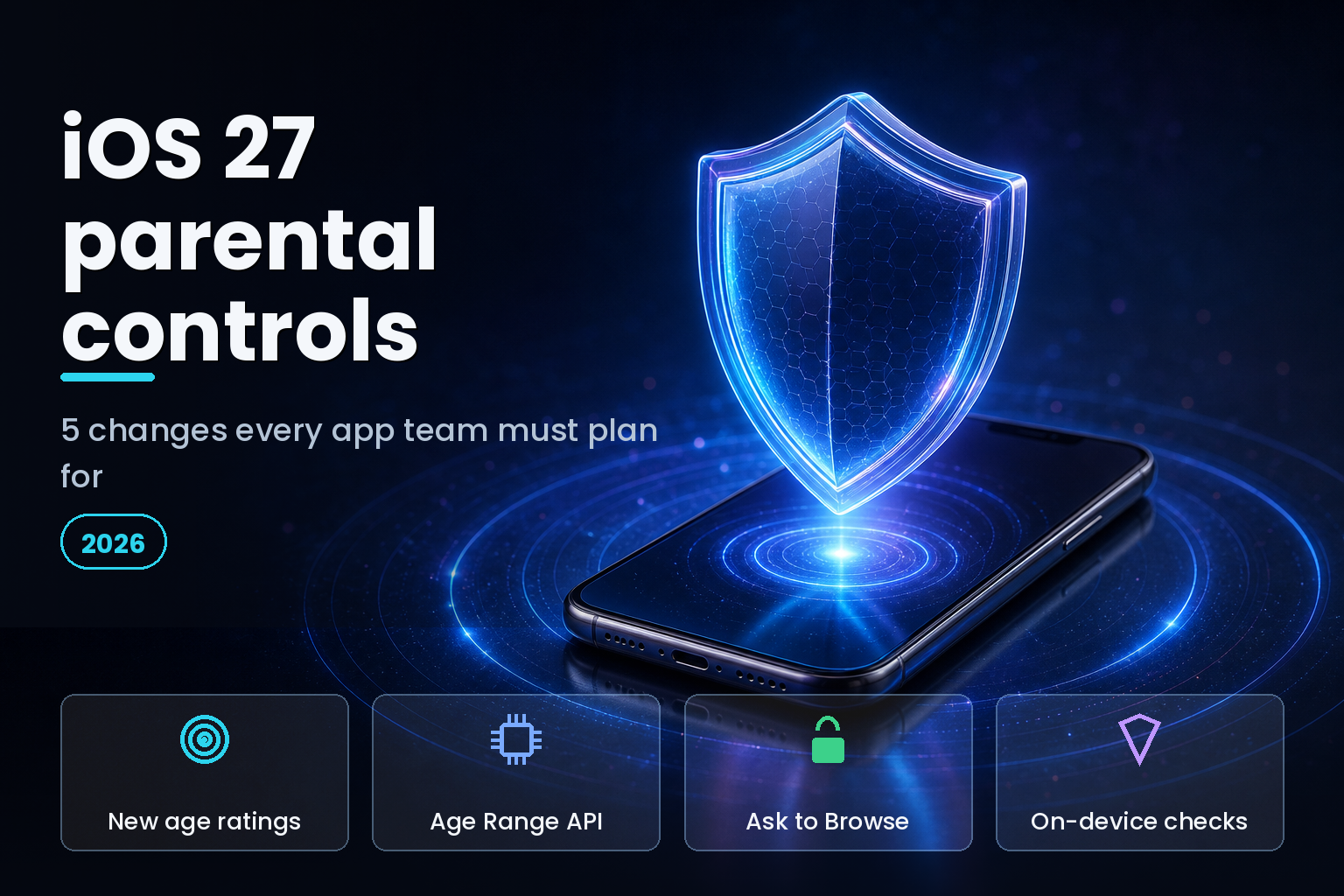
Summary. At WWDC on June 8, 2026, Apple previewed its biggest family-safety expansion in eight years, and a large share of the work falls on app developers, not just parents. iOS 27 adds Ask to Browse, Time Allowances, a rebuilt Screen Time, and four developer-facing pieces: the Declared Age Range API, the SensitiveContentAnalysis framework, PermissionKit, and a reworked App Store age-rating system that adds 13+, 16+, and 18+ to the existing 4+ and 9+ tiers. The deadlines are already live: developers had to answer the new age-rating questionnaire by January 31, 2026, Apple began blocking 18+ downloads for unverified users in Australia, Brazil, and Singapore on February 24, 2026, and Texas's App Store Accountability Act took effect on January 1, 2026 after a court cleared it. Full public release lands in autumn 2026 alongside iPhone 18. This guide walks through the 5 changes D2C, kids, and EdTech teams must plan for, with what each one requires.
The framing that matters: Apple shifted part of the compliance burden onto apps. An online safety expert at SafeToNet, quoted by TechRadar, called the changes "genuine progress" but warned they "don't get to where the harm is happening," and that pushing responsibility to developers carries real risk. Whatever your view, the API surface and the dates are now fixed. Here is what to build against.
The five changes at a glance
| Change | What developers must do | Key date |
|---|---|---|
| New App Store age ratings | Answer the expanded ratings questionnaire | Due January 31, 2026 |
| Declared Age Range API | Request age range, handle new regulatory signals | Live in beta, autumn 2026 GA |
| Ask to Browse | Test web views and links behind parental approval | iOS 27, autumn 2026 |
| Time Allowances | Design for app-category time limits | iOS 27, autumn 2026 |
| On-device content checks | Adopt SensitiveContentAnalysis and PermissionKit | iOS 27, autumn 2026 |
1. New App Store age ratings, and a questionnaire you cannot skip
Apple expanded App Store age ratings from two tiers to five. The old 4+ and 9+ now sit alongside new 13+, 16+, and 18+ ratings, giving regulators and parents finer granularity. The change is not cosmetic for developers, because Apple added required questions to the ratings questionnaire covering in-app controls, app capabilities, medical or wellness topics, and violent themes.
The deadline already passed for the first wave: every app needed updated answers by January 31, 2026 to avoid a block on submitting updates in App Store Connect. If you build for younger users, two follow-on details matter. You can set a higher age rating than Apple assigns where your own policy requires it, which is useful for an app that handles sensitive topics. And ratings vary by region: from June 18, 2026, Apple updated ratings in Australia and Vietnam, and removed the 15+ rating in Australia, so an app's displayed rating can differ market to market.
| App Store rating | Typical use | Note for developers |
|---|---|---|
| 4+ | General audiences | Lowest tier, no objectionable content |
| 9+ | Mild, infrequent content | Pre-teen suitable |
| 13+ | Teen-oriented content | New tier in 2026 |
| 16+ | Older-teen content | New tier; tighter than legacy 12+/17+ |
| 18+ | Adult content | Gated by age verification in some markets |
2. the Declared Age Range API, and the signals behind it
This is the API most consumer apps will touch. The Declared Age Range API lets your app ask for a user's age range without ever seeing their date of birth, which keeps you on the right side of data-minimisation rules while still letting you tailor the experience. Apple rolled the tooling out to developers in Brazil, Australia, Singapore, and the US states of Utah and Louisiana, in beta, ahead of broader release.
What changed in 2026 is the signal set. Beyond the age band, the API now returns whether age-related regulatory requirements apply to that user, whether the user is required to share their age range, and the method of age assurance used. It also tells you when you need a parent or guardian's permission for a significant app update aimed at a child. Treat these as branching logic in your onboarding: a user in a regulated jurisdiction may have to share an age band before your app can proceed, and your code has to handle the allow, deny, and not-shared paths cleanly.
3. Ask to Browse breaks assumptions about web content
Ask to Browse is the change most likely to silently break an EdTech or content app. For a child account, no website is reachable until a parent approves it. When a child opens an unapproved URL, the system intercepts the navigation and sends a real-time push to the parent, who approves or denies from their own device.
If your app opens web content, this matters more than it first appears. In-app web views, external links, OAuth or SSO flows that bounce through a browser, help articles, and any embedded third-party content can all hit the approval wall on a child account. An EdTech app that loads lessons from the web, or a D2C app whose sign-in routes through a web page, may simply stall for a child user with no obvious error. The work is to test every web-touching path under a child account, prefer native flows where possible, and design a clear state for "waiting on parent approval" rather than a blank screen.
4. Time Allowances change how engagement is measured
Time Allowances give parents customised limits by app category, with Apple letting them manage time in Entertainment, Games, and Social Media based on the child's age and expert guidance. Combined with the rebuilt Screen Time, this puts a parent-controlled ceiling on how long a child can stay in your app.
For product teams, this reframes retention design for the under-18 segment. Engagement loops that assume open-ended sessions will run into category caps, and an app classified under a restricted category inherits those limits whether or not its content warrants them. Plan for shorter, more valuable sessions, make progress saveable and resumable so a time cut-off does not lose a child's work, and check which category your app falls under, because the categorisation, not just your content, decides the ceiling. This is a healthier design target anyway, and it aligns with where regulation across the UK and US is pushing.
5. On-device content checks: SensitiveContentAnalysis and PermissionKit
Two frameworks handle the safety plumbing. The SensitiveContentAnalysis framework runs Apple's on-device machine learning to power Communication Safety, which now detects nudity and, new in iOS 27, gore and graphic violence in Messages and FaceTime. Inference runs locally, so content is never sent to Apple's servers, and the system blurs the media and shows a safety prompt. If your app handles user-to-user images or video, adopting SensitiveContentAnalysis lets you apply the same on-device check rather than building your own or shipping unscanned media to minors.
PermissionKit handles consent. Its Significant Change API drives the pipeline that notifies a parent when a developer makes a material update to an app their child uses, triggering a fresh consent request where a jurisdiction requires it. For any app with a child user base, wire your release process to flag significant changes so the consent prompt fires correctly. The regulatory backdrop makes this concrete: Texas's App Store Accountability Act took effect on January 1, 2026 and survived a challenge when the Fifth Circuit stayed an injunction, Louisiana's age-sharing applies from July 1, 2026, while Utah's act was pushed to May 6, 2027 under HB 498. The same compliance theme runs through other iOS 27 changes, including the content-authenticity rules we cover separately.
India-specific considerations
Indian developers have two reasons to act even without an Indian equivalent of these state laws. First, any app on the global App Store inherits Apple's age-rating questionnaire and the autumn 2026 framework changes, so the engineering work is unavoidable for apps shipping outside India. Second, the Digital Personal Data Protection Act (DPDP) 2023 sets a high bar for processing children's data and requires verifiable parental consent for users under 18, which maps closely onto Apple's consent and age-range tooling. We build kids and EdTech apps aligned with DPDP and Apple's child-safety requirements rather than claiming automatic compliance. For an Indian studio serving global users, the Declared Age Range API is a practical way to meet several regimes at once, since it returns the right regulatory signal per user, and it fits the broader enterprise approach to regulated data that global platforms now need.
A short implementation checklist
Confirm your age-rating questionnaire answers are current in App Store Connect. Integrate the Declared Age Range API and handle the allow, deny, and not-shared branches, plus the new regulatory signals. Test every web-touching path under a child account for Ask to Browse. Make sessions resumable so Time Allowance cut-offs do not lose work. Adopt SensitiveContentAnalysis for any user-shared media and wire PermissionKit's Significant Change API into your release process. Map all of it against the jurisdictions you actually ship to, because the requirements differ by market and by date.
FAQ
How eCorpIT can help
eCorpIT is a senior-led technology consulting organisation in Gurugram that builds and ships iOS apps for D2C, kids, and EdTech teams. We integrate the Declared Age Range API with clean branching for every regulatory signal, audit web-touching flows against Ask to Browse, design sessions that survive Time Allowance limits, and wire SensitiveContentAnalysis and PermissionKit into your release process, with the whole thing mapped to DPDP and the state-level rules you ship under. If iOS 27's parental-control changes affect your roadmap, contact us to plan the implementation before the autumn 2026 launch.
References
- Biometric Update — Apple updates Declared Age Range API for national, state-level age assurance laws
- TechTimes — Apple parental controls overhauled in iOS 27 as UK demands device-wide child protections
_Last updated: June 22, 2026._