

On this page · 11 sections
- What GitLab actually shipped on 20 August 2026
- The part the release note does not say
- Who this hits, and how to tell if that is you
- What a credit is worth in dollars
- The failure-billing split nobody advertises
- What to do before 31 August 2026
- India-specific considerations
- What is still unknown
- FAQ
- How eCorpIT can help
- References
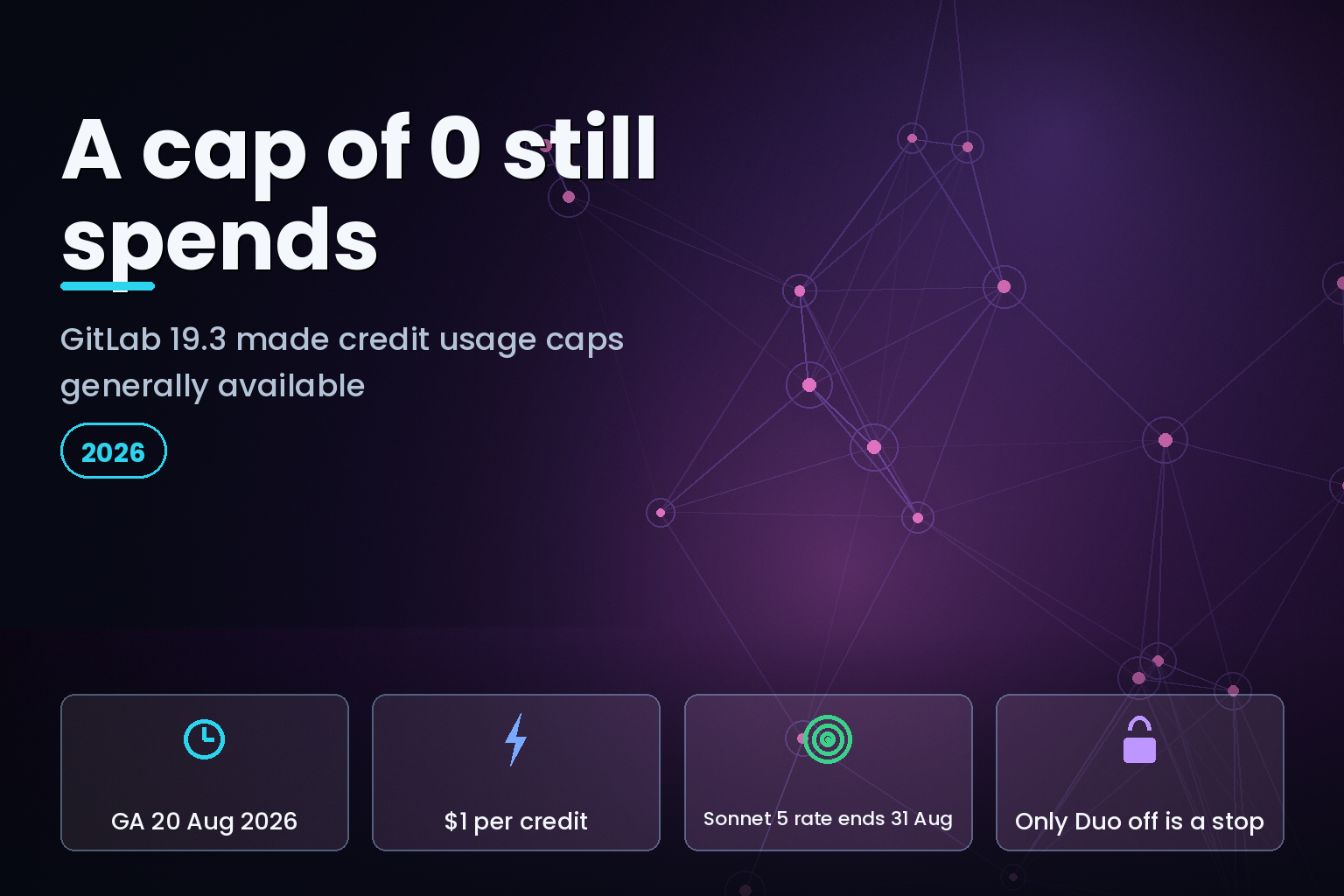
Summary. GitLab published its 19.3 release notes on 20 August 2026 and made GitLab Credits usage caps generally available, removing the budget_caps_graphql_api feature flag that had gated them since GitLab 18.11. The release note describes the control as a stop: when consumption reaches a cap, features that consume GitLab Credits are suspended until the next billing period. GitLab's own subscriptions documentation contradicts that. It states that caps "do not stop users from consuming their included GitLab Credits" and that a user keeps full GitLab Duo Agent Platform access "regardless of the cap value, including a cap of 0". On a 10-user Premium subscription carrying 100 included credits each, a subscription-level cap of 0 leaves up to 1,000 credits still spendable. On-Demand credits list at $1 per credit, and the enforcement check runs on usage data that GitLab says can lag actual consumption by a few hours.
Two documents, one feature, two different behaviours. The gap matters because the number an engineering manager types into the cap field is not the number the platform enforces.
What GitLab actually shipped on 20 August 2026
The 19.3 release notes carry three separate money controls. As checked on 21 August 2026, that page was still headed "GitLab 19.3 (not yet released)" while stating in its first line that the features "are now available on GitLab.com".
The first control is the one that went GA. Usage caps arrived in GitLab 18.11 behind budget_caps_graphql_api, enabled by default, and 19.3 removed the flag. The second is per-capability spend caps for GitLab Flex, the single-commitment purchasing model introduced in GitLab 19.1. The third is email notification at 50%, 80% and 100% of a product's monthly reservation, with a separate cut-off email when a capped product reaches 100%.
Three cap types exist, and they do not behave alike.
| Cap type | Credit sources counted | Set through |
|---|---|---|
| Subscription cap | On-Demand only | Customers Portal |
| Flat user cap | All credits | GraphQL API |
| Per-user override | All credits, including the included allocation | GraphQL API |
| Flex per-capability cap | Overage against one capability's reservation | Customers Portal |
| Disable GitLab Duo | All consumption, immediately | Group or instance settings |
Only the last row is an actual stop.
The part the release note does not say
GitLab's GitLab Credits documentation sets out the enforcement rule plainly: "Caps do not stop users from consuming their included GitLab Credits. Enforcement begins per user, and only after that user's included allocation is exhausted." The page then gives its own worked examples.
For a subscription-level cap, GitLab describes a subscription with 10 users each holding 100 included credits and an on-demand cap set to 0. A user who has burned all 100 included credits is blocked on the next enforcement check. A user who has spent 40 keeps going and can consume the remaining 60. The cap "does not apply to them yet".
For a per-user cap on a user with 24 included credits, a cap of 50 blocks that user after 50 credits in total, 26 beyond the included allocation. A cap of 10 blocks them after 24, when the included credits run out - not after 10.
GitLab names the workaround itself: "To stop all GitLab Credits consumption immediately, regardless of included balances, disable GitLab Duo for the affected users or namespace." That instruction sits in the subscriptions documentation, not in the 19.3 release note that announced the caps.
There is a second, smaller gap. GitLab states that caps "are enforced using the most recent usage data available" and that "limited additional GitLab Credits usage may occur before enforcement takes effect", because dashboard data syncs periodically and "should appear within a few hours of actual consumption". A cap is therefore a ceiling with a few hours of tolerance above it, not a hard wall.
Who this hits, and how to tell if that is you
You are exposed if all three of these are true: you run GitLab Duo Agent Platform on Premium or Ultimate, you have accepted the usage billing terms so On-Demand credits are live, and you set a cap expecting it to hold the line at a number.
Included credits are the variable that decides the size of the exposure, because they are excluded from enforcement until spent. They are allocated per user, reset at the start of each month, and do not roll over. Non-human subjects - service accounts and bots running automated flows - receive no included credits at all, so their consumption is billed from the Monthly Commitment Pool and On-Demand credits from the first action. Since GitLab 19.0 the Credits dashboard tags those rows with an "Automated flow" badge, which is the fastest way to see whether an agent, rather than a person, is driving the bill.
Billing is consolidated at the root namespace or top-level group, never at project level, so a cap cannot be used to fence off one noisy repository.
What a credit is worth in dollars
On-Demand credits are consumed at a list price of $1 per credit. Working from that figure and GitLab's published multiplier tables gives the per-call cost of each model, and the spread is wide.
| Model | LLM calls per credit | Cost per call at $1/credit |
|---|---|---|
gpt-5.6-luna |
8.0 | $0.13 |
claude-sonnet-5 (promotional) |
3.2 | $0.31 |
gpt-5.2 |
2.5 | $0.40 |
claude-opus-5 |
1.1 | $0.91 |
claude-fable-5 |
0.6 | $1.67 |
Two dated cliffs sit in the footnotes of that table. The claude-sonnet-5 rate of 3.2 calls per credit is promotional through 31 August 2026, after which GitLab says it changes to approximately 2.1 - a rise from about $0.31 to roughly $0.48 per call, near 52%, ten days from now. The gemini-3.6-flash and gemini-3.7-flash rates of 6.7 calls per credit are promotional through 31 December 2026, then move to about 3.3, which halves the calls a credit buys. Anyone who sized a monthly reservation against the promotional rates has a September and a January problem. The same pattern caught teams on GitHub Copilot promotional credit expiry earlier this year.
Flat-priced features price differently again. One credit buys 50 GitLab Duo Code Suggestions executions, 4 Code Review Flow runs, 1 SAST False Positive Detection Flow, and 0.25 of a SAST Vulnerability Resolution Flow - meaning a single vulnerability-resolution run costs 4 credits, about $4 at the on-demand rate. Features running on a self-hosted model take a 20% discount, introduced in GitLab 19.1 behind a flag named self_hosted_flat_pricing_discount.
The failure-billing split nobody advertises
Where a flow fails partway, the bill depends on where it ran. On GitLab.com with GitLab-managed models, a flow that fails before completing deducts no credits even if LLM calls were already made. On GitLab Self-Managed with self-hosted models, each call is metered when it starts, so calls made before the failure are still billed, and a flat-priced feature charges the full flat price even if the flow fails and regardless of how many calls actually ran.
That is a real operating difference for teams running agents against flaky test suites or rate-limited internal APIs. Self-hosting the model is often pitched as the cheaper path; on failure-heavy workloads it is the one that pays for the failures. Attribution is where most teams lose this argument, which is the case for a deliberate AI cost attribution ownership playbook before the agents scale.
What to do before 31 August 2026
Set the cap, but do not rely on it alone. Four steps, in order.
Count your included credits first. Multiply your seat count by the per-user included allocation for your tier and treat that product as the floor beneath every cap you set. That number, not the cap, is your minimum monthly exposure.
Use the GraphQL API for per-user control. Subscription caps only count On-Demand usage; flat user caps and per-user overrides count all credits and are set through upsertFlatUserCap and upsertUserBudgetCapOverrides. Read the current state through the gitlabSubscriptionBudgetCaps query.
Reprice your reservation against post-promotional rates. If your forecast assumed claude-sonnet-5 at 3.2 calls per credit, rebuild it at 2.1 before the 31 August 2026 change. On GitLab Flex, allocation changes must be submitted before 11:59 PM UTC on the second-to-last day of the month to apply to the next one, and once a month begins its reservation is final and cannot be reduced or prorated.
Keep the kill switch documented. Disabling GitLab Duo for a namespace is the only control that stops consumption immediately. Write it into the runbook with the exact settings path, because the moment you need it is not the moment to go looking.
On Flex specifically, per-capability caps come in three shapes: Restricted, which blocks at the reservation with no overage; Usage cap, which allows a bounded amount past it; and Unlimited. GitLab's own example caps GitLab Duo at $5,000 while leaving Artifact Registry unlimited. Capping the experimental capability and leaving the load-bearing one open is the right default.
India-specific considerations
Indian engineering teams and GCCs buying GitLab in dollars carry currency risk on top of the promotional cliffs, because On-Demand overage is billed monthly against the payment method on file rather than absorbed by an annual commitment. Free-tier namespaces have an on-demand ceiling of $25,000 per calendar month, after which on-demand usage turns off automatically and resets the following month - the only automatic hard limit GitLab publishes, and it is far above what most teams would call a guardrail.
Where credit consumption is attributed to named users, the per-user usage data in the Credits dashboard is personal data under the Digital Personal Data Protection Act 2023. GitLab keeps individual user data hidden by default and requires a group or instance setting to display it, so switching that on is a decision to record rather than a default to accept.
What is still unknown
GitLab has not published what happens to an in-flight agent session when a cap trips mid-run, nor whether a partially completed flow is billed in that case. The documentation covers failure billing and cap enforcement separately but not their intersection. The 19.3 release notes page also still carried the "(not yet released)" heading on 21 August 2026 while describing the features as live on GitLab.com, so treat the exact GA date for self-managed instances as worth confirming against your own upgrade before you plan around it.
FAQ
How eCorpIT can help
Credit-based AI billing turns model choice into a budgeting decision, and most teams discover the exposure in an invoice rather than a dashboard. Our senior engineering teams build the gateway and routing layer that pins each workload to the cheapest model that clears its quality bar, which is the work behind our AI gateway and model routing FinOps service. The same attribution problem shows up across vendors, whether the meter is Copilot AI credit pools or Claude enterprise spend controls. If you are sizing a GitLab reservation before the 31 August 2026 rate change, talk to us.
References
- GitLab 19.3 release notes - GitLab Docs, retrieved 21 August 2026.
- GitLab Credits and usage billing - GitLab Docs, retrieved 21 August 2026.
- GitLab Flex - GitLab Docs, retrieved 21 August 2026.
- GitLab Duo Agent Platform - GitLab Docs.
- GitLab pricing - GitLab.
- GraphQL API reference: gitlabSubscriptionBudgetCaps - GitLab Docs.
- Work item 19881: usage caps introduced - GitLab.
- GitLab Duo Self-Hosted supported models - GitLab Docs.
- GitLab feature flags - GitLab Docs.
- Model selection for GitLab Duo Agent Platform - GitLab Docs.
- Display GitLab Credits user data - GitLab Docs.
Last updated: 21 August 2026.


