

On this page · 12 sections
- What actually shipped
- The metering fork
- What the enrichment actually costs
- Where the documentation contradicts itself
- The limits nobody put in the announcement
- Regions, and what is missing from the list
- India-specific considerations
- What is still unknown
- What to do this week
- FAQ
- How eCorpIT can help
- References
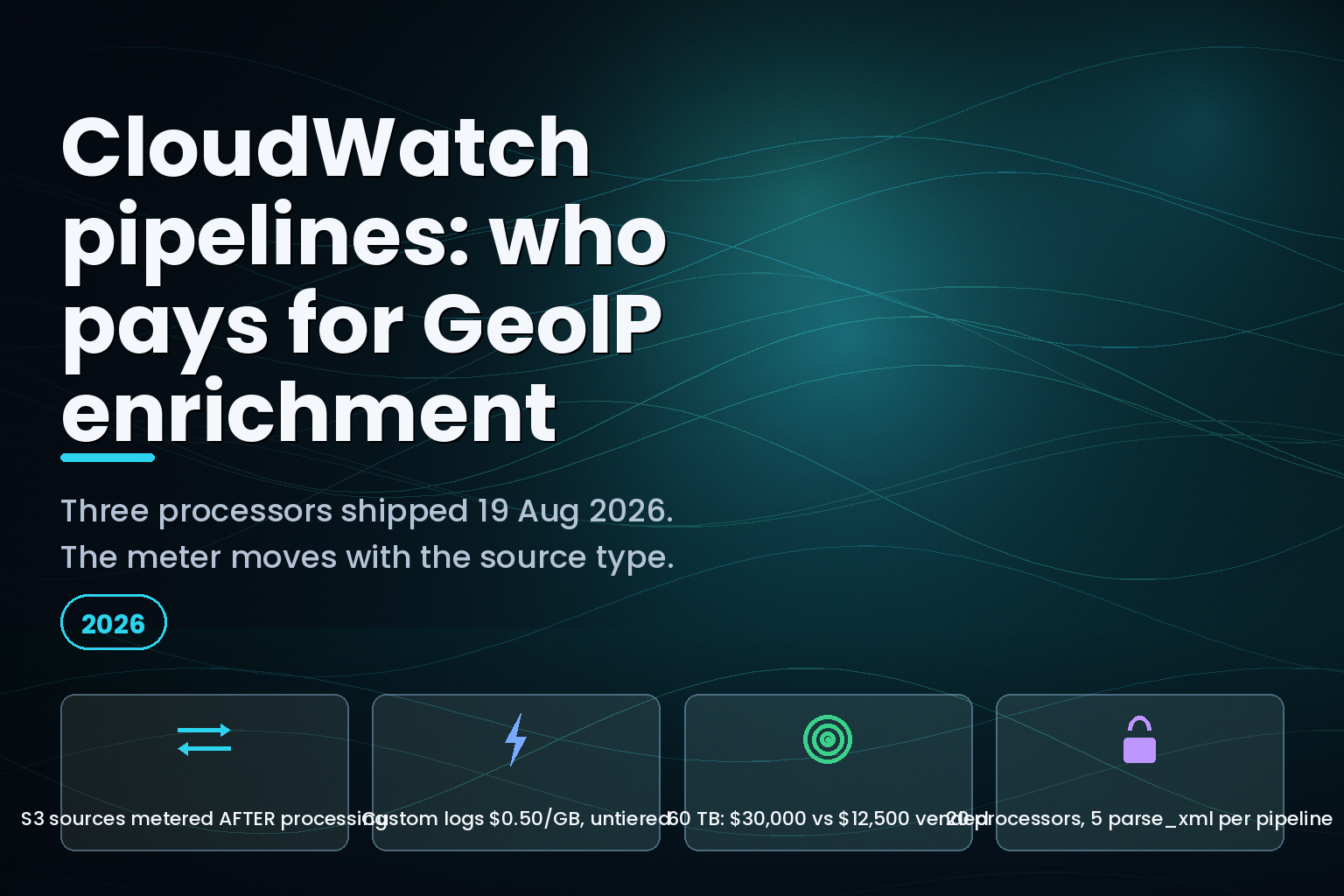
Summary. AWS shipped three processors into Amazon CloudWatch pipelines on 19 August 2026 at 20:13 UTC: a GeoIP enrichment processor, an Amazon RDS Aurora log parser, and an XML parser. The announcement says they are "available at no additional cost" and that "CloudWatch logs ingestion and storage rates apply." The CloudWatch pipelines documentation is more specific, and the specificity is the whole story: "CloudWatch Logs sources are metered before pipeline processing. Third-party and S3 bucket sources are classified as Custom logs and metered after processing." Enrichment adds bytes. Where your source is an S3 bucket or one of the roughly 40 third-party integrations, you pay for those added bytes at the Custom log rate, which is $0.50 per GB in US East (N. Virginia) and $0.67 per GB in Asia Pacific (Mumbai) as of 22 August 2026. Where your source is a CloudWatch Logs log group, you pay nothing for them. Same processor, same 12 geo fields, two different bills.
What actually shipped
The AWS What's New entry for 19 August 2026 describes three processors that "parse and enrich log data as it's ingested": an RDS processor that "parses Aurora audit and error logs into structured fields", an XML parser that "converts a field containing an XML string into JSON", and a GeoIP processor that "enriches any IP address field with geographic context such as city, country, and coordinates."
The transformation processors reference fills in what the announcement leaves out. The GeoIP processor "uses MaxMind databases" and can write up to 12 named fields per entry: continent_code, continent_name, country_name, country_iso_code, city_name, postal_code, time_zone, latitude, longitude, network, asn and asn_organization. A single geoip processor accepts a minimum of 1 and a maximum of 10 entries, each entry naming one source IP field and one target field, each field name capped at 128 characters. The optional when conditional is capped at 256 characters.
Twelve fields is the ceiling, and the ceiling matters because of where the meter sits.
The metering fork
Read the pricing section of the CloudWatch pipelines documentation carefully:
"CloudWatch pipelines is included with CloudWatch Logs at no additional cost. Standard log ingestion rates based on log class (vended or custom) and storage class (Standard or Infrequent Access) still apply. Metering occurs at time of first ingestion into CloudWatch. CloudWatch Logs sources are metered before pipeline processing. Third-party and S3 bucket sources are classified as Custom logs and metered after processing."
Three separate things are true in that paragraph, and only the first appears in the announcement.
The processors are free. Correct. The meter position depends on source type. Not mentioned. And S3 and third-party sources are reclassified as Custom logs, which is a different price curve from vended logs, not a different label on the same one.
The metered-unit map published behind the CloudWatch pricing page, read on 22 August 2026 for US East (N. Virginia), carries a single untiered Custom ingestion rate of $0.50 per GB. Vended logs, by contrast, tier: $0.50 per GB for the first 10 TB, $0.25 for the next 20 TB, $0.10 for the 20 TB after that, and $0.05 per GB above 50 TB. Infrequent Access repeats the shape: Custom is a flat $0.25 per GB, vended IA tiers from $0.25 down to $0.05.
| Monthly volume | Vended logs, Standard class | Custom logs, Standard class | Difference |
|---|---|---|---|
| 1 TB | $500 | $500 | none |
| 10 TB | $5,000 | $5,000 | none |
| 30 TB | $10,000 | $15,000 | $5,000 |
| 50 TB | $12,000 | $25,000 | $13,000 |
| 60 TB | $12,500 | $30,000 | $17,500 |
Figures computed from the US East (N. Virginia) metered-unit map, 22 August 2026. The vended column applies the four published tiers in order; the Custom column applies the single published rate.
At 1 TB a month the distinction is academic. At 60 TB it is $17,500 a month, and that is before the GeoIP processor has added a single byte.
What the enrichment actually costs
CloudWatch pipelines does not keep a copy of the input. The documentation states it plainly: "Adding processors leads to mutation of the log events and original (raw) logs are not retained." For a CloudWatch Logs source the sink configuration makes this stricter still, because the sinks reference allows exactly one value: "For pipelines using the cloudwatch_logs source, the ONLY allowed value is @original." Enriched events go back to the log group they came from.
So the cost question is narrow. For an S3-sourced pipeline, take a firewall or CDN log line of roughly 250 bytes with one IP field. Ask the geoip processor for the six fields most teams want, which are city, country name, ISO code, latitude, longitude and ASN organisation, and the JSON that lands is typically 100 to 150 bytes wider once key names are counted. That is a 40 to 60 per cent increase in billed volume on a meter that sits after processing. Storage compounds it at $0.03 per GB-month for Standard-class stored data in US East (N. Virginia), and every Logs Insights query then scans the wider events at $0.005 per GB.
The fix is not to avoid the processor. It is to put the include_fields list on a diet before the pipeline goes live, and to prefer a CloudWatch Logs source where the architecture allows one, because that meter sits upstream of the enrichment.
Where the documentation contradicts itself
The announcement says you "can use these processors independently or combine them in one pipeline", and gives a combined example: extract an XML payload from a Windows Event Log into JSON, then resolve its source IP to a city and country.
The processor compatibility page says parsers "must be the first processor in a pipeline", and its table repeats "Must be first processor" for parse_json, grok, key_value, csv, parse_vpc, parse_route53 and parse_rds.
The parser processors page says the opposite about the XML parser: "Place this parser after a primary parser in the pipeline." Its own worked example puts parse_json first and parse_xml second.
Both pages are live, both were published by AWS, and they give opposite placement instructions for the same processor. The parser-processors page is the one whose example matches the announcement's use case, so that is the one to build against, but a pipeline validated on the compatibility table's reading will not do what the announcement advertises. AWS supplies two APIs specifically for this, ValidateTelemetryPipelineConfiguration and TestTelemetryPipeline, and the compatibility page tells you to run both before deployment. Run them.
The limits nobody put in the announcement
| Limit | Value | Source |
|---|---|---|
| Processors per pipeline | 20 | CloudWatch pipelines overview |
parse_xml processors per pipeline |
5 | Parser processors reference |
| XML nesting depth | 25 levels | Parser processors reference |
geoip entries per processor |
1 to 10 | Transformation processors reference |
include_fields per entry |
1 to 12 | Transformation processors reference |
| Logs pipelines per account | 330 total: 300 from CloudWatch Logs, 30 from other sources | CloudWatch pipelines overview |
That 30-pipeline ceiling on non-CloudWatch-Logs sources is the one to plan around. It is also the population that gets metered after processing, so the accounts most exposed to enrichment cost are the accounts with the tightest pipeline budget.
Two further restrictions land on the RDS processor specifically. It "is supported only when the pipeline's data_source_name is amazon_rds", it "takes no parameters", and the compatibility table marks it "Not applicable" for S3 sources and API-based sources. The announcement's Aurora audit log example therefore only runs on a CloudWatch Logs source. If your Aurora logs currently land in S3, parse_rds is not available to you.
Regions, and what is missing from the list
CloudWatch pipelines is documented as available in 32 Regions, including Asia Pacific (Mumbai), Asia Pacific (Hyderabad), Europe (Frankfurt), Europe (Ireland) and South America (São Paulo). The list contains no AWS GovCloud (US) Region, no Middle East Region and no China Region. The announcement's phrase "all AWS Regions where CloudWatch pipelines is generally available" is accurate, but it is doing quiet work: the three new processors inherit that Region list rather than the wider CloudWatch Logs footprint.
Third-party source collection is narrower again. The documentation scopes it to "regions where OpenSearch Ingestion has API endpoints", which is a smaller set than the 32.
India-specific considerations
For teams running in Asia Pacific (Mumbai), the same metered-unit map read on 22 August 2026 gives $0.67 per GB for Custom ingestion, $0.335 per GB for Custom Infrequent Access, and $0.0067 per GB for Logs Insights queries. Mumbai Custom ingestion is 34 per cent above the US East (N. Virginia) rate, so the after-processing meter costs more per enriched byte here than it does in Virginia.
There is a data protection point as well, and it needs stating precisely rather than dramatically. The geoip processor writes city_name, postal_code, latitude, longitude and asn_organization against an IP address. Under the Digital Personal Data Protection Act 2023, an IP address combined with location fields is more identifiable than the IP address alone, so enrichment can move a log group from low-sensitivity operational data into personal data handling. Separately, the CloudWatch pipelines documentation warns that "Pipeline definitions are not encrypted with customer-provided keys and must never include sensitive data, such as passwords, API keys, or personally identifiable information (PII)." That warning covers the pipeline definition, not the log payload, and the two should not be conflated when writing a data protection note for an audit. The definition is where credentials must not go. The payload is where the geo fields land.
Teams weighing this alongside a broader telemetry bill will find the same arithmetic in our observability cost and OpenTelemetry migration service, and the AWS-side pattern is the one already documented in AWS Glue 6.0's version-gated price cut and the Lambda MicroVMs regional quota split: the headline is a price cut or a free feature, and the condition sits one page deeper.
What is still unknown
The documentation names MaxMind as the GeoIP data source but publishes no refresh cadence and no accuracy figure, so the staleness of a country or city resolution cannot be reasoned about from AWS material alone. There is no published per-Region breakdown of which of the 32 Regions also support third-party collection, only the pointer to the OpenSearch Ingestion endpoint list. And AWS has not said which of the two contradictory XML placement rules is the error.
What to do this week
Check your pipeline source type first, because that single field decides whether enrichment is free or billed. If the source is cloudwatch_logs, the meter sits before processing and you can enrich freely. If the source is S3 or a third-party integration, cut include_fields to the fields your queries actually use, then measure the delta with TestTelemetryPipeline before deployment rather than after the invoice. Confirm your Region is on the 32-Region list. And if you were planning to run parse_rds against Aurora logs sitting in S3, plan a different route, because the compatibility table rules it out.
FAQ
How eCorpIT can help
eCorpIT is a CMMI Level 5 and ISO 27001:2022 certified engineering organisation in Gurugram, and our senior engineering teams work on AWS observability cost the way it actually behaves: source type first, field list second, Region third. If your CloudWatch bill grew after a pipeline change and nobody can point at which meter moved, we can trace it against the published rates and rewrite the processor configuration. Talk to us through /contact-us/, or start with our devops services and cloud migration services pages.
References
Last updated: 22 August 2026.


