

On this page · 11 sections
- What shipped on 13 August 2026
- The exemption that undercuts the headline claim
- Differencing attacks, with AWS's own worked example
- You cannot have both
- The SQL surface you lose
- How to configure it without giving away the room
- India-specific considerations
- What is still unknown
- FAQ
- How eCorpIT can help
- References
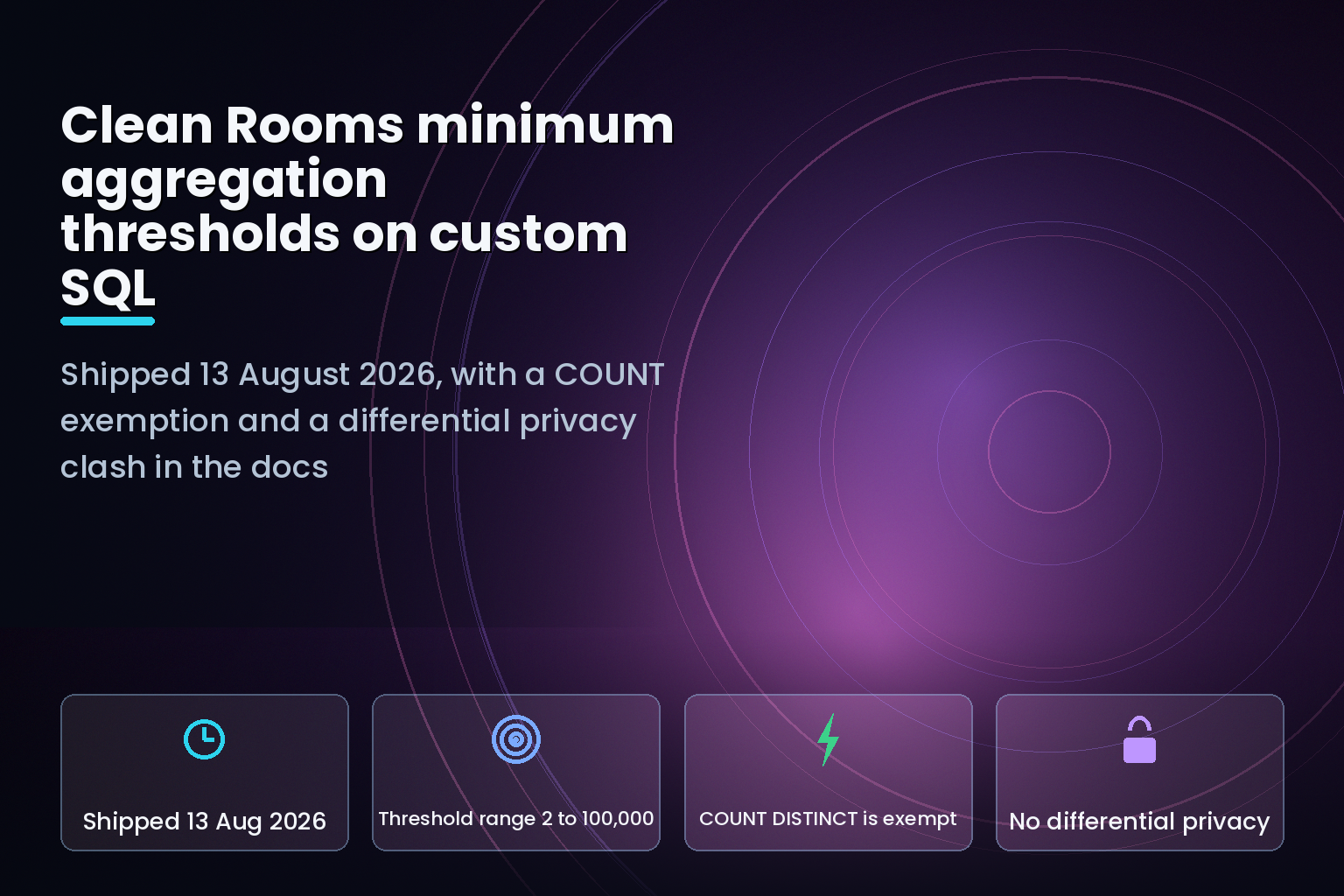
Summary. On 13 August 2026 AWS Clean Rooms added minimum aggregation thresholds to the Custom analysis rule, so data providers can allow ad-hoc SQL instead of pre-approved analysis templates. The announcement says the control ensures "that every row a query outputs represents at least the specified number of distinct values". The user guide contradicts that: "The minimum aggregation threshold is not enforced on COUNT, COUNT(DISTINCT), or APPROX_COUNT_DISTINCT functions over a single table with no grouping or join." Three further limits appear only in the documentation. Minimum aggregation thresholds and comparison controls "do not currently work with differential privacy", the SQL surface loses roughly 60 constructs including EXCEPT, INTERSECT and GROUP BY ROLLUP, and AWS states plainly that a per-query threshold "does not address this differencing attack vector". Thresholds accept values from 2 to 100,000, with per-column overrides that accept 0 to exempt a column entirely.
What shipped on 13 August 2026
Before this change, a data provider who wanted minimum group sizes enforced on custom SQL had to fall back on pre-approved analysis templates and manual code review. The 13 August 2026 announcement removes that: providers "can configure the minimum aggregation threshold for custom SQL using the Custom analysis rule type, without using pre-structured queries or manual approval processes."
The configuration is small. In the Custom analysis rule you set identityColumns and minimumIdentityCount, and the minimum aggregation thresholds page states that "supported values for minimumIdentityCount are between 2 and 100,000" and that "the identityColumns value must be a string, varchar, or char type."
That type constraint is the first thing to check against your schema. A great many warehouses store user_id as a bigint. If yours does, it cannot be an identity column until it is cast or a string surrogate is added to the configured table.
The console flow also fixes one field for you: AWS documents that "Aggregate type is preconfigured to Count distinct", so COUNT_DISTINCT is the only type available through the wizard.
The exemption that undercuts the headline claim
The announcement's promise is unconditional. The considerations and limitations page is not:
"The minimum aggregation threshold is not enforced on COUNT, COUNT(DISTINCT), or APPROX_COUNT_DISTINCT functions over a single table with no grouping or join."
Read that against "every row a query outputs represents at least the specified number of distinct values" and the two statements cannot both be true. A partner running SELECT COUNT(DISTINCT user_id) FROM your_table WHERE <predicate> gets an unsuppressed count, however small the result, provided there is no GROUP BY and no join.
Comparison controls narrow the blast radius but do not close it. The comparison controls page says "AWS Clean Rooms never allows a literal comparison on a column listed in identityColumns. That restriction comes from the threshold itself, so it applies whether or not you configure comparison controls." So a query cannot filter directly on user_id. It can still filter on postal code, age band, device type, or any other quasi-identifier you left unlisted, and then take a bare count.
If you leave comparisonControls unset entirely, AWS is explicit that "a query can compare any column to a literal value or to another column". The default is permissive, and comparison controls are an allowlist: once you set allowedLiteralComparisonColumns, only the listed columns can be compared, and "adding a column to one allowlist does not add it to the other" for column-to-column comparison.
Differencing attacks, with AWS's own worked example
AWS does not hide the residual risk. The considerations page carries a three-line demonstration of why a per-query threshold is not anonymisation:
- Query A:
SUM(salary) WHERE department = 'Sales'returns 1,000,000
- Query B:
SUM(salary) WHERE department = 'Sales' AND name != 'Jane'returns 950,000
- Difference: Jane earns 50,000
AWS's conclusion: "Each query passes a minimum-group-size check (minimum aggregation threshold), but the combination leaks one data subject's value by running multiple queries. A per-query threshold does not address this differencing attack vector."
The recommended mitigation is "data access budgets and differential privacy policies". Which is where the next limitation lands.
You cannot have both
From the same page: "Minimum aggregation thresholds and comparison controls do not currently work with differential privacy." The console flow says the same thing at the point of decision: "Differential privacy is turned off and is not supported with minimum aggregation thresholds or comparison controls."
So the control AWS names as the answer to differencing attacks is the control this feature excludes. A data provider picks one branch and lives with its failure mode.
| Control | Protects against | Allows ad-hoc SQL | Query surface | Runs with the other |
|---|---|---|---|---|
| Minimum aggregation thresholds | Small-group and individual-row output, 2 to 100,000 distinct subjects | Yes, on the Custom analysis rule | Restricted, roughly 60 constructs removed | No |
| Differential privacy | Repeated-query and differencing attacks, via a privacy budget | Yes, with a differential privacy policy | Its own separate restrictions | No |
| Aggregation analysis rule | Small-group output | No, structured queries only | Rule-defined | Not applicable |
| Analysis templates plus manual review | Whatever the reviewer catches | No | Whatever is approved | Not applicable |
| Comparison controls | Filtering down to individuals via literals or joins | Yes, as an allowlist | Narrows further | No, same exclusion |
Both branches have a real cost. Choose thresholds and you accept the differencing exposure AWS documents. Choose differential privacy and you give up the minimum group size guarantee on output rows and take on budget management instead. The honest read is that neither is a substitute for a data access budget and query logging.
The SQL surface you lose
The SQL capabilities page lists supported and unsupported constructs in the Spark analytics engine when a custom analysis rule uses these controls. The removals are not edge cases for an analytics partner:
Set operators lose EXCEPT, EXCEPT ALL, INTERSECT and INTERSECT ALL, while UNION and UNION ALL stay. Grouping loses GROUP BY CUBE, GROUP BY ROLLUP and GROUP BY GROUPING SETS, which is most of the cross-tab reporting a media planner would write. Joins lose LEFT SEMI and LEFT ANTI. PIVOT and UNPIVOT, WITH RECURSIVE, EXISTS, LATERAL JOIN, CLUSTER BY, DISTRIBUTE BY, SORT BY and OFFSET are all unsupported. So are the HyperLogLog functions (HLL_SKETCH_AGG, HLL_UNION_AGG, HLL_SKETCH_ESTIMATE, HLL_UNION) and the encryption functions AES_ENCRYPT and AES_DECRYPT. Among window functions, FIRST_VALUE, LAST_VALUE, NTH_VALUE, CUME_DIST, PERCENT_RANK and NTILE are gone.
There is also a conditional restriction worth reading twice. When an aggregation threshold is set, AWS states that MIN, MAX, PERCENTILE, APPROX_PERCENTILE, MEDIAN, COLLECT_LIST and COLLECT_SET "must be combined with a qualifying aggregation (AVG, COUNT, SUM). They cannot be used as a standalone aggregation." The same rule applies to LAG, LEAD, window MIN, window MAX, window APPROX_PERCENTILE and window PERCENTILE. When only comparison controls are set, the restriction does not apply.
Two consent-decoding functions survive and are worth knowing about: consent_tcf_v2_decode and consent_gpp_v1_decode are both supported, in CTEs and in the final SELECT.
How to configure it without giving away the room
Set the identity column and count first, then tighten. The documented shape is compact:
            {
  "aggregationThresholds": [
    {
      "identityColumns": ["user_id"],
      "minimumIdentityCount": 100,
      "type": "COUNT_DISTINCT",
      "allowedAggregateExpressionType": "COLUMNS_ONLY",
      "outputColumnThresholds": [
        {"outputColumnName": "campaign_id", "minimumIdentityCount": 5}
      ]
    }
  ]
}
Keep allowedAggregateExpressionType at its default. AWS says COLUMNS_ONLY "is recommended as the privacy-enhanced configuration", and the alternative ANY_EXPRESSION "introduces privacy risk because query runners can isolate small groups within an aggregation function". The guide's example of the risk is concrete: SUM(cost * quantity) is generally safe, SUM(CASE WHEN zip_code = '10001' THEN salary ELSE 0 END) is not. AWS attaches an explicit instruction to that setting: "Before allowing ANY_EXPRESSION inside aggregate functions, consult your privacy, security, legal, and compliance teams to make sure that this adheres to your organization's requirements."
Use per-column overrides deliberately. They accept "0, which exempts that output column from minimum aggregation, or a value between 2 and 100,000". A zero is a hole you opened on purpose, and it should be recorded as one.
Configure comparison controls even though they are optional, because the default is no restriction at all. AWS suggests reaching for them "when your table contains low-cardinality or quasi-identifying columns, such as postal code or age band, or when the query runner is not fully trusted."
That last clause deserves emphasis, because AWS's own threat model is not a trusting one. The guide asks you to "assume the query runner is trying to exfiltrate user level data", to "assume other data providers are trying to exfiltrate user level data", and to "assume the query runner and other data providers are colluding to exfiltrate user level data". Configure to that standard, not to the standard of the partner you signed the contract with.
India-specific considerations
For Indian teams building first-party data collaborations under the Digital Personal Data Protection Act 2023, the appeal of a clean room is that no party sees the other's raw records. The COUNT exemption complicates the story you can tell your data protection officer, because a bare COUNT(DISTINCT user_id) over a filtered single table returns an exact small number, and a small exact count about a filtered population is itself a disclosure.
The practical answer is not to abandon the control. It is to pair it with query logging and a review of what predicates partners are actually running, and to write the residual risk into the collaboration agreement rather than assuming the platform removed it. Teams that treat the clean room as one layer inside a first-party consent data platform tend to make that call correctly; teams that treat it as the whole compliance answer do not. The engineering habits that matter here are the ones in our DPDP engineering playbook: log the query, keep the budget, and name the residual risk in writing.
What is still unknown
AWS publishes no Region list for this capability in either the announcement or the user guide, and the guide does not state whether the exempted COUNT path was a deliberate design decision or a gap awaiting a fix. There is no documented data access budget primitive to pair with thresholds, only the recommendation to "adopt data access budgets and differential privacy policies" while differential privacy is simultaneously excluded. Nor does the guide say whether the mutual exclusion with differential privacy is permanent; the word "currently" suggests otherwise, but AWS gives no date.
FAQ
How eCorpIT can help
eCorpIT is a CMMI Level 5 and ISO 27001:2022 certified engineering organisation in Gurugram that builds consented first-party data platforms and the collaboration layers that sit on top of them. Our senior engineering teams configure clean room analysis rules against a real threat model, log what partners actually query, and design applications aligned with Digital Personal Data Protection Act 2023 requirements. That work runs through our data engineering services practice. To review a data collaboration before it goes live, contact us at /contact-us/.
References
- AWS Clean Rooms supports minimum aggregation thresholds in custom analysis rules, AWS What's New, 13 August 2026
- Minimum aggregation thresholds, AWS Clean Rooms User Guide
- Considerations and limitations, AWS Clean Rooms User Guide
- SQL capabilities for minimum aggregation and comparison controls, AWS Clean Rooms User Guide
- Comparison controls, AWS Clean Rooms User Guide
- Custom analysis rule, AWS Clean Rooms User Guide
- Differential privacy in a custom analysis rule, AWS Clean Rooms User Guide
- AWS Clean Rooms Differential Privacy, AWS Clean Rooms User Guide
- Differential privacy policy, AWS Clean Rooms User Guide
- Aggregation analysis rule, AWS Clean Rooms User Guide
- Analysis rules, AWS Clean Rooms User Guide
- Adding an analysis rule to a configured table, AWS Clean Rooms User Guide
Last updated: 22 August 2026.


