On this page · 7 sections
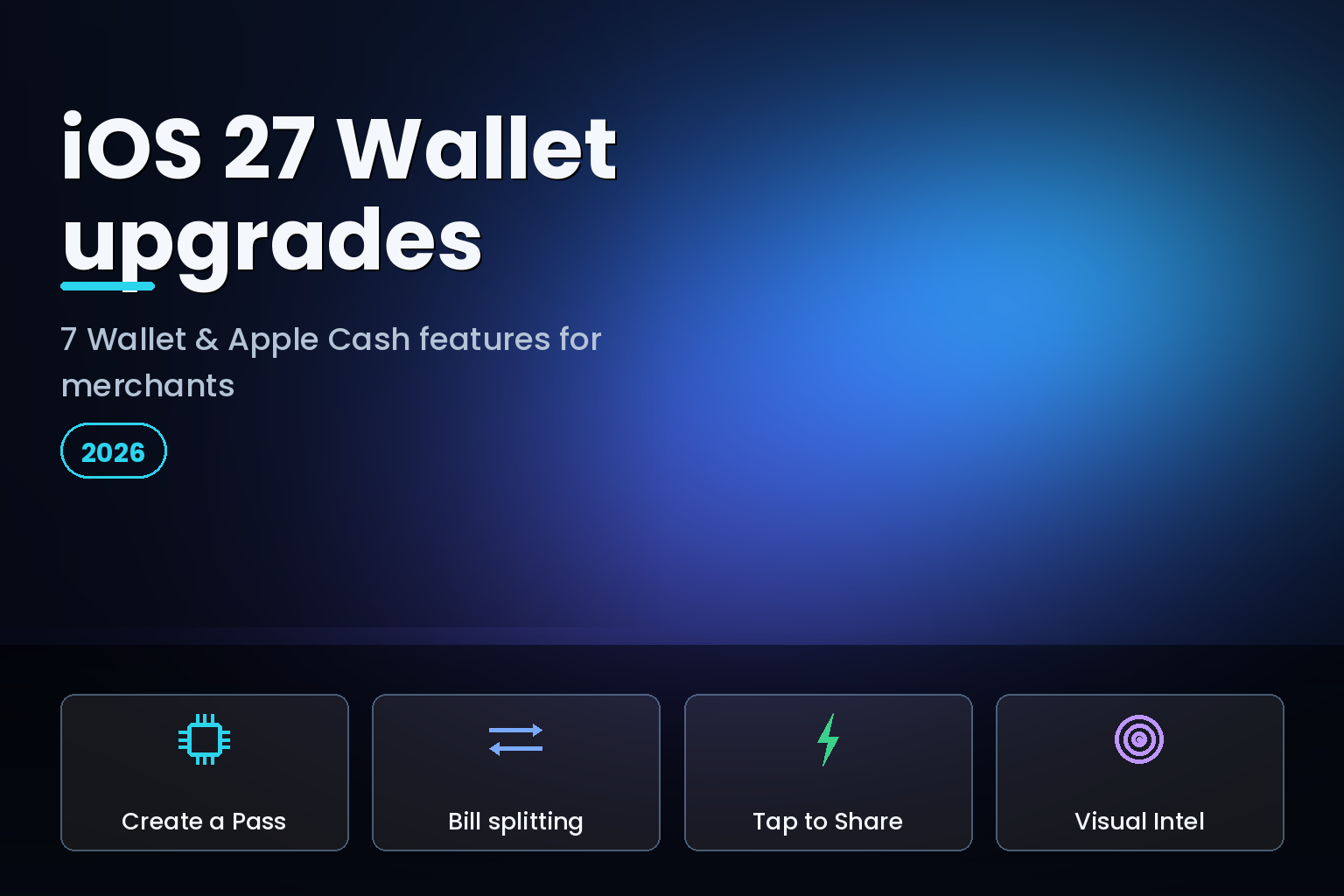
Summary. iOS 27, unveiled at WWDC on June 8, 2026, with developer beta 2 on June 22 and a public release expected around September 14, gives Apple Wallet its biggest update in years, 7 new features in total. The headline additions are Create a Pass, which lets anyone scan or build a digital pass; receipt-based bill splitting with Apple Cash; Tap to Share for faster in-store checkout; Apple Intelligence order tracking pulled from Mail; order tracking expanding to Australia and Canada; Visual Intelligence receipt and card scanning; and built-in money tracking. Several of these lean on Apple Intelligence, which needs an iPhone 15 Pro or newer, launched at $999, or ₹1,34,900 in India, while the App-level features run on any iOS 27 device from the iPhone 11 up, after the public beta opens in July 2026. One caveat matters for non-US readers: Apple Cash, and so the bill-splitting payment flow, remains a United States-only service, while order tracking reaches just 2 new countries, Australia and Canada, in this release. Here is each upgrade and what it means for merchants and fintech teams.
This is a merchant and product lens on the Wallet update, not a consumer round-up. For retail, fintech, and commerce teams, the question is which of these features create an opportunity, a new pass type to issue, a cleaner order email to send, an in-store flow to support, and which carry regional limits you should plan around. For the wider services picture, see our guide to Apple Intelligence across Maps, Find My, and Wallet in iOS 27.
The 7 iOS 27 Wallet upgrades at a glance
| # | Feature | What it does | Availability note |
|---|---|---|---|
| 1 | Create a Pass | Scan or manually build a digital pass | All iOS 27 devices |
| 2 | Bill splitting with Apple Cash | Scan a receipt, assign items, request payment | Apple Cash is US-only |
| 3 | Tap to Share | Share contact, shipping, loyalty info in-store | Participating merchants |
| 4 | Mail order tracking | Apple Intelligence finds orders in your email | Apple Intelligence devices |
| 5 | Order tracking expansion | Order tracking adds Australia and Canada | New regions in iOS 27 |
| 6 | Visual Intelligence scanning | Scan receipts and physical cards into Wallet | Apple Intelligence devices |
| 7 | Money tracking | Built-in view of spending in Wallet | All iOS 27 devices |
1. Create a Pass
Create a Pass is the most broadly useful addition. Accessed from the plus button in the Wallet app, it lets a user scan a physical pass with the iPhone camera to import it, or build one manually with three templates: Standard, Membership, and Event. People can finally digitise the movie ticket, concert pass, or gym card that never had a proper Wallet pass before.
For merchants, this changes the calculus on passes. Customers can now create a usable Wallet pass from your physical card or ticket whether or not you have built a PassKit pass yourself. The smart response is to make your official pass excellent, with live updates, location relevance, and correct branding, so customers prefer your version to a scanned copy. If you run memberships, events, or loyalty, this is a prompt to invest in proper Wallet passes rather than cede that surface to user-made scans.
2. Bill splitting with Apple Cash
This is the feature that grabbed headlines. In the Wallet and Messages apps, the person who paid can take a photo of the receipt, assign individual items to specific people, and generate Apple Cash payment requests for reimbursement. Wallet calculates each person's items, plus tax and tip, and the flow even works from an Apple Watch. There is also a new Siri mode in the Camera app that surfaces a "Split Bill with Apple Cash" option when you scan a receipt.
The crucial caveat for most of the world: Apple Cash is a United States-only service, so the payment side of bill splitting will not be available in India or many other markets. The receipt-scanning and item-assignment intelligence is impressive, but the reimbursement leg depends on Apple Cash. Merchants outside the US should treat this as a signal of where Apple is heading rather than a feature their customers can use today.
3. Tap to Share
Tap to Share targets the physical store. A customer can connect to a participating merchant's iPhone to securely share information for a faster, more personal checkout, email and contact details, shipping address, and loyalty rewards information among them. Instead of typing an email or reciting a phone number for loyalty, the customer taps and shares.
For retailers, this is a concrete in-store opportunity. A smoother first-purchase flow that captures loyalty enrolment and shipping details with a tap reduces friction at exactly the moment a customer is deciding whether the effort is worth it. If you run physical retail on Apple's platforms, Tap to Share is worth evaluating as part of your point-of-sale and loyalty roadmap.
4. Apple Intelligence order tracking in Mail
Wallet now uses Apple Intelligence in Mail to automatically find and track order details from eligible emails, pulling the merchant name, tracking numbers, shipping updates, and related messages into one organised place. The customer gets a tidy order view without forwarding anything or installing a courier app.
The merchant incentive here is clear and worth acting on: clean, well-structured order and shipping emails are now what feeds a customer's Wallet order tracking. Confirmation emails with clear merchant identification, standard tracking-number formatting, and consistent shipping updates are more likely to be parsed correctly. This is a low-cost change with a real customer-experience payoff, and it rewards the merchants who keep their transactional email tidy.
5. Order tracking expands to Australia and Canada
Wallet order tracking, previously limited, expands to Australia and Canada in iOS 27. It is a geographic step rather than a feature change, but it matters for merchants in those markets, whose customers can now use native Wallet order tracking. India is not in this wave, so Indian merchants should not expect native Wallet order tracking yet, and should keep their own tracking communications strong in the meantime.
6. Visual Intelligence receipt and card scanning
Visual Intelligence underpins two of the most useful additions. It scans a receipt and makes a digital copy of every line item, letting each person select what they consumed while tax and tip are calculated automatically, the engine behind bill splitting. It also powers card scanning: using the new Siri mode in the Camera app, the iPhone scans a physical card, including its barcode, and generates a digital version to save in Wallet.
For merchants, the card-scanning path means loyalty and membership cards become Wallet passes with almost no friction, even ones you never built a pass for. As with Create a Pass, the strategic move is to provide a first-class official pass so the customer's saved version is yours, with your branding and live updates, rather than a bare scan. These features need an Apple Intelligence-capable device, an iPhone 15 Pro or newer, so plan for them as a premium-tier experience for now. Our guide to iOS 27 Apple Intelligence features and device requirements details the hardware gates.
7. Built-in money tracking
iOS 27 adds money tracking to Wallet, surfacing spending information directly in the app, a capability seen in the betas as a Wallet Insights view. For consumers it is a convenience; for fintech teams it is a competitive signal. Apple continuing to fold spending insight into Wallet narrows the gap that standalone budgeting apps once owned, so if your product competes there, plan to differentiate on depth, multi-account coverage, or analysis that Apple's built-in view does not provide.
What this means for merchants and fintech teams
Step back and a pattern emerges. Apple is making Wallet the default container for passes, orders, loyalty, and now light financial insight, with Apple Intelligence doing the parsing and scanning. The opportunities are concrete: issue first-class Wallet passes so customers prefer yours to a scan, keep transactional emails clean so they feed order tracking, evaluate Tap to Share for in-store loyalty capture, and watch the money-tracking feature if you build budgeting tools. The risk is ceding these surfaces by default, letting customers rely on user-made scans, messy emails that do not parse, or a checkout that does not support Tap to Share.
None of this requires a massive build. PassKit passes, structured order emails, and a Tap to Share evaluation are modest investments against a large and growing surface. The merchants who treat Wallet as a channel they actively shape will get a cleaner, more branded presence in their customers' most-used app, while those who ignore it get whatever the customer cobbles together.
A merchant action checklist for the iOS 27 Wallet update
The update rewards preparation over reaction. A short checklist captures the work worth doing before the September release. First, audit your Wallet passes. If you issue tickets, memberships, or loyalty cards, build or refresh proper PassKit passes with correct branding, live updates, and location relevance, so customers prefer your official pass to a Create-a-Pass scan. If you have never built a Wallet pass, this release is the prompt to start.
Second, clean your transactional email. Because Apple Intelligence now parses order and shipping emails to feed Wallet order tracking, confirmation emails with clear merchant identification, standard tracking-number formatting, and consistent shipping-status updates will surface correctly for customers. This is a low-effort, high-return change that improves the experience for every customer on an Apple Intelligence device.
Third, evaluate Tap to Share in your point-of-sale roadmap if you run physical retail, since it captures loyalty enrolment and shipping details with a single tap at checkout. Fourth, if you build budgeting or spend-analysis products, study the new money-tracking view and plan how you differentiate on depth, multi-account coverage, or analysis Apple's built-in feature does not offer. Fifth, map each feature to the regions you serve, because the most-hyped one, Apple Cash bill splitting, is unavailable outside the United States, and order tracking covers only a handful of countries. Doing these five things turns a consumer headline into a concrete, low-cost roadmap that keeps your brand first-class in your customers' most-used app.
Regional availability: the India and global caveats
Honesty about availability matters here, because the most-hyped feature is the least globally available. Apple Cash, and therefore the bill-splitting payment flow, is United States-only, so Indian and most non-US customers cannot use the reimbursement leg, however clever the receipt scanning is. Order tracking expands to Australia and Canada in this release, but not India, so Indian merchants should keep their own tracking communications strong. The Apple Intelligence-powered features, Mail order tracking and Visual Intelligence scanning, require an iPhone 15 Pro or newer and follow Apple's staggered regional and language rollout, so plan for them reaching Indian users later rather than at launch. Create a Pass, Tap to Share, and money tracking are the features most likely to be broadly useful outside the US. Under the Digital Personal Data Protection Act, 2023, any merchant using Tap to Share to collect customer contact or loyalty data must handle that data with proper consent and purpose limits, exactly as for any other collection channel.
FAQ
How eCorpIT can help
eCorpIT is a Gurugram-based, CMMI Level 5 and MSME-certified technology organisation whose senior engineering teams build commerce and fintech experiences on Apple platforms. We design and ship first-class Wallet passes, structure transactional email so it feeds Wallet order tracking, evaluate Tap to Share for in-store loyalty, and build the integrations that make your brand a first-class citizen in Apple Wallet. If you want to shape your presence in iOS 27's Wallet rather than cede it, talk to us through our contact page.
References
- iOS 27 Wallet app gets 7 new features — MacRumors.
- Here's everything new for Apple Wallet in iOS 27 — 9to5Mac, June 8, 2026.
- iOS 27 to add new Wallet feature for splitting bills — 9to5Mac, June 1, 2026.
- iOS 27 upgrades Apple Wallet in 6 key ways — Cult of Mac.
- Apple unveils innovative features and intelligence experiences across services — Apple Newsroom, June 2026.
- Apple Wallet money tracking arrives in iOS 27 — AppleMagazine.
- Apple Wallet is getting a big update with iOS 27 — Pocket-lint.
- iOS 27 will add two new Apple Wallet features — MacRumors, June 1, 2026.
- 7 new iOS 27 Wallet features — Gotechtor.
- Apple unveils next generation of Apple Intelligence, Siri AI, and more — Apple Newsroom, June 8, 2026.
_Last updated: June 30, 2026._