On this page · 11 sections
- What the one-tap auto-fix actually does
- How it works under the hood
- Why weak and reused passwords still matter
- The old way versus the new way
- What enterprise security teams should change
- How to test your service against the auto-fix
- Device and rollout caveats
- India-specific considerations
- FAQ
- How eCorpIT can help
- References
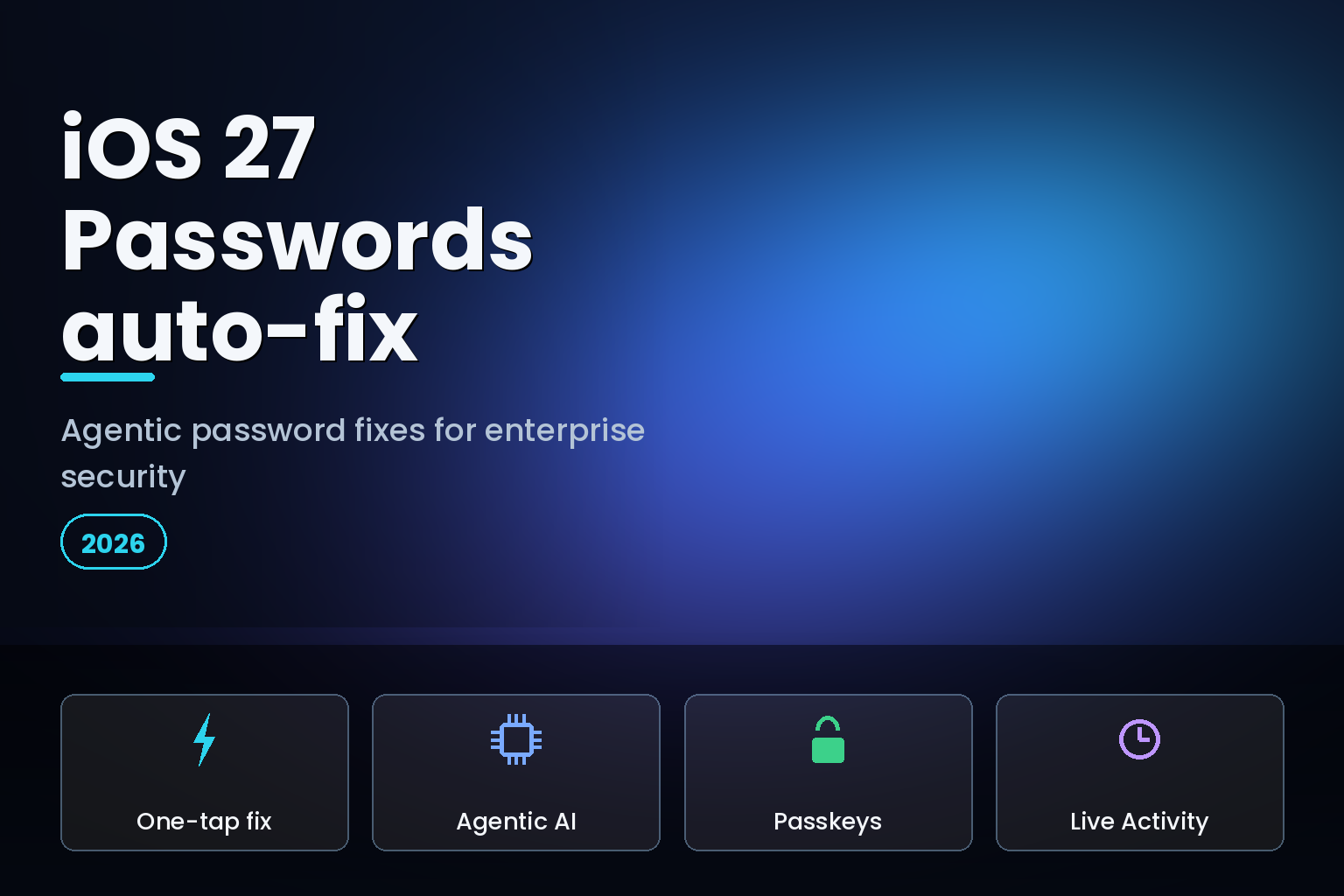
Summary. iOS 27, shown at WWDC on June 8, 2026, with developer beta 2 on June 22 and a public release expected around September 14, adds an agentic feature to the Passwords app: it can fix weak and compromised passwords with a single tap. Using Apple Intelligence and Safari, Passwords navigates to the relevant website on the user's behalf, signs in, upgrades the account to a strong password, and saves the new entry, all without the user opening a browser, while a Live Activity shows progress. It is a real shift from the old model, where the app flagged breached passwords but left the user to change each one manually. The feature needs an Apple Intelligence-capable device, an iPhone 15 Pro or newer, which launched at $999, or ₹1,34,900 in India, and ships this autumn. For enterprises, an AI agent that logs into accounts and changes credentials is both a security win and a set of things you should change on your own services. Here is how it works and the 5 moves security teams should make.
This is a security and engineering analysis, not a consumer how-to. The agentic auto-fix is genuinely useful: of 19.03 billion leaked passwords analysed in 2026, 94% were reused across multiple accounts, and the 2026 Verizon Data Breach Investigations Report still attributes 13% of breaches to credential abuse as a standalone vector. But it also means an automated agent will start driving your login and password-change flows from inside your users' devices. The services that support it cleanly will see fewer weak credentials; the ones with non-standard flows may see the agent stumble or, worse, get blocked by their own defences. For the broader fleet picture, pair this with our iOS 27 enterprise fleet-readiness guide.
What the one-tap auto-fix actually does
The Passwords app has long flagged passwords that are weak, reused, or known to appear in data breaches. What it could not do was fix them at scale; the user had to visit each site, log in, and change the password by hand, which almost nobody did across dozens of accounts. iOS 27 closes that gap with an agent.
The app now presents a list of problem accounts and offers to fix them. On a tap, it goes to the website, progresses through the password-change process, and saves the new strong password in the app. Apple describes it as the Passwords app securely navigating through websites to sign in and upgrade accounts to strong passwords. The Register characterised it bluntly as iOS 27 going "all agentic on compromised passwords." For the user, a multi-hour chore across many sites becomes a single confirmation.
How it works under the hood
Three pieces combine. Apple Intelligence provides the agent that reasons about the steps. Safari provides the browsing engine that actually loads the site, fills the login, and walks the change-password flow. And a Live Activity surfaces progress on the Lock Screen and Dynamic Island, so the user can watch the agent work rather than wonder what the phone is doing silently. That visibility is a deliberate trust choice: an agent changing your credentials is exactly the kind of action a user wants to see happening.
Because the agent uses Safari to drive real websites, its success depends on those websites being navigable in a predictable way. This is where enterprise services come in. A site with a standard, discoverable change-password flow is easy for the agent to complete; a site with an unusual login, an aggressive bot filter, or a non-standard change-password path can trip it up. The feature needs an Apple Intelligence-capable device and follows Apple's staggered regional rollout, so treat it as a premium-tier capability that expands over time, not a day-one universal.
Why weak and reused passwords still matter
It is worth grounding the feature in the data, because the problem it targets is large and stubborn. Of 19.03 billion leaked passwords analysed in 2026, 94% were reused across multiple accounts, which is the precise weakness that turns a single breach into many. Account-level analysis tells the same story: studies of Active Directory environments found about 4% of accounts using a password already compromised elsewhere and roughly 6% reusing passwords, and users were more than four times more likely to use an already-compromised password than a merely weak one.
The threat landscape is shifting but not in a way that makes credentials safe. In the 2026 Verizon Data Breach Investigations Report, credential abuse as a standalone initial-access vector fell from 22% to 13%, while vulnerability exploitation rose to 31% to become the top single vector. Credentials dropping does not mean credentials are solved; identity-related threats remain large when phishing and credential abuse are considered together, and a reused password is still one breach away from cascading. That is exactly the failure mode iOS 27's auto-fix attacks: it makes changing many weak or compromised passwords a one-tap action instead of a chore nobody completes. The enterprise opportunity is to make sure your services support that action cleanly, while you also move users toward passkeys that remove the reused-password risk entirely.
The old way versus the new way
| Capability | Before iOS 27 | iOS 27 Passwords |
|---|---|---|
| Detect breached passwords | Yes, flagged in the app | Yes |
| Detect weak or reused passwords | Yes, flagged | Yes |
| Change a password | Manual, one site at a time | Agentic, one tap |
| Change many at once | Not supported | Supported via the problem-accounts list |
| Visibility while changing | Not applicable | Live Activity shows progress |
| Browser needed | User opens it | Agent drives Safari for you |
What enterprise security teams should change
The auto-fix is good for everyone, fewer weak credentials in the wild, but it changes assumptions your services may have been built on. Five moves prepare you.
1. Support the well-known change-password URL
The single most useful thing you can do is host the standard change-password well-known URL, /.well-known/change-password, redirecting to your real password-change page. This W3C-recognised convention, which Apple has long supported through its open password-manager-resources project, is exactly how a password manager or agent finds the right page to change a credential. If your site exposes it, the iOS 27 agent lands directly on your change flow; if it does not, the agent has to guess, and may fail. This is low-effort, high-value plumbing every service should have.
2. Do not let your defences flag the legitimate agent
An automated process that signs in and immediately changes a password looks, to a naive fraud system, a lot like an account takeover. The difference is that this agent runs on the legitimate user's device with their authentication. Review your anti-automation and risk rules so a genuine iOS 27 auto-fix is not blocked or thrown into a friction loop, while keeping your real account-takeover protections intact. The goal is to distinguish a user-initiated, on-device credential upgrade from a malicious remote one, not to block both.
3. Standardise your login and change-password flow
The agent drives a real browser through your real flow. Unusual multi-step logins, non-standard form fields, or change-password pages buried behind several clicks make the agent's job harder and failure more likely. Audit the path a user takes to change a password and make it clean, predictable, and reachable from the well-known URL. A standard flow also helps every other password manager, not just Apple's, so the benefit is broad.
4. Push passkeys as the destination
The auto-fix is a bridge to stronger passwords, but the destination is no password at all. iOS 26 already added secure, FIDO-aligned passkey import and export, user-initiated, biometric, and app-to-app on the same device, end-to-end encrypted rather than dumped into an insecure file, through the ASCredentialExportManager and ASCredentialImportManager APIs. Services can also declare their passkey enrolment and management endpoints by hosting a JSON file at /.well-known/passkey-endpoints so credential managers can link users straight to the right page. If you have not shipped passkey support, the agentic password fix is a reminder that you are still defending the weaker model. Our note on DPDP consent and credential governance covers the data side of moving users to passwordless.
5. Manage it for your fleet
For managed devices, plan how the auto-fix and passkeys fit your policy. Passkeys support Managed Apple Accounts with iCloud Keychain syncing, and access controls let you restrict how passkeys are shared and synced. Decide whether the agentic auto-fix is appropriate for corporate accounts or should be reserved for personal ones, and document it. Our iOS 27 Apple Intelligence features and device requirements guide covers which devices in a mixed fleet can run the feature at all.
How to test your service against the auto-fix
Before the September release, validate that your service plays well with the agent. Start with the well-known URL: confirm that requesting /.well-known/change-password on your domain redirects to your live change-password page, and that the page is reachable without unusual prerequisites. This single check is the difference between the agent landing on your change flow and the agent failing.
Next, walk the flow as the agent would. Sign in with a test account on an Apple Intelligence-capable device, trigger the Passwords auto-fix, and watch the Live Activity to see where, if anywhere, the agent stalls. Common stumbling points are multi-step logins with non-standard fields, change-password pages that demand re-entry of information the agent does not have, and bot filters that challenge the automated session. Each is fixable: simplify the path, make the change-password form standard, and add an allowance for legitimate on-device sessions.
Then review your detection. Look at how your fraud and anomaly systems classify a sign-in immediately followed by a password change from the user's own device. If that pattern triggers a block or a step-up challenge that the agent cannot satisfy, the legitimate auto-fix fails and the user is left with the weak password you both wanted to remove. Tune the rules to permit genuine user-initiated, on-device upgrades while preserving protection against remote takeover attempts, which look different in device, location, and authentication signals.
Finally, log and measure. Track how many accounts complete an agentic change successfully versus stall, and feed failures back into the flow fixes above. The services that treat this as a measurable reliability target, not a one-time setup, are the ones whose users actually end up with strong, unique credentials. The same discipline pays off for every third-party password manager that drives your change-password flow, so the work is not Apple-specific.
Device and rollout caveats
Two honest limits. First, the agentic auto-fix is an Apple Intelligence feature, so it needs an iPhone 15 Pro or newer with the A17 Pro chip and 8 GB of RAM. A large part of any fleet, and most of the older-device base common in India, will not have it, so it cannot be your only strategy for weak credentials. Second, Apple Intelligence rolls out by region and language over time, so even eligible devices may not have the feature on day one of the September release. Plan for it as a capability that grows, and keep your server-side password and breach defences strong regardless of what the client can do.
India-specific considerations
For Indian organisations and India-built services, the device split is the headline: most users are on iPhones that run iOS 27 but cannot use the Apple Intelligence auto-fix, so server-side enforcement, breach monitoring, and a clean change-password flow matter more than any client feature. Supporting /.well-known/change-password and passkey endpoints helps every password manager your users actually have, not just Apple's. Under the Digital Personal Data Protection Act, 2023, credential security is part of the "reasonable security safeguards" expected of a data fiduciary, so moving users toward strong, unique passwords and passkeys is both a security and a compliance improvement. Treat the iOS 27 feature as a welcome assist for the premium-device slice of your users, layered on top of defences that protect everyone.
FAQ
How eCorpIT can help
eCorpIT is a Gurugram-based, CMMI Level 5 and MSME-certified technology organisation whose senior engineering teams build secure authentication into web and mobile products. We implement the change-password well-known URL, standardise login and password-change flows, ship passkey support with the FIDO-aligned APIs, and tune fraud rules so legitimate on-device agents are not blocked. If you want your services ready for iOS 27's agentic Passwords features, talk to us through our contact page.
References
- Apple's iOS 27 goes all agentic on compromised passwords — The Register, June 9, 2026.
- Apple uses agentic AI to fix your compromised passwords in iOS 27 — The Mac Observer.
- How to auto-fix weak passwords in iOS 27 — The Mac Observer.
- apple/password-manager-resources (well-known change-password) — Apple, GitHub.
- A smooth, secure way to import and export passkeys — FIDO Alliance.
- Passkeys overview — Apple Developer.
- You can export/import passkeys now, but only on iOS — Dan Fabulich.
- Apple unveils next generation of Apple Intelligence, Siri AI, and more — Apple Newsroom, June 8, 2026.
- What the 2026 Verizon DBIR tells us about breaches — Push Security.
- 160+ password statistics in 2026 — Bright Defense.
_Last updated: June 30, 2026._