On this page · 12 sections
- The setup: what iOS 27 gives AI app builders
- Lesson 1: design around the 4,096-token on-device window
- Lesson 2: build for the device split or ship to a minority
- Lesson 3: verify with the Evaluations framework, do not ship on vibes
- Lesson 4: use the native tools instead of rebuilding them
- Lesson 5: the beta is a moving target
- A note on Xcode 27 agentic coding
- A decision checklist for each AI feature
- India-specific considerations
- FAQ
- How eCorpIT can help
- References
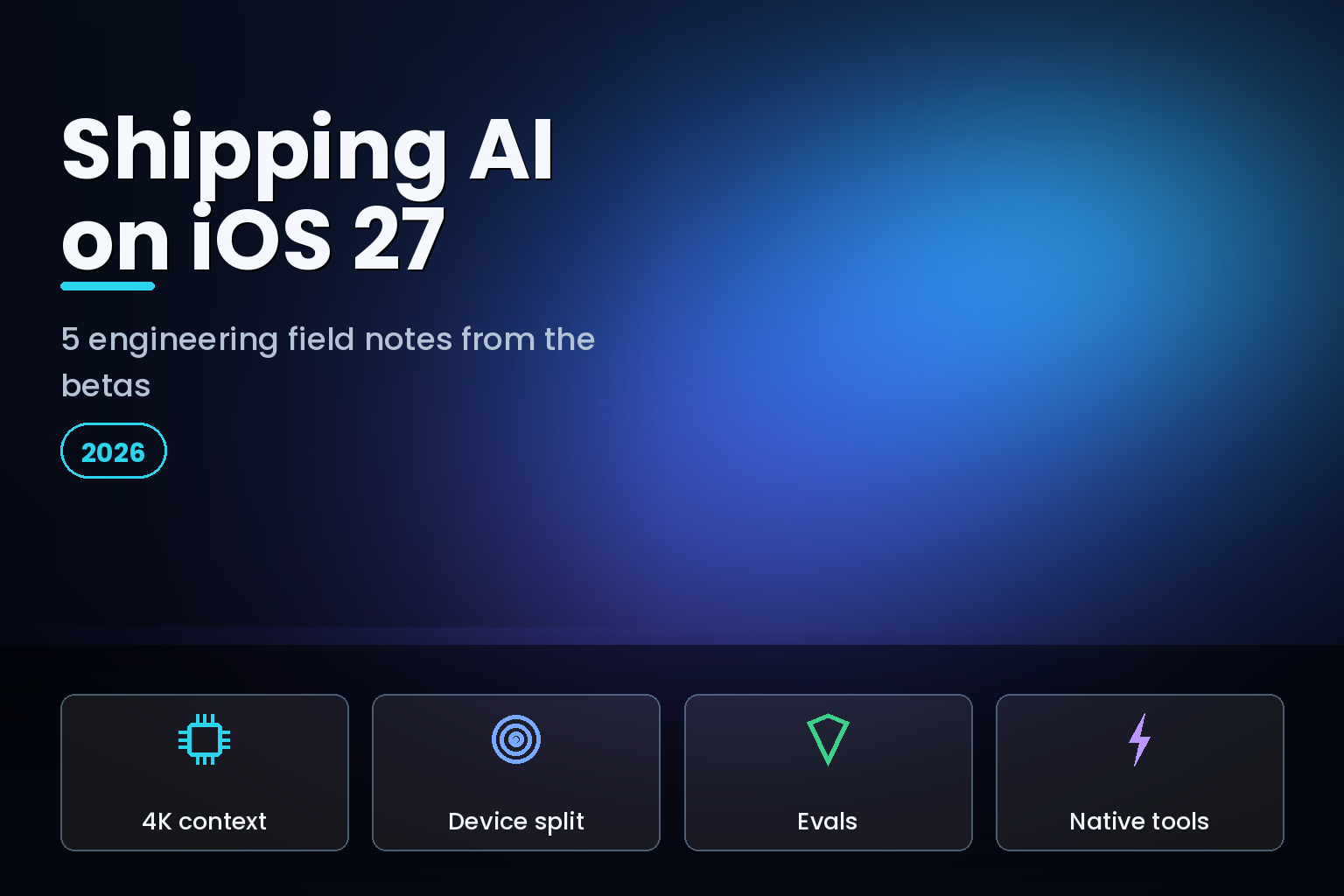
Summary. Building AI features against a beta operating system is a different sport from building against a shipped one, and iOS 27 raises the stakes because so much of it is on-device intelligence. Apple shipped the iOS 27 developer beta on June 8, 2026, beta 2 on June 22, with a public release expected around September 14. The Foundation Models framework gives apps an on-device model with a 4,096-token context window, rising to roughly 32,000 tokens through Private Cloud Compute, plus on-device LoRA fine-tuning, image input, and native tools like a barcode reader and OCR. The features need an iPhone 15 Pro or newer, which launched at $999, or ₹1,34,900 in India, so a large part of your user base cannot run them at all. The build tooling moved too: Xcode 27 ships about 30% smaller with agentic coding, in developer beta since June 8, 2026. These 5 lessons come from working against the betas: respect the context window, design for the device split, verify with the new Evaluations framework, reuse native tools, and treat the beta as a moving target.
These are field notes, not a framework reference. The goal is to save another team the time we spent learning what the beta does and does not let you assume. Each lesson is a concrete constraint that shapes architecture, and none of them is obvious from the keynote. For the model layer in depth, pair this with our guide to iOS 27 Foundation Models and any LLM provider, and for the general production discipline, our lessons from shipping AI agents to production.
The setup: what iOS 27 gives AI app builders
iOS 27 turns Apple Intelligence into infrastructure apps can build on. The Foundation Models framework is a unified Swift API that spans the on-device model, server-side access through Private Cloud Compute, and third-party providers, with full tool calling and image input. iOS 27 adds on-device fine-tuning, letting apps train LoRA adapters on local data that never leaves the device, and ships native system tools, a BarcodeReaderTool and an OCRTool backed by the Vision framework, plus a Spotlight-powered search tool for on-device retrieval. Xcode 27 layers agentic coding on top, with Claude, Gemini, and OpenAI integrations alongside Apple's local models.
That is a lot of capability, and it is tempting to assume it behaves like a cloud LLM. It does not. The on-device model is small and tightly bounded, the hardware is gated, and the beta moves under you. The lessons below are the places where those realities bit.
Lesson 1: design around the 4,096-token on-device window
The most important number in the framework is the one Apple does not put on a slide: the on-device foundation model has a context window of 4,096 tokens per session, and every token of input and output counts against it. That is small. A long document, a verbose system prompt, and a few turns of conversation will blow through it. Private Cloud Compute raises the ceiling to around 32,000 tokens, but that moves the work off-device, which changes your latency and privacy story.
The engineering response is to treat context as a scarce budget. Keep prompts terse, summarise history rather than appending it, and chunk long inputs. Decide deliberately, per feature, whether it runs on-device within 4,096 tokens or routes to Private Cloud Compute for more room, and use the unified API so that choice is a configuration rather than a rewrite.
| Path | Context window | Best for |
|---|---|---|
| On-device model | 4,096 tokens | Fast, private, short tasks; offline |
| Private Cloud Compute | ~32,000 tokens | Larger context; still privacy-preserving |
| Third-party provider | Provider-dependent | When you need a specific frontier model |
The teams that ship clean on-device AI features design for the 4,096-token reality from the first prototype. The teams that prototype against a big cloud window and try to shrink later spend the beta period fighting truncation bugs.
Lesson 2: build for the device split or ship to a minority
The Foundation Models and Apple Intelligence features require an iPhone 15 Pro or newer with the A17 Pro chip and 8 GB of RAM. Every iPhone from the iPhone 11 up runs iOS 27, but only the premium tier runs the on-device model. If your AI feature assumes the model is present, it is broken for most of your users on day one, and that gap is widest in markets like India where older devices dominate.
Design the fallback first, not last. Decide what your app does when the on-device model is unavailable: a server-side path, a reduced feature, or a clear "not supported on this device" state, never a crash or an empty screen. Detect capability at runtime and degrade gracefully. This is the single most common way a beta AI feature looks finished in the demo and falls apart in the field, because the demo device is always a top-tier phone and the field is not. Our iOS 27 app-testing checklist covers testing both capable and non-capable devices.
Lesson 3: verify with the Evaluations framework, do not ship on vibes
AI features fail differently from normal code. They do not throw an exception; they quietly produce a plausible wrong answer. iOS 27 adds an Evaluations framework precisely for this, to verify that AI features behave correctly across changing conditions, alongside an enhanced FoundationModels instrument for profiling agentic flows. Use them.
Build a small evaluation set of real inputs, including the ones that embarrassed you in testing, and run your AI feature against it on every beta seed and every prompt change. Because the underlying model can shift between betas, an eval that passed last week can fail this week through no change of yours, and only a standing evaluation catches it. This is the same discipline that separates reliable production agents from brittle ones, now available as a native iOS framework rather than something you have to assemble yourself.
Lesson 4: use the native tools instead of rebuilding them
A recurring waste is reimplementing what iOS 27 already provides. The Foundation Models framework ships native tools: a BarcodeReaderTool and an OCRTool backed by Vision, and a Spotlight-powered search tool for on-device retrieval-augmented generation. The on-device model also accepts image input, so it can answer questions about a picture you attach to the prompt. If your AI feature needs to read a barcode, extract text, or ground its answer in the user's own content, the native tool is faster to adopt, runs on-device, and is maintained by Apple.
On-device LoRA fine-tuning is the other underused capability: you can train a small adapter on local data that never leaves the device, which is a strong privacy story for personalisation. The lesson is to reach for the system capability before writing your own. Tool calling lets the model invoke these tools as part of a flow, so a well-designed feature composes native tools rather than bolting on third-party SDKs that duplicate them and add weight.
Lesson 5: the beta is a moving target
Beta software changes under you, and AI behaviour changes most of all. Developer beta 2, on June 22, was more stable than most at that stage, but it still carried known issues, and the model, prompts, and tool behaviour can shift seed to seed. Two habits keep this manageable. First, read every beta's release notes and keep a living list separating Apple's known issues from your real bugs, so you do not spend a day fixing something Apple will fix next week. Second, re-run your evaluation set on every seed, because a regression in the model is invisible until your evals catch it.
The platform floor also moved this cycle. iOS 27 enforces the UIScene lifecycle and removes the opt-out that let apps defer Liquid Glass, and several APIs are deprecated. An AI feature does not exist in isolation, so budget time for the same SDK migration every iOS 27 app needs, and do it early on the beta rather than discovering a launch failure in September.
A note on Xcode 27 agentic coding
The tool you build with changed too. Xcode 27 ships agentic coding with Claude, Gemini, and OpenAI integrations on top of Apple's local Foundation Models, and the agents can explore a codebase, plan and build features, refine UI against a design, run the simulator and tests, localise an app, and pull crash reports from Organizer to diagnose issues. Xcode is now Apple Silicon-only and about 30% smaller. Used well, the in-editor agents speed up exactly the migration and eval work the lessons above demand. Used carelessly, they generate code against a beta whose APIs are still shifting, so treat agent output the way you would any fast contributor: review it, test it against your evals, and do not let it commit to assumptions the beta has not settled.
A decision checklist for each AI feature
The five lessons converge into a short set of questions to ask of every AI feature before you build it against the beta. Answer them up front and the architecture mostly designs itself.
Does it fit in 4,096 tokens on-device, or does it need Private Cloud Compute's larger window? If it needs more room or a specific frontier model, plan the routing now rather than discovering truncation later. What happens on a device without the on-device model? If you cannot describe the fallback in a sentence, you have not designed it, and most of your users, especially in India, will hit that path. How will you know it works, and keep working, across beta seeds? If the answer is anything other than a standing evaluation set, you are shipping on vibes. Can a native tool do part of the job? If the feature reads a barcode, extracts text, or grounds answers in the user's content, the BarcodeReaderTool, OCRTool, or Spotlight search tool is almost certainly the better path than a bundled SDK.
Finally, where does the user's data go, and does that match your privacy promise and your obligations? On-device and on-device fine-tuning keep data local; Private Cloud Compute keeps it private but off-device; a third-party provider sends it out. Each is a legitimate choice for the right feature, but it should be a deliberate one, documented and consistent with what you told users. A feature that answers these five questions cleanly tends to survive both the beta period and the September release. A feature that skips them tends to demo well and break in the field, which is the exact failure mode these notes exist to prevent.
India-specific considerations
For Indian engineering teams and India-facing apps, lesson 2 is the one that dominates. The Apple Intelligence device requirement means the on-device model reaches a premium minority of Indian users first, so the fallback path is not an edge case here, it is the main case. Build the server-side or reduced-feature path as a first-class experience, not a degraded afterthought. The on-device model's privacy posture, including on-device LoRA fine-tuning where data never leaves the device, aligns well with the Digital Personal Data Protection Act, 2023, so where you can run a feature on-device, it is both a performance and a compliance advantage. Plan for staggered language and regional availability of Apple Intelligence, and keep your AI features useful for the majority who will not have the on-device model for a while.
FAQ
How eCorpIT can help
eCorpIT is a Gurugram-based, CMMI Level 5 and MSME-certified technology organisation whose senior engineering teams build on-device and hybrid AI features for iOS. We architect around the 4,096-token on-device window, design first-class fallbacks for the device split, stand up evaluation suites with the new framework, and integrate the native tools and on-device fine-tuning. If you are shipping AI features against the iOS 27 betas and want them solid by September, talk to us through our contact page.
References
- Managing the on-device foundation model's context window (TN3193) — Apple Developer Documentation.
- Foundation Models in iOS 27: tool-calling control — Blake Crosley.
- Apple aids app development with new intelligence frameworks and advanced tools — Apple Newsroom, June 2026.
- Xcode 27: agentic coding and Device Hub guide — Lushbinary.
- Foundation Models image input in iOS 27 — Blake Crosley.
- Here's what's new with iOS 27 beta 2 — 9to5Mac, June 22, 2026.
- Apple unveils next generation of Apple Intelligence, Siri AI, and more — Apple Newsroom, June 8, 2026.
_Last updated: June 30, 2026._