On this page · 13 sections
- The strategic shift: your app is now a component, not an island
- SiriKit is deprecated: App Intents is the only door
- What App Intents 2.0 adds in iOS 27
- Why publishing intents is competitive, not optional
- The three Siri capabilities you unlock
- Reach beyond Siri: one integration, many surfaces
- It works on every iOS 27 device, not just AI-capable ones
- A migration and adoption plan
- Design principles for agent-ready intents
- India-specific considerations
- FAQ
- How eCorpIT can help
- References
Summary. iOS 27, unveiled at WWDC on June 8, 2026, with developer beta 2 on June 22 and a public release expected around September 14, changes how apps participate in the system. Apple deprecated SiriKit and made App Intents the only way Siri AI can call into a third-party app, with a two-to-three-year support window for the old framework. The strategic consequence is sharp: Siri AI now composes multi-step actions across several apps, and apps that publish App Intents become components of those agentic workflows, while apps that do not are simply dropped from the composition. App Intents 2.0 adds streaming responses, multi-turn follow-ups, and on-screen awareness. Critically, the App Intents layer works on every iOS 27 device, the iPhone 11 and newer, even though Apple Intelligence itself needs an iPhone 15 Pro or later, which launched at $999, or ₹1,34,900 in India. For most apps, adopting App Intents is no longer an enhancement; it is how you stay reachable.
This is a strategy piece, not a tutorial. The question for a product or engineering lead in 2026 is not whether App Intents are interesting, but what it costs your app to be absent from the agentic layer Apple just built into the operating system. Craig Federighi, Apple's senior vice president of Software Engineering, said the company is "delivering the next generation of Apple Intelligence" this year, and App Intents are the doorway through which your app either joins it or sits outside it. For the underlying on-device model story, see our guide to iOS 27 agentic features and the Foundation Models API.
The strategic shift: your app is now a component, not an island
For most of the App Store's history, an app was a destination. The user opened it, did a task, and left. iOS 27 changes the default. With Siri AI able to orchestrate actions across multiple apps, the user increasingly states an outcome and the system assembles the steps. Apple's own example is telling: "Find the photos Priya sent me on Sunday, make a poster, and AirDrop it to Mum" requires three separate apps to each publish App Intents, which Siri AI then chains together.
In that world, your app's value can be delivered without the user ever opening it, and your app's actions can be skipped entirely if they are not exposed as intents. This is the single most important strategic point of the release. The competitive question is no longer only "is our app good when opened," but "is our app available when the system is composing a workflow that needs what we do." Apps that publish intents are in the running; apps that do not are invisible to the agent.
SiriKit is deprecated: App Intents is the only door
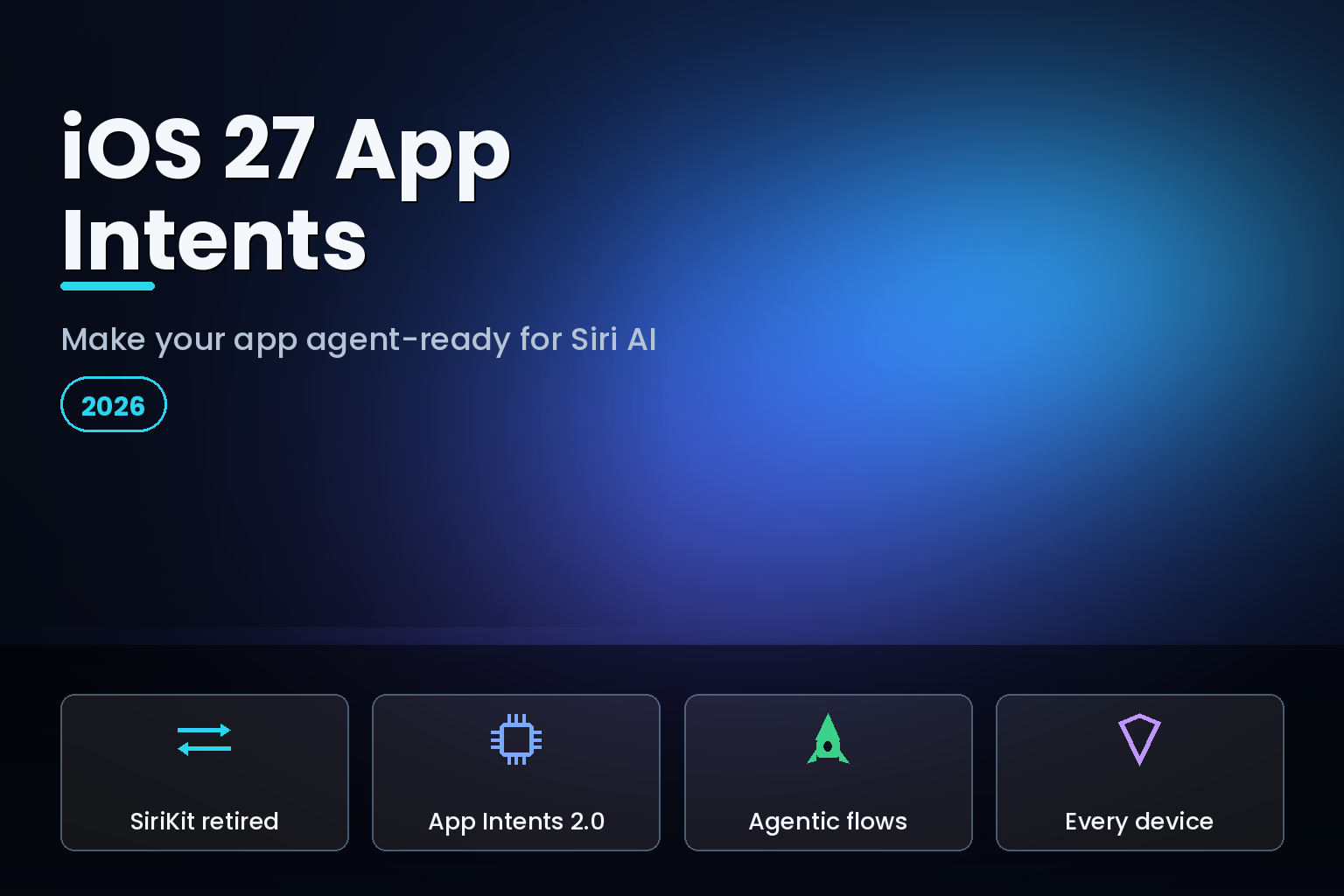
Apple deprecated SiriKit at WWDC 2026. App Intents is now the only way Siri can call into a third-party app. SiriKit still works during a two-to-three-year support window, but it is a sunset path, and building anything new on it is wasted effort.
| Aspect | SiriKit (deprecated) | App Intents (the standard) |
|---|---|---|
| Status in iOS 27 | Deprecated, 2-3 year support window | The only supported path |
| Scope | Fixed Apple-defined domains | Any action or entity your app defines |
| System reach | Siri-centric | Siri, Spotlight, Shortcuts, Widgets, and more |
| Agentic workflows | Not a participant | Composable into multi-app Siri AI flows |
| Future-proofing | None; sunset path | Improves as Siri's language model evolves |
If your app still relies on SiriKit, treat migration as planned work with a deadline, not an open-ended option. The longer you wait, the more system surfaces your app is absent from, and the migration does not get easier by sitting on it.
What App Intents 2.0 adds in iOS 27
App Intents is not static. The 2.0 version in iOS 27 adds the pieces that make genuinely agentic, conversational flows possible in third-party apps. Streaming responses let a long-running action report progress instead of blocking. Multi-turn conversational follow-ups let Siri ask a clarifying question and continue. On-screen awareness annotations let Siri resolve references like "the third one" from what is currently visible, so the user can speak naturally about what they see.
Together these turn an intent from a one-shot command into a step in a conversation. For an app, that means your actions can participate in a back-and-forth rather than only answering a single fixed phrase. The design work shifts accordingly: you are no longer scripting exact trigger phrases, you are exposing well-named actions and entities and letting the system's language understanding map messy human requests onto them.
Why publishing intents is competitive, not optional
The blunt version: apps that publish App Intents become components of agentic workflows, and apps that do not are dropped from the composition. If a user asks for an outcome your app could deliver, and a competitor has exposed the relevant intent while you have not, the system routes the work to the competitor. Over time, that is a quiet but compounding loss of usage, because the agent learns which apps can do what.
There is a reach dividend too. When you define an app intent, that action appears across the system, in Shortcuts, Spotlight, Widgets, and more, where people can discover and trigger it even without Siri. Entity schemas contribute your content to the Spotlight semantic index for personal-context understanding, and intent schemas let people act on that content naturally, with no fixed phrases to define and no code changes required as Siri's language understanding improves. You do the integration once, and your app gets more discoverable and more useful as Apple improves the models behind it. Our explainer on the iOS 27 Core AI framework that replaces Core ML covers the on-device model side that complements this.
The three Siri capabilities you unlock
App Intents give Siri AI three specific abilities over your app, and it is worth designing each deliberately.
The first is accessing your app's entities, the structured content your app knows about, a note, an order, a track, a workout. Modelling these as App Entities makes them addressable by the system. The second is taking action through your intents, the verbs your app supports, create, send, start, book. Each well-defined intent is a capability the agent can call. The third is understanding on-screen context, so Siri can act on what the user is looking at right now. An app that exposes rich entities, clear intents, and on-screen context becomes a capable, composable participant; an app that exposes none of these is, to the agent, a black box.
Reach beyond Siri: one integration, many surfaces
A common misconception is that App Intents are only about voice. They are the connective tissue for the whole system.
| Surface | What App Intents enable |
|---|---|
| Siri AI | Voice and agentic, multi-app orchestration of your actions |
| Spotlight | Your entities in the semantic index; actions triggerable from search |
| Shortcuts | Your actions composable into user and AI-assembled automations |
| Widgets and controls | Actions exposed on the Home and Lock Screen |
| App discovery | The system surfaces your actions even when the app is closed |
In iOS 27, Shortcuts gains the ability for users to describe an automation in natural language and have Apple Intelligence assemble the workflow from available actions. If your actions are exposed as intents, they become building blocks the system can use automatically. If they are not, your app is missing from every automation a user or the AI tries to build.
It works on every iOS 27 device, not just AI-capable ones
A practical and underappreciated point: App Intents function on every iOS 27 device, the iPhone 11 and newer, even though on-device Apple Intelligence and the most advanced Siri AI require an iPhone 15 Pro or later with 8 GB of RAM. That means the App Intents layer of your app extends value to the large base of iPhone 11 through iPhone 14 users through Shortcuts, Spotlight, and Widgets, regardless of whether their device runs the AI models locally. You are not building only for the premium tier; you are making your app more useful and discoverable across the whole supported fleet. For an India-heavy user base skewed toward older devices, this matters, as our iOS 27 Apple Intelligence features and device requirements guide explains.
A migration and adoption plan
Treat App Intents adoption as a scoped project across the beta window. First, audit: if you use SiriKit, list every intent and donation, and map each to an App Intents equivalent. Second, model your domain: define App Entities for your core content and App Intents for your core actions, named clearly enough that a language model can map a natural request to them. Third, adopt 2.0 features where they fit, streaming for long actions, multi-turn for anything that needs a clarification, on-screen annotations for content the user views. Fourth, test the agentic path: ask Siri AI to perform multi-step requests that should involve your app and confirm it is selected and behaves. Fifth, expose the same intents to Shortcuts, Spotlight, and Widgets so non-Siri users benefit too. Validate all of it on the public beta in July so you ship a fully integrated app by the September release.
Design principles for agent-ready intents
Adopting App Intents well is a design exercise, not just an API task. A few principles separate an integration the agent actually uses from one it ignores. Name actions for outcomes, not for your internal screens: an intent called "create invoice" is something the system can map a request to, while one named for a view controller is not. Keep each intent focused on a single, well-defined action, because the agent composes small, clear capabilities into larger workflows far more reliably than it handles one sprawling do-everything intent.
Model your entities richly. The more your App Entities carry meaningful, queryable properties, a date, a sender, a status, the better the system can resolve a request like "the order from Tuesday that has not shipped." Sparse entities give the agent nothing to reason over. Provide good natural-language titles and synonyms so the language model maps everyday phrasing onto your actions, and remember that in iOS 27 you no longer script exact trigger phrases; you expose well-named capabilities and let Siri's evolving understanding do the matching.
Finally, design for the conversational flow App Intents 2.0 enables. Use streaming to report progress on anything slow, return a clear result the agent can pass to the next step in a multi-app chain, and support multi-turn follow-ups for actions that genuinely need a clarification rather than failing on ambiguity. An app built this way is not just reachable by the agent; it is pleasant for the agent to use, which is what keeps it in the composition the next time a user asks for something it can do. The categories that benefit most are the obvious ones, productivity, finance, commerce, media, and travel, but any app with clear verbs and structured content has a place in the agentic layer.
India-specific considerations
For teams building for India, two points stand out. First, the device split means the App Intents reach dividend is large here: most Indian iPhone users are on devices that run iOS 27 but not local Apple Intelligence, so the Spotlight, Shortcuts, and Widgets surfaces are how those users get value from your integration. Build for that base, not only the iPhone 15 Pro tier. Second, the most advanced Siri AI features arrive in English first and roll out by region, so design your intents and entities to be useful through Shortcuts and Spotlight today, with full conversational Siri AI as an upside as it reaches Indian users. Under the Digital Personal Data Protection Act, 2023, any entity you expose to the system index should respect the same consent and purpose limits as the rest of your app, since you are making content discoverable beyond your own UI.
FAQ
How eCorpIT can help
eCorpIT is a Gurugram-based, CMMI Level 5 and MSME-certified technology organisation whose senior engineering teams build iOS apps designed for the agentic era. We handle App Intents strategy and adoption end to end: SiriKit migration, App Entity and intent modelling, App Intents 2.0 streaming and on-screen awareness, and exposure across Spotlight, Shortcuts, and Widgets. If you want your app to be a first-class participant in iOS 27's agentic workflows, talk to us through our contact page and we will scope the integration around your product.
References
- Apple aids app development with new intelligence frameworks and advanced tools — Apple Newsroom, June 2026.
- App Intents — Apple Developer Documentation.
- Explore advanced App Intents features for Siri and Apple Intelligence — Apple Developer, WWDC26.
- Build intelligent Siri experiences with App Schemas — Apple Developer, WWDC26.
- Making actions and content discoverable and widely available — Apple Developer Documentation.
- App Intents in iOS 27: background, sync, Spotlight — Blake Crosley.
- Apple unveils next generation of Apple Intelligence, Siri AI, and more — Apple Newsroom, June 8, 2026.
_Last updated: June 30, 2026._