

On this page · 13 sections
- What GitHub shipped, and when
- The git worktree is the whole trick
- Setting up three parallel sessions
- Models, rubber ducks and reasoning effort
- What it costs after the June 2026 billing change
- Landing the work: Agent Merge and code review
- Sandboxes: where the agent is allowed to act
- Beyond the app: SDK, CLI and partner agents
- India-specific considerations
- A rollout plan that does not create a mess
- FAQ
- How eCorpIT can help
- References
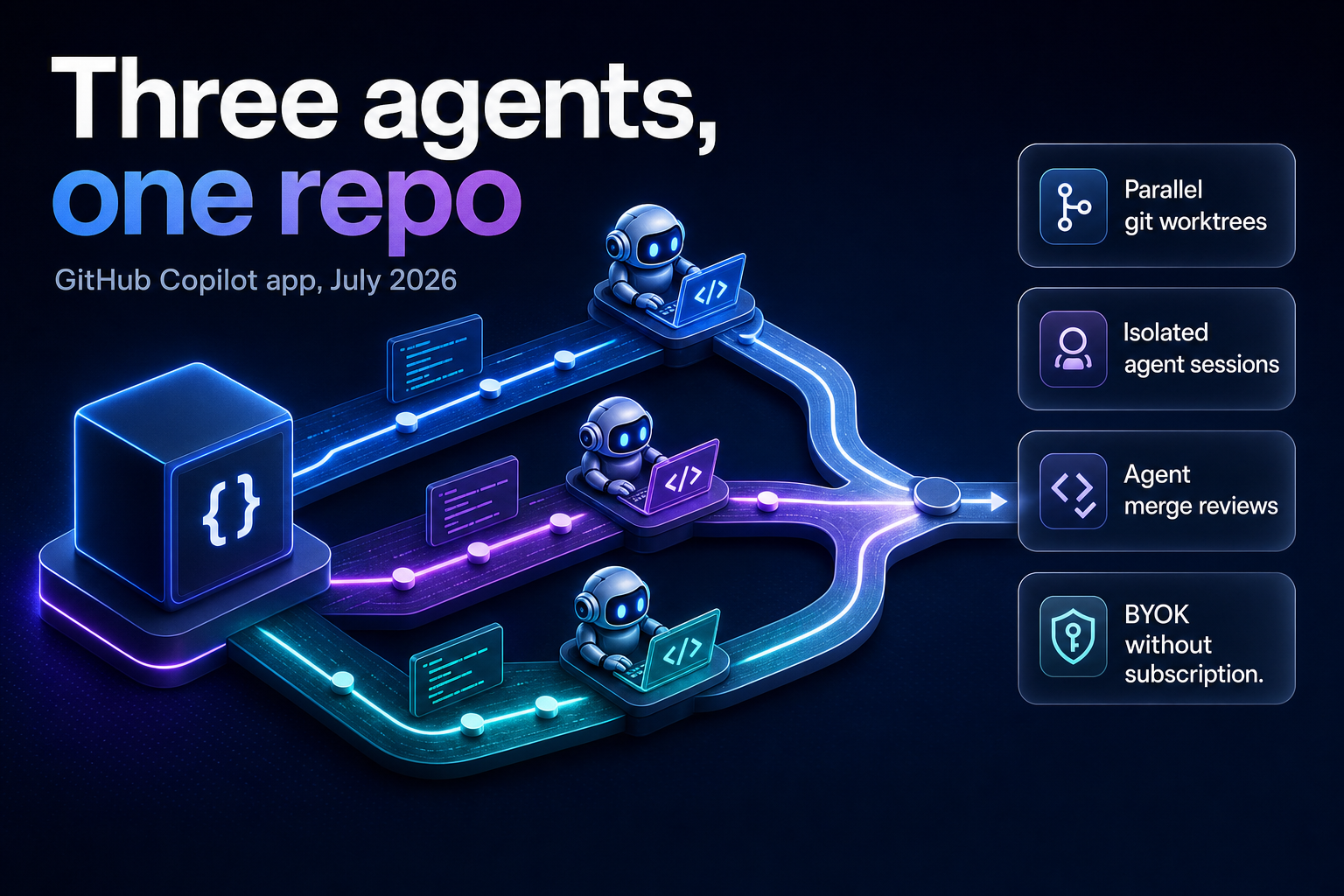
Summary. On 7 July 2026 GitHub made the Copilot app available on every Copilot plan, including Copilot Free and GitHub Education, roughly five weeks after introducing it in technical preview at Microsoft Build 2026 on 2 June. You can also run it with no Copilot subscription at all by bringing your own model key. The app ships for macOS, Windows and Linux. The feature that matters for teams is not the interface: every agent session runs in its own git worktree, a real isolated copy of your branch, which is what lets three agents work the same repository at once without overwriting each other. Copilot plan pricing did not change when GitHub moved to usage-based billing on 1 June 2026, with Copilot Pro at $10/month and Copilot Business at $19/user/month, each including the same value in monthly AI Credits.
The scale problem behind this is real. GitHub reported that commits nearly doubled year over year to cross 1.4 billion per month, alongside more than 2 billion GitHub Actions minutes a week. Most developer tools were never designed for directing several agents at the same time.
This guide covers what the app actually does, how to run three sessions against one repository, where the money goes under usage-based billing, and the failure modes we would plan for before rolling this out to a team.
What GitHub shipped, and when
Two dates matter.
Mario Rodriguez, GitHub's Chief Product Officer, introduced the Copilot app at Microsoft Build 2026 on 2 June as a technical preview for existing Copilot Pro, Pro+, Business and Enterprise subscribers. On 7 July, a changelog entry opened it to every plan, added Copilot Free and GitHub Education, and confirmed that bring your own key (BYOK) works with no Copilot subscription.
One administrative detail catches teams out. To use the app on Copilot Business or Enterprise, your organisation or enterprise admin must have Copilot CLI enabled in policy settings. The app is built on Copilot CLI, so the CLI policy gates the desktop app too. If your developers report that sign-in works but sessions will not start, check that policy before filing a support ticket.
The app centres on a My Work view showing active sessions, issues, pull requests and background automations across connected repositories.
The GitHub Copilot app is the latest in a line of AI tooling from GitHub that is transforming our business. Moving beyond AI assistance, the app has provided a much-needed control center for agentic development.
That is David Jobling, Master Technology Architect, Head of Technology and Delivery Futures, Global Solutioning and Delivery at Avanade Inc., quoted in GitHub's launch post.
The git worktree is the whole trick
Run several agents against one checkout and they fight over the same files. One agent edits a component while another rewrites it. You get corruption, not throughput.
A git worktree is a separate working copy of a repository that shares the same underlying git history but lives in its own folder with its own checked-out branch. Git has supported this for years. What the Copilot app adds is lifecycle management: it creates and removes the worktree for each session, with no manual setup, no cleanup and no branch juggling.
You can see the mechanism yourself without the app:
            # one repo, three isolated working copies
git worktree add ../repo-bugfix   -b fix/checkout-500
git worktree add ../repo-feature  -b feat/invoice-export
git worktree add ../repo-review   -b chore/address-review

git worktree list
# /work/repo          9f2c1ab [main]
# /work/repo-bugfix   9f2c1ab [fix/checkout-500]
# /work/repo-feature  9f2c1ab [feat/invoice-export]
# /work/repo-review   9f2c1ab [chore/address-review]

# when a session is done
git worktree remove ../repo-bugfix
git worktree prune
Each folder has its own working tree and index. The .git history is shared, so branches, tags and objects stay in one place and you are not paying disk cost for three full clones. This is why the app can run parallel sessions on one repository safely, and why the same trick works if you drive agents from the terminal instead.
The catch that bites in practice: worktrees share the repository, not your untracked build state. Three worktrees means three node_modules, three virtual environments, three build caches. On a large monorepo that is where your disk and your first-run time go.
Setting up three parallel sessions
The documented flow for agent sessions is short:
- In the sidebar next to Sessions, click + to start a new session.
- Choose a repository. You can use a local folder, pick from GitHub, or clone from a URL.
- From the dropdown under the prompt box, choose where the session runs: in a new working tree, in your local repository, or in a cloud sandbox.
- Select a session mode, model and reasoning effort from the dropdowns below the prompt field.
- Describe the task. Reference issues with
#, add files with@, use/for commands.
Active sessions appear in the sidebar grouped by repository. Click any session to switch to it.
Step 3 is the one to get right. "New working tree" is the isolated option. "Your local repository" runs the agent in the checkout you are sitting in, which is fine for a single session and wrong for three. A cloud sandbox, in public preview, is a fully isolated environment hosted by GitHub.
Choosing a session mode
The session mode controls how much autonomy the agent has, and you can change it mid-session.
| Mode | What the agent does | Use it for |
|---|---|---|
| Interactive | Suggests changes and waits for your input before proceeding | Unfamiliar code, risky refactors, anything touching auth or payments |
| Plan | Writes a plan first, you approve it, then it executes | Multi-file work where the approach matters more than the diff |
| Autopilot | Writes code, runs tests and iterates with no input | Well-specified, well-tested, low-blast-radius tasks |
| Quick chats | Conversation with no dedicated branch or worktree | Brainstorming and questions before you commit to a session |
Quick chats deserve a mention because they are the cheap option. No branch, no worktree, no cleanup. Use them to interrogate the codebase before you spend a session on it.
A workable three-session split
A pattern that holds up: one Autopilot session on a task with strong test coverage, one Plan session on the work you actually care about, and one Interactive session on the risky change. You review the Plan session closely, spot-check the Autopilot diff, and stay hands-on with the Interactive one. Three agents, one human, three very different levels of trust.
The failure mode is running three Autopilot sessions and reviewing all three at the end. That does not save time. It moves the bottleneck from writing code to reading it, and reading unfamiliar code is slower.
Models, rubber ducks and reasoning effort
Model and reasoning effort are both dropdowns, changeable during a session. Higher reasoning effort gives the agent more time on complex problems and takes longer. If you configured BYOK, your own provider's models appear in the picker alongside GitHub's.
The built-in rubber duck agent is worth turning on. It acts as a constructive critic, reviewing your current plan, implementation or tests and returning concrete feedback, and it runs on a different model from the one driving your session. When enabled, Copilot consults it automatically at key points: the main agent passes work over, receives the critique, then decides how to apply it. You can also invoke it by typing /rubber-duck in the prompt box.
One constraint from the docs: the rubber duck agent is currently only available if the main agent is using a Claude or GPT large language model. If you switch your main session to another model family, you lose it.
Using a second model to critique the first is the cheapest quality control available in this setup. Two models from different families rarely make the same mistake in the same place.
What it costs after the June 2026 billing change
GitHub moved all Copilot plans to usage-based billing on 1 June 2026. Premium request units were replaced by GitHub AI Credits, consumed on token usage including input, output and cached tokens at published API rates for each model.
| Plan | Monthly price | Included AI Credits |
|---|---|---|
| Copilot Pro | $10/month | $10 |
| Copilot Pro+ | $39/month | $39 |
| Copilot Business | $19/user/month | $19 |
| Copilot Enterprise | $39/user/month | $39 |
| Copilot Free | No charge | Plan allotment only |
Base plan pricing did not change. Existing Business and Enterprise customers received promotional included usage for June, July and August 2026: $30 in monthly AI Credits for Business and $70 for Enterprise. That promotion is scheduled to end after August, so a team budgeting from a July invoice is reading a discounted number.
Four details change how you budget:
Code completions and Next Edit suggestions stay included on all plans and do not consume AI Credits. The credit burn comes from agent sessions, not from typing.
Fallback experiences are gone. Previously a user who exhausted premium requests could drop to a lower-cost model and keep working. Usage is now governed by available credits and admin budget controls, so a developer mid-task hits a wall instead of a slower model.
Copilot code review consumes GitHub Actions minutes on top of AI Credits, billed at the same per-minute rates as other Actions workflows. If you turn on automated review across every pull request while three agents are opening pull requests, you are buying two things at once.
Included usage is pooled across a business rather than stranded per user, and admins can set budgets at the enterprise, cost center and user levels. When the pool is exhausted, organisations choose whether to allow more usage at published rates or cap spend.
The real cost of parallel agents is rarely the credits. It is the review time on three diffs instead of one. Budget the human hours before you budget the tokens.
For the mechanics of credit pooling and cost-centre budgets, our guide to Copilot AI credit pools and enterprise cost control goes deeper than we can here, and the token cost analysis from Microsoft and Uber's Claude Code deployments shows what agentic usage does to a bill at scale.
Landing the work: Agent Merge and code review
Three agents producing pull requests puts the pressure on review, not on writing.
Agent Merge carries a pull request through review, checks and merge. It monitors CI, tracks required reviewers, addresses failing checks and waits until conditions are satisfied. You decide how far it goes: drive CI back to green, address feedback, or merge once your conditions are met.
Copilot code review added a medium tier that routes pull requests to a higher-reasoning model for better precision and recall. Admins set guidelines per repository to low or medium, so cheap models handle low-risk code and the expensive path is reserved for repositories where a miss is costly. The /security-review skill gives a dedicated path for security-focused evaluation, and /rubberduck is generally available for critique across multiple model families.
Set the tier per repository deliberately. A marketing site and a payments service should not get the same review budget.
Sandboxes: where the agent is allowed to act
Agents that only suggest code leave the work with you. Agents that run code need a bounded place to do it.
With local sandboxing, Copilot runs in an isolated environment on your machine with restricted access to the filesystem, network connectivity and system capabilities. Local sandbox policies can be centrally configured and enforced, which is the part that matters for a regulated team. In the cloud, each sandbox is a fully isolated, ephemeral Linux environment hosted by GitHub, with organisation-defined policies, and you can pick up sessions from another device.
Cloud automations let agents run on a schedule or respond to GitHub events, open issues and leave comments. By default the cloud agent asks permission before each write action. Autopilot is opt-in, once you have reason to trust it.
If your source code cannot leave your infrastructure, the local sandbox with enforced policy is the only path here, and that decision needs to be made before developers start using cloud sessions rather than after. Our notes on secure AI-assisted development and application security cover the review controls that belong alongside this, and governance for multi-agent enterprise deployments covers the policy layer.
Beyond the app: SDK, CLI and partner agents
The same runtime shows up in three other places.
The GitHub Copilot SDK is generally available in Node.js/TypeScript, Python, Go, .NET, Rust and Java, exposing the agentic runtime that powers the app. An internal code analysis tool or a release-notes generator gets built on that foundation instead of a bespoke stack.
Copilot CLI gained a redesigned terminal interface in /experimental mode with tabbed access to pull requests, issues and gists, voice input using on-device speech-to-text so audio never leaves the machine, and /every for scheduling recurring prompts and background tasks. Because the app is built on Copilot CLI, session history features carry across: /chronicle standup summarises recent work from sessions started in the app, the CLI, VS Code or on GitHub.
Partner agent apps integrate with Copilot to automate tasks and act on context. GitHub named LaunchDarkly, Bright, Amplitude, Sonar, Endor Labs, Octopus Deploy, Packfiles, PagerDuty and Miro as launch partners, with a waitlist for companies wanting to bring their own.
Teams comparing this against other agent runners will find our evaluation of Grok 4.5 for enterprise coding agents and the Kimi K2.7 open-weight decision guide useful, since both models can drive sessions here. For event-triggered patterns rather than desktop orchestration, see Cursor automations and event-triggered coding agents.
India-specific considerations
For Indian engineering teams the calculation has two parts that do not appear on the pricing page.
Billing is in US dollars per user per month, so a rupee-denominated engineering budget carries currency risk on a line item that scales with headcount. Usage-based credit consumption adds a second variable on top. Set admin budgets at the cost center level from day one rather than reconciling after the invoice, because the pooled-usage model makes it easy for a handful of heavy autopilot users to consume a team's allocation.
The second part is data residency. Cloud sandboxes are hosted by GitHub, and code executed there leaves your infrastructure. Under the Digital Personal Data Protection Act 2023, that matters most where repositories carry personal data in fixtures, seed files or test databases, which is more common than most teams admit. The local sandbox with centrally enforced policy keeps execution on the developer's machine. Teams working through DPDP obligations more broadly will find the DPDP engineering playbook for Indian startups a useful companion.
A rollout plan that does not create a mess
Start with one repository that has real test coverage. Parallel agents amplify whatever your CI already tells you, and if CI tells you nothing, three agents produce three unverifiable diffs.
Enable the Copilot CLI policy for a pilot group rather than the whole organisation, since that policy gates the app on Business and Enterprise plans.
Set review tiers per repository before the pull requests arrive, not after. Medium tier where a miss is expensive, low tier elsewhere.
Set budgets at the cost center level in the first week. The promotional credits for June, July and August 2026 make early invoices unrepresentative.
Agree a rule on session modes. Autopilot only where tests are trustworthy and blast radius is small. Everything touching authentication, payments or personal data stays Interactive.
Measure review latency, not lines of code. The metric that tells you whether parallel agents worked is how long a pull request waits for a human, and that number gets worse before it gets better.
FAQ
How eCorpIT can help
eCorpIT is a senior-led engineering organisation in Gurugram that helps teams adopt agentic development workflows without losing control of review quality, spend or data residency. We run pilots on a single repository, set the policy and budget controls before the pull requests start arriving, and design sandbox configurations aligned with Digital Personal Data Protection Act 2023 requirements for teams that cannot let code execute outside their infrastructure. If you are planning a Copilot app rollout across more than a handful of developers, talk to us about scoping the pilot.
References
- GitHub Copilot app: The agent-native desktop experience — The GitHub Blog, Mario Rodriguez, 2 June 2026.
- GitHub Copilot app available to all — GitHub Changelog, 7 July 2026.
- Working with agent sessions in the GitHub Copilot app — GitHub Docs.
- GitHub Copilot is moving to usage-based billing — The GitHub Blog, Mario Rodriguez, 27 April 2026.
- About cloud and local sandboxes for GitHub Copilot — GitHub Docs.
- Using your own LLM models in the GitHub Copilot app — GitHub Docs.
- About the rubber duck agent — GitHub Docs.
- Copilot code review — GitHub Docs.
- Working with canvas extensions — GitHub Docs.
- GitHub Copilot SDK: getting started — GitHub Docs.
- Using GitHub Copilot CLI session data — GitHub Docs.
- Usage-based billing for organizations and enterprises — GitHub Docs.
- Plans for GitHub Copilot — GitHub Docs.
Last updated: 20 July 2026.


