

On this page · 11 sections
- What Cloudflare actually shipped on 21 August 2026
- The conflict: "file and folder" versus a list with no folders
- Microsoft 365 has no external-sharing finding type
- The 24-48 hour clock nobody mentioned
- What Read-Write mode actually grants
- Two operational traps
- India-specific considerations
- What to do this week
- FAQ
- How eCorpIT can help
- References
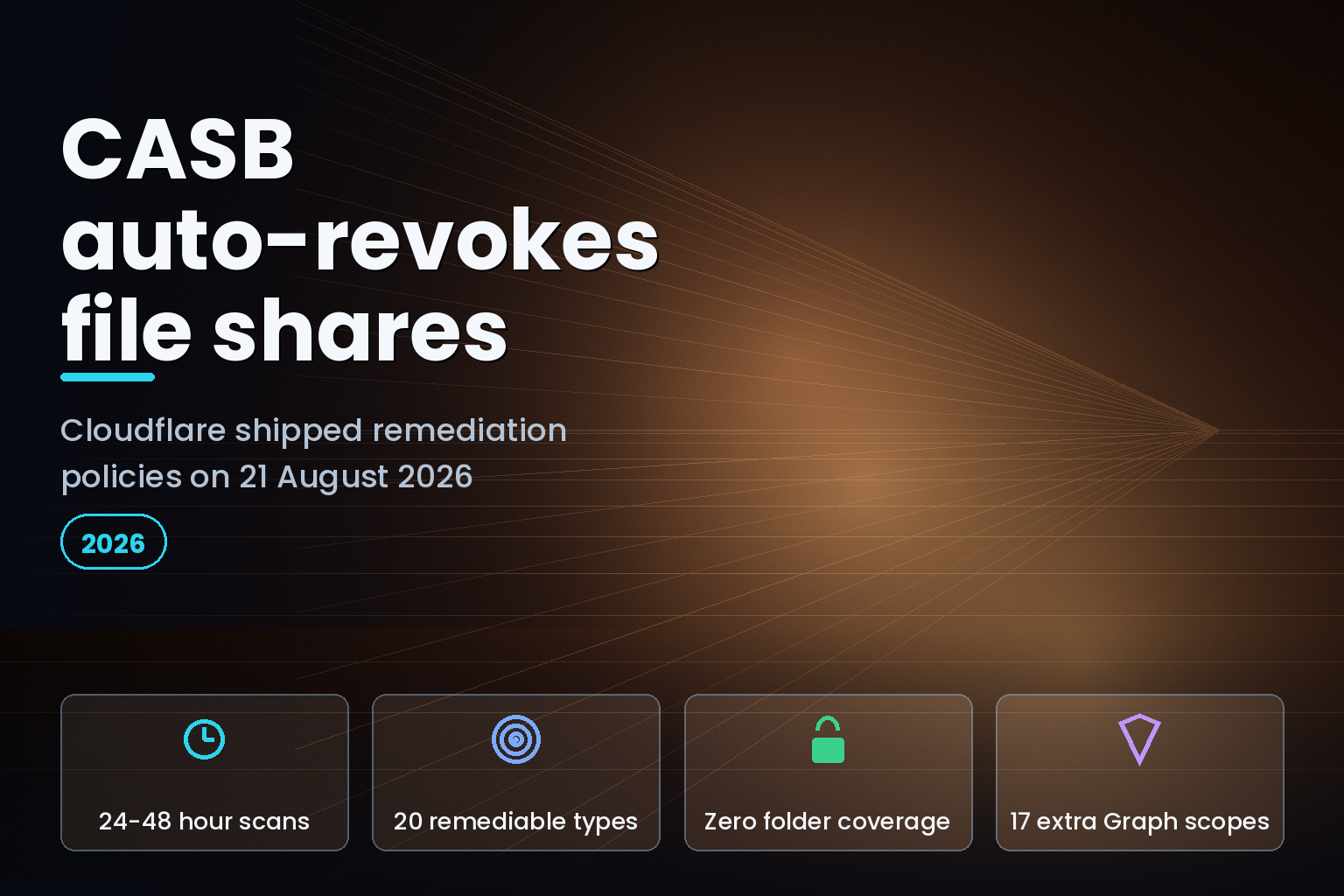
Summary. On 21 August 2026 Cloudflare shipped CASB remediation policies, which revoke an exposed Microsoft 365 or Google Workspace file share automatically, "without manual triage". The docs published the same day enumerate exactly 20 remediable finding types: 12 for Google Workspace, 8 for Microsoft 365. None of the 20 is a folder. Cloudflare's own CASB troubleshooting page, last updated 17 April 2026, says CASB scans run "approximately every 24-48 hours", so the earliest a policy can fire is one to two days after the file was actually shared. Microsoft 365 has no "shared outside company" finding type at all, and turning on automated remediation means upgrading the integration from 13 delegated Microsoft Graph permissions to a set that adds 17 more, including RoleManagement.ReadWrite.Directory and Directory.ReadWrite.All.
What Cloudflare actually shipped on 21 August 2026
A CASB remediation policy matches on a vendor, one or more integrations, and a single finding type. When a matching finding is detected, Cloudflare can run a first-party remediation against the SaaS provider's API, send the finding to a webhook destination, or both. The changelog entry describes the remediation action plainly: "Cloudflare revokes the external sharing configuration without human intervention."
Two prerequisites are in the docs and not in the changelog. Remediation policies require a paid Cloudflare CASB plan and are "not available for free CASB integrations". They also require Read-Write permissions on the integration; a Read-only integration produces a Rejected status instead of a fix.
The feature is also not retroactive. The Remediation Policies page states it twice: policies apply only to "newly discovered finding instances going forward", and "a policy only applies to new instances of a finding type detected after the policy is created". Whatever is already sitting in your Active findings list on the day you create the policy stays there until you remediate it by hand.
The conflict: "file and folder" versus a list with no folders
The Remediation Policies page says, in two separate places, that remediation covers "Microsoft 365 and Google Workspace file and folder finding types". The supported-findings list on that same page contains 20 entries and every one of them begins with the word "File". There is no folder entry anywhere in it.
That gap matters because folders are where Cloudflare's own severity model puts the worst exposure. The Microsoft 365 integration page lists eight file-sharing finding types, four of which are folders, and it rates "Microsoft: Folder publicly accessible with edit access" (c9662c5c-c3d6-453b-9367-281e024f7e7a) as Critical, the same band as its file equivalent. Cloudflare defines Critical as "something your team should act on today". A publicly writable OneDrive or SharePoint folder is therefore rated as urgently as a publicly writable file, detected the same way, and excluded from every automation path the 21 August release added.
| Exposure | Detected by CASB | Auto-remediable by a policy |
|---|---|---|
| M365 file publicly accessible, edit access (Critical) | Yes | Yes |
| M365 folder publicly accessible, edit access (Critical) | Yes | No |
| M365 file shared outside company | No finding type exists | No |
| Google Workspace file shared outside company, edit (High) | Yes | Yes |
| Google Workspace calendar publicly accessible (Medium) | Yes | No |
Microsoft 365 has no external-sharing finding type
The changelog frames the two platforms symmetrically. Their detection surfaces are not symmetric.
Google Workspace has four external-sharing finding types: "File shared outside company with edit access" (71ec135e-3d4c-4d35-a2b7-4fd1e5b65b99, High) and its view-access counterpart (d4b231ad-9a8c-40d3-8654-5bd5bb86bf1a, Medium), plus DLP-matched variants of both. All four appear in the remediable list.
Microsoft 365 has none. Its file-sharing table covers only "publicly accessible" and "shared company-wide". A OneDrive file shared with one named person at a supplier domain is not a Cloudflare CASB finding, so no policy can act on it. That is the single most common real-world SaaS data-exposure pattern, and on the Microsoft side of this release it is invisible rather than automated.
The asymmetry repeats elsewhere. Creating a Gateway HTTP policy directly from a finding is supported for Google Workspace only, and for exactly four finding types.
The 24-48 hour clock nobody mentioned
The strongest claim in the announcement is about timing: a policy acts "the moment CASB detects it". That is accurate and also beside the point, because detection is the slow part.
Cloudflare's CASB troubleshooting page is unambiguous: "CASB integrations do not provide real-time updates. Scans are performed periodically to discover new findings and validate the status of existing ones. The initial scan can take several hours, and subsequent scans run approximately every 24-48 hours." Forcing a re-scan means toggling "Scan for findings" off, waiting a few minutes, turning it back on, and then allowing "several hours" for results.
So remediation policies remove the human triage delay, not the detection delay. If an engineer sets a customer contract folder to "Anyone with the link can edit" at 09:00 on Monday, the automation cannot help before roughly Tuesday morning, and may not help before Wednesday. For a genuinely fast control you still need a preventive one, which is why Cloudflare's own guidance points at Gateway HTTP policies to stop the share from being created.
| Stage | Cloudflare's documented timing | Who acts |
|---|---|---|
| File shared publicly | Immediate | Your user |
| CASB periodic scan detects it | Approximately every 24-48 hours | Cloudflare |
| Policy match and remediation | At detection | Cloudflare |
| Validation of the fix | Status moves Pending to Validating to Completed | Cloudflare |
| Forced re-scan after a manual fix | Several hours | You |
What Read-Write mode actually grants
This is the part worth taking to a security review before anyone enables a policy.
The Microsoft 365 integration in Read-only mode requests 13 delegated Microsoft Graph permissions, and Cloudflare's page says of that set: "These permissions follow the principle of least privilege to ensure that only the minimum required access is granted." Remediation requires 17 additional permissions, 14 of them write-capable.
| Capability | Read-only integration | Remediation-enabled integration |
|---|---|---|
| Files | Files.Read.All |
Files.ReadWrite.All |
| Directory roles | RoleManagement.Read.All |
RoleManagement.ReadWrite.Directory |
| Users and groups | User.Read.All, Group.Read.All |
User.ReadWrite.All, Group.ReadWrite.All, GroupMember.ReadWrite.All, Directory.ReadWrite.All |
| Mail and mailboxes | MailboxSettings.Read |
Mail.ReadWrite, MailboxSettings.ReadWrite |
| Tenant configuration | Not requested | Organization.ReadWrite.All, Domain.ReadWrite.All |
There is no narrower "files only" write tier. To let Cloudflare unshare a document, you grant an integration the ability to write directory role assignments and organisation settings in your tenant. That is a defensible trade for some organisations and an obvious blocker for others, and it is the kind of consent decision that recent work on partial consent for Cloudflare OAuth scopes has been pushing the other way. Teams that already run a governed Microsoft 365 Graph API integration will recognise the pattern: the scope list, not the feature, is the thing that goes to change control.
Two operational traps
There is no dry-run and no undo. A policy has one switch, Enable policy, and it acts on every newly discovered matching instance. The documented status values are Pending, Processing, Validating, Completed, Failed and Rejected. No status represents a reversal. Read that against Cloudflare's own false-positive guidance, which says CASB "may incorrectly flag items, such as flagging internally-shared files as public". With automation on and no preview mode, a false positive now revokes a legitimate share before anyone sees it.
The two docs pages disagree about where remediations are logged. The Manage security findings page says "CASB will log remediation actions in Logs > Admin". The Remediation Policies page says Admin Activity logs record only who created, edited or disabled a policy, and that runtime outcomes, including the asset acted on and the vendor error on failure, go to a separate "Cloud & SaaS Security policies" log under Insights. If your SIEM pipeline follows the older page, you will collect policy edits and miss the revocations.
India-specific considerations
For Indian teams the interesting field is the audit trail rather than the feature. The Cloud & SaaS Security policies log ties a specific finding to a specific automated action and timestamp, which is the shape of evidence a DPDP-era breach review asks for. The 24-48 hour scan cycle is the number to write into the risk register, because it sets the floor on exposure duration for any personal data left in a public Drive or OneDrive link. Firms working through DPDP compliance cost planning should treat CASB remediation as a containment control with a one-to-two-day latency, not as prevention.
What to do this week
Check whether your Microsoft 365 integration is Read-only; if so, no policy will remediate anything and findings will land on Rejected. Enumerate your current Active findings before creating a policy, because none of them will be picked up. List your folder findings separately, since they need a manual or Gateway-based answer. Configure the webhook destination first and use Test delivery, remembering that CASB webhooks carry posture findings only, that destinations must be public HTTPS with no loopback or private addresses, and that editing a webhook never redisplays a stored signing secret. Finally, point your log collection at the Cloud & SaaS Security policies log, not only Logs > Admin.
The real cost here is usually the scope grant, not the policy.
FAQ
How eCorpIT can help
eCorpIT is ISO 27001:2022 certified and our senior engineering teams review SaaS posture tooling the same way we review any production integration: scope by scope, with the audit trail mapped before the switch is flipped. We can model what a Read-Write CASB grant means inside your tenant, and pair it with preventive controls so exposure is not sitting for a day and a half. Book a SaaS posture and scope review if you are weighing this against your existing multi-cloud security posture programme or your Entra and Google Workspace sign-in controls.
References
Last updated 23 August 2026.


