

On this page · 11 sections
- What actually changed on 20 August 2026
- The gap: the pricing page predates the increase by four months
- Which billing mode you are in matters more than the new ceiling
- The leak that the raise makes more expensive
- What breaks when you scale into the new headroom
- How to tell whether this affects you
- India-specific considerations
- What is still unknown
- FAQ
- How eCorpIT can help
- References
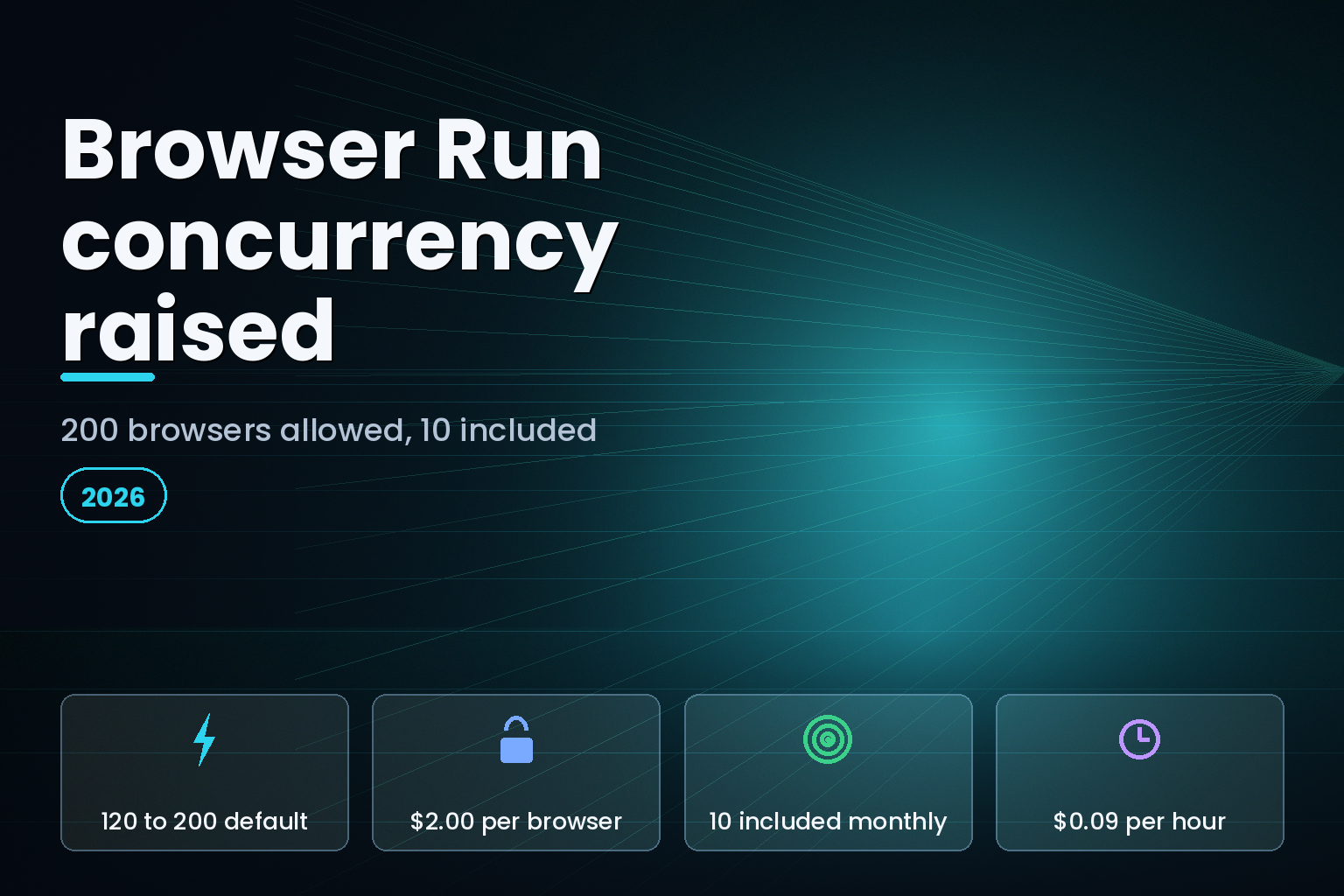
Summary. On 20 August 2026 Cloudflare raised the default Browser Run limits for Workers Paid accounts: concurrent browsers went from 120 to 200, new browser instances from 1 to 3 per second, and Quick Actions throughput from 10 to 30 requests per second. The Browser Run pricing page, last updated 21 April 2026, was not touched. It still includes 10 concurrent browsers on Workers Paid and charges $2.00 for every additional browser, averaged monthly. Running the new 200-browser ceiling for a full month is 190 billable browsers, or $380 a month in concurrency charges before a single browser hour is counted at $0.09. The changelog raised what you are allowed to do. It did not raise what you have already paid for.
What actually changed on 20 August 2026
The Browser Run changelog entry publishes a three-row table of new Workers Paid defaults.
| Limit | Previous default | New default (20 Aug 2026) |
|---|---|---|
| Concurrent browsers per account | 120 | 200 |
| New browser instances per second | 1 | 3 |
| Quick Actions requests per second | 10 | 30 |
| Browser timeout (inactivity) | 60 seconds | 60 seconds (unchanged) |
| Workers Free concurrent browsers | 3 | 3 (unchanged) |
The Browser Run limits page carries a dateModified of 2026-08-20 and matches those three numbers. Cloudflare's own wording is worth quoting exactly: "These published limits are defaults, not maximums." Accounts that need more are pointed at a Google Form to request a further increase.
Two things did not move. The inactivity timeout is still 60 seconds by default, extendable to 10 minutes with the keep_alive option. And the Workers Free tier is untouched: 10 minutes of browser time per day, 3 concurrent browsers, one new browser instance every 20 seconds, and one Quick Actions request every 10 seconds.
The gap: the pricing page predates the increase by four months
The Browser Run pricing page is stamped "Last updated Apr 21, 2026". Nothing on it reflects the August change.
| Item | Workers Free | Workers Paid |
|---|---|---|
| Browser hours | 10 minutes per day | 10 hours per month, then $0.09 per additional hour |
| Concurrent browsers (Browser Sessions only) | 3 browsers | 10 browsers averaged monthly, then $2.00 per additional browser |
| Concurrency ceiling after 20 Aug 2026 | 3 | 200 |
| Base subscription | none | $5 per month minimum (Workers Paid) |
| Quick Actions billing | browser hours only | browser hours only |
So the Workers Paid plan now permits 200 concurrent browsers and includes 10 of them. The 190-browser difference is billable at $2.00 each. That is $380 per month if you hold 200 browsers open across the whole billing period, on top of the $5 Workers Paid minimum documented on the Workers pricing page and the browser hours themselves.
The averaging is the part that decides whether this hurts. Cloudflare bills concurrency on a monthly average, not a peak, and the pricing page works the arithmetic: a customer running 10 browsers for 15 days and 20 browsers for the last 15 days accumulates 450 browser-days, divides by 30 to get an average of 15, subtracts the 10 included, and pays 5 x $2.00 = $10.00. Add 40 billable hours at $0.09 and the worked example lands at $13.60 for the month.
Burst traffic is therefore cheap and sustained concurrency is not. A crawl that spikes to 200 browsers for two hours a day averages out to roughly 17 browsers across a 30-day month, which is 7 billable browsers, or $14. The same 200 browsers held open around the clock is $380. The raise is only expensive if you treat it as a floor.
Which billing mode you are in matters more than the new ceiling
Cloudflare splits Browser Run into two billing modes, and only one of them is affected by concurrency pricing at all.
Quick Actions are the one-request endpoints: /content, /screenshot, /pdf, /markdown, /scrape, /links, /json, /crawl. The pricing page says they are "Charged for browser hours only". The 200-browser concurrency limit and the $2.00 per-browser rate do not apply to them. What did change for Quick Actions is throughput: 30 requests per second instead of 10.
Browser Sessions are direct browser control through Puppeteer, Playwright or CDP. These are charged for both browser hours and concurrent browsers. If your workload is screenshots and PDF rendering, the August change gives you 3x the request rate at no concurrency cost. If your workload is long-lived Puppeteer sessions, the change gives you a bigger bill to walk into.
The leak that the raise makes more expensive
The limits page documents a failure mode that a higher ceiling amplifies. Browser hours are consumed by open sessions, not by useful work, and a session stays open until it is closed or times out.
Cloudflare's browser close reasons reference lists five terminal states: Normal closure, Browser idle, Chromium crashed, Connection error, and Session evicted. Only the first means your code called browser.close(). "Browser idle" means the session sat for the full inactivity window burning time. The limits page names this directly as the most common cause of unexpectedly high usage.
The detection method is specific and worth wiring into a dashboard: puppeteer.history() and playwright.history() list recent sessions with their close reason. Sessions that end in BrowserIdle rather than NormalClosure were not closed explicitly. At a 120-browser ceiling a leak is capped by the ceiling. At 200, the same bug leaks 67% more.
Two of the five close reasons are not your fault, and Cloudflare says so: "We do not charge for sessions that error due to underlying Browser Run infrastructure." Session evicted covers recycling during a Browser Run release. Design for it anyway. The limits page states plainly that "Sessions also close when Browser Run rolls out a new release", so any architecture that assumes a browser survives indefinitely will break on Cloudflare's deploy schedule, not yours.
What breaks when you scale into the new headroom
The rate-limit response is 429 Too many requests, returned both when you exceed the per-second request rate and when you exceed the instance-creation rate. Cloudflare's documented pattern is to read Retry-After and back off; a client that retries immediately will simply re-trigger the limit.
The Free plan has its own distinct 429, with the message Browser time limit exceeded for today, which persists until the next UTC day. The limits page also notes that a recent upgrade from Free to Paid may keep applying the 10-minute daily cap until the Worker is redeployed, because usage association follows the deployment.
Timeouts are the other thing that changes shape at higher concurrency. The Quick Actions timeouts reference documents six independent timers. goToOptions.timeout defaults to 30 seconds with a 60-second maximum. waitForSelector and waitForTimeout both cap at 60 seconds. actionTimeout and PDFOptions.timeout allow up to 5 minutes. The default waitUntil is domcontentloaded, which fires before the load event, so JavaScript-rendered pages need networkidle0 or networkidle2 to capture reliably. Every second you add to a wait is a second of billable browser time multiplied by your concurrency.
The /crawl endpoint deserves its own check. Its limit parameter defaults to 10 pages but accepts up to 100,000, and depth defaults to 100,000. A crawl that hits account limits mid-run returns the status cancelled_due_to_limits, which means the job stops without completing rather than queuing.
How to tell whether this affects you
Three questions settle it.
Are you on Browser Sessions or Quick Actions? Check whether your Worker calls puppeteer.launch/playwright.launch or env.BROWSER.quickAction(). Only the former is exposed to the $2.00 per-browser concurrency rate.
What is your monthly average concurrency, not your peak? Cloudflare's dashboard exposes Browser Run usage, and every Quick Actions response carries an X-Browser-Ms-Used header reporting browser time in milliseconds for that request, retrievable through the TypeScript SDK with .asResponse(). Average concurrency above 10 is where the bill starts.
How many of your sessions close as BrowserIdle? Run puppeteer.history() before you raise any concurrency setting. A codebase that leaks sessions at 120 will leak proportionally more at 200, and the raise is opt-in only in the sense that your own configuration decides how much of it you consume.
The real cost here is usually the leak, not the ceiling. Teams that pool and reuse sessions rather than launching per request pay for a small average; Cloudflare documents both approaches in its session reuse guide, using browser.disconnect() for stateless pools or a Durable Object for stateful ones.
India-specific considerations
Browser Run is billed in US dollars against the Workers Paid subscription, so Indian teams carry the currency exposure directly on a $380 monthly line that Cloudflare quotes only in dollars. Teams building scraping or document-rendering pipelines for Indian clients should also note that anything a headless browser captures from a logged-in session is personal data under the Digital Personal Data Protection Act 2023, and that session recording and Live View, both marked Beta in Cloudflare's documentation, capture page content by design. Treat the crawl output store the same way you would treat any other collection of scraped customer data.
Related reading on the same cost surface: our breakdown of Cloudflare Workers versus Vercel Functions cost, the Notion Workers credit billing change, and the Durable Objects production guide. The wider discipline sits in our cloud FinOps guide for Indian teams.
What is still unknown
Cloudflare has not published whether the included concurrency tier will rise alongside the default ceiling. The pricing page's April date could mean the 10-browser inclusion is deliberate and unchanged, or it could mean the page is simply behind. Until it is restamped, the only defensible reading is the published one: 10 included, $2.00 per additional browser. The higher-limit request path is a Google Form rather than a self-serve dashboard control, and Cloudflare does not publish the pricing that applies above 200.
FAQ
How eCorpIT can help
Our cloud engineering team audits headless browser pipelines for the failure modes above: sessions that never close, per-request browser launches that should be pooled, and concurrency settings copied from a changelog rather than sized against a monthly average. We hold CMMI Level 5 and ISO 27001:2022 certification, and we work in Cloudflare Workers, Puppeteer and Playwright day to day. Book a Browser Run cost review if your automation bill moved this month and you cannot yet say which sessions caused it.
References
Last updated: 23 August 2026.


