

On this page · 11 sections
- What changed on 19 August 2026
- Why this is worse than a normal migration
- File expiration is a lifecycle feature, not a delete button
- The access model is the part to escalate
- Pagination and the ids[] filter
- Who is affected and how to check
- India-specific considerations
- What is still unknown
- FAQ
- How eCorpIT can help
- References
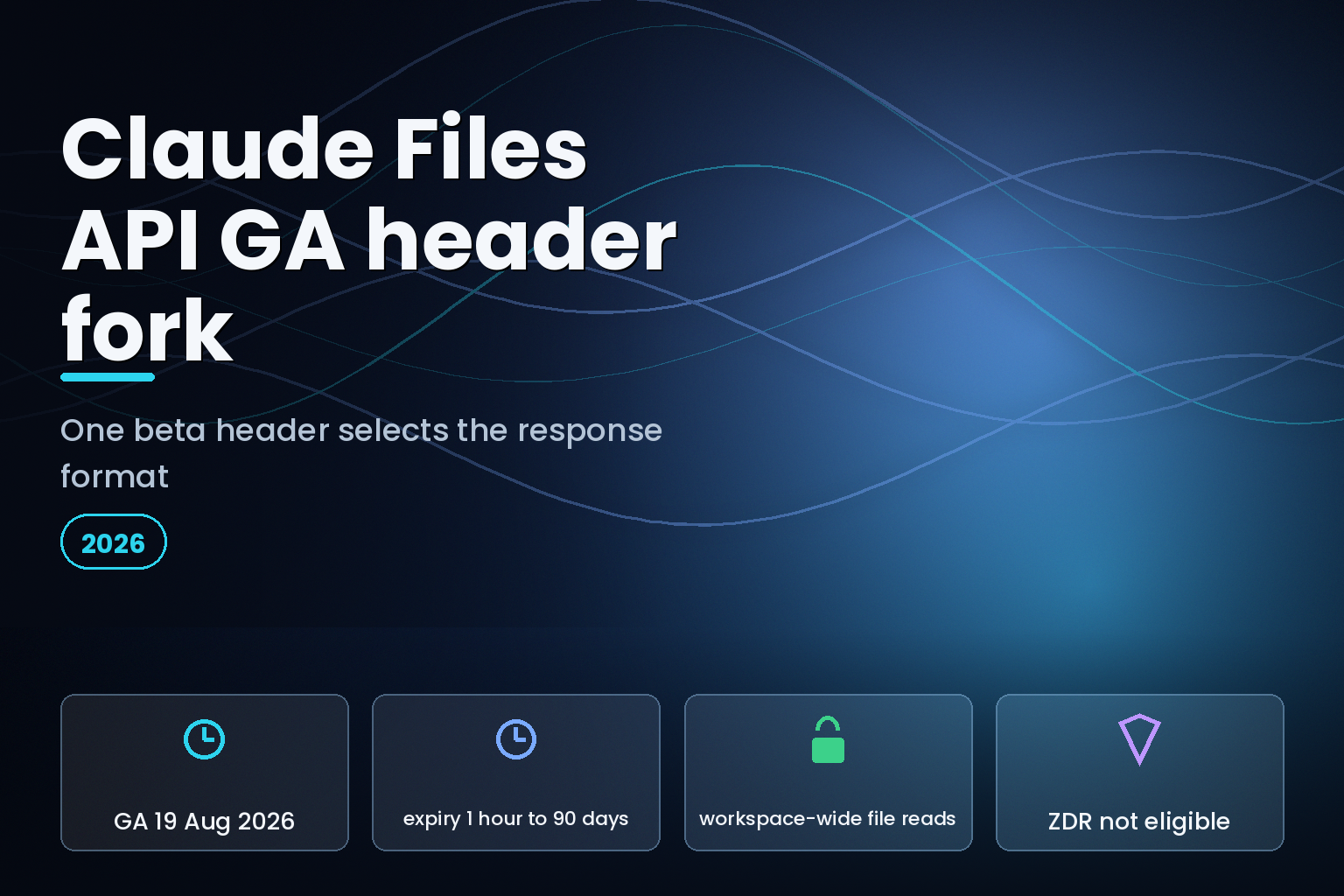
Summary. Anthropic made the Files API generally available on the Claude API on 19 August 2026, alongside GA for computer use, Agent Skills and the Enterprise Admin API. The files-api-2025-04-14 beta header is no longer required. It is also no longer harmless. Anthropic's release notes state that requests sent without the header "use the GA response format" with file expiration and cursor pagination, while "/v1/files requests that still send the beta header keep working and return the previous response format." That fork is documented in exactly one place. The Files API guide never mentions the header. The beta headers reference page does not list it either. Since several SDKs attach the header automatically through a beta.files namespace, a team can read the guide, write code against expires_at, and receive a response that has no such field, with nothing in either document to explain why. Two other facts from the same page deserve a security review: uploaded files are readable by every API key in the workspace, and the Files API is the one feature in this GA wave marked not eligible for zero data retention.
What changed on 19 August 2026
The release notes entry is worth quoting in full, because it is the only primary statement of the fork:
"The Files API is now generally available on the Claude API. Requests to the /v1/files endpoints, and Messages API requests that reference an uploaded file, no longer require the files-api-2025-04-14 beta header. Requests sent without the header use the GA response format: file expiration (set expires_in_seconds when you upload a file; file objects report expires_at), and page and next_page pagination plus an ids[] filter when you list files. /v1/files requests that still send the beta header keep working and return the previous response format."
Read that last sentence twice. Dropping a header is normally a no-op that removes a gate. Here it is the switch that selects a response schema.
The GA upload response looks like this, per the Files API guide:
            {
  "id": "file_011CNha8iCJcU1wXNR6q4V8w",
  "type": "file",
  "filename": "document.pdf",
  "mime_type": "application/pdf",
  "size_bytes": 1024000,
  "created_at": "2025-01-01T00:00:00Z",
  "downloadable": false,
  "expires_at": null
}
Anthropic does not print the previous format anywhere, so the exact field-level delta is not publicly checkable. What is checkable is that expires_at, page, next_page and ids[] are described in the guide as unconditional features, with no mention that a header can turn them off.
Why this is worse than a normal migration
Three properties combine badly.
The header is invisible in most codebases. If you call the Files API through an SDK's beta.files namespace, the header is attached by the client library, not written in your code. Grepping for files-api-2025-04-14 will find nothing.
The failure is a missing field, not an error. Code that reads response.expires_at gets None or a KeyError depending on your language, in a code path that only runs on upload. Code that pages with next_page gets nothing to page with. Neither returns a 4xx you can alert on.
The documentation does not close the loop. The Files API guide at docs/en/build-with-claude/files presents expiration and pagination as features of the API. The beta headers reference lists only managed-agents-2026-04-01, mcp-tunnels-2026-06-22 and agent-memory-2026-07-22 under endpoint-specific headers. Neither page mentions files-api-2025-04-14 at all.
| Where you would look | Mentions the beta header fork? |
|---|---|
| Release notes, 19 August 2026 | Yes, the only statement of it |
| Files API guide | No, presents GA fields as unconditional |
| Beta headers reference | No, does not list files-api-2025-04-14 |
SDK beta.files namespace |
Attaches the header for you |
The fix is one line: stop sending the header, or move off the beta.files namespace. The work is finding out that you were. Teams that maintain a written inventory of beta headers per endpoint, in the way we described for Claude API breaking changes and parameter migration, will find this in minutes. Everyone else finds it in production.
File expiration is a lifecycle feature, not a delete button
The headline GA capability is expiration, and its bounds are specific. From the guide: "To have a file expire automatically, include an expires_in_seconds form field when you upload it. The value is an integer number of seconds between 3,600 (1 hour) and 7,776,000 (90 days). The resulting expires_at timestamp (RFC 3339) appears on every file response and is null for files uploaded without an expiration. Expiration is set once at upload and cannot be changed."
Three constraints follow from that sentence, and each one has a design consequence.
There is no default. Omit the field and the file never expires. Any retention policy you thought you had is a policy you have to implement on every single upload call.
It is immutable. You cannot shorten a file's life after a customer asks you to, and you cannot extend it when a job runs long. Choose the window at upload or re-upload the file.
The floor is one hour and the ceiling is 90 days. A 15-minute scratch file is not expressible.
What happens at expiry is documented precisely, and it is not deletion:
"Downloading its content (GET /v1/files/{file_id}/content) returns a 404 error / A Messages request that references the file fails before inference / Its metadata (GET /v1/files/{file_id}) remains readable for up to 30 days, with expires_at in the past / It continues to appear in list responses during that window; compare expires_at to the current time to filter expired files."
And the hedge that a compliance reviewer will ask about: "Expiration is a lifecycle feature, not a guaranteed-deletion control. After expires_at, file content is no longer retrievable through the API and is released from your storage quota; the underlying content may be retained for a limited period thereafter for safety review before permanent deletion, and file metadata remains visible for up to 30 days after expiration."
| Behaviour | Value | Source |
|---|---|---|
| Minimum expiry | 3,600 seconds (1 hour) | Files API guide |
| Maximum expiry | 7,776,000 seconds (90 days) | Files API guide |
| Default when omitted | None; expires_at is null |
Files API guide |
| Mutable after upload | No | Files API guide |
| Metadata visible after expiry | Up to 30 days | Files API guide |
| Guaranteed deletion at expiry | No | Files API guide |
If your customer contract promises deletion on request, expires_in_seconds does not satisfy it on its own. It satisfies the retrievability half.
The access model is the part to escalate
The single most important line in the Files API documentation is not about GA at all. It is a scoping warning:
"Uploaded files are accessible to your entire workspace, not scoped to an end user, conversation, or session. Any API key in the same workspace can access any file uploaded there, and all of your keys share your organization's Default Workspace unless you have assigned them to separate workspaces. Never accept file_id values from end users or other untrusted sources: a user-supplied file ID would let one user of your application read content that another user uploaded."
For a single-tenant internal tool this is fine. For any multi-tenant product where users upload documents, it is a direct instruction: never let a file_id cross the trust boundary from the client. If your API accepts a file ID in a request body from a browser, you have built an enumeration surface over other customers' uploads. The mitigation Anthropic points at is workspace separation, and organisations get "up to 100 workspaces" to work with, which caps how far per-tenant isolation can go.
The audit trail has a matching caveat. Anthropic states that "Listing files and retrieving file metadata are not recorded" and that "Operations that occur while the Compliance API is off are not recorded and cannot be recovered later, so set up the Compliance API before you rely on this audit trail." An audit log that is opt-in, non-retroactive and silent on reads is not the log an incident review wants.
One more asymmetry from the same GA wave: the Files API page carries "ZDR / Not eligible", while the computer use and browser use pages released the same day both read "ZDR Eligible". If your zero-data-retention posture is a contractual commitment, file uploads sit outside it. That is a different answer from the one you may have given a client about the rest of the platform, and it belongs in the same review you would run on any provider, in the way we mapped OpenAI zero data retention limits by endpoint.
Pagination and the ids[] filter
The listing changes are smaller but have one trap. From the guide: "The endpoint is paginated: each request returns up to limit files (20 by default, and at most 1,000), and the response's next_page cursor fetches the next page when passed back as the page parameter. Files are ordered newest first."
The ids[] filter is the efficient path for reconciliation, and it fails quietly: "To check a known set of files in one request instead of paging, pass up to 100 file IDs as ids[] query parameters. An ids[] request always returns a single page (next_page is null), and any ID that does not resolve to a file in your workspace is silently omitted from data; compare the returned IDs against the requested IDs to detect misses. ids[] cannot be combined with page or limit."
Silently omitted is the operative phrase. A reconciliation job that asks for 100 IDs and receives 96 files, without diffing the sets, concludes that everything is present. Diff the request against the response every time.
Who is affected and how to check
Run four checks. Each takes minutes.
Search your dependency tree for calls into a beta.files client namespace, and for any explicit anthropic-beta header on file endpoints. If either exists, you are on the old response format regardless of what the guide told you to expect.
Upload a file and read the response. If expires_at is absent from the JSON rather than present and null, you are on the old format. That is the fastest single test.
Grep your request handlers for any route that accepts a file_id from a client. Each one is a cross-tenant read unless you validate ownership yourself.
Check whether the Compliance API is enabled. If it is not, you have no file audit trail for the period before you turn it on, and none for reads afterwards either.
India-specific considerations
Under the Digital Personal Data Protection Act 2023, a data fiduciary must erase personal data when the purpose is served or consent is withdrawn. The Files API gives you an expiry window between one hour and 90 days that cannot be changed after upload, and Anthropic states plainly that expiry is "not a guaranteed-deletion control" with metadata visible for up to 30 days afterwards. For an Indian product handling customer documents, that means erasure obligations cannot be discharged by setting expires_in_seconds alone. The workable pattern is to keep personal data out of uploaded files where possible, use the shortest expiry the workflow tolerates, isolate tenants across workspaces, and hold the deletion record in your own system. The workspace-wide access model matters here too: a single Default Workspace shared across all API keys is a poor fit for a fiduciary that has told users their documents are segregated.
What is still unknown
Anthropic has not published the previous response format, so the exact field differences between the beta and GA shapes cannot be verified from a primary source. There is no stated date on which the files-api-2025-04-14 header stops being accepted, and no deprecation notice attached to it. Whether the SDKs will move files out of the beta namespace, and on what release, has not been announced. And Anthropic has not said why the Files API alone in this GA wave is ineligible for zero data retention.
FAQ
How eCorpIT can help
A header that selects a response schema, an expiry that is not a deletion, and a workspace-wide read scope are three different problems wearing one product's name, and they land on the data-protection review rather than the sprint board. Our senior engineering teams design AI integrations for regulated buyers in India and abroad, including tenant isolation and retention handling aligned with DPDP requirements. eCorpIT is ISO 27001:2022 certified and CMMI Level 5 appraised. If you are auditing what your application uploads to a model provider, reach the team through /contact-us/.
References
- Claude API release notes. Anthropic, 19 August 2026 entry, the beta header response-format statement.
- Files API. Anthropic documentation, expiration bounds, pagination, ids[] behaviour and workspace access warning.
- Beta headers. Anthropic documentation, endpoint-specific header list.
- Computer use tool. Anthropic documentation, ZDR eligibility line.
- Browser use tool. Anthropic documentation, ZDR eligibility line.
- Claude API pricing. Anthropic documentation.
- Agent Skills. Anthropic documentation, GA in the same release.
- Tool reference. Anthropic documentation.
- Models overview. Anthropic documentation.
- Tool use overview. Anthropic documentation.
- Admin API. Anthropic documentation, Enterprise user-management endpoints in the same GA wave.
Last updated: 21 August 2026.


