On this page · 10 sections
- What changed on July 1, 2026
- What ECS Managed Instances actually is, and how the fee works
- The numbers: what the 60% cut does to your GPU bill
- How to capture the cut: a step-by-step
- ECS Managed Instances versus self-managed EC2 versus EKS Auto Mode
- When the Capacity Block rise cancels the saving
- India-specific considerations
- FAQ
- How eCorpIT can help
- References
Summary. From July 1, 2026, Amazon ECS Managed Instances cut its management fee by 60% for P-series and AWS Trainium instances and by 35% for G-series, with an identical cut on Amazon EKS Auto Mode. The reduction is automatic; no redeploy is required for workloads already on ECS Managed Instances. On a p5.48xlarge running 8 NVIDIA H100 GPUs at roughly $55.04 per hour on-demand in us-east-1, the management fee was already a small line on top of compute, so the 60% cut is real but modest per instance and matters most across a large fleet. The same period, AWS moved EC2 Capacity Block reservation rates for GPU instances higher, so the two changes pull in opposite directions. This guide shows exactly what changed, how to route GPU workloads through ECS Managed Instances, and how to work out whether the fee cut actually lowers your bill.
What changed on July 1, 2026
Two AWS pricing moves landed the same week, and they pull in opposite directions.
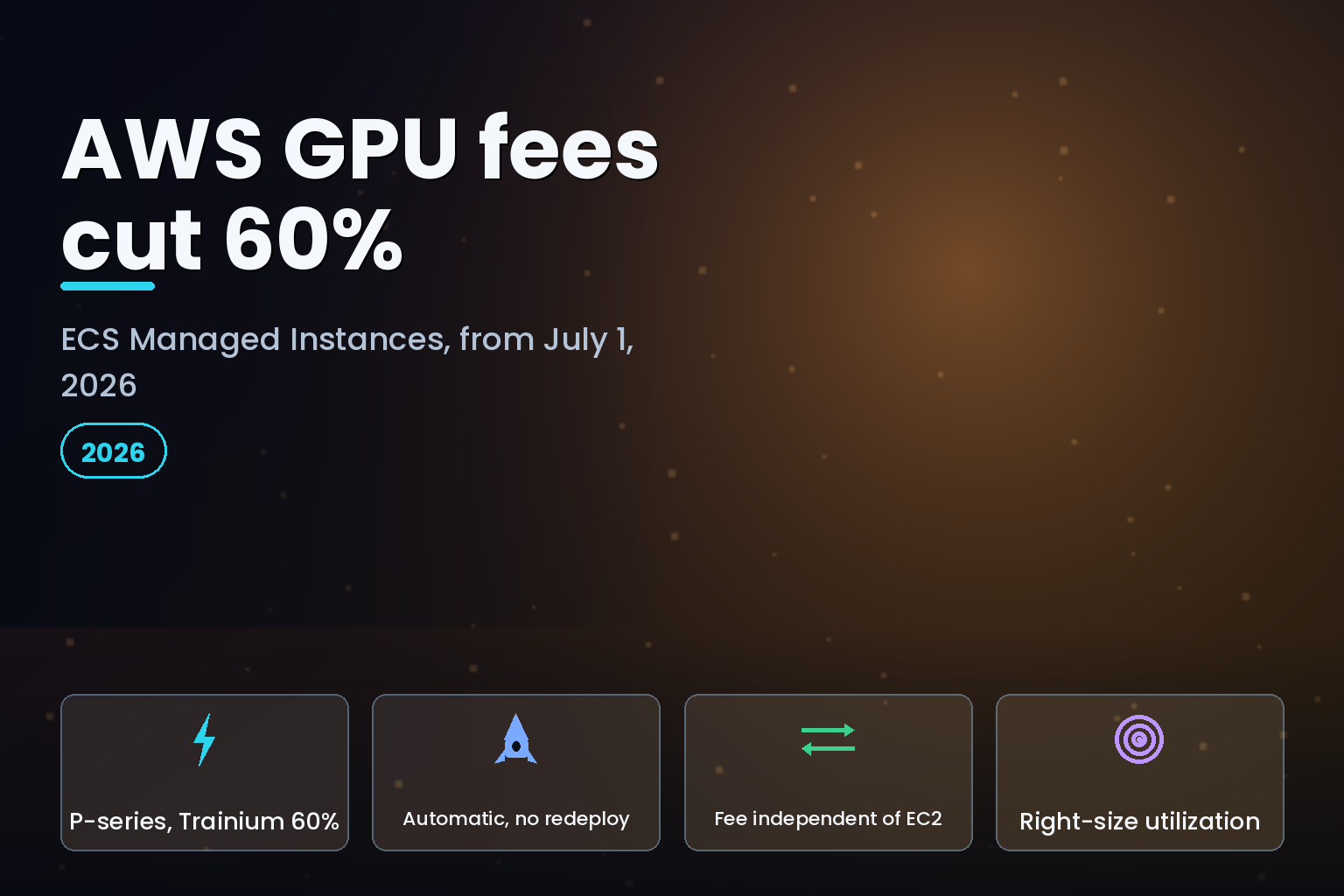
The first is the one that helps you. Per AWS, beginning July 1, 2026, G-series ECS management fees dropped 35%, and P-series and AWS Trainium fees dropped 60%. AWS applied the reductions automatically, and stated that no action is required from customers already running GPU instances with ECS Managed Instances. Amazon EKS is implementing the identical management-fee reductions for GPU instances on EKS Auto Mode, so the choice between the two orchestrators does not change the fee outcome.
The second move works against you. AWS also moved EC2 Capacity Block reservation rates for NVIDIA GPU instances higher this year. That increase sits on the compute itself, not on the management layer, and the details are in our breakdown of the AWS Capacity Block GPU price rise. The net effect on your invoice depends on how you buy GPUs, which is the whole point of reading the two changes together.
The takeaway up front: the fee cut is a genuine saving on the management line, but it is small next to GPU compute. Treat it as one lever among several, not as a reason to change your architecture on its own.
What ECS Managed Instances actually is, and how the fee works
Amazon ECS Managed Instances is a fully managed compute option for containers. You define a task's requirements, such as the number of vCPUs, memory size and CPU architecture, and Amazon ECS provisions, configures and operates the most suitable EC2 instances inside your own AWS account using AWS-controlled access. You can also name the instance families you want, including GPU-accelerated and network-optimized types.
The billing model has two parts, and keeping them separate is the key to the math. Per the ECS Managed Instances pricing page, the ECS Managed Instances charge is billed in addition to the Amazon EC2 instance price, which covers the instances themselves. Both are billed per second with a one-minute minimum. The management charge is independent of the EC2 purchase option, so On-Demand, one- and three-year Reserved Instances, Compute Savings Plans and Spot all work with ECS Managed Instances, but a Savings Plan or Reserved Instance discounts only the EC2 portion, never the management fee.
That independence is exactly why the July 1 cut matters. Until now, the only way to reduce the management line was to run fewer or smaller managed instances. The 60% reduction on P-series and Trainium is the first direct cut to that line for accelerated workloads. For GPU fleets, which have historically carried the highest management fees because of their size, the reduction lands where the fee was largest.
ECS Managed Instances also ships features aimed at accelerated workloads: GPU metrics for utilization, memory and temperature through Amazon CloudWatch Container Insights, and automatic health monitoring that detects GPU hardware failures and replaces unhealthy instances. In June 2026, AWS added AWS Trainium and Inferentia support to ECS Managed Instances, which is why Trainium is included in the 60% cut.
The numbers: what the 60% cut does to your GPU bill
Work the math on the two-part bill. GPU compute dominates. A p5.48xlarge with 8 NVIDIA H100 GPUs runs at about $55.04 per hour on-demand in us-east-1, per public EC2 pricing references. The ECS Managed Instances management fee is a separate, much smaller per-instance line on top of that compute. Cutting the management line by 60% reduces only that line, so the saving is proportional to how large your management fee was, not to your GPU compute.
| GPU cost driver | Who it applies to | Effect of the July 1 change |
|---|---|---|
| EC2 compute (the GPU instance) | Everyone running GPU on EC2 | Unchanged by the fee cut; Capacity Block reservation rates rose this year |
| ECS Managed Instances management fee | ECS Managed Instances users | Cut 60% for P-series and Trainium, 35% for G-series |
| EKS Auto Mode management fee | EKS Auto Mode users | Cut 60% for GPU instances, identical to ECS |
| Savings Plan or Reserved Instance | Anyone buying commitment | Discounts EC2 only, never the management fee |
| Spot capacity | Interruption-tolerant workloads | Discounts EC2 only; management fee still applies |
Because AWS does not publish the accelerated management-fee rate as a single flat number that survives the per-family reductions, compute your own figure rather than trusting a secondary quote. Pull your current management-fee line for GPU instances from Cost Explorer or the AWS pricing page, multiply by 0.40 for P-series and Trainium (a 60% cut) or 0.65 for G-series (a 35% cut), and compare. AWS publishes a sample ECS Managed Instances pricing calculator on GitHub that you can point at your own instance mix. The honest framing for a senior engineer: on a fleet where GPU compute is 95% or more of the line item, a 60% cut to the remaining few percent is worth capturing but will not move the invoice on its own.
How to capture the cut: a step-by-step
If your GPU workloads already run on ECS Managed Instances, you have the cut already; verify it in billing and move on. If they run on self-managed EC2 or plain ECS on EC2, here is the route to the managed path.
First, confirm your workload declares its GPU need in the task definition. ECS schedules GPU containers using a resource requirement, not a guess:
            {
  "family": "gpu-inference",
  "requiresCompatibilities": ["EC2"],
  "containerDefinitions": [
    {
      "name": "model-server",
      "image": "ACCOUNT.dkr.ecr.REGION.amazonaws.com/model:latest",
      "cpu": 8192,
      "memory": 61440,
      "resourceRequirements": [
        { "type": "GPU", "value": "1" }
      ]
    }
  ]
}
Second, create an ECS Managed Instances capacity provider and describe the instances you will accept: the accelerator family, minimum vCPUs and memory, and any instance-family preferences. AWS then provisions matching EC2 instances in your account and keeps them patched and health-monitored, following the ECS Managed Instances GPU documentation. Associate that capacity provider with your cluster and set it as the default for the service so new tasks land on managed instances.
Third, turn on Amazon CloudWatch Container Insights for the cluster so you actually see GPU utilization, memory and temperature. Idle GPUs are the largest avoidable cost in most accelerated fleets, and the fee cut does nothing for a GPU sitting at 5% utilization. Right-sizing against real utilization data usually saves more than the management-fee reduction itself.
Fourth, decide the EC2 purchase option separately from the management decision. Because the management fee is independent of the purchase option, you can pair ECS Managed Instances with Spot for interruption-tolerant inference, or with a Compute Savings Plan for steady baseline training, and still keep the reduced management fee on top. Keep interruption-tolerant and always-on workloads on separate services so their purchase options do not collide.
ECS Managed Instances versus self-managed EC2 versus EKS Auto Mode
The fee cut narrows an old trade-off. Teams historically ran GPUs on self-managed EC2 to avoid the management fee entirely, accepting the operational burden of patching, driver management and health checks. With the P-series and Trainium fee down 60%, the managed path is cheaper to justify.
| Option | Management overhead | Management fee after July 1 | Best fit |
|---|---|---|---|
| Self-managed EC2 (plain ECS or raw) | You patch, monitor and replace nodes | None | Teams with strong platform engineering and steady, large fleets |
| ECS Managed Instances | AWS provisions, patches, health-checks | Cut 60% (P-series, Trainium), 35% (G-series) | Container teams wanting managed nodes without EKS |
| EKS Auto Mode | AWS manages the node lifecycle | Cut 60% for GPU, identical to ECS | Teams already standardized on Kubernetes |
| Capacity Block reservation | You still manage the OS layer | Fee unchanged; reservation compute rose this year | Guaranteed short-term GPU capacity for training bursts |
| Spot on managed instances | AWS manages nodes; you handle interruptions | Reduced fee still applies | Interruption-tolerant inference and batch |
The decision now hinges less on the fee and more on your platform maturity. A team without dedicated GPU-node operators will usually spend more engineer-hours self-managing than the management fee ever cost, and those hours got cheaper to hand back to AWS on July 1. A team with a mature platform and a very large, stable fleet may still find self-managed EC2 cheaper overall, because the compute, not the fee, is the number that matters. For a deeper treatment of where GPU dollars actually go, see our guide to GPU spend as the top FinOps concern.
When the Capacity Block rise cancels the saving
The two changes can net to zero or worse, depending on how you buy GPUs. If you rely on Capacity Block reservations for training bursts, the compute increase on those reservations can dwarf a 60% cut to a small management line. If you run steady inference on On-Demand or Spot GPU instances through ECS Managed Instances, you get the fee cut with no offsetting compute rise, so your bill genuinely falls.
The practical response is to split the analysis by workload. Reserve Capacity Blocks only for the training windows that truly need guaranteed capacity, and push flexible inference onto On-Demand or Spot under ECS Managed Instances to bank the fee reduction cleanly. This is the same discipline behind our broader AWS, Azure and GCP AI cost playbook, and it pairs naturally with a Trainium migration analysis where inference economics allow, covered in our Trainium versus NVIDIA inference cost comparison.
India-specific considerations
For Indian teams, GPU capacity and currency both bite. High-end NVIDIA instances such as p5 are not available in every AWS Region, so many Indian workloads run in Singapore or a US Region, adding data-transfer and latency considerations on top of the hourly rate. At about $55.04 per hour, a single p5.48xlarge is roughly ₹35 lakh per month at continuous on-demand use before any discount, using 730 hours and an exchange rate near ₹86 to the dollar in July 2026, which is why utilization discipline matters more than the management-fee line for most Indian budgets.
The management-fee cut still helps, and it applies in every Region where ECS Managed Instances is available, including the Asia Pacific Regions. Where personal data is processed on these workloads, the Digital Personal Data Protection Act 2023 applies to how and where you store and move that data, so a decision to run GPUs in an overseas Region should be checked against your data-residency commitments before you optimize the bill. eCorpIT is ISO 27001:2022 certified and designs cloud deployments aligned with DPDP Act 2023 requirements.
FAQ
How eCorpIT can help
eCorpIT is a Gurugram-based, ISO 27001:2022 certified engineering organisation that runs cloud and FinOps for teams with GPU workloads. We audit where your accelerated spend actually goes, move eligible workloads onto ECS Managed Instances or EKS Auto Mode, split Capacity Block reservations from flexible inference, and right-size against real utilization, all designed aligned with DPDP Act 2023 data-residency requirements. If your GPU bill is growing faster than your models, talk to our senior engineering team about a GPU cost review.
References
- AWS, Amazon ECS Managed Instances reduces GPU management fees by up to 60%, July 7, 2026.
- AWS, Amazon EKS Auto Mode reduces GPU management fees by up to 60%, July 2026.
- Vantage, p5.48xlarge pricing and specifications.
- AWS Samples, ECS Managed Instances pricing calculator, GitHub.
- AWS, Announcing Amazon ECS Managed Instances, AWS News Blog.
_Last updated: July 29, 2026._