

On this page · 9 sections
- The problem Instant Navigations fixes
- How Instant Navigations works: Stream, Cache, or Block
- Partial Prefetching: one shell per route, not one per link
- The tooling: Instant Insights, Navigation Inspector, and an instant() test
- When to adopt, and when to wait
- India and global considerations
- FAQ
- How eCorpIT can help
- References
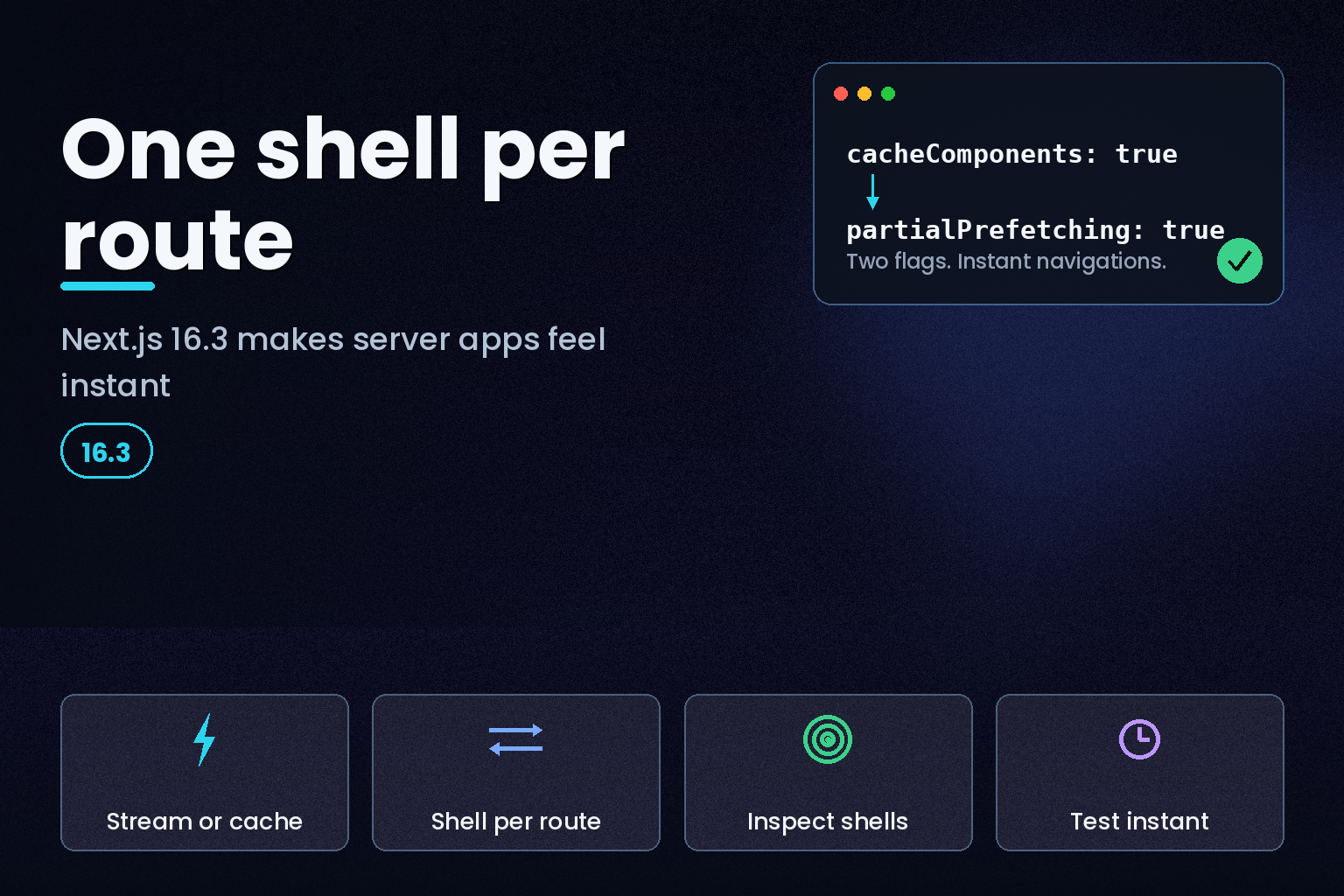
Summary. On 25 June 2026, Next.js team members Andrew Clark and Josh Story announced Instant Navigations in the Next.js 16.3 Preview, a set of opt-in tools that give a server-driven app the instant, SPA-like feel of a client app. Two changes matter. First, when a route awaits data you now choose one of three behaviours, Stream, Cache, or Block, so a click renders an instant shell instead of a blank wait. Second, Partial Prefetching replaces the per-link prefetching used through 16.2 and instead prefetches a single reusable shell per route: a sidebar with 20 links to the same route drops from 20 prefetch requests to 1, about a 95% cut. Both behaviours sit behind 2 config flags, cacheComponents and partialPrefetching, and ship in the preview build, not the stable line. The business case is easy to see: on a storefront turning over $10 million a year, a 2% conversion swing from snappier navigation is worth about $200,000. This guide covers how the model works, the exact config and code, the new DevTools, and when to adopt it versus wait for stable.
The problem Instant Navigations fixes
Next.js has taken repeated criticism that server-driven navigation feels slow, and the criticism is fair. In a server-driven app, a navigation is a network roundtrip: you click a link, nothing happens, then the server responds and the page appears. That is acceptable for a newspaper or a blog, but it feels like a website rather than an app. A client-driven single-page app does it differently: you click, you instantly see a shell of the next page with some data still loading, then the server response fills it in. As Clark and Story put it, the goal of 16.3 is that "you get the full benefits of a server, but navigations are instant like in a single-page app."
The fix has two independent parts, and it helps to keep them separate. One part makes the server side non-blocking so a shell can render immediately. The other part, prefetching, closes the gap between the client and the server so the shell is already on the device by the time the user clicks.
How Instant Navigations works: Stream, Cache, or Block
The entry point is the Cache Components flag. Turn it on in your config, and Next.js switches to the dynamic-by-default model with no hidden caching that the team has been moving toward for the past year.
            // next.config.ts
import type { NextConfig } from 'next';

const nextConfig: NextConfig = {
  cacheComponents: true,
};

export default nextConfig;
With that on, every time a route awaits data on the server you get a choice of three behaviours. The first two make a navigation instant; the third opts out.
| Behaviour | How you declare it | What the user sees |
|---|---|---|
| Stream | Wrap the slow part in <Suspense> |
An instant loading state, then UI streams in |
| Cache | Put 'use cache' at the top of the function |
An instant, previously cached UI reused between requests |
| Block | export const instant = false in the page or layout |
A server-bound navigation with no shell, on purpose |
Stream and Cache both make the navigation feel instant. Block is a deliberate escape hatch: a blog might choose to never show a loading shell for an article, so you mark that route as blocking and Next.js stops treating its slow navigation as a problem. The point is that you decide per route. If you want an instant reaction to a click, you Stream or Cache; if a route should wait for the network, you Block.
To turn an operation into something available instantly, you either stream it behind a boundary or cache it. Here is the Block opt-out in practice:
            // app/blog/[slug]/page.tsx
export const instant = false;
Partial Prefetching: one shell per route, not one per link
Making the server non-blocking removes only half the delay. The other half is the hop between client and server, and Next.js closes it by prefetching. The old behaviour, still in 16.2, sent a prefetch request for every link in the viewport. Scroll a page with a long list and the Network tab filled with a flurry of requests, many of them pointing at the same route. The team's own words: "many of you told us that this looked ridiculous, and frankly, we agree."
Partial Prefetching borrows the single-page-app trick. Instead of prefetching a page per link, Next.js prefetches a reusable shell per route and caches it on the client, so it is fetched once. A sidebar with twenty chat links to /chat/[id] used to mean twenty prefetch requests; now it means one shell for the /chat/[id] route, reused across all twenty links. Conceptually it is per-route code splitting applied to prefetching, and because the shells are reused they are also the foundation for future offline navigation.
Enable it alongside Cache Components:
            // next.config.ts
import type { NextConfig } from 'next';

const nextConfig: NextConfig = {
  cacheComponents: true,
  partialPrefetching: true,
};

export default nextConfig;
Sometimes the shell is not enough. If you want a chat header to appear instantly on a chat page, opt that link into deeper prefetching with <Link prefetch={true}>. Even then, Next.js does not render the whole route; it renders down to what is available synchronously or marked with 'use cache', so you are no longer stuck with an all-or-nothing prefetch choice. To keep server cost conservative, per-link prefetching is limited to content known at build time; if you accept extra server load, export const prefetch = 'allow-runtime' extends it to request-time cached content.
The tooling: Instant Insights, Navigation Inspector, and an instant() test
Three developer tools ship with the feature, and they are the reason it is usable rather than magic.
Instant Insights makes a slow navigation an error in development, so a route that should be instant but is not gets surfaced instead of shipped. The Navigation Inspector in Next.js DevTools lets you pause every navigation at the shell to see exactly what is prefetched for a route, then Resume to see the completed page; real prefetching still only runs in production. And an instant() Playwright helper lets you assert, in a test, what must be visible immediately after a click without waiting for the network.
            import { expect, test } from '@playwright/test';
import { instant } from '@next/playwright';

test('product title is available immediately', async ({ page }) => {
  await page.goto('/products/shoes');
  await instant(page, async () => {
    await page.click('a[href="/products/hats"]');
    await expect(page.locator('h1')).toContainText('Baseball Cap');
    await expect(page.getByText('Checking inventory...')).toBeVisible();
  });
  await expect(page.getByText('12 in stock')).toBeVisible();
});
That test asserts the heading and a loading placeholder appear instantly, while the real inventory number is allowed to arrive after the network hop. Wiring this into CI is how you stop a refactor from quietly turning an instant route back into a slow one.
When to adopt, and when to wait
This is a Preview, installed with npm install next@preview, not the stable release. Both behaviours are opt-in and off by default, and the team plans to make cacheComponents and partialPrefetching defaults only in a future major version. There are known issues: accessing route params inside a shell causes the route to block without being reported as an Instant Insight, and the Instant Insights tooling misbehaves in Safari, so development is best done in Chrome or Firefox for now.
| Situation | Adopt now on Preview | Wait for stable |
|---|---|---|
| Greenfield app or internal tool | Yes, low risk and high learning | — |
| Prototyping navigation UX | Yes, Instant Insights guides you | — |
| Production app on a fixed roadmap | Trial in a branch only | Yes, ship on the stable release |
| Heavy Safari user base for dev | Use Chrome or Firefox to develop | Consider waiting |
| Already on Cache Components | Yes, add partialPrefetching next | — |
A practical path: adopt Cache Components first, because it is the foundation the instant behaviour builds on, then layer Partial Prefetching. If you are moving an existing app, the Next.js 16 migration to async request APIs and Cache Components is the prerequisite work, and the wider tradeoffs against other stacks are covered in TanStack Start versus Next.js 16 for production React. Teams tracking the rest of the release should read the Next.js 16.3 TypeScript 7 and Rust and Go toolchain changes, and the broader browser-platform direction is mapped in the Interop 2026 web platform developer guide.
India and global considerations
Instant Navigations pays off most where networks are slow and variable, which describes a large share of mobile traffic in India and other emerging markets. A reusable per-route shell means a user on a patchy connection sees a usable page immediately after a tap, and the reduction from many prefetch requests to one lowers data usage on metered plans. For teams serving a global audience from a single codebase, the per-route shell model gives a more consistent first-click experience than per-link prefetching, without shipping a heavier client bundle. The offline-navigation direction the team has signalled would extend that benefit further, though it is not in this preview.
FAQ
How eCorpIT can help
eCorpIT is a Gurugram-based, senior-led engineering organisation, founded in 2021 and certified for CMMI Level 5, MSME, and ISO 27001:2022. We build and modernise React and Next.js applications, including migrations to Cache Components and performance work on navigation and Core Web Vitals. We can trial Instant Navigations in a branch, measure the gain with Instant Insights and Playwright, and decide with you whether to ship on Preview or wait for stable. To plan a Next.js performance or migration engagement, contact us.
References
- Next.js — Next.js 16.3: Instant Navigations
- Next.js — Instant Navigation preview docs
- Next.js — Prefetching guide
- Next.js — Linking and navigating
- Next.js — Caching
- Next.js — 16.3 Preview feedback discussion
- Vercel Labs — Next Beats demo source
- Next.js — July 2026 security release
- daily.dev — Next.js 16.3: Instant Navigations
Last updated: 31 July 2026.


