On this page · 12 sections
- There is no iPhone 27, so what is the update date?
- How long an iPhone gets iOS updates
- The regulatory floor: EU and UK update rules
- Which iPhones are supported through 2027
- The software and hardware timeline, side by side
- How to plan your refresh cycle
- What it means for India
- How to check your iPhone's update status
- The real cost of holding a device too long
- FAQ
- How eCorpIT can help
- References
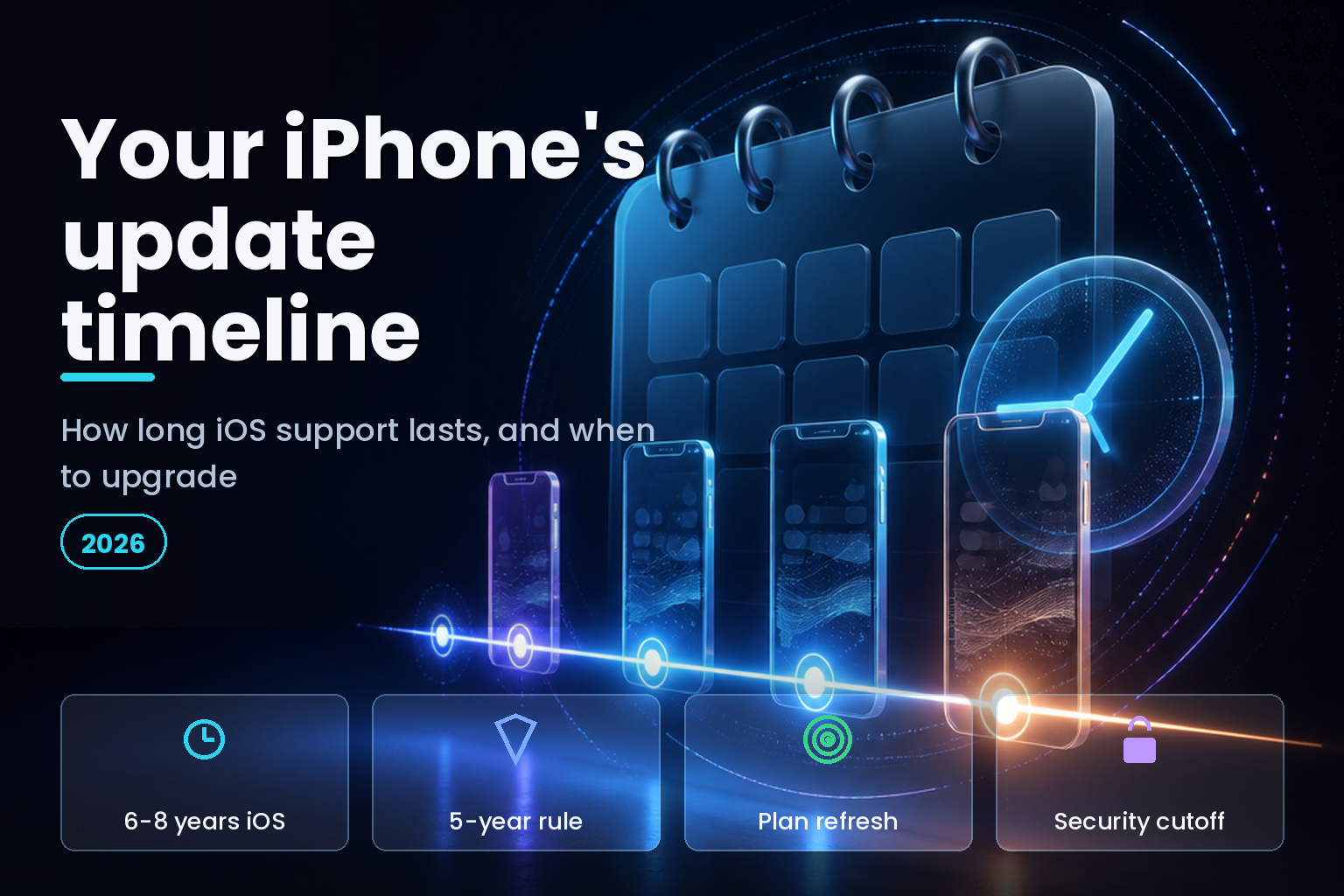
Summary. There is no iPhone 27, but the search behind that phrase points at a real question: how long will your iPhone keep getting software updates, and when should you upgrade? Apple gives most iPhones 6 to 8 years of major iOS updates and up to 8 years of security patches, the longest support in the industry. The current software, iOS 27, was announced at WWDC on 8 June 2026, ships around 14 September, and supports iPhone 11 through iPhone 17. The 2027 software will be iOS 28, and the iPhone 11 is expected to take its last major update there. Regulation now sets a floor too: from 20 June 2025 the European Union requires five years of operating-system and security updates, and Apple's UK compliance statement commits to a "minimum 5 years from the first supply date" for recent iPhones. For an IT buyer, that support window, not the model number, is what should drive a refresh, especially over a three-to-four-year lifecycle where a fleet of mid-range iPhones at $600 to $800 each is a real budget line. This guide sets out the iOS support timeline and how to plan around it. For why the iPhone 27 name itself does not exist, see our guide to the iPhone 27 question.
Buyers fixate on the model number. The number that actually decides when a phone becomes a liability is the date its security updates stop, and that date is knowable years in advance.
There is no iPhone 27, so what is the update date?
Apple's hardware does not use the calendar year, so the sequence runs iPhone 17 in 2025, iPhone 18 in 2026, and a jump to iPhone 20 in 2027 for the device's anniversary. There will be no iPhone 27. Apple's software, on the other hand, did move to year-based names: iOS 26 shipped in 2025, iOS 27 in 2026, and iOS 28 will follow in 2027. So the closest real thing to an "iPhone 27 update date" is the iOS release schedule and how long your specific iPhone stays on it.
That reframing is useful, because the software timeline is the one that affects you. A phone that no longer gets iOS updates still switches on, but it stops receiving new features and, more importantly, security fixes, which is the point at which it becomes a risk to keep using, especially for work.
How long an iPhone gets iOS updates
Apple's support is the longest in the smartphone market. Most iPhones receive between 6 and 8 years of major iOS updates from release, averaging around 7, followed by a tail of security-only patches. The reach can be remarkable: in May 2026 Apple still issued security updates for devices limited to iOS 15 and iOS 16, including the iPhone 7 and the original iPhone SE, meaning some 2015-era iPhones were patched 11 years after launch.
There are two phases to track. Major iOS updates bring new features and run for roughly six years, after which a device is capped at its last version. Security updates continue for a further two years or so on that capped version, fixing vulnerabilities without adding features. For planning, the security cutoff is the date that matters, because that is when the device stops being safe to hold sensitive data.
The regulatory floor: EU and UK update rules
For the first time, the law now backs a minimum. From 20 June 2025, European Union rules require manufacturers to provide operating-system and security updates for five years after a device's end of sale, alongside a new energy and repairability label. In the United Kingdom, Apple's compliance statement under the product-security regime documents a "minimum 5 years from the first supply date" of security updates for iPhones from the iPhone 15 onward.
Apple already exceeds these floors, so for iPhone buyers the rules confirm rather than change the picture. Their value is certainty: a recent iPhone now carries a written, minimum support commitment, which makes a multi-year refresh plan something you can document rather than guess. For a business buying devices in Europe or the UK, that minimum is a useful procurement baseline.
Which iPhones are supported through 2027
iOS 27, arriving in September 2026, supports the iPhone 11 and every model since, including the iPhone SE second and third generations, the iPhone 12 through iPhone 17 lines, the iPhone Air, and the iPhone 17e. Older devices have already fallen off: the iPhone XR, iPhone XS, and iPhone XS Max are capped at iOS 18 with security patches only, and cannot move to iOS 26 or 27.
Looking into 2027, the iPhone 11 and iPhone SE second generation are at the end of their major-update life, with the iPhone 11 expected to take its final feature update with iOS 28 and security patches continuing to roughly 2028. The iPhone 12 and iPhone 13 lines are expected to keep getting major updates to around 2027 or 2028 and security patches toward 2030. The newer the device, the longer the runway.
| Model range | Last major iOS (approx) | Security updates until |
|---|---|---|
| iPhone XR, XS, XS Max | iOS 18 (capped) | Around 2026 to 2027 |
| iPhone 11, SE 2nd gen | iOS 28, around 2027 | Around 2028 |
| iPhone 12 and 13 | Around 2027 to 2028 | Toward 2030 |
| iPhone 14 and 15 | Later, 5-year minimum guaranteed | 2030 and beyond |
| iPhone 16 and 17 | Longest runway | Well into the 2030s |
The software and hardware timeline, side by side
Part of the confusion is that iOS and iPhone numbers stopped matching in 2025. Laying them out makes the upgrade picture clearer.
| Year | iOS software | iPhone hardware |
|---|---|---|
| 2023 | iOS 17 | iPhone 15 |
| 2024 | iOS 18 | iPhone 16 |
| 2025 | iOS 26 | iPhone 17 |
| 2026 | iOS 27 | iPhone 18 |
| 2027 | iOS 28 | iPhone 20 |
The software jumped from iOS 18 to iOS 26 in 2025 to align with the year ahead, while the hardware stays on its own count and skips to iPhone 20 for the 2027 anniversary. Neither an iPhone 27 nor an iOS 27 phone exists; iOS 27 is simply the software your supported iPhone runs in 2026.
How to plan your refresh cycle
For an individual, the rule is simple: a current iPhone will serve for years, so buy for your needs, not the model number, and replace when security updates end or the battery and performance no longer keep up. For a business managing a fleet, the planning is where the money is.
Match the refresh cycle to the support window, not the marketing cycle. Most organisations run a three-to-four-year device lifecycle, which fits comfortably inside Apple's support window if you buy a reasonably current model, so a device bought in 2026 is safely supported through its working life. Plan the refresh to land one to two years before security updates end, never after, because a fleet running an unsupported OS is a compliance and security exposure. Buying slightly newer at the start buys you a longer safe runway.
The discipline pays off. Analysts expect that by 2028 around 70% of organisations will use a managed device-lifecycle service, up from under 35% in 2025, and organisations that run lifecycle management well typically save 20% to 40% on device costs while improving their security posture. The five stages are familiar: plan and procure, deploy, manage, support, and retire, with the retire stage timed to the security cutoff.
| Refresh decision | Rule of thumb | Why |
|---|---|---|
| How long to keep a device | Three to four years | Fits inside Apple's support window |
| When to refresh | One to two years before security ends | Avoid running an unsupported OS |
| Which model to buy | The most current you can justify | Longest support runway |
| New or refurbished | Check the remaining support window | A cheap phone near its cutoff is false economy |
| Managing a fleet | Use MDM and a lifecycle plan | Saves 20-40% and reduces risk |
What it means for India
In India's price-sensitive market, phones are held longer, often well past a Western refresh cycle, which makes the security-update window more important, not less. A device kept for six or seven years is fine while it is still patched, and a real risk the moment it is not, so the date to watch is the security cutoff in the table above, not the purchase date. For individuals, buying a slightly newer model, even refurbished, can add years of safe life for a modest premium.
For Indian businesses, the same lifecycle discipline applies, with a local sharpening from data protection. India's Digital Personal Data Protection rules expect reasonable security safeguards, and a fleet of phones running an operating system that no longer receives security patches is hard to call reasonable. Tying the device-retirement date to the end of security support, and managing the fleet with mobile device management, turns an open-ended risk into a planned, budgeted refresh. The naming confusion that sends people searching for an iPhone 27 is covered in our companion guide to the iPhone 27 question.
How to check your iPhone's update status
You do not have to guess where your phone sits. On the device, open Settings, then General, then Software Update, which shows the latest version your iPhone can run and whether an update is waiting. If the screen offers a new major version, your phone is still in its feature-update phase. If it only ever offers smaller security updates and never the latest iOS, your phone has been capped, and you are in the security-only tail that precedes end of support.
Turn on automatic updates in the same screen so security fixes install without waiting for you, because the gap between a patch shipping and a phone applying it is exactly the window attackers use. Apple also ships Rapid Security Responses, small out-of-band fixes for urgent vulnerabilities that install quickly between full updates, and leaving them enabled is the single easiest security habit for any iPhone owner.
To find how much runway a specific model has, check its release year against Apple's roughly six-years-of-features and eight-years-of-security pattern, or look it up on an independent tracker. A phone three years past release is comfortably mid-life; a phone six or more years past release is near or past its feature cap and approaching the security cutoff that should trigger a replacement plan.
For a fleet, do not check phones one by one. A mobile device management platform reports the iOS version of every enrolled device on one screen, flags those falling behind, and can enforce a minimum version, which turns the manual Settings check into an automatic inventory. That inventory is the foundation of a refresh plan, because you cannot retire devices on a schedule you cannot see, and it also answers the auditor who asks whether your fleet is patched.
The real cost of holding a device too long
Keeping a phone until it dies feels thrifty, and past a point it is the opposite. The first cost is security. Once updates stop, every new vulnerability found in that iOS version stays open on the device forever, and the phone becomes a soft target precisely because attackers know unsupported devices are not patched. For a phone holding email, banking, and work data, that is the cost that matters most.
The second cost is compatibility. App developers drop support for old iOS versions to use newer features, so a capped phone gradually loses access to app updates and then to apps entirely. Banking and payment apps are often among the first to require a recent iOS, which means an out-of-support phone can stop doing the everyday things its owner relies on, not in a dramatic failure but in a slow erosion.
The third cost is productivity and support. An old device runs slower, holds less battery, and generates more help-desk tickets, and for a business those soft costs quietly exceed the price of a timely replacement. This is why organisations that manage lifecycle well save money overall even while replacing devices sooner: the avoided support, security, and downtime costs outweigh the hardware.
The fourth cost is resale value, which falls fastest in the last year of support and collapses after it. A phone traded while still supported recovers real value; the same phone kept until it is unsupported is worth little. Timing the refresh to land before the security cutoff captures resale value that holding the device destroys. The phone that is cheapest to own is rarely the one kept longest, it is the one replaced on a schedule that matches how long the maker will keep it safe.
FAQ
How eCorpIT can help
eCorpIT is a CMMI Level 5 technology organisation in Gurugram whose senior engineering teams help businesses plan and manage their device fleets. We map each device to its iOS support window, build a refresh plan that retires phones before security updates end, set up mobile device management, and keep the fleet aligned with India's DPDP security expectations. You can read more about eCorpIT and its director Manu Shukla. To plan a device refresh or fleet rollout, contact our team.
References
_Last updated: 21 June 2026._