On this page · 10 sections
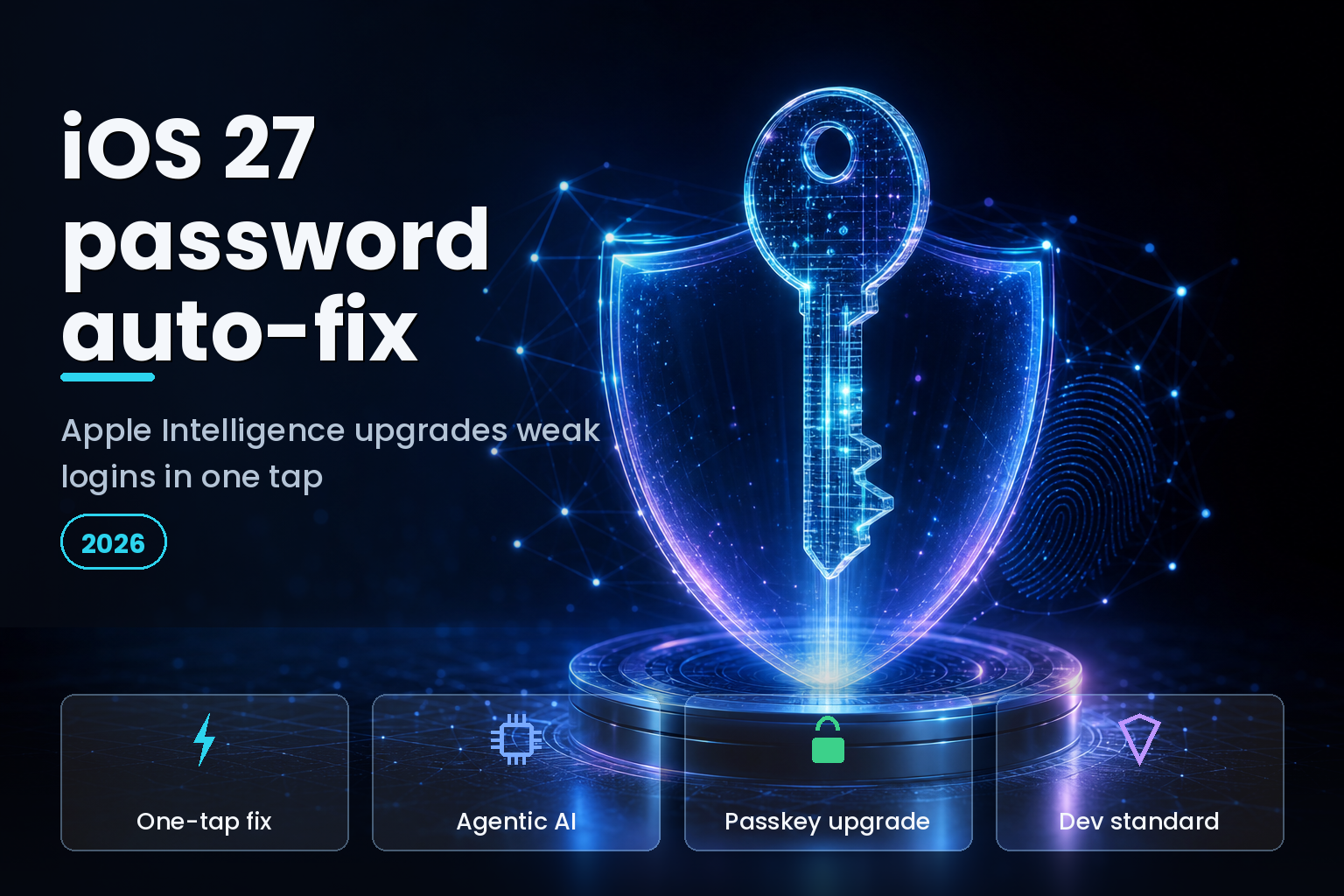
Summary. iOS 27, which Apple unveiled on June 8, 2026 and ships this fall, gives the Passwords app the ability to fix weak, reused, and breached passwords on its own. When a security audit flags an account, Apple Intelligence and Safari act agentically in the background: they open the site, sign in, navigate to the change-password page, generate a strong password or a passkey, and save it, in a single tap. This upgrades what iOS 26 already did, which was flag breached passwords but leave every fix as manual work. The change lands against a clear backdrop: the FIDO Alliance reported about 5 billion passkeys in use worldwide on World Passkey Day 2026, with 90% of people aware of passkeys and 68% of organisations deploying them for staff, yet under 30% using them as the primary workforce sign-in. The feature runs on Apple Intelligence, so it needs an iPhone 15 Pro, an iPhone 16, or later; the cheapest of those is the iPhone 16e at ₹59,900. For developers and security leads, the practical questions are how the agent works and what you must ship so your site cooperates with it.
This is a developer and enterprise-security breakdown, not a consumer tip. For whether iOS 27 has shipped yet, see our iOS 27 status tracker; for the wider AI-in-the-enterprise view, see our generative AI enterprise strategy guide.
What iOS 27 Passwords auto-upgrade actually does
The headline is that Apple has turned a password checker into a password fixer. The existing Passwords app already flags credentials known to appear in data breaches, but it still requires users to update each affected account by hand, and it offers no way to change several compromised credentials at once. iOS 27 removes that friction by letting the app act as an autonomous security agent, one that can work through a list of flagged accounts rather than leaving each as a chore.
| Capability | iOS 26 Passwords | iOS 27 Passwords |
|---|---|---|
| Flag breached or weak passwords | Yes | Yes |
| Change a weak password | Manual, one account at a time | One tap, automated |
| Change many accounts at once | No | Yes |
| Manage the site to update | Manual | Apple Intelligence and Safari agent |
| Upgrade an account to a passkey | Manual, where offered | Automated in the same flow |
The reason this matters for security teams is that the slow part of password hygiene was never detection, it was remediation. Detection has existed for years; getting users to actually change dozens of flagged passwords did not happen. An agent that completes the change is aimed squarely at that gap.
How the agentic upgrade works, step by step
The mechanism is more conventional than "agentic AI" makes it sound, which is good news for anyone who has to support it. When the audit flags an account, iOS 27 uses Apple Intelligence together with Safari to open the site, sign in with the stored credential, find the change-password page, submit a newly generated strong password, and save the result back to Passwords. Where the account supports it, the same flow can enrol a passkey instead, stored with Face ID or Touch ID for future sign-ins.
The part developers control is discovery and form-filling, and it rests on a standard that predates the feature by years. Safari has supported a well-known URL for changing passwords since 2019: a site publishes /.well-known/change-password, which redirects to its real change-password page, and a password manager can then send the user, or now the agent, straight there. The form itself is read through autofill hints, autocomplete="current-password" on the existing-password field and autocomplete="new-password" on the replacement, which is how Passwords knows where to type and where to drop a generated credential. If a site follows these conventions, the agent can drive the update; if it does not, the flow falls back to manual.
What developers must do to support it
Supporting the auto-upgrade is mostly about implementing standards you may already know, correctly and completely. The work is small, and it doubles as good hygiene for every password manager, not just Apple's.
| To support iOS 27 auto-upgrade | What to implement | Why it matters |
|---|---|---|
| Change-password URL | Serve /.well-known/change-password redirecting to your real page |
Lets the agent locate your change-password flow |
| Field hints | Add autocomplete="current-password" and autocomplete="new-password" |
Lets Passwords fill and generate the right values |
| Correct 404s | Return 404 for the well-known path when you do not support it | Signals no endpoint and avoids wrong guesses |
| Passkey support | Implement WebAuthn and offer a passkey upgrade | Lets the flow move accounts off passwords entirely |
| Standard flows | Keep sign-in and update forms conventional | Non-standard or scripted flows drop to manual |
The strategic point for a product team is that the accounts most exposed to breach are often on the oldest, least standard portals, which are exactly the ones the agent cannot drive. Modernising those change-password flows is now not just tidiness; it decides whether your users can fix their credentials in one tap or not at all.
The enterprise security picture
The feature arrives while enterprises are mid-migration off passwords, and the numbers show how uneven that is. On World Passkey Day 2026, the FIDO Alliance, drawing on Sapio Research studies of 11,000 consumers and 1,400 workforce decision-makers across ten countries, reported real momentum and a real gap.
| Passkey metric, 2026 | Figure | Source |
|---|---|---|
| Passkeys in use worldwide | About 5 billion | FIDO Alliance |
| People aware of passkeys | 90% | FIDO Alliance |
| People with a passkey on at least one account | 75% | FIDO Alliance |
| Organisations deploying passkeys for staff | 68% | FIDO Alliance |
| Organisations using passkeys as the primary workforce sign-in | Under 30% | FIDO Alliance |
Andrew Shikiar, executive director and CEO of the FIDO Alliance, framed the shift this way: "Passkeys are moving into the mainstream because they deliver something the industry has struggled to achieve for decades: authentication that is both more secure and easier to use." iOS 27's auto-upgrade pushes in the same direction by making the passkey path a one-tap step inside a flow users already trust for passwords. For a security lead, that is the opportunity: the feature can nudge a workforce or a customer base toward passkeys without a separate migration project. The caution is equal in size, because you are handing an automated agent the ability to sign in to and modify accounts, so it belongs in a controlled rollout, tested against your own portals, before it touches anything that matters.
Limits and trust considerations
Two limits deserve emphasis. First, coverage: the automatic fix works only where sites implement the standard change-password and autofill conventions, so older portals, smaller forums, and bespoke enterprise apps may still require manual updates. In a large organisation with legacy systems, that can mean the highest-risk accounts are the ones the agent cannot touch. Second, trust: some users and analysts have questioned whether they want software signing in and changing credentials on their behalf, and that hesitation is reasonable. The mitigations are that the change runs from the user's own device with their confirmation, and that credentials stay in the Passwords app rather than a third-party service. For an enterprise, the sensible posture is to pilot the feature, document which of your systems it can and cannot drive, and set device-management policy accordingly rather than assuming universal coverage.
India-specific considerations
For Indian businesses and their security teams, the same feature carries local weight. Credential theft is a leading cause of account compromise, and India's Digital Personal Data Protection Act 2023 raises the stakes on protecting user accounts, so a tool that helps users move to strong passwords and passkeys supports the direction DPDP pushes, provided your own change-password and authentication flows follow the standard. There is a device-cost dimension too: because the agent needs Apple Intelligence, it is limited to an iPhone 15 Pro, an iPhone 16, or later, with the iPhone 16e at ₹59,900 as the entry point, so in a mixed fleet only some devices will run it. Plan for a split where newer iPhones automate credential upgrades while older devices and non-standard internal portals still need a manual process.
A rollout checklist for security teams
Because the feature acts on live accounts, it is worth treating its arrival as a small project rather than a switch you flip. Start on your own web properties. Confirm that every customer-facing sign-in has a /.well-known/change-password URL that resolves to a working change-password page, and that the current-password and new-password fields carry the right autocomplete hints; without those, your users cannot use the one-tap fix on your service even if their iPhone supports it. Where you already run WebAuthn, make sure a passkey upgrade is offered in the same flow, so the agent can move accounts off passwords rather than just rotating them.
Then look inward at your workforce. Inventory which internal portals follow the standard and which do not, because the ones that do not, often the oldest and highest-risk systems, will not be reachable by the agent and still need a manual process. Decide device policy: the feature needs Apple Intelligence, so only an iPhone 15 Pro, iPhone 16, or later can run it, and a mixed fleet will behave inconsistently until you account for that. Finally, pilot with a small group before any broad guidance, watch how the agent behaves against your specific portals, and write the results into your credential-hygiene playbook. The payoff is real, remediation that used to stall now completes in a tap, but the way to earn that payoff safely is a controlled rollout, not blanket trust in an automated agent from day one.
FAQ
How eCorpIT can help
eCorpIT is a CMMI Level 5 technology company founded in 2021 in Gurugram, and our senior engineering teams help product and security teams get ready for the iOS 27 Passwords agent. We implement the well-known change-password standard, add passkey and WebAuthn support to sign-in flows, and design credential handling to meet India's DPDP Act requirements. To review your sign-in and password-update flows, contact our team.
References
- 9to5Mac, "iOS 27's Passwords app can change your passwords for you, automatically," June 8, 2026: 9to5mac.com
- The Register, "Apple's iOS 27 goes all agentic on compromised passwords," June 9, 2026: theregister.com
- MacObserver, "How to Auto-Fix Weak Passwords in iOS 27": macobserver.com
- TechRadar, "New iOS 27 Passwords app can automatically change your passwords for you": techradar.com
- web.dev, "Help users change passwords easily by adding a well-known URL for changing passwords": web.dev
- Apple Developer, "Password AutoFill": developer.apple.com
- FIDO Alliance, "Five Billion Passkeys: FIDO Alliance Reports Mainstream Global Usage on World Passkey Day 2026," May 7, 2026: fidoalliance.org
- Business Wire, "FIDO Alliance Reports Accelerating Global Passkey Adoption on World Passkey Day 2026": businesswire.com
- Biometric Update, "Passkeys now pervasive but passwords persist in enterprise authentication," May 2026: biometricupdate.com
- Apple Newsroom, "WWDC26: Apple unveils next generation of Apple Intelligence, Siri AI, and more," June 8, 2026: apple.com
- Croma Unboxed, "Apple iPhone 16e price in India revealed": croma.com
_Last updated: July 1, 2026._