On this page · 10 sections
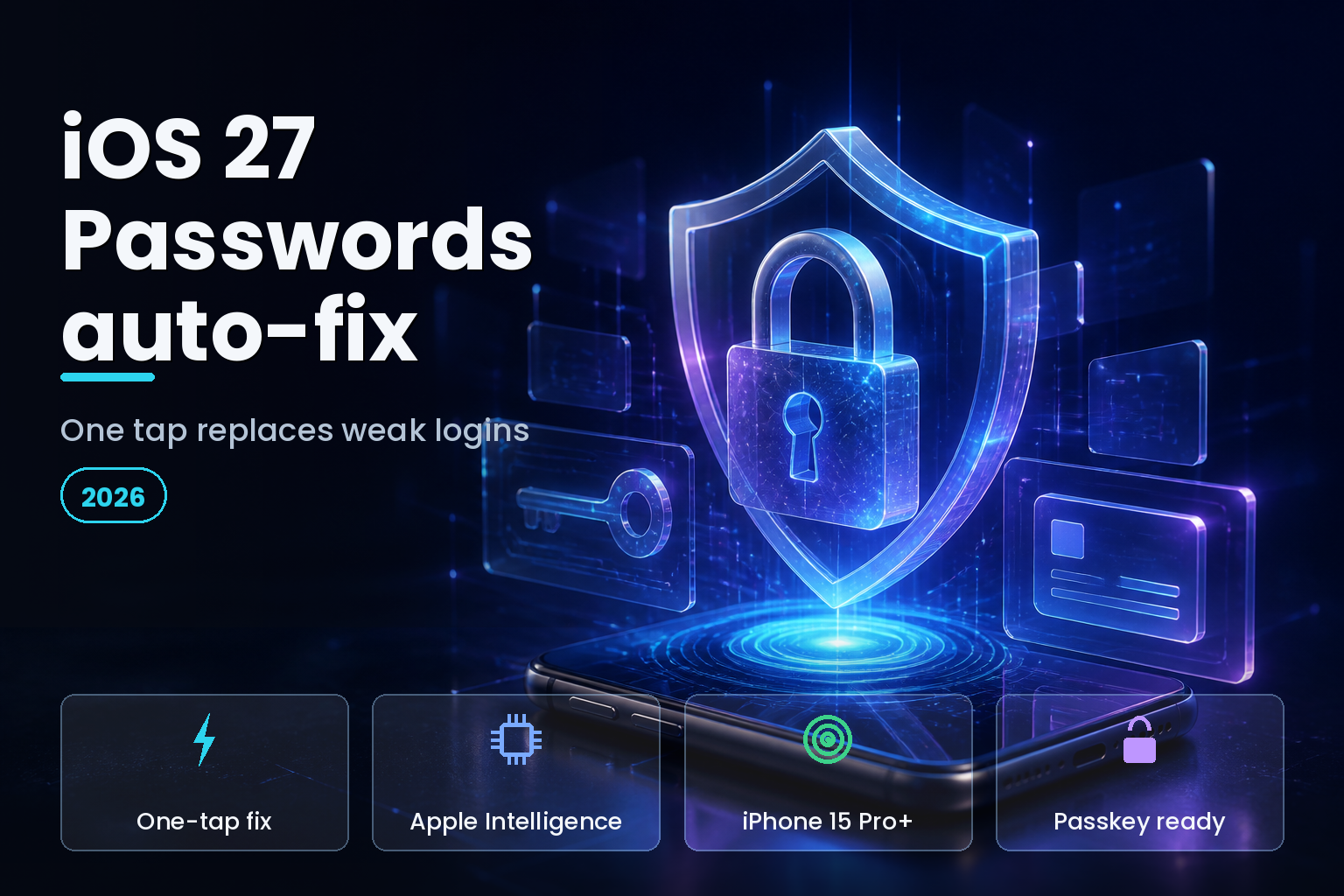
Summary. iOS 27 turns Apple's Passwords app into something closer to an agent. When it flags a weak, reused, or breached login, a single tap lets Apple Intelligence and Safari open the site, sign in with your existing credentials, walk through the change-password flow, and save a strong new password, without you opening a browser, according to 9to5Mac. Apple showed it at WWDC 2026 on June 8, 2026, and it ships this fall as part of Apple Intelligence, so it needs an iPhone 15 Pro or later. The mechanism rests on a real web standard, the W3C well-known URL for changing passwords, which is also its main limit: it works only where a site implements the standard. For businesses the stakes are concrete. Under India's Digital Personal Data Protection Act, a breach caused by weak safeguards can draw penalties up to Rs 250 crore, about $30 million, per KSandK. This guide explains how the feature works, where it fails, and what IT admins should plan.
What the Passwords auto-fix actually does
The Passwords app already scanned your saved logins and flagged the ones that were weak, reused, or found in known data-breach lists. That detection has existed since the Passwords app arrived in iOS 18, per Apple Support. What iOS 27 adds is the fix, not just the warning.
You open Passwords, see the accounts flagged as weak or compromised, and approve the fix. From there, Apple Intelligence and Safari work through the list in the background, and iOS 27 shows a Live Activity so you can follow the progress, according to The Register. You do not choose the replacement password; Apple generates a strong one and saves it to iCloud Keychain. The table below breaks the flow into steps.
| Step | What happens | Your part |
|---|---|---|
| 1. Detect | Passwords flags weak, reused, or breached logins | Open the app |
| 2. Approve | You tap the suggested fix | One tap |
| 3. Navigate | Safari opens the site and signs in | Nothing |
| 4. Change | The change-password flow runs; a strong password is generated | Nothing |
| 5. Save | The new password is saved to iCloud Keychain | Nothing |
How it works under the hood
The automation is not Apple guessing where each site hides its password settings. It leans on a published standard, A Well-Known URL for Changing Passwords from the W3C, which lets a site advertise a fixed address, /.well-known/change-password, that points to its password-update page. Password managers can follow that URL directly instead of hunting through account menus.
That design is why the feature can be reliable on well-built sites and useless on others. As TechRadar notes, the auto-fix works where websites implement the standard protocols that let password managers detect and manage the update flow. Well-maintained services with proper Safari integration should work; older portals, smaller forums, and sites with non-standard account flows may still need manual handling. The feature is only as good as the site on the other end.
What you need to use it
Two requirements matter. First, the software: the auto-fix ships with iOS 27 this fall, as part of the broader Apple Intelligence update, per Dignited. Second, the hardware: because the agentic step runs through Apple Intelligence, it needs an iPhone 15 Pro or later, the same tier required for Apple Intelligence generally, per Tom's Guide. We covered that hardware split in our Apple Intelligence in India guide.
The underlying compromised-password detection is not new and does not need Apple Intelligence, so any iOS 27 device still gets the warnings and can change passwords manually. What newer hardware unlocks is the one-tap, hands-off change.
Where it works and where it does not
Set expectations by site, not by feature. The table below sketches where the auto-fix should succeed and where you will likely still do the work yourself.
| Scenario | Auto-fix likely? |
|---|---|
| Major service with /.well-known/change-password | Yes |
| Well-maintained site with standard Safari sign-in | Usually |
| Account protected by SMS or app-based two-factor | Uncertain; may need input |
| Older portal or small forum, non-standard flow | Often manual |
| Site with no advertised change-password URL | Manual |
Two-factor authentication is the honest open question. As Pocket-lint and other early coverage point out, it is not yet clear how smoothly the agent handles accounts where a one-time code or app approval is part of the change flow. In those cases, expect the process to pause for you.
The security questions worth asking
A feature that signs in and changes credentials on your behalf deserves scrutiny, and the security-minded reaction is reasonable. Three questions stand out from early coverage. First, trust: you are letting an AI agent act on a third-party site, and in the material shown so far you do not pick the new password, which some users dislike, per Pocket-lint. Second, coverage: it is unclear how many sites will support the standard at launch, so real-world success rates are untested. Third, multi-factor handling: agentic navigation through varied MFA flows is exactly where automation tends to break.
None of this makes the feature a bad idea. Replacing a reused password with a strong, unique one is a clear security win, and Apple frames it as a defence against credential-based fraud, per Gotechtor. The balanced read is that auto-fix is a strong convenience for well-supported sites, and that for high-value accounts you may still prefer to change passwords yourself and confirm the result.
Passwords versus passkeys: the better endgame
Auto-fixing a password is a patch on a model that is fading. Passkeys replace passwords with a device-bound credential that is uniquely generated per account and resistant to phishing, per Apple Support. Where a site offers a passkey, upgrading to it is a stronger move than rotating to another password, because there is no shared secret to steal or reuse.
| Attribute | Strong password | Passkey |
|---|---|---|
| Phishing resistance | Limited | High |
| Reuse risk | Possible | None (unique per site) |
| Stored secret to breach | Yes | No shared secret |
| Works offline of the site | Yes | Yes, device-bound |
| Setup friction | Low | Low on supported sites |
Treat auto-fix as the tool for the long tail of password-only sites, and passkeys as the target wherever a service supports them.
For IT admins: what to plan
For a managed fleet, the auto-fix is useful but not a policy on its own. Weak and reused credentials are a top breach vector, and the stakes are real: under India's DPDP Act, a breach from inadequate safeguards can draw penalties up to Rs 250 crore, about $30 million, per dpdpa.com. Encourage users on Apple Intelligence-capable devices to clear their flagged passwords, but pair it with the durable move, pushing phishing-resistant passkeys for corporate services you control.
Plan the rollout with the same rigour as the rest of iOS 27. Confirm your critical internal sites expose a standard change-password URL so the auto-fix can work, and decide how it interacts with your single sign-on and MFA. We set that in the wider context in our iOS 27 enterprise readiness checklist, and you can track the release timing on our iOS 27 countdown.
FAQ
How eCorpIT can help
eCorpIT is a Gurugram-based technology consulting organisation with senior-led engineering teams that help security-conscious teams and IT admins get the most from iOS 27. We assess whether your web properties expose a standard change-password URL so the Passwords auto-fix can work, plan passkey adoption for the services you control, and design authentication flows aligned with the DPDP Act and equivalent requirements rather than claiming blanket compliance. To harden your login experience for iOS 27, contact us or explore our mobile app development services.
References
- 9to5Mac, iOS 27's Passwords app can change your passwords for you, automatically (8 June 2026).
- The Register, Apple's iOS 27 goes all agentic on compromised passwords (9 June 2026).
- TechRadar, New iOS 27 Passwords app can automatically change your passwords for you (2026).
- Dignited, iOS 27's Passwords app can fix your weak passwords by itself (2026).
- Pocket-lint, I'm not sure I trust Apple enough to use this new iOS 27 feature (2026).
- Gotechtor, Apple's Passwords app automatically fixes weak passwords with AI (2026).
- W3C, A Well-Known URL for Changing Passwords (specification).
- Apple Support, Use the Passwords app to create, manage, and share passwords and passkeys (2026).
- Apple Support, Find saved passwords and passkeys on your iPhone (2026).
- Tom's Guide, iOS 27 supported devices (2026).
- KSandK, Penalties and adjudication under India's DPDP Act, 2023 (2023).
- dpdpa.com, DPDPA penalties explained: Rs 50 crore to Rs 250 crore fines (2024).
_Last updated: 2 July 2026._