On this page · 13 sections
- When will iPadOS 27 be released?
- The full iPadOS 27 timeline
- Which iPads support iPadOS 27?
- Which iPads will not get iPadOS 27?
- What is new in iPadOS 27?
- Apple Intelligence, and the EU caveat
- Should you install the iPadOS 27 beta?
- What it means for India
- How to get iPadOS 27 on your iPad
- A note for IT teams and schools
- FAQ
- How eCorpIT can help
- References
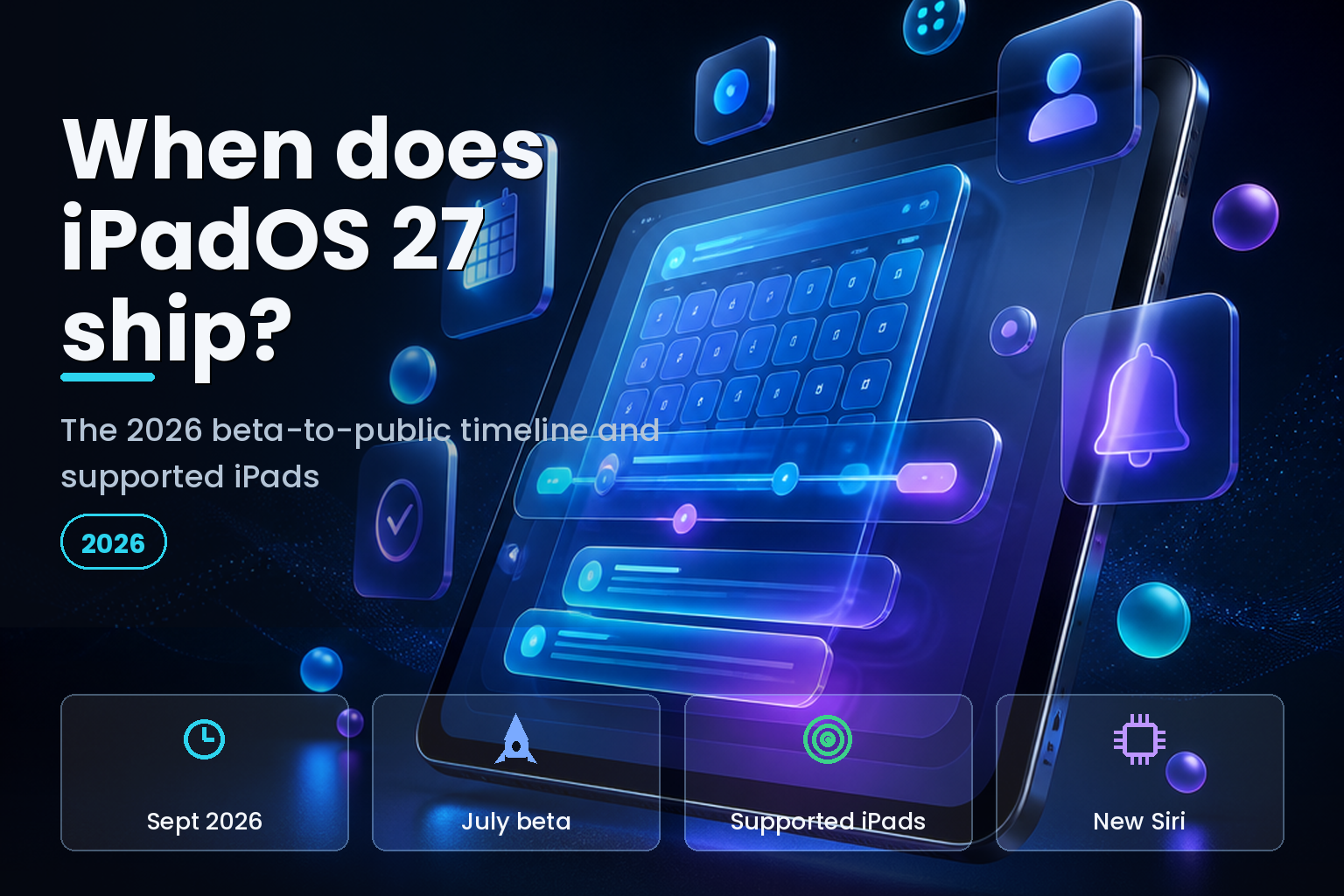
Summary. iPadOS 27 was announced at Apple's WWDC on 8 June 2026 and is expected to be released to everyone around 14 September 2026, rolling out by time zone from 10:00 a.m. Pacific. The developer beta is available now, the free public beta arrives in July, and the update ships alongside iOS 27. iPadOS 27 supports the iPad mini 6th generation and later, the iPad 9th generation and later, the iPad Air 4th generation and later, and recent iPad Pro models, while dropping the iPad 8th generation, the iPad mini 5th generation, and the iPad Air 3rd generation. The headline additions are an all-new Siri rebuilt on Apple Intelligence, a fluid new multitasking engine, a Liquid Glass redesign with an accessibility slider, and a parental-controls overhaul. Apple Intelligence needs an A17 Pro or M1 chip or newer, and Siri AI will not ship on iPadOS 27 in the European Union because of the Digital Markets Act. You can access the beta now through the $99-a-year Apple Developer Program, but most people should wait for the September release. This guide answers the common questions in order.
Dates can shift before launch, so treat the September date as an estimate based on Apple's long-standing pattern until the company confirms it. The beta and supported-device details below are confirmed from Apple's WWDC announcement and developer materials.
When will iPadOS 27 be released?
iPadOS 27 is expected to reach the public around 14 September 2026. Apple has not named an exact date, but it has released the last several iPadOS versions in the second week of September, the Monday after its annual iPhone event, and the update goes live by time zone starting at 10:00 a.m. Pacific. iPadOS 27 ships at the same time as iOS 27, so the two arrive together, mirroring our guide to the iOS 27 release timeline.
If you are an IT admin or a buyer planning around it, treat mid-September as the working date for the stable release and July as the date a wider, lower-risk public beta becomes available for evaluation.
The full iPadOS 27 timeline
The path from announcement to public release runs over roughly three months, in the same rhythm Apple uses every year.
| Milestone | Expected date |
|---|---|
| WWDC announcement and developer beta 1 | 8 June 2026 |
| Developer beta 2 | Late June 2026 |
| Public beta | July 2026 |
| Release candidate | Early September 2026 |
| Public release | Around 14 September 2026 |
The developer beta has been available since the WWDC keynote on 8 June. The free public beta, which anyone can install through the Apple Beta Software Program, arrives in July, roughly four to six weeks later and after the early developer builds have stabilised. The release candidate, the near-final build, usually appears in the week before launch.
Which iPads support iPadOS 27?
iPadOS 27 runs on the iPad mini 6th generation and later, the iPad 9th generation and later, the iPad Air 4th generation and later, the 11-inch iPad Pro 2nd generation and later, and the 12.9-inch iPad Pro 4th generation and later. If your iPad is from roughly 2021 or newer, it is very likely supported.
| iPad line | Supported from | Apple Intelligence |
|---|---|---|
| iPad mini | 6th generation (A15) and later | From the A17 Pro model |
| iPad | 9th generation and later | Not on older base models |
| iPad Air | 4th generation and later | From the M1, 5th generation |
| iPad Pro 11-inch | 2nd generation and later | From the M1 models |
| iPad Pro 12.9-inch | 4th generation and later | From the M1 models |
Which iPads will not get iPadOS 27?
Several older models are left on iPadOS 26 as their final major version, after which they receive security updates only for a couple of years. If your iPad is on this list, it still works and stays patched for a while, but it will not gain the iPadOS 27 features.
| Device dropped | Last major version |
|---|---|
| iPad mini 5th generation | iPadOS 26 |
| iPad 8th generation | iPadOS 26 |
| iPad Air 3rd generation | iPadOS 26 |
| iPad Pro 11-inch 1st generation | iPadOS 26 |
| iPad Pro 12.9-inch 3rd generation | iPadOS 26 |
What is new in iPadOS 27?
The update is built around four changes. The first is the all-new Siri, rebuilt on Apple Intelligence, with personal context, the ability to see what is on screen, deeper action across apps, and for the first time a standalone Siri app that works like a chatbot. The second is multitasking: Apple showed a fluid new engine that lets you drag, drop, split, and layer apps more smoothly than the older Stage Manager allowed, which is the change long-time iPad power users have asked for.
The third is the Liquid Glass design, refined from iPadOS 26 and now with an accessibility slider that lets you choose how translucent or tinted the interface is, a useful answer to readability complaints. The fourth is a parental-controls overhaul, including a new Time Allowance system for setting app-category limits and schedules. Alongside these, Apple claims general speed gains, with new photos appearing about 70% faster and AirDrop transfers about 80% faster.
Apple Intelligence, and the EU caveat
Not every supported iPad gets every feature. Apple Intelligence, which powers the new Siri and the writing and image tools, requires at least an A17 Pro or M1 chip, so it runs on the iPad mini with A17 Pro, the iPad Air from the 5th generation, the iPad Pro from the M1 models, and newer. An older supported iPad will run iPadOS 27 but without the Apple Intelligence features.
There is also a regional limit. In the European Union, Siri AI will not ship on iPadOS 27 at launch, blocked by the Digital Markets Act, with no timeline for arrival. "We do not currently have a timeline for Siri AI's availability on iOS and iPadOS in the EU," said Craig Federighi, Apple's senior vice president of Software Engineering. EU iPad users still get the rest of iPadOS 27; they simply do not get the new Siri, a situation we cover in depth in our guide to Siri AI and the EU block.
Should you install the iPadOS 27 beta?
For most people, no, not on a primary iPad. Beta software can be unstable, can reduce battery life, can break apps you rely on, and is difficult to downgrade cleanly, so installing it on the iPad you depend on is a real risk. If you only have one iPad and use it for work or study, wait for the public release in September.
If you want to try it safely, use a spare iPad, and prefer the July public beta over the earlier developer builds, because it is more stable and free to install through the Apple Beta Software Program. For an IT team, the beta period is for testing your apps and management profiles on a small set of devices, not for deploying to the fleet, which should wait until the stable release and your own validation. Back up before you install anything, every time.
What it means for India
For iPad users and buyers in India, the practical points are simple. The supported-device list is the same worldwide, so an iPad bought in India from roughly 2021 onward will run iPadOS 27, and unlike in the European Union, Apple Intelligence and the new Siri are expected to be available, subject to the device having an A17 Pro or M1 chip. In a market where devices are often held longer, the more important detail is that an older iPad dropped at iPadOS 26 still receives security patches for a couple of years, so it remains safe to use in the near term while you plan a replacement.
For schools and businesses rolling out iPads, the timeline matters for planning: evaluate the July public beta against your apps, then schedule the stable update after the September release once you have validated it, and align device purchases to models that support both iPadOS 27 and Apple Intelligence if those features matter to your users. The same lifecycle discipline that applies to any Apple fleet applies here.
How to get iPadOS 27 on your iPad
There are two ways onto iPadOS 27, and they suit different people. To try the beta, the safer route is the free public beta arriving in July. Enroll your Apple Account at the Apple Beta Software Program site, then open Settings, tap General, tap Software Update, tap Beta Updates, and choose iPadOS 27 Public Beta; the update then appears like any other. The developer beta, available now, needs an Apple Developer Program membership and is less stable, so most people should wait for the public build.
Before you install anything, confirm your iPad is supported, in Settings under General and About, where the model name tells you which generation you have. An iPad from around 2021 or later is almost certainly supported; an older one may be on the dropped list above, in which case there is no iPadOS 27 to install and the sensible move is to plan a replacement rather than chase the update.
To get the final version on release day, you do not need to do anything special. When iPadOS 27 ships around mid-September, open Settings, General, Software Update, and it is offered as a free update; turning on automatic updates installs it overnight without prompting. Make sure your iPad has enough free storage and a charge or power, because a major update is large and takes time.
Before any install, beta or final, back up first, using iCloud Backup in Settings or a computer, because a bad update or a beta problem is far less painful when you can restore. Going back is the catch with betas. Downgrading from a beta to the current stable iPadOS usually means erasing the iPad and restoring from a backup made before you installed the beta, and a backup made on the beta cannot always be restored to the older version. That asymmetry is the single biggest reason not to put a beta on the iPad you depend on.
A note for IT teams and schools
For an organisation managing iPads, iPadOS 27 is a project, not a tap. The first job is the inventory: confirm which devices in your fleet are on the supported list and which are dropped at iPadOS 26, because the dropped devices now have a known end-of-support horizon that belongs in your refresh plan. A mobile device management platform reports the iPadOS version of every enrolled device on one screen, which is where this starts.
Use the beta period to test, not to deploy. Install the July public beta on a small, representative set of spare devices, run your critical apps and your management profiles against it, and log anything that breaks while there is still time for vendors and Apple to fix it before September. Do not push a beta to managed production iPads; the instability and downgrade difficulty that make betas risky for individuals are worse across a fleet.
Control the timing of the stable update too. Most MDM platforms let you defer iPadOS updates for a set period after release, so you can hold the fleet on iPadOS 26 until you have validated iPadOS 27, then enable it in a staged rollout, a pilot group first, then the rest. Supervised devices give the most control, including enforcing a minimum version once you are ready.
Two feature variances matter for mixed fleets. Apple Intelligence and the new Siri only run on iPads with an A17 Pro or M1 chip, so a fleet of older models gains iPadOS 27 but not those features. And in the European Union, Siri AI will not ship on iPadOS 27 at all, so a multinational deployment cannot assume the same feature set everywhere. Plan the rollout, the training, and the user communication around those differences rather than discovering them after launch.
FAQ
How eCorpIT can help
eCorpIT is a CMMI Level 5 technology organisation in Gurugram whose senior engineering teams help businesses test and roll out Apple software updates across their fleets. We validate client apps against the iPadOS 27 betas, plan a safe rollout after the public release, handle the Apple Intelligence and EU feature differences, and set up device management so an update never surprises your users. You can read more about eCorpIT and its director Manu Shukla. To plan an iPadOS 27 rollout, contact our team.
References
_Last updated: 21 June 2026._