On this page · 13 sections
- The iOS 27 beta-to-launch timeline
- Step 1: Enrol in AppleSeed for IT through Apple Business Manager
- Step 2: Build a representative device ring, including the new Apple Intelligence tiers
- Step 3: Migrate MDM to declarative management before you upgrade
- Step 4: Re-platform network configs and Apple Intelligence restrictions to declarative
- Step 5: Verify transport security and identity for all management services
- Step 6: Rebuild and regression-test apps on Xcode 26 and the iOS 26 SDK
- Step 7: File feedback and stage the production rollout by ring
- The 7 steps at a glance
- India-specific considerations
- How eCorpIT can help
- FAQ
- References
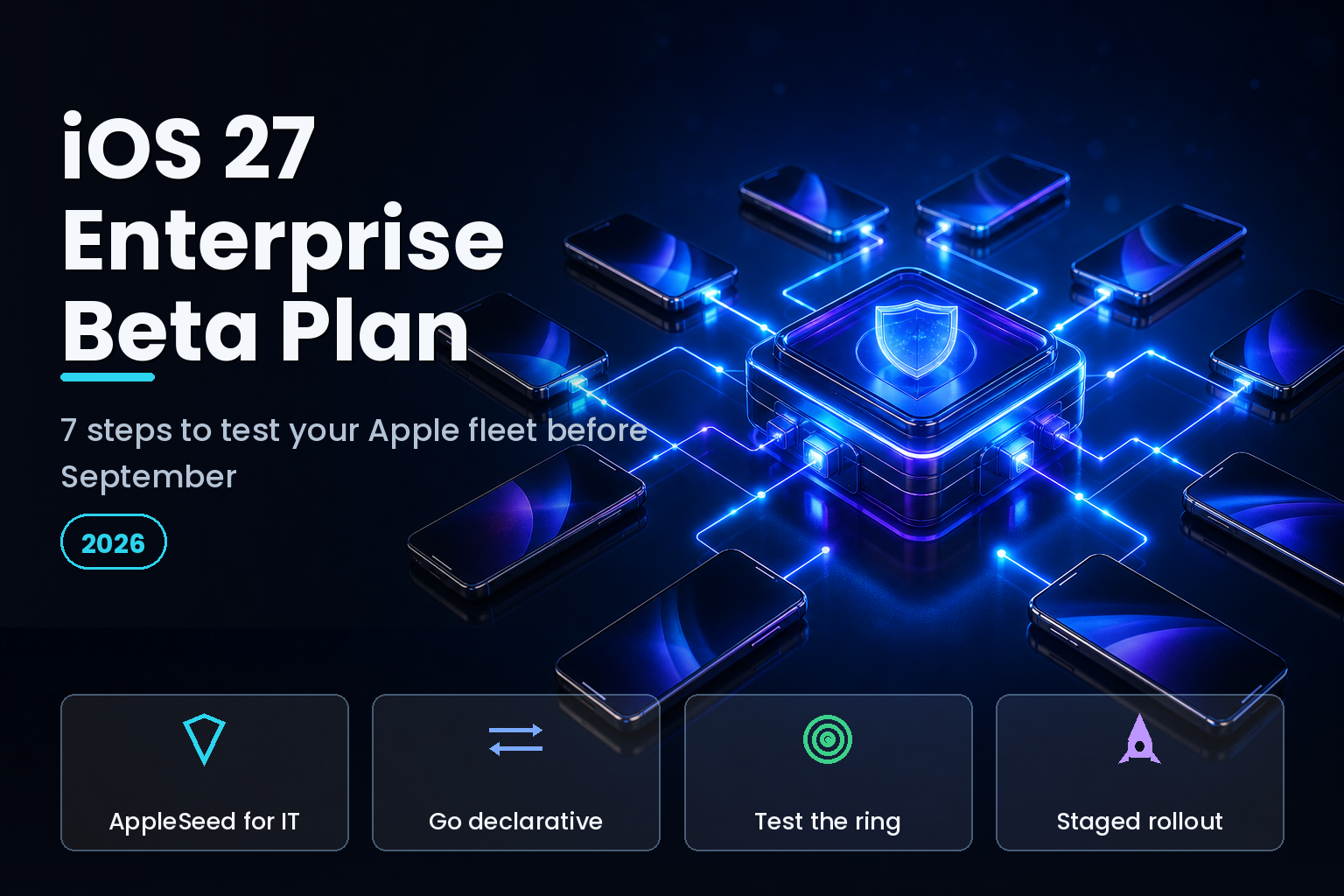
Summary. Apple confirmed the iOS 27 public beta for July 2026, after unveiling the release at WWDC on 8 June 2026 and shipping developer beta 2 on 22 June. The general release is expected around 14 September 2026, and iOS 27 runs on every iPhone that supports iOS 26, from the iPhone 11 up. For IT teams, the headline is not a feature. On all OS 27 releases, legacy software update management stops working, so any MDM that still relies on it loses update enforcement the moment a device upgrades. iOS 27 also requires TLS 1.2 or higher for all device management services, adds 7 new declarative configurations for the network stack, and follows the 28 April 2026 rule that every App Store upload must be built with the iOS 26 SDK and Xcode 26. This 7-step plan gets an enterprise Apple fleet tested before the September launch, using AppleSeed for IT rather than the consumer public beta.
Testing a beta on managed devices is a different job from installing it on a personal iPhone. The right entry point is AppleSeed for IT, Apple's program for organisations that test each prerelease build and file feedback directly to Apple engineering. It is enrolled through Apple Business Manager, and it lets you offer beta software to supervised devices without personal Apple Accounts. According to Apple's Platform Deployment guide, a device management service can enrol devices in the beta during Setup Assistant with Automated Device Enrollment, or remotely on supervised devices running iOS 18 or later. Start there, not at beta.apple.com's consumer sign-up.
eCorpIT builds and manages iOS apps and Apple device fleets for enterprises, and the plan below is the order our teams follow when a major iOS version enters beta. It runs from enrolment through a staged production rollout.
The iOS 27 beta-to-launch timeline
| Milestone | Date | Enterprise action |
|---|---|---|
| WWDC unveiling | 8 June 2026 | Read the deployment release notes |
| Developer beta 2 | 22 June 2026 | Rebuild in-house apps on Xcode 26 |
| Public beta | July 2026 | Enrol test ring via AppleSeed for IT |
| Release candidate | Early September 2026 | Final regression pass, freeze changes |
| General release | ~14 September 2026 | Staged fleet rollout by ring |
Step 1: Enrol in AppleSeed for IT through Apple Business Manager
Do not test on the consumer public beta. An administrator in Apple Business Manager signs in to the AppleSeed for IT portal at beta.apple.com/for-it and accepts the terms on behalf of the organisation for the current beta period. Your MDM can then request beta enrolment tokens and push the beta to selected supervised devices, so testers never need a personal Apple Account. Give participating testers a Managed Apple Account if you want their feedback to reach Apple directly, as Apple's AppleSeed for IT documentation describes. This keeps beta software inside your management framework instead of on unmanaged personal profiles.
Step 2: Build a representative device ring, including the new Apple Intelligence tiers
Your test ring should mirror the hardware actually in the field, and in 2026 that hardware splits along a new line. Most iOS 27 Apple Intelligence features still run on the iPhone 15 Pro and later with 8GB of memory. The most capable on-device model, though, now needs 12GB of unified memory, which as of June 2026 means only the iPhone 17 Pro, iPhone 17 Pro Max, and iPhone Air, per MacRumors. The base iPhone 17 is excluded at 8GB. If your fleet mixes iPhone 13, iPhone 15 Pro, and iPhone 17 Pro devices, put all three in the ring so you catch feature differences before users do.
| Apple Intelligence tier | Memory | Example devices |
|---|---|---|
| No Apple Intelligence | Under 8GB | iPhone 11 to iPhone 14 (non-Pro paths) |
| Standard features | 8GB | iPhone 15 Pro, iPhone 16, iPhone 17 |
| Most capable on-device model | 12GB | iPhone 17 Pro, 17 Pro Max, iPhone Air |
Device tiers and memory thresholds are drawn from Apple's Apple Intelligence support page and MacRumors reporting, June 2026.
Step 3: Migrate MDM to declarative management before you upgrade
This is the step that causes outages when teams skip it. On all OS 27 releases, Apple removes legacy software update management. If your MDM still enforces updates through the legacy mechanism, it loses that control the moment a device moves to iOS 27, as documented in Apple's WWDC26 device management updates and summarised by ManageEngine. Confirm your MDM vendor supports declarative software update enforcement, test it against a beta device, and verify that your deferral and deadline policies still apply before you let any production device upgrade.
Step 4: Re-platform network configs and Apple Intelligence restrictions to declarative
iOS 27 brings 7 new declarative configurations that put the network stack under declarative management: VPN plugins, IKEv2, IPsec, Always On VPN, DNS proxy, encrypted DNS, and network relays. Separately, the MDM restriction keys that managed Apple Intelligence, Siri, and keyboard behaviour were deprecated back in iOS 26.4 and must move to declarative configurations. Rebuild these as declarative assets in your test ring and confirm each applies as expected. On iOS 27, legacy profiles can also be delivered as declarative assets, which eases the migration, per Fleet's WWDC 2026 guide for IT admins.
| MDM change on iOS 27 | Impact | Fix in your test ring |
|---|---|---|
| Legacy software update management removed | No update enforcement after upgrade | Move to declarative software update |
| Apple Intelligence/Siri restriction keys deprecated (26.4) | Restrictions stop applying | Rebuild as declarative configurations |
| TLS 1.2+ required for management services | Old endpoints fail to connect | Verify MDM endpoints use TLS 1.2+ |
| 7 new network DDM configurations | VPN/DNS now declarative | Re-platform VPN and DNS profiles |
| Remote log collection on supervised devices | New troubleshooting path | Test start and cancel from MDM |
Step 5: Verify transport security and identity for all management services
iOS 27 requires TLS 1.2 or higher for every device management service. Point your test devices at your production MDM endpoints and confirm nothing depends on an older protocol, an expired certificate, or a weak cipher. Apple's shift is toward identity-first, device-aware management, so this is also the moment to confirm your certificate and identity flows behave under the beta. A management endpoint that silently fails the TLS check will look like a device that stopped checking in, which is a hard failure to diagnose during a live rollout.
Step 6: Rebuild and regression-test apps on Xcode 26 and the iOS 26 SDK
Since 28 April 2026, every app uploaded to App Store Connect must be built with the iOS 26 SDK or later, which means Xcode 26, per Apple's upcoming requirements. This does not raise your runtime minimum: you can still target iOS 16 or 17, and existing users on older versions are unaffected. What it does change is appearance. Apps built with the iOS 26 SDK apply the Liquid Glass look to native components by default unless you opt out. Rebuild in-house and enterprise-distributed apps, decide the Liquid Glass question deliberately, and run your regression suite against iOS 27 beta devices so visual and behavioural changes surface in test, not in production. Our iOS 27 beta 2 developer changes guide covers the app-level testing checklist in more depth.
Step 7: File feedback and stage the production rollout by ring
AppleSeed for IT exists so you can send issues to Apple before the public launch. File reproducible bugs through the portal during the beta window, because a fix landing in the release candidate is worth far more than a workaround after general availability. As the release candidate arrives in early September, freeze changes, run a final regression pass, and stage the rollout in rings: IT first, then a friendly pilot group, then the wider fleet, timed against the roughly 14 September general release. Hold update enforcement through declarative policy so no device jumps ahead of your testing. For the public-facing launch timeline your users will ask about, keep our iOS 27 release timeline hub handy.
The 7 steps at a glance
| Step | Focus | Why it matters |
|---|---|---|
| 1 | Enrol via AppleSeed for IT | Keeps beta inside your management framework |
| 2 | Representative device ring | Catches Apple Intelligence tier differences |
| 3 | Declarative software updates | Avoids losing update enforcement on 27.0 |
| 4 | Re-platform network and AI restrictions | Prevents policies silently dropping |
| 5 | TLS 1.2+ and identity | Stops management endpoints failing quietly |
| 6 | Rebuild on Xcode 26 / iOS 26 SDK | Surfaces Liquid Glass and API changes early |
| 7 | Feedback and staged rollout | Fixes land before users are affected |
India-specific considerations
For Indian enterprises and the many teams in Delhi NCR managing mixed global fleets, two points matter. First, confirm Apple Intelligence and Siri language availability for your users before you promise features, because Indian regional-language coverage may lag the English rollout, so device-tier planning in Step 2 should not assume local-language AI features this cycle. Second, any beta testing that touches employee personal data on managed devices falls under India's Digital Personal Data Protection Rules, 2025, which phase in through 2026 and 2027, so keep test data handling and consent inside your existing DPDP controls. Managed Apple Accounts and supervised enrolment keep beta participation on the corporate side of that line rather than on personal profiles.
How eCorpIT can help
eCorpIT manages Apple device fleets and builds enterprise iOS apps for organisations across India and beyond. Our teams handle AppleSeed for IT enrolment, declarative MDM migration, app rebuilds on the current SDK, and staged rollout planning aligned with Apple's beta calendar and DPDP requirements. If you want a tested, low-risk path from the July beta to the September release, contact us to scope a fleet testing plan for your environment.
FAQ
References
_Last updated: 2 July 2026._