On this page · 9 sections
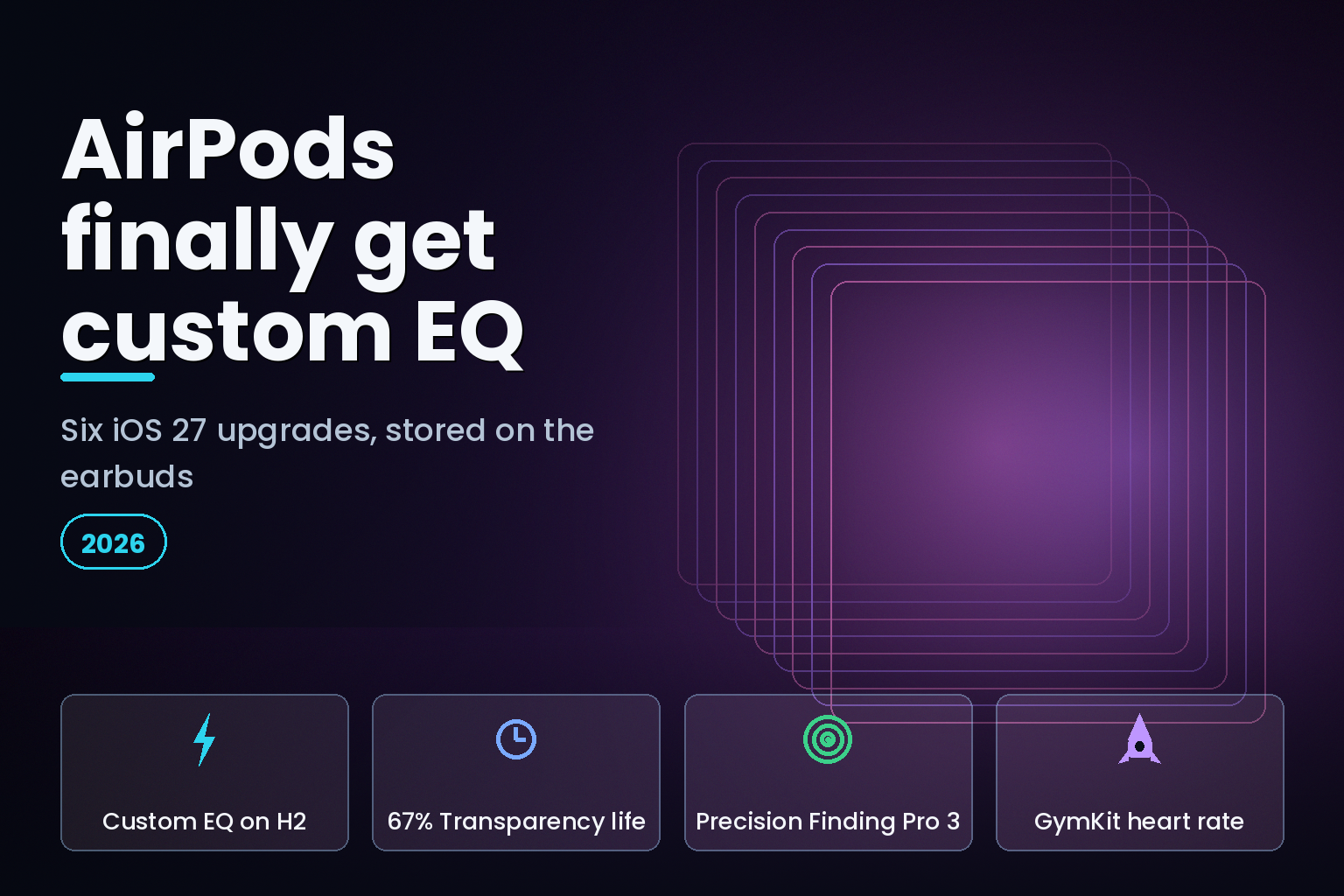
Summary. iOS 27 gives AirPods their biggest settings update in years, headlined by a feature owners have asked for since the first model: a custom equalizer. On AirPods with Apple's H2 chip, the AirPods Pro 2, AirPods Pro 3, AirPods 4, and AirPods Max 2, you can now set the level of lows, mids, and highs by hand, and because the EQ is stored on the earbuds it follows you to any device. Apple paired the EQ with a fully reorganized AirPods settings screen that groups every control into clear sections such as Audio and Routing, Hearing Health, and Find My. Five more upgrades come with it: Precision Finding for the AirPods Pro 3 case, sleep detection that pauses audio when you doze off, hearing-health gains including 67% more Transparency battery life, GymKit heart-rate support on iPhone, and refined adaptive-audio controls. The AirPods Pro 3 sells for $249 in the US and about ₹24,900 in India, so these software gains land on hardware many people already own. Here is each change, which AirPods support it, and how to switch on the new equalizer.
The redesigned AirPods settings
If you have ever hunted through menus to find an AirPods toggle, the redesign is the change you will feel first. When AirPods connect to an iPhone on iOS 27, the settings page under Settings then AirPods is reorganized into a compact, logical layout rather than a long, flat list. Apple has aggregated the controls Apple added over several years into named categories, including Audio and Routing, Hearing Health, Controls and Gestures, Live Translation, Accessibility, Battery, Find My, and Privacy.
The practical effect is that features that used to be buried are now one or two taps away. The equalizer, spatial audio, adaptive volume, and the hearing tools each live in an obvious place, so you spend less time searching and more time using them. eCorpIT tracks the wider release in our iOS 27 features and device requirements overview.
It is worth knowing what now lives where, because the category names are practical. Audio and Routing holds the equalizer, spatial audio, and where sound plays. Hearing Health gathers the Hearing Test, Hearing Aid, and protection tools in one place. Controls and Gestures covers what a press or a stem swipe does. Live Translation, a newer addition, sits in its own section, as do Accessibility, Battery, Find My, and Privacy. The grouping mirrors how people think about their earbuds, by task rather than by the order Apple happened to ship each feature, so a setting you change once a year is no longer a scavenger hunt. If you have avoided exploring AirPods settings because they felt cluttered, this is the update that makes them approachable.
The headline feature: a custom equalizer
For most of the AirPods line's life, sound was something Apple tuned and you accepted. iOS 27 changes that with a native custom equalizer that lets you shape the audio profile yourself, boosting bass, lifting treble, or evening out the mids to taste. It works across every app and device, not just Apple Music, because it operates at the system level.
The most useful design detail is that the EQ is attached to the hardware. Your settings are stored on the AirPods themselves, so the sound profile you create sticks even when you pair the earbuds with a Mac, an iPad, or another iPhone. You set it once and carry it everywhere. This is a different approach from per-app equalizers, which reset every time you switch apps or devices.
How to turn on custom EQ
The setting is quick to reach once your AirPods are connected. Open Settings, tap your AirPods name at the top, choose Audio and Routing, then Equalizer, then Custom. From there you adjust the bands for lows, mids, and highs until the sound suits you. Because the change is saved to the AirPods, you do not need to repeat it on each device you own.
A word of realistic expectation: this is a clean, approachable EQ aimed at everyday listeners, not a studio-grade parametric tool with dozens of bands. For most people, that is the right trade, because it makes a real difference to how music and podcasts sound without demanding audio-engineering knowledge.
How to tune the EQ for what you listen to
A few starting points help if you are new to adjusting sound. For bass-light listening or bass-heavy genres like hip-hop and electronic, a gentle lift to the lows adds weight without muddiness. For podcasts, audiobooks, and vocal-forward music, a small boost to the mids brings voices forward and makes speech clearer. If cymbals and fine detail feel dull, a modest lift to the highs adds air, but go easy, because too much treble turns harsh on long listens. The reliable method is to change one band at a time, play a track you know well, and adjust until it sounds right, rather than pushing every slider up, which mostly raises volume and loses the balance. Because the profile is saved on the AirPods, you can experiment freely and return to a flat setting whenever you want. Many listeners settle on a slight smile shape, a small lift at the lows and highs with the mids left alone, which suits a wide range of music without sounding artificial.
What the update fixes from before
For years, the gap in the AirPods experience was control. The hardware was strong, but the software gave you little say over sound and scattered the settings that did exist across a long list. Owners who wanted to shape bass or treble had to rely on third-party app equalizers that reset between apps and did nothing system-wide. The iOS 27 changes close that gap in two ways. The custom EQ gives a single, system-level sound profile that stays with the earbuds, which is what people had asked for since the first generation. The redesigned settings make the dozens of options Apple added over the years actually findable, so features like Personalized Spatial Audio and the hearing tools stop hiding in submenus. Taken together, the update is less about adding headline gadgets and more about giving owners control of hardware they already paid for, which is why the response from long-time users has been warm.
Which AirPods support each iOS 27 feature
Not every feature reaches every model, and the dividing line is mostly the chip inside. Custom EQ needs the H2 chip, and the newest hardware features need the AirPods Pro 3. This table is the quick reference.
Feature | Supported AirPods ---|--- Custom equalizer | AirPods Pro 2, AirPods Pro 3, AirPods 4, AirPods Max 2 (H2 chip) Redesigned settings | All AirPods, on iOS 27 Precision Finding (case) | AirPods Pro 3 Sleep detection | AirPods 4, AirPods Pro 2, AirPods Pro 3 Hearing Aid and Hearing Test gains | AirPods Pro 3 GymKit heart rate on iPhone | AirPods Pro 3
The other five upgrades
The equalizer gets the headlines, but the supporting changes are where iOS 27 quietly improves daily use. Some depend on the AirPods Pro 3 and its newer sensors, while others reach back to the AirPods 4 and AirPods Pro 2. None require a new purchase if your model is supported, since they arrive with the software. Here is what each one does and who gets it.
Precision Finding for the AirPods Pro 3 case
Apple extended Precision Finding to the AirPods Pro 3 case, which carries a second-generation Ultra Wideband chip. Instead of only playing a sound, your iPhone or Apple Watch can guide you to the case with on-screen distance and direction, the same step-by-step guidance that already helps locate an iPhone. For anyone who regularly misplaces the case, this is the small daily feature that earns its keep.
Sleep detection
Sleep detection arrives for the AirPods 4, AirPods Pro 2, and AirPods Pro 3. When the AirPods sense you have fallen asleep while listening, they can automatically pause playback, which saves battery and means you do not wake to a finished playlist or a drained charge. It works with audio from an iPhone, iPad, Mac, or Apple TV, and you choose whether to switch it on.
Hearing-health improvements
The AirPods Pro 3 extend what Apple calls "the world's first end-to-end hearing health experience." iOS 27 lets you take the scientifically validated Hearing Test in a broader range of background conditions, so you are not limited to a perfectly quiet room. The Hearing Aid feature adds clearer voice reproduction, automatic Conversation Boost, and 67% more battery life in Transparency mode on a single charge. Active Hearing Protection also helps limit exposure to loud environmental noise. These are health tools, not just audio tweaks, and they are a genuine reason to keep the Pro 3 updated.
To put the hearing tools in everyday terms: the Hearing Test produces a personalized profile in a few minutes, and if it detects mild to moderate hearing loss, the Hearing Aid feature can amplify the specific frequencies you struggle with, which for many people turns the AirPods into an over-the-counter hearing aid. Conversation Boost focuses on the voice of the person in front of you in noisy settings, and the broader background-noise tolerance for the test means you can take it without finding a silent room. The 67% jump in Transparency battery life matters because these are features people leave running all day, so longer endurance is the difference between a tool you rely on and one that dies by afternoon.
GymKit heart rate on iPhone
The AirPods Pro 3 include a heart-rate sensor, and iOS 27 expands GymKit so that sensor can feed heart-rate data to compatible gym equipment through an iPhone, not only an Apple Watch. For people who train without a Watch, it turns the earbuds into a workout sensor.
Refined adaptive-audio controls
Alongside the new manual EQ, iOS 27 keeps and refines the automatic tools: Adaptive Audio and Conversational Awareness adjust sound to your surroundings, and you can fine-tune Personalized Spatial Audio, set a custom Adaptive Audio volume, and let the AirPods adapt loudness to environmental sound. The redesign makes these easier to find and combine with your custom EQ.
The distinction worth understanding is between automatic and manual. Adaptive Audio blends noise cancellation and transparency on its own as your environment changes, and Conversational Awareness lowers your music when you start talking to someone. The new custom EQ sits alongside these as the one fully manual control, your fixed preference for tone, while the adaptive tools handle the moment-to-moment changes. You do not have to choose between them. A custom EQ profile and Adaptive Audio work together, with the EQ shaping the overall sound signature and the adaptive features adjusting how much of the world you hear on top of it.
Should you update?
For AirPods owners, the answer is straightforward: yes, once iOS 27 is stable on your iPhone. The features are free, they need no new hardware beyond what you own, and the custom EQ alone is worth the update for anyone who has wished their AirPods sounded a little different. If you are deciding between models, the split is clear. Any H2-chip model gets the equalizer and the redesigned settings, so the AirPods 4 with ANC is enough for the headline sound feature. Step up to the AirPods Pro 3 only if you want the hearing-health tools, case Precision Finding, or GymKit heart rate, which are exclusive to that model. There is no reason to rush a hardware purchase for software that reaches AirPods you may already have.
India pricing and availability
These are software features, so they reach existing AirPods through a free iOS 27 update rather than a new purchase. For readers weighing an upgrade, current Apple pricing in India and the US is below.
Model | US price | India price ---|---|--- AirPods 4 | $129, or $179 with ANC | ₹12,900, or ₹17,900 with ANC AirPods Pro 3 | $249 | about ₹24,900 AirPods Max 2 | $549 | ₹67,900
The practical guidance for an Indian buyer is that custom EQ and the redesigned settings reach any H2-chip model, so the AirPods 4 with ANC at ₹17,900 already gets the headline sound feature. The Pro 3 at about ₹24,900 is the model to choose if you specifically want the hearing-health tools, Precision Finding on the case, and GymKit heart rate, since those are Pro 3 features. The Digital Personal Data Protection Act, 2023 governs how health-related data such as hearing-test results is handled, so use Apple's on-device hearing tools with the same care you would any health data, and review what a third-party audio app collects before granting access. eCorpIT's DPDP consent-manager readiness guide covers the data rules.
How eCorpIT can help
eCorpIT (eCorp Information Technologies Private Limited) is a senior-led technology consultancy in Gurugram, founded in 2021 and assessed at CMMI Level 5. Our iOS teams build audio, fitness, and accessibility apps that use Apple frameworks such as spatial audio, the hearing-health APIs, and GymKit, with DPDP-aligned, on-device handling of health data by default. Companies that need a dedicated ios development team rather than a one-off audit can engage one on a monthly basis. We design apps aligned with privacy requirements rather than claiming certifications we do not hold. To build or review an iOS audio or health app for iOS 27, contact our team.