On this page · 11 sections
- What changed on 20 August 2026
- Why this is a regression for the teams who were careful
- The documentation does not agree on what the default is
- The control you need may be behind a preview
- What it costs, and what it does not
- How to tell whether this is you
- India-specific considerations
- What is still unknown
- FAQ
- How eCorpIT can help
- References
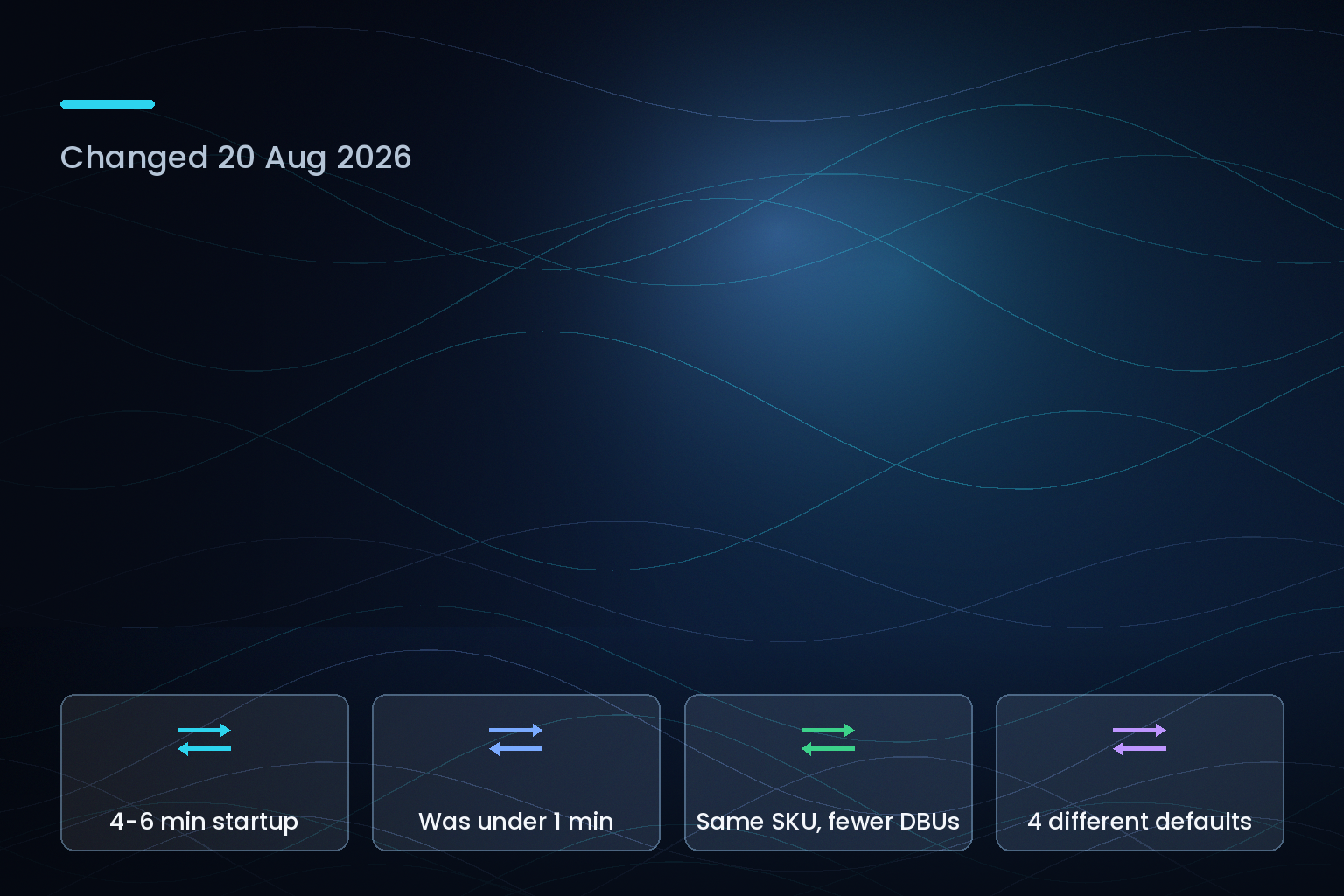
Summary. On 20 August 2026 Databricks changed how dbt tasks refresh materialized views and streaming tables: the job-level performance mode setting now propagates to those refreshes. Before that date, dbt tasks always ran refreshes in Performance-optimized mode regardless of the job setting. Standard mode moves refresh startup from under 1 minute to 4 to 6 minutes. The catch is that nobody has to change a setting for this to bite. A job whose Performance optimized toggle was already switched off, which is how the toggle ships when disabled, was quietly getting performance-optimized refreshes anyway; from 20 August it gets standard mode and the latency that goes with it. The change is documented identically on docs.databricks.com and the Azure Databricks mirror, and Databricks states both modes bill on the same SKU, with standard mode consuming fewer DBUs.
What changed on 20 August 2026
The release note is short. The job-level performance mode setting now propagates to materialized view and streaming table refreshes triggered by dbt tasks. You can set these jobs to Standard mode to optimise for cost, or keep Performance-optimized mode for faster startup. Previously, dbt tasks always ran refreshes in Performance-optimized mode.
Databricks quantifies the trade in the same note: standard mode "can increase refresh startup latency from under a minute to four to six minutes in exchange for lower compute costs." The serverless jobs documentation, updated 17 August 2026, gives the same figure for jobs generally: with Performance optimized disabled, the job uses standard performance mode, "suitable for workloads that can tolerate slightly higher startup latency of 4 to 6 minutes, depending on compute availability and optimized scheduling."
Scope is narrow and worth reading carefully. The change affects only refreshes that materialise as a materialized view or streaming table. Databricks notes that most dbt projects create regular tables and are unaffected.
Why this is a regression for the teams who were careful
Read the two facts together. Performance optimized disabled means standard mode. dbt refreshes previously ignored that and ran performance-optimized anyway.
So the team that turned Performance optimized off eighteen months ago to cut DBU spend has been receiving performance-optimized materialized view refreshes for free, without knowing it, because the setting did not reach that code path. That subsidy ended on 20 August 2026. Their refreshes now do what their configuration always said they should do, and the startup latency goes from under a minute to 4 to 6 minutes.
The teams exposed here are precisely the cost-disciplined ones. A team that left Performance optimized enabled sees no change at all. The bill goes down, which is why this will not show up as an incident. It shows up as a freshness SLA that started missing, with no deploy and no config change to correlate against.
The documentation does not agree on what the default is
The release note says to "keep the default Performance-optimized mode for faster startup," which reads as though Performance-optimized is the default everywhere.
The schedule refreshes page, updated 15 August 2026, says the opposite for one of the paths: "When this setting is disabled (the default), the pipeline uses standard performance mode."
That page then sets out a matrix that neither statement captures. By default, pipelines use performance-optimized mode when run interactively in the UI, the job's Performance optimized setting when scheduled with a SQL task, and standard mode when scheduled through a SCHEDULE clause in the definition.
| How the refresh is triggered | Default performance mode | Startup latency |
|---|---|---|
| Interactive run in the workspace UI | Performance-optimized | Under 1 minute |
| SQL task in a Lakeflow job | Whatever the job's Performance optimized setting says | Depends on the toggle |
| SCHEDULE clause in the SQL definition | Standard | 4 to 6 minutes |
| dbt task in a Lakeflow job, from 20 Aug 2026 | Whatever the job's Performance optimized setting says | Depends on the toggle |
| dbt task in a Lakeflow job, before 20 Aug 2026 | Performance-optimized, regardless of the toggle | Under 1 minute |
There is no single default. There are four, and which one applies depends on how the refresh was triggered rather than on anything visible in the dbt project. "The default" is not a useful phrase here, and the release note's use of it is the part most likely to send someone looking in the wrong place.
The control you need may be behind a preview
One more constraint sits on top. The schedule refreshes page marks modifying the performance mode for scheduled refreshes as Beta: workspace admins control access from the Previews page by opting into the System-Managed Job for Materialized Views and Streaming Tables preview.
Databricks' preview release policy is blunt about what Beta means: not for production, no interface stability, no SLA, and support routed to the engineering team rather than the support team. Beta features are on by default for Premium customers and off by default for Enterprise customers. An Enterprise workspace that wants to pin the mode for SCHEDULE-clause refreshes may find the control is not enabled, while the behaviour change to dbt tasks has already landed.
What it costs, and what it does not
Databricks is explicit that this is not a rate change: "Both modes use the same SKU, but standard performance mode consumes fewer DBUs, reflecting lower compute usage." So the saving is in consumption, not in price per DBU, and it will not appear as a discount line. It appears as a smaller number of DBUs on the same SKU, which makes it hard to attribute after the fact unless you are already tagging serverless usage.
| Dimension | Performance-optimized | Standard |
|---|---|---|
| Startup latency | Under 1 minute | 4 to 6 minutes |
| SKU | Same SKU | Same SKU |
| DBU consumption | Higher | Lower |
| Suited to | Time-sensitive refreshes | Refreshes tolerant of launch delay |
The honest engineering read is that 4 to 6 minutes of startup is cheap for a nightly build and expensive for a 15-minute refresh cadence. If a materialized view refreshes every 15 minutes, a 6-minute startup is 40% of the interval spent not computing. That is the calculation to run before deciding this change is a saving.
How to tell whether this is you
Three checks, in order.
First, does any dbt task in a Lakeflow job produce a materialized view or a streaming table? If every model lands as a regular table, stop here; Databricks says those are unaffected.
Second, is Performance optimized disabled on that job? The setting lives on the job details page and only affects serverless tasks. Disabled means those refreshes moved to standard mode on 20 August 2026.
Third, compare refresh run durations either side of 20 August 2026 in the run history for the scheduled refresh. You are looking for a step change of roughly 3 to 5 minutes in startup, not in execution. The dbt task documentation, last updated 3 August 2026, does not mention performance mode at all, so the dbt project itself will not tell you anything.
India-specific considerations
For Indian teams running Databricks with data-freshness commitments written into client contracts, the risk here is contractual before it is technical. A refresh SLA of "within 10 minutes of upstream update" survives a sub-minute startup and does not survive a 6-minute one plus execution time. Check the wording before the next reporting cycle. Where refresh cadence was chosen to satisfy a reporting obligation rather than a business need, this is also a reasonable moment to ask whether a nightly build would do, because the same change that costs you latency at a 15-minute cadence is close to free at a daily one.
What is still unknown
Databricks has not stated whether existing dbt jobs were migrated at once on 20 August 2026 or whether the change rolls out per workspace, and the release notes carry a standing note that releases are staged and an account "might not be updated until a week or more after the initial release date." There is no documented way to opt a single dbt task back into performance-optimized mode while leaving the rest of the job on standard, and no stated plan for whether the Beta control over scheduled-refresh performance mode advances to Public Preview.
FAQ
How eCorpIT can help
Our senior engineering teams run Databricks cost and freshness reviews of exactly this shape: mapping which dbt models land as materialized views, checking the performance mode on each job, and pricing the latency against the refresh cadence rather than assuming one setting suits the whole workspace. We work across Databricks, AWS and Azure data platforms, so the recommendation is not tied to one vendor's default. eCorpIT is CMMI Level 5 and ISO 27001:2022 certified. Book a Databricks refresh cost review and we will check your jobs against the 20 August change.
Related reading: Databricks Genie pay-as-you-go cost controls, FinOps for AI and cloud cost in India, and Databricks Genie versus Snowflake Cortex Analyst on cost.
References
- August 2026 platform release notes, Databricks on AWS documentation — the 20 August 2026 entry on performance mode applying to dbt-triggered refreshes.
- August 2026 release notes, Azure Databricks, Microsoft Learn — identical wording on the Azure mirror, including the four-to-six-minute figure.
- Schedule refreshes, Databricks on AWS documentation — the per-trigger default matrix, the Beta gating, and the same-SKU fewer-DBUs statement, page updated 15 August 2026.
- Run your Lakeflow Jobs with serverless compute for workflows, Databricks on AWS documentation — job-level Performance optimized setting and the 4 to 6 minute standard-mode latency, page updated 17 August 2026.
- dbt task for jobs, Databricks on AWS documentation — the dbt task reference, which carries no mention of performance mode, page updated 3 August 2026.
- SQL task for jobs, Databricks on AWS documentation — the SQL task path referenced in the default matrix, page updated 3 August 2026.
- Databricks preview releases, Databricks on AWS documentation — Beta support terms and the on-by-default behaviour for Premium customers.
- Manage Databricks previews, Databricks on AWS documentation — account-level and workspace-level preview scopes for opting into the preview.
- Databricks Apps, Databricks on AWS documentation — serverless platform billing model referenced for compute-hour context.
- AI governance with Unity AI Gateway, Databricks on AWS documentation — the governance and usage-attribution layer on the same serverless platform, page updated 17 August 2026.
Last updated: 23 August 2026.